Photo & Video · $29 · one-time
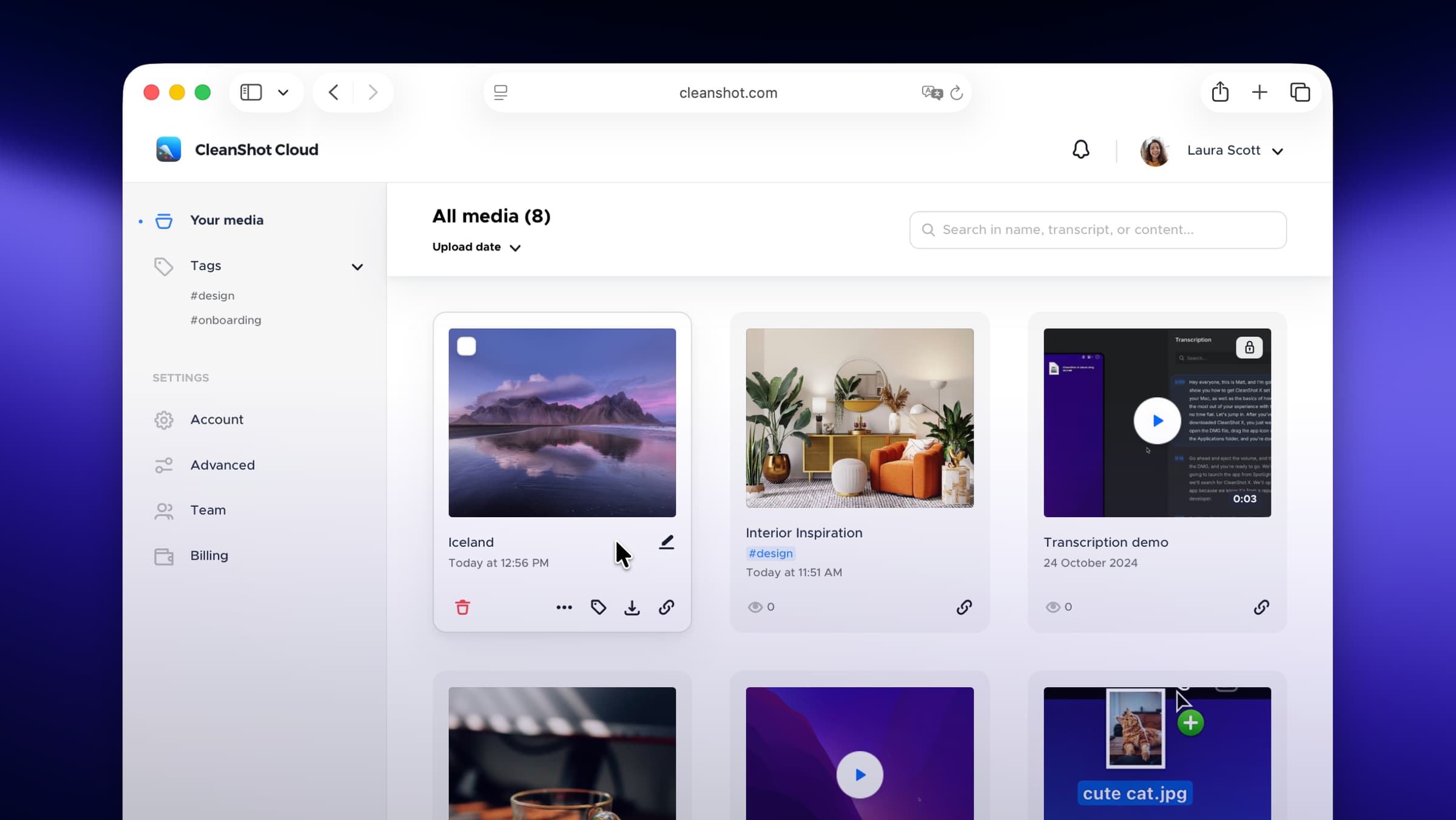
Screenshot and screen-recording done right — hide desktop clutter, annotate, capture scrolling pages, record GIFs, and get a shareable link.
A lightweight screen recorder built on ScreenCaptureKit — record a screen, window, app, or region with system audio, no kernel extension required.
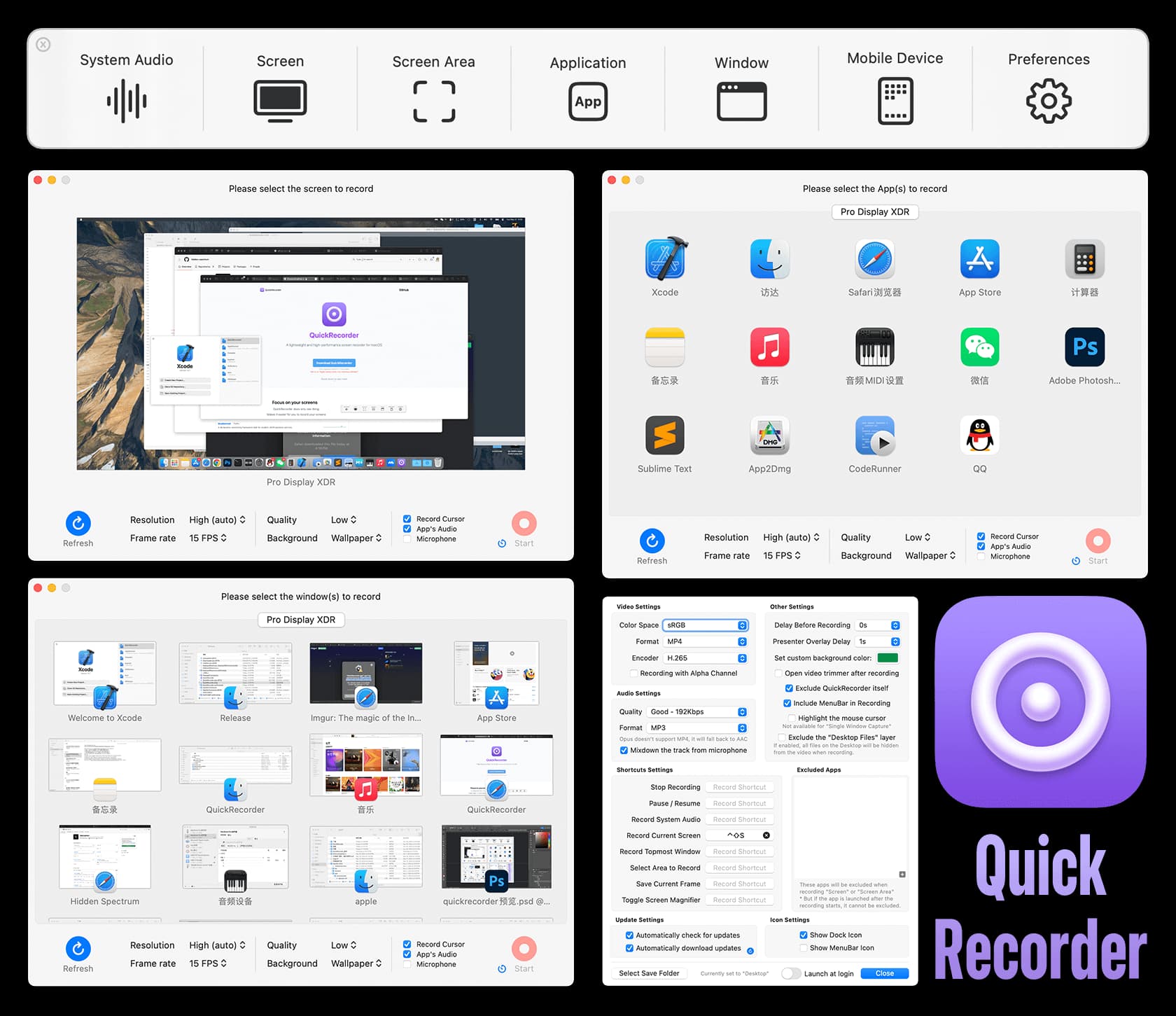
QuickRecorder is a small native app that does the recording jobs people reach for a heavyweight tool to do. Capture the whole screen, a single window, an app, or a drawn region; record system audio and microphone as separate tracks; highlight mouse clicks; and pop up a magnifier for detail work. It uses Apple's ScreenCaptureKit, so system-audio capture needs no driver or kext, and on macOS 14 it supports Presenter Overlay — your camera cut out and floated over the recording.
Screen recorders tend to be either the built-in one (fine, but bare) or a large subscription app. QuickRecorder sits in between: free, open source, a few megabytes, and quick to start — a floating panel from the Dock icon or menu bar. It exports MP4, MOV, GIF, and even HEVC with an alpha channel for transparent overlays.
ScreenCaptureKit capture of screen, window, app, or region
Driver-free system audio, recorded on its own track alongside the mic
Presenter Overlay (macOS 14+) and a camera floating window on older releases
Mouse-click highlighting and an on-screen magnifier
HEVC-with-alpha, MP4, MOV, GIF, and MP3 output
iOS device recording over a cable
Free and open source (AGPL-3). Available via GitHub releases and Homebrew. Requires macOS 12.3 or later.
Photo & Video · $29 · one-time
Screenshot and screen-recording done right — hide desktop clutter, annotate, capture scrolling pages, record GIFs, and get a shareable link.
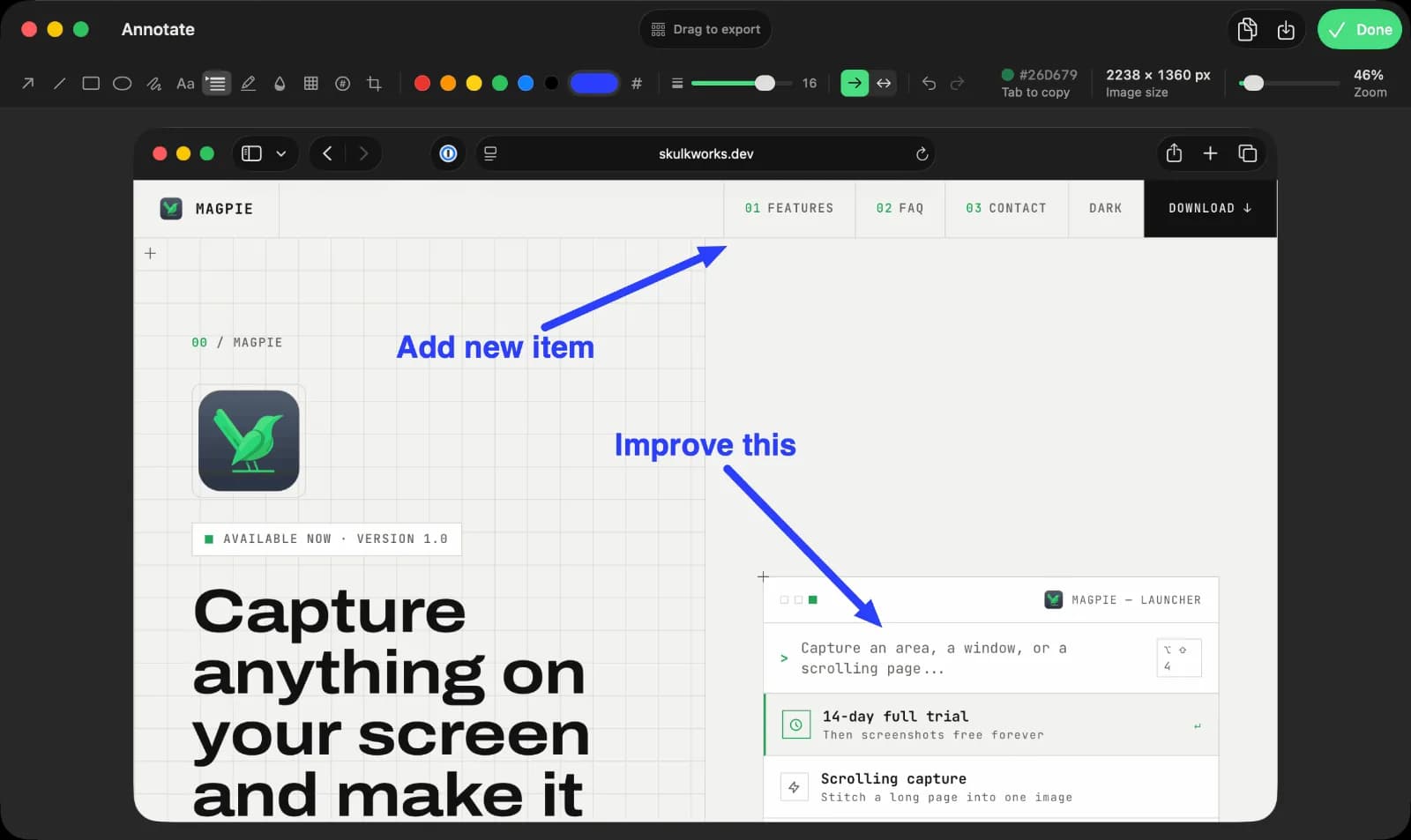
Productivity · $9.99 · one-time (14-day full-feature trial, then a free tier. One-time $9.99 Pro license covers three Macs.)
Screen capture, recording, and annotation for macOS

Photo & Video · Free · Pro, billed annually; desktop-only license from $29/yr $8.16
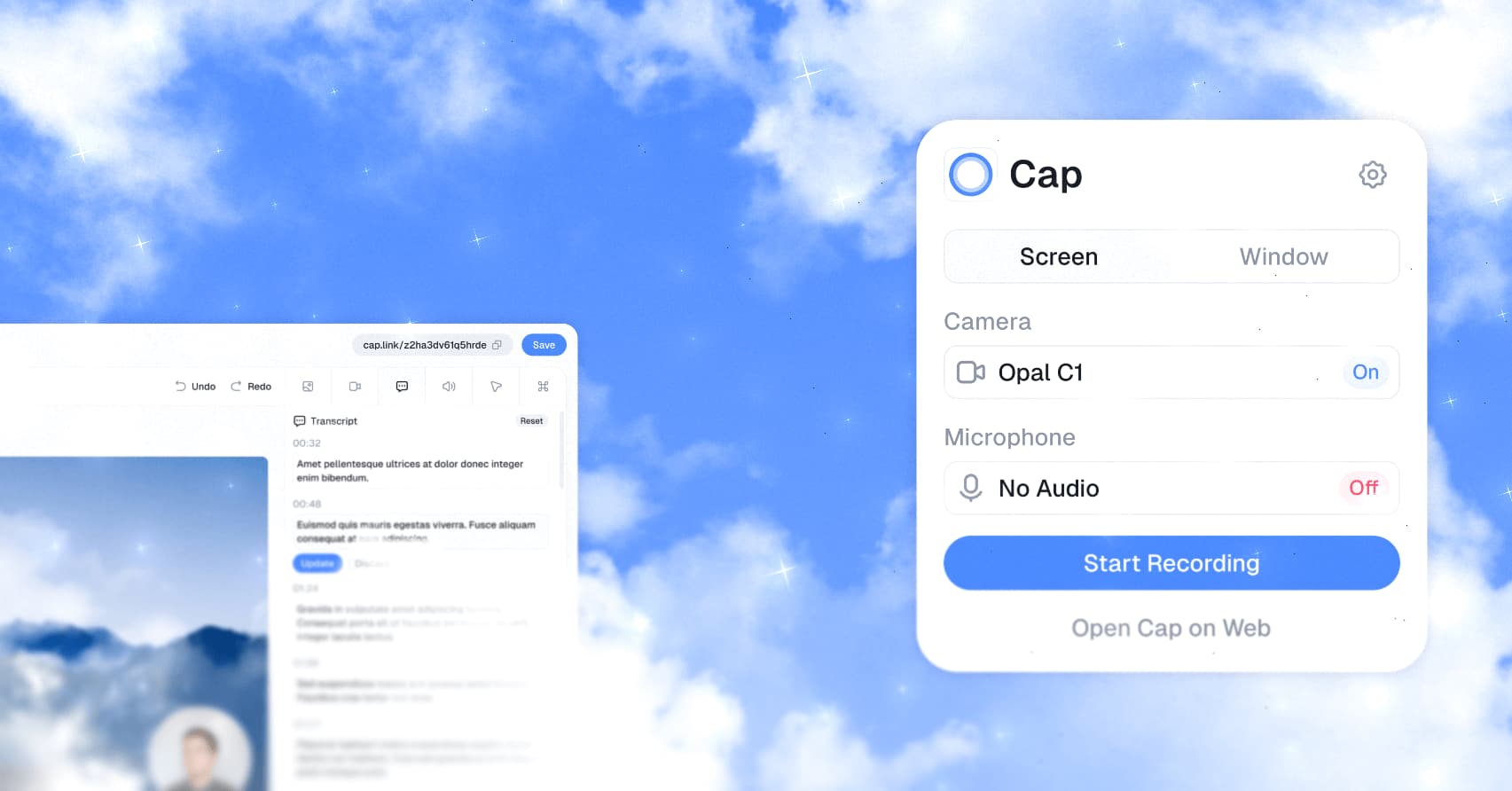
An open-source Loom alternative for Mac that records, edits, and shares screen recordings with a link — with a local-first Studio Mode and full self-hosting if you want to own the data.

Photo & Video · Free & open source
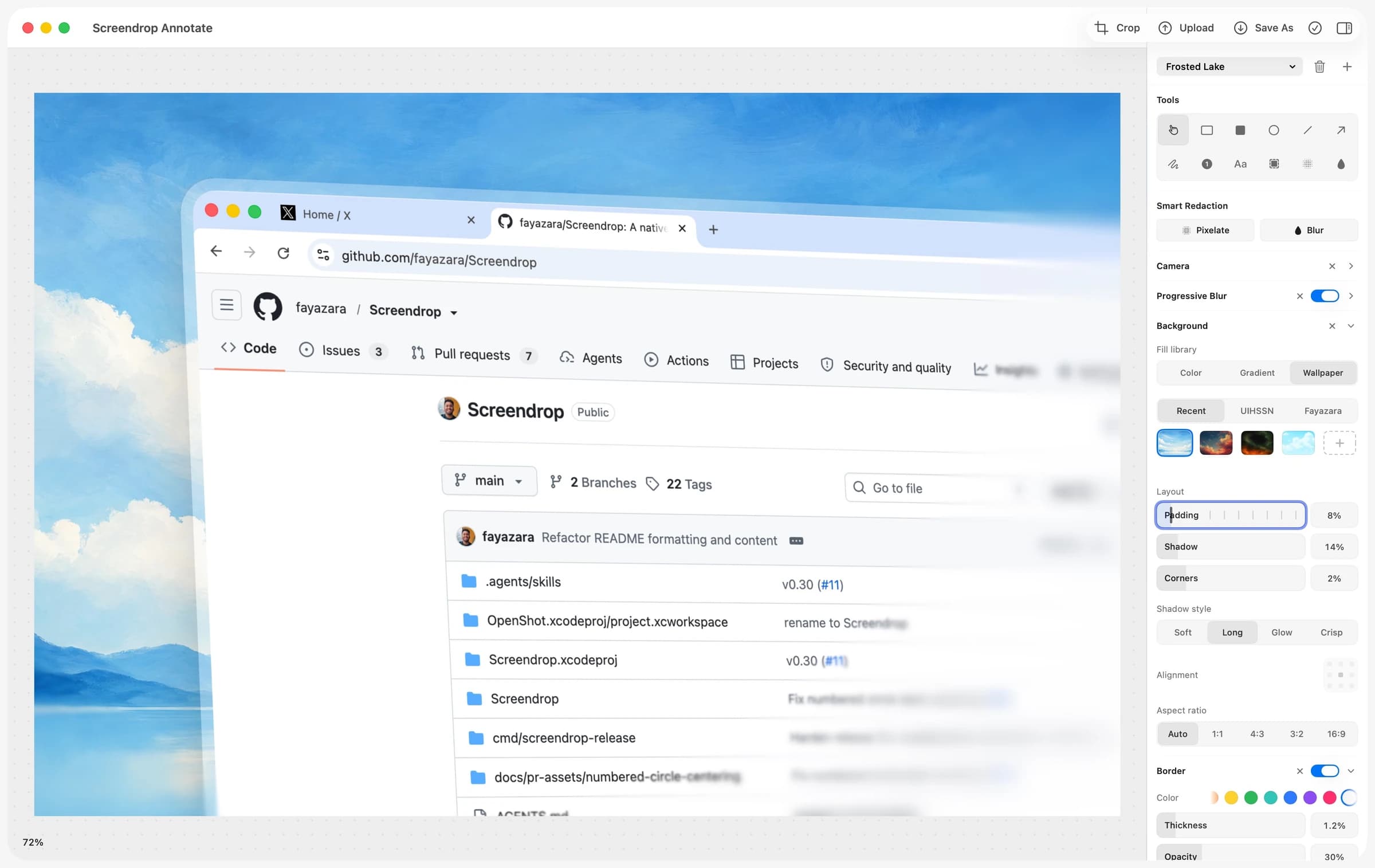
A self-hostable Loom + CleanShot X alternative for macOS — screenshots, screen recording, and shareable clips, on your own infrastructure.

Utilities · $9.99 · one-time (Mac App Store, one-time purchase)
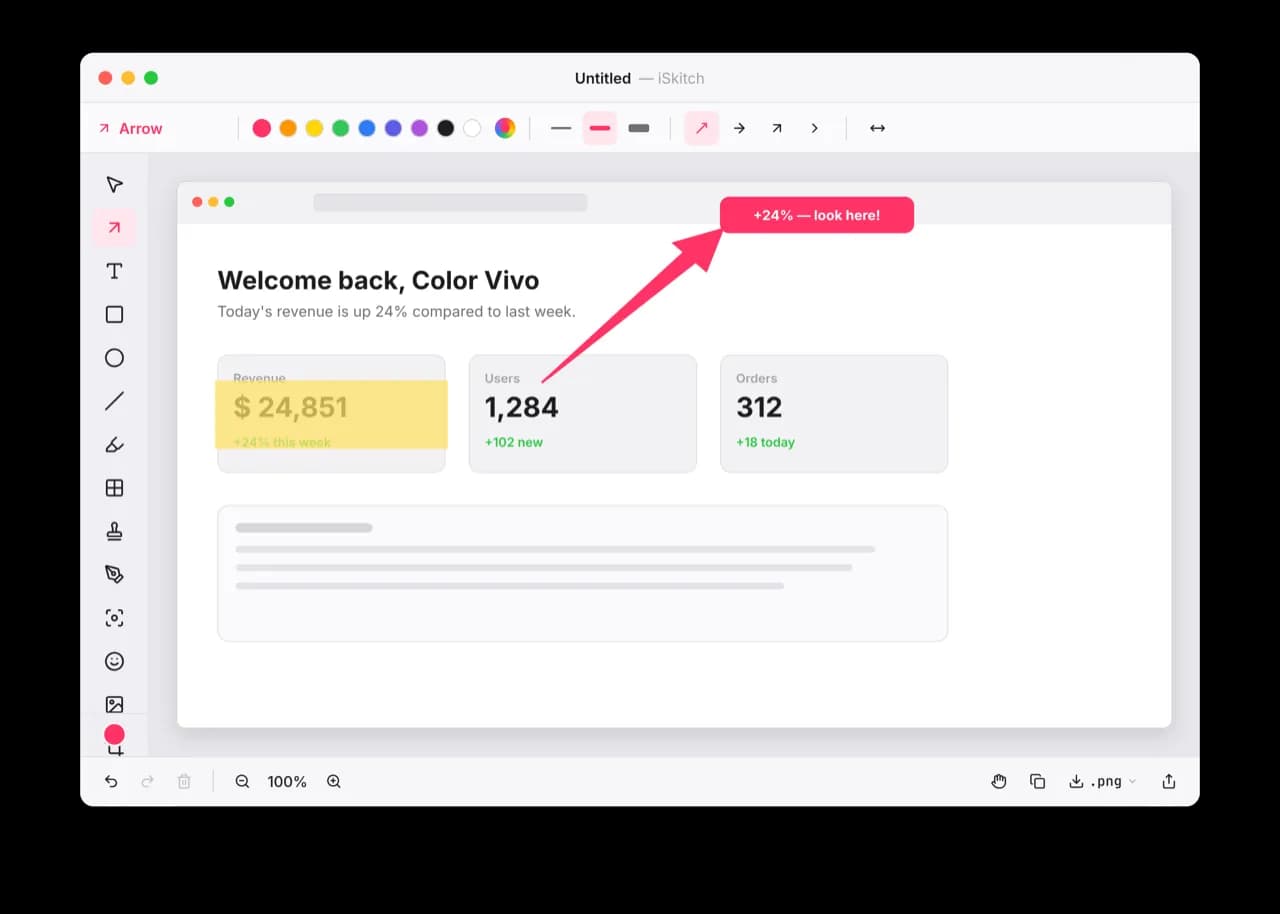
A modern, native macOS take on Skitch: capture any region, window or screen, annotate it instantly and share in one click.
Developer Tools · Free & open source
Android emulators, Android phones and iOS simulators side by side in one native Mac window.