
Utilities · Free · Pro $2
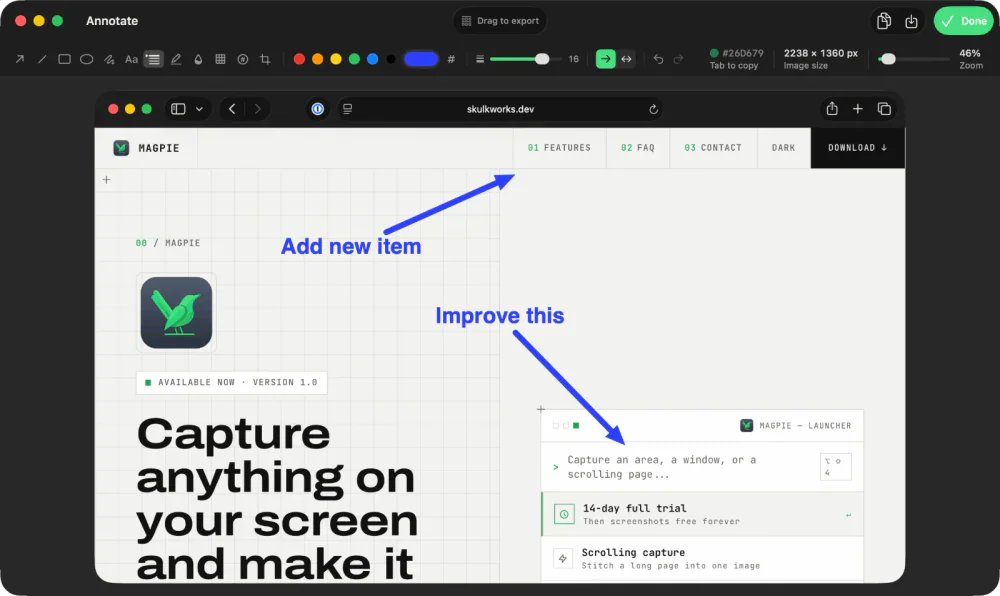
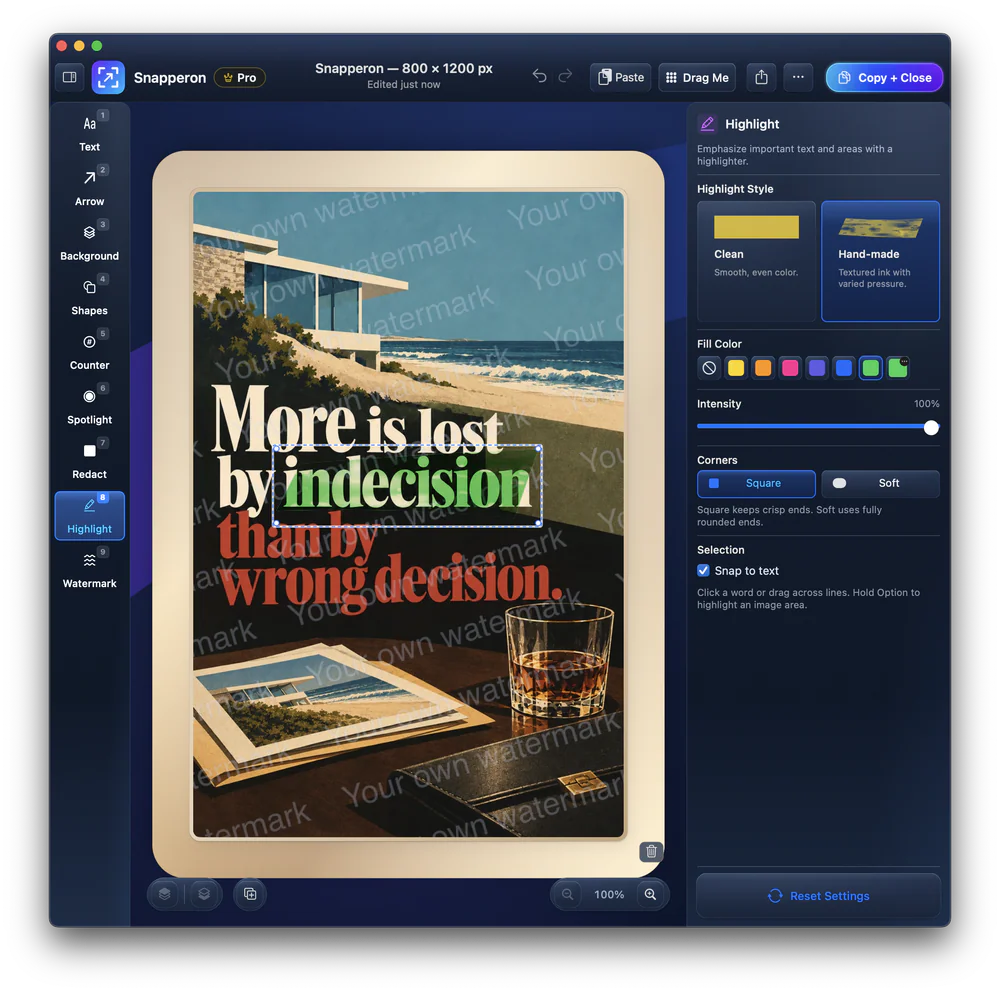
Capture and annotate screenshots on Mac, by hand or through local MCP for Claude Desktop and Codex Desktop.

A modern, native macOS take on Skitch: capture any region, window or screen, annotate it instantly and share in one click.
iSkitch is a modern, native macOS take on the classic Skitch. It lives in your menu bar, ready for ⌥⌘4 at any moment, and opens every capture straight in the editor.
Highlights
Built native: SwiftUI + AppKit, Universal Binary (Apple Silicon & Intel), macOS 14 or later, 18 languages.
Pricing: $9.99 one-time purchase on the Mac App Store. No subscriptions, no accounts, no tracking — updates included.
Actively maintained (v1.10.3, 20 releases so far) by an indie developer who answers every support email.
Utilities · Free · Pro $2
Capture and annotate screenshots on Mac, by hand or through local MCP for Claude Desktop and Codex Desktop.

Photo & Video · $29 · one-time
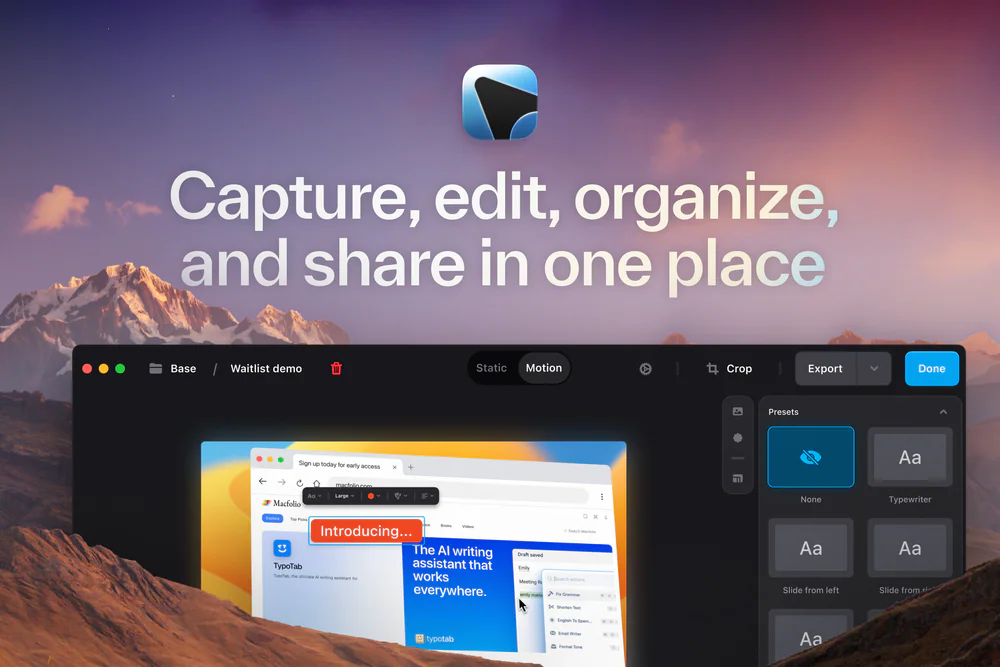
Screenshot and screen-recording done right — hide desktop clutter, annotate, capture scrolling pages, record GIFs, and get a shareable link.
Productivity · $9.99 · one-time (14-day full-feature trial, then a free tier. One-time $9.99 Pro license covers three Macs.)
Screen capture, recording, and annotation for macOS

Developer Tools · Subscription
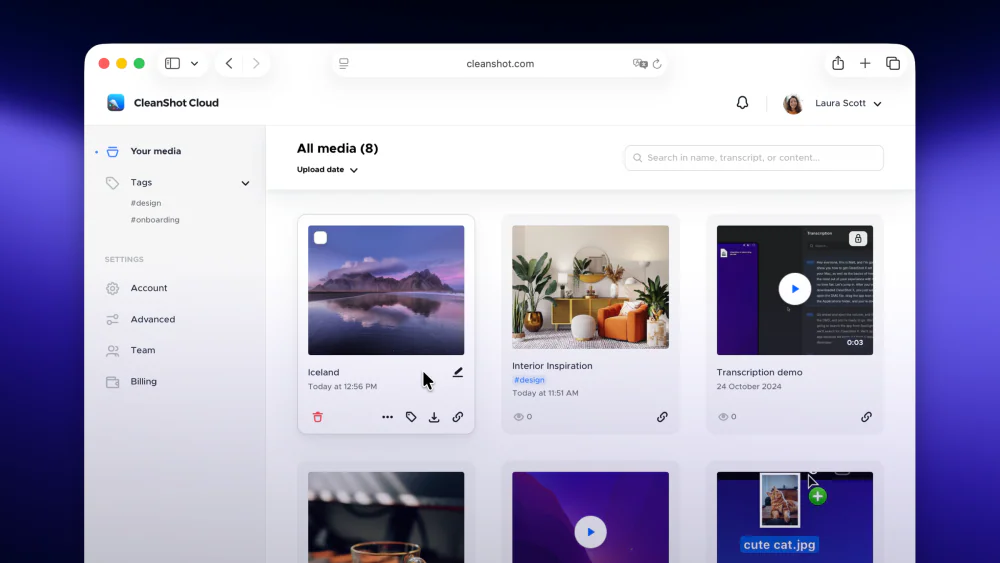
The last Screenshot & Screen Recording Tool You'll Need
25% off Your First Purchase for members
Utilities · $9.99 · one-time
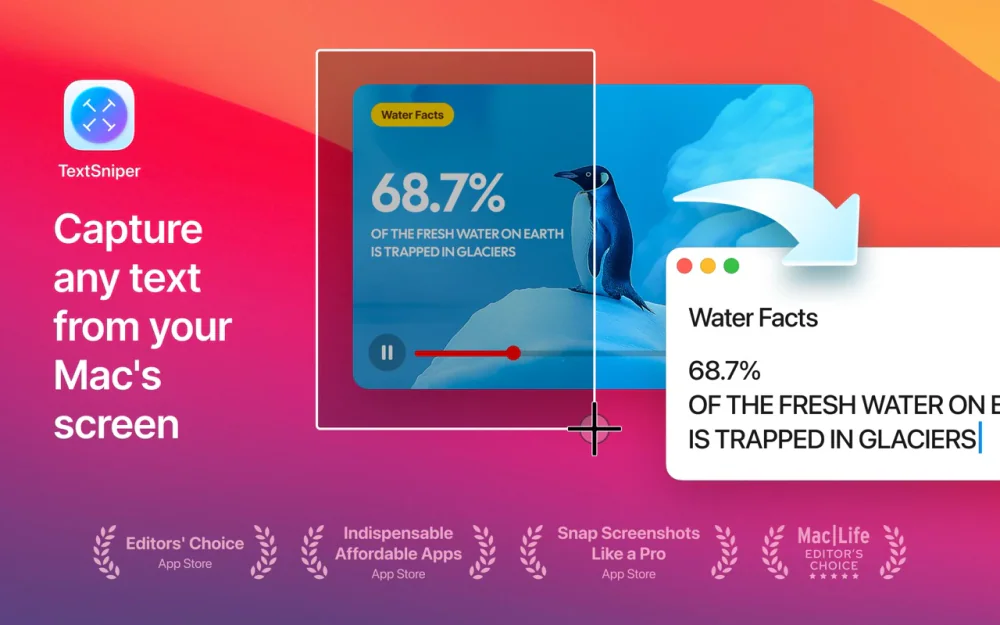
Drag a box over anything on screen — an image, a PDF, a video frame, an app that blocks copying — and the text inside it lands on your clipboard.

Photo & Video · Free · Pro
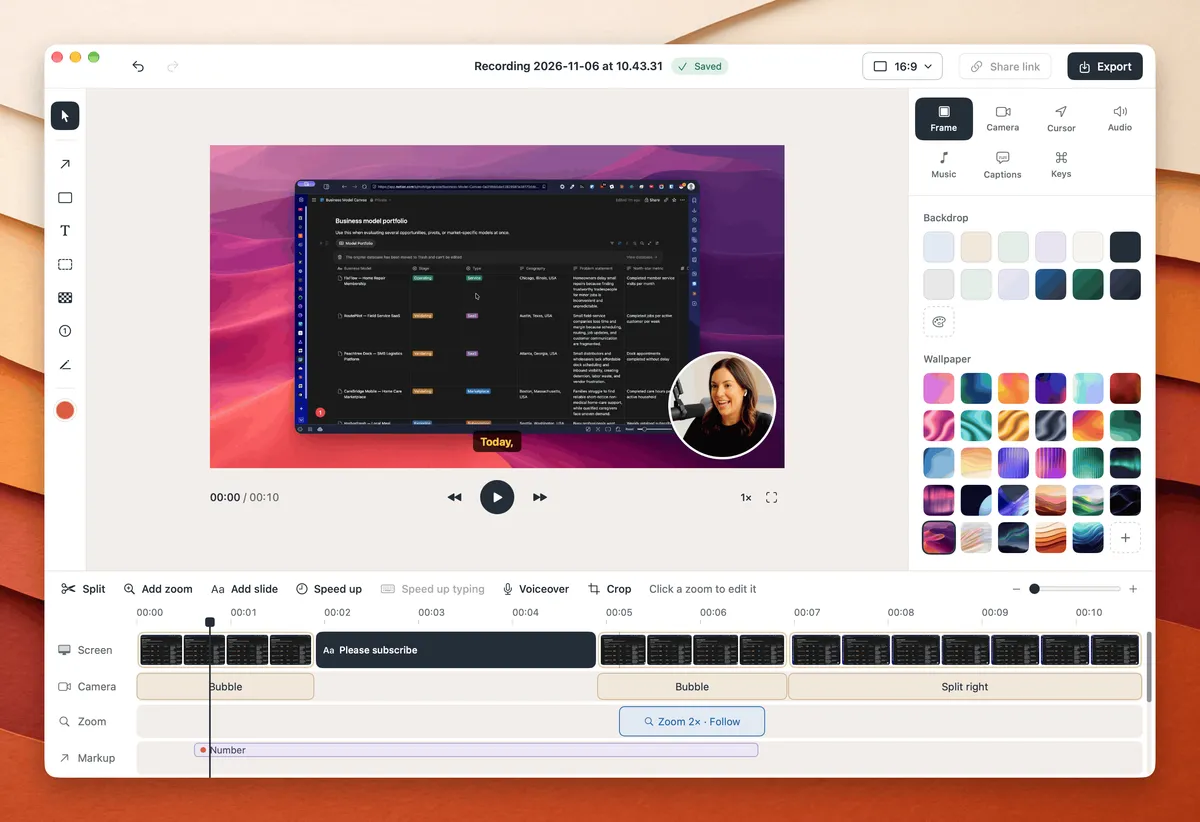
Mac screen recorder that edits for you: a zoom on every click, captions made on your Mac, eight camera layouts. Pay once.