
Photo & Video · $29 · one-time
Screenshot and screen-recording done right — hide desktop clutter, annotate, capture scrolling pages, record GIFs, and get a shareable link.

Screen capture, recording, and annotation for macOS
Magpie is a native macOS screen capture app for screenshots, recordings, annotation, and sharing. Capture an area, window, display, or scrolling page, then mark it up, copy text, pin it above other apps, or drag it into your work. Record with system audio and microphone tracks, trim clips, and export MP4, GIF, APNG, or animated WebP.
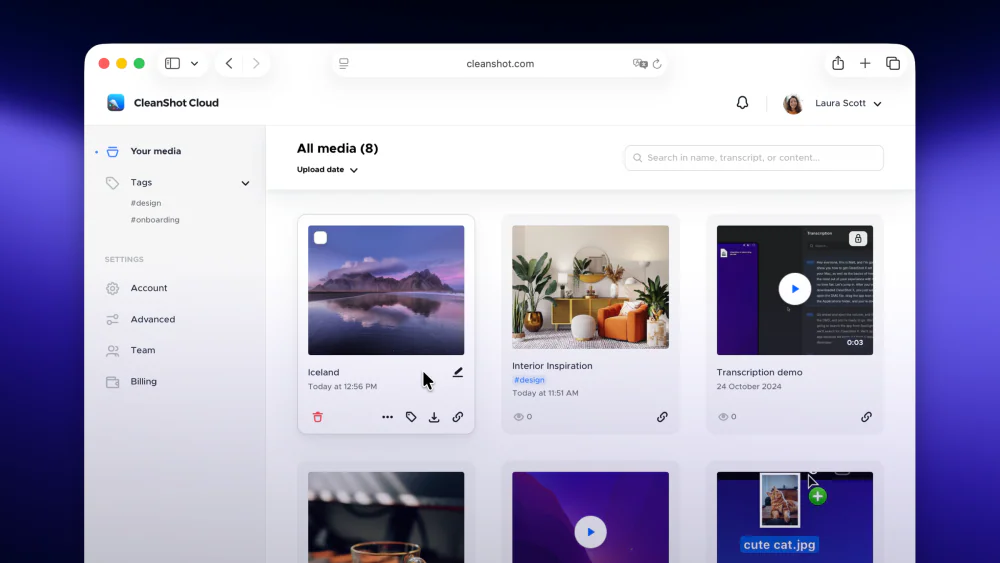
Measure distances and align content with pixel-edge snapping, pick screen colors, and redact sensitive information locally. Captures stay on your Mac until you choose to share them through Magpie Cloud or your own S3-compatible storage or SFTP server.
Every feature is free for 14 days. Everyday screenshots, basic annotation, the color picker, and local history remain free forever. Magpie Pro is a one-time $9.99 purchase for 3 Macs and adds scrolling capture, recording, measuring and guides, cloud sharing, and advanced annotation. Pro includes 2 GB of Magpie Cloud storage with share links kept for 90 days.
macOS 14 or later; Apple silicon.
Photo & Video · $29 · one-time
Screenshot and screen-recording done right — hide desktop clutter, annotate, capture scrolling pages, record GIFs, and get a shareable link.

Developer Tools · Subscription
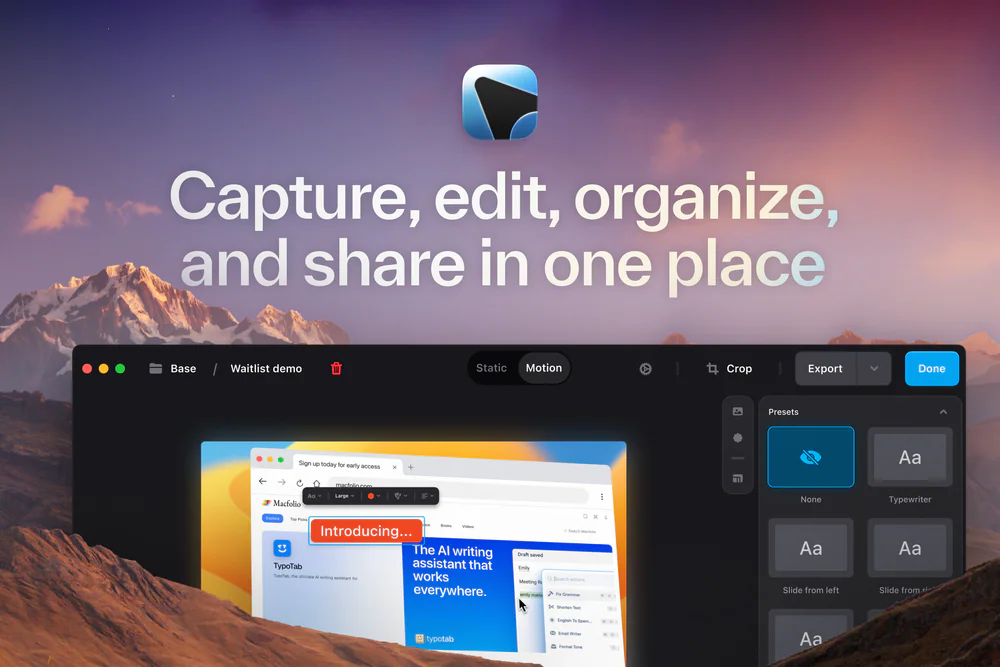
The last Screenshot & Screen Recording Tool You'll Need
25% off Your First Purchase for members
Photo & Video · Free · Pro
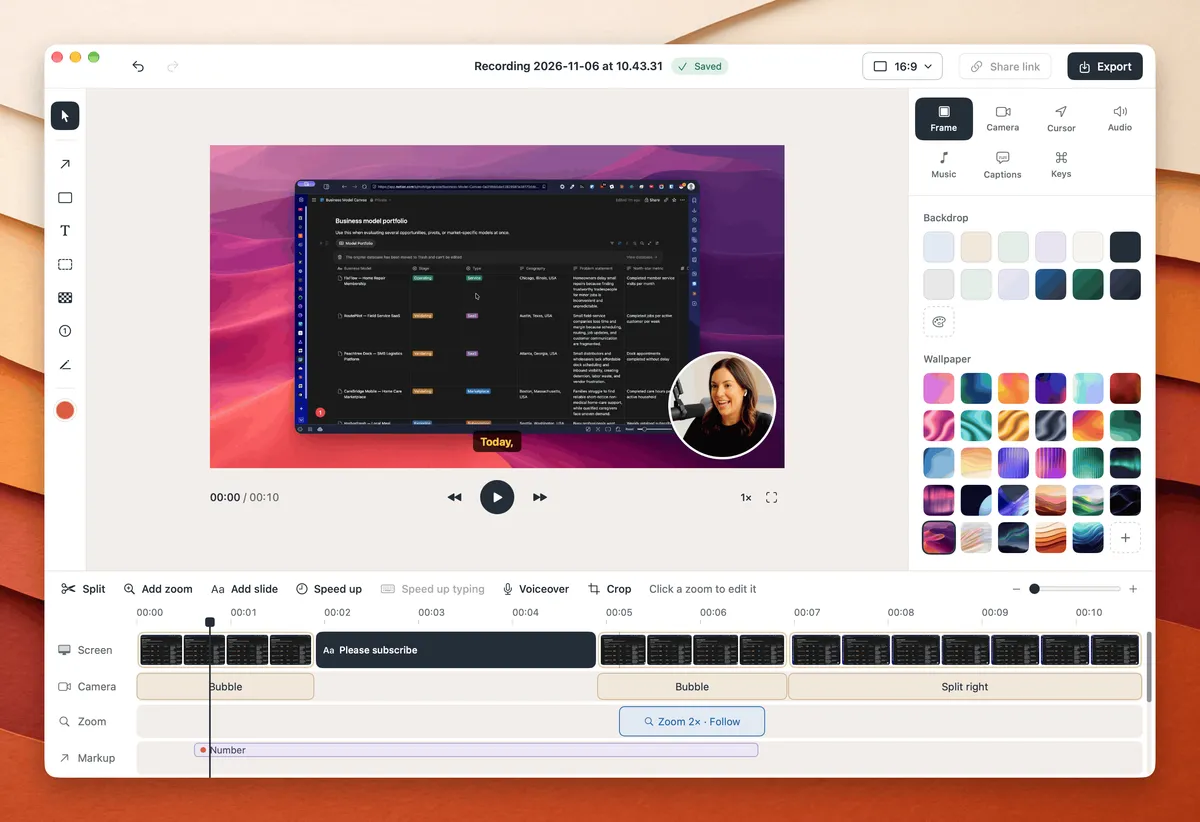
Mac screen recorder that edits for you: a zoom on every click, captions made on your Mac, eight camera layouts. Pay once.

Utilities · Free · Pro $2
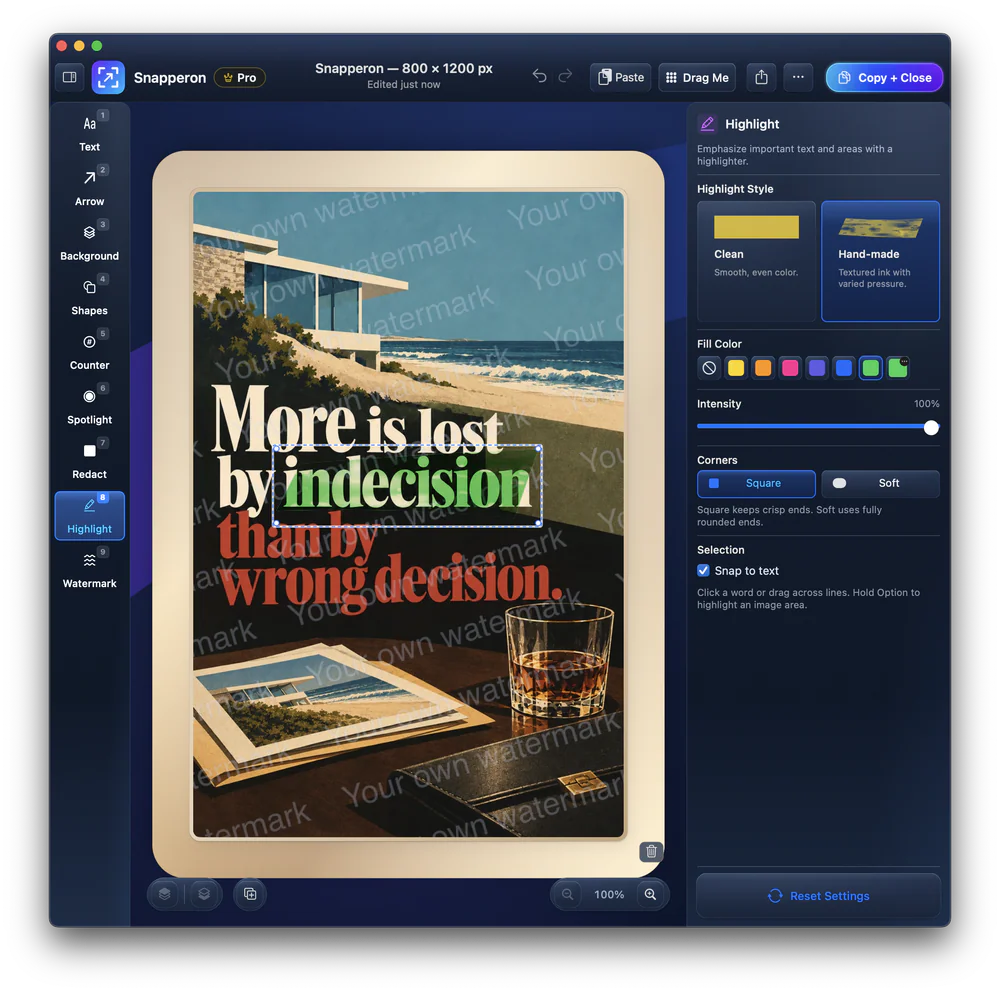
Capture and annotate screenshots on Mac, by hand or through local MCP for Claude Desktop and Codex Desktop.

Utilities · $9.99 · one-time (Mac App Store, one-time purchase)
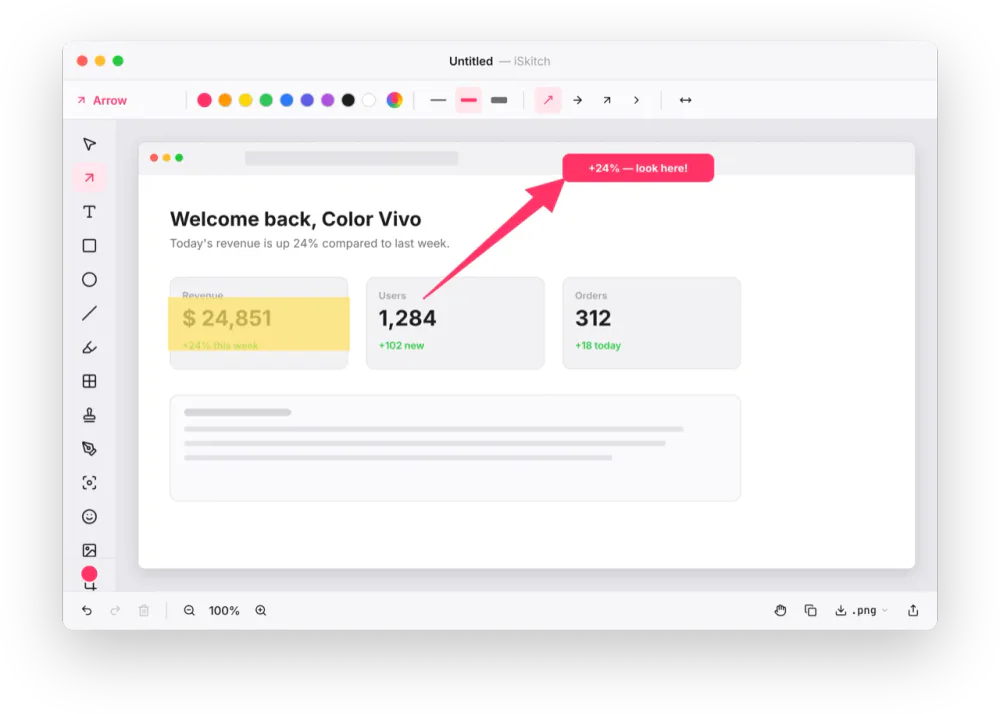
A modern, native macOS take on Skitch: capture any region, window or screen, annotate it instantly and share in one click.
Photo & Video · Free & open source
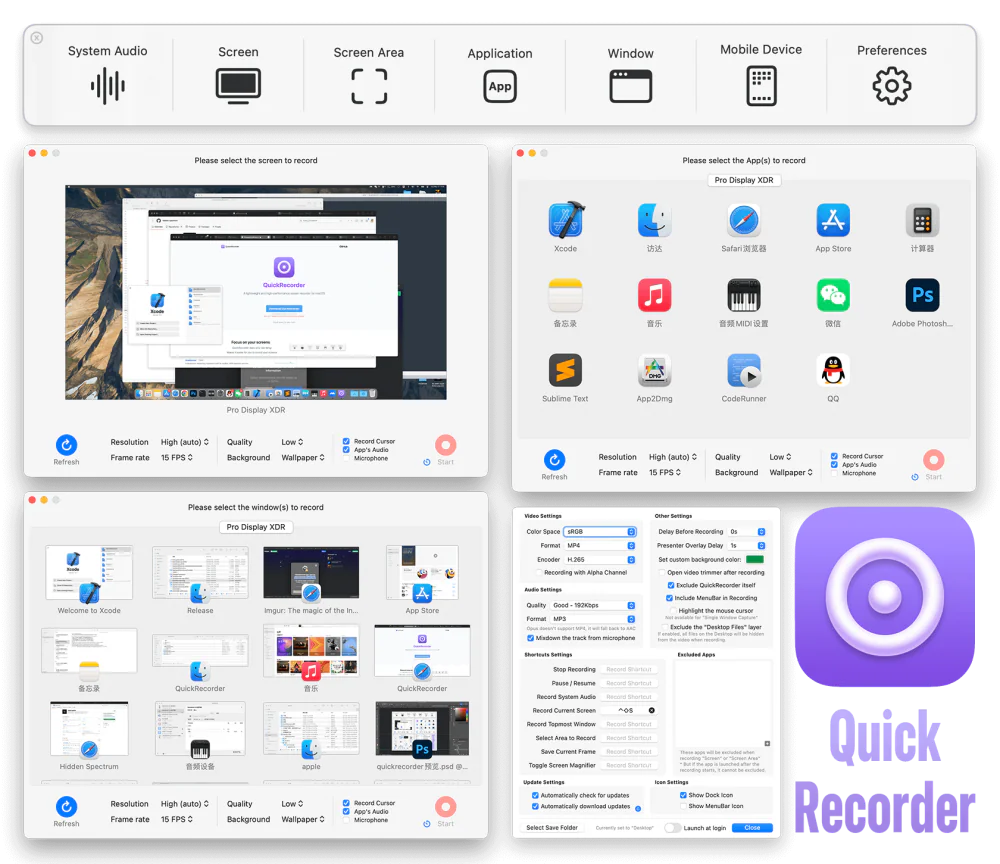
A lightweight screen recorder built on ScreenCaptureKit — record a screen, window, app, or region with system audio, no kernel extension required.