
Utilities · $9.99 · one-time (Mac App Store, one-time purchase)
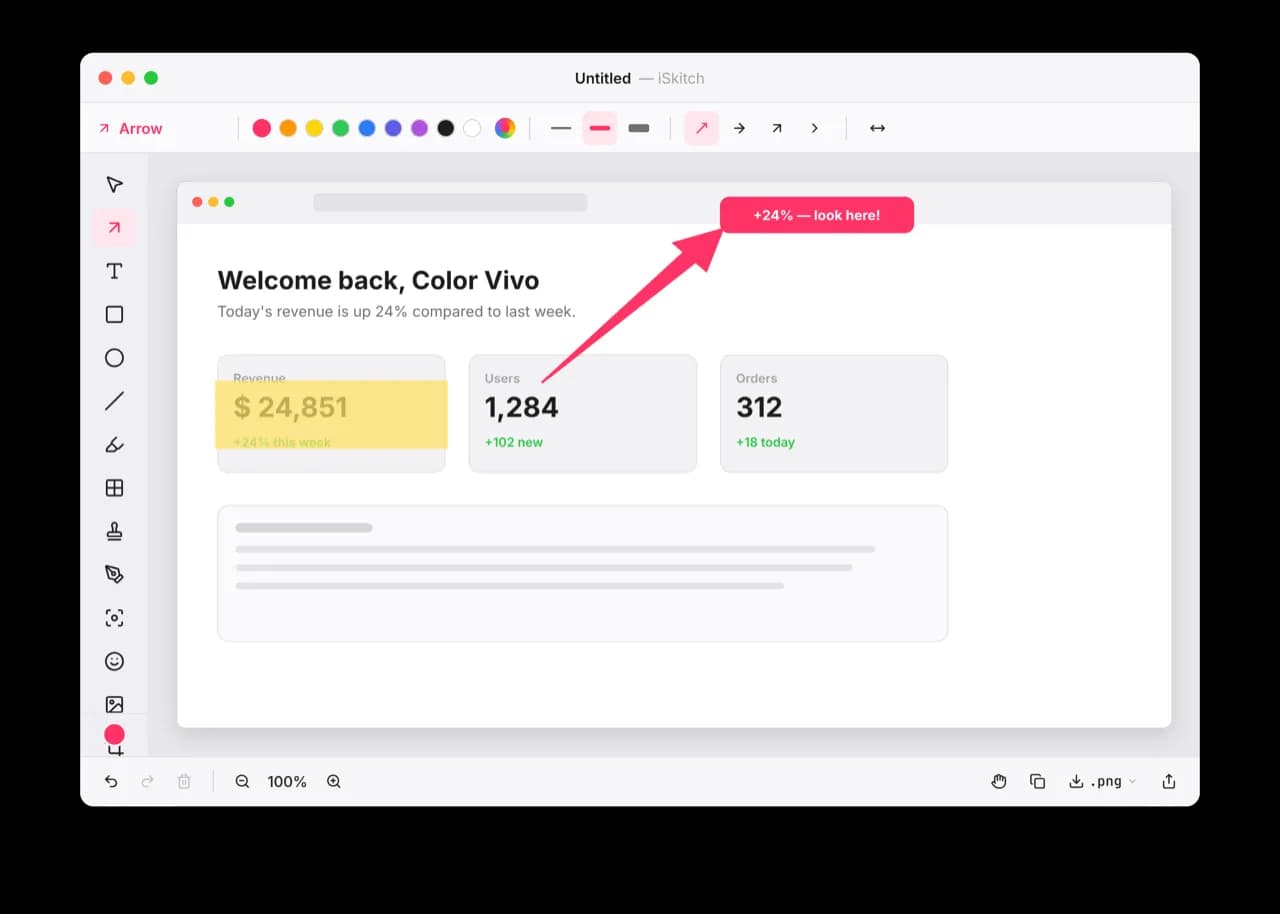
A modern, native macOS take on Skitch: capture any region, window or screen, annotate it instantly and share in one click.
Capture, annotate and share designer-quality screenshots in seconds, with native Mac tools and local image processing.
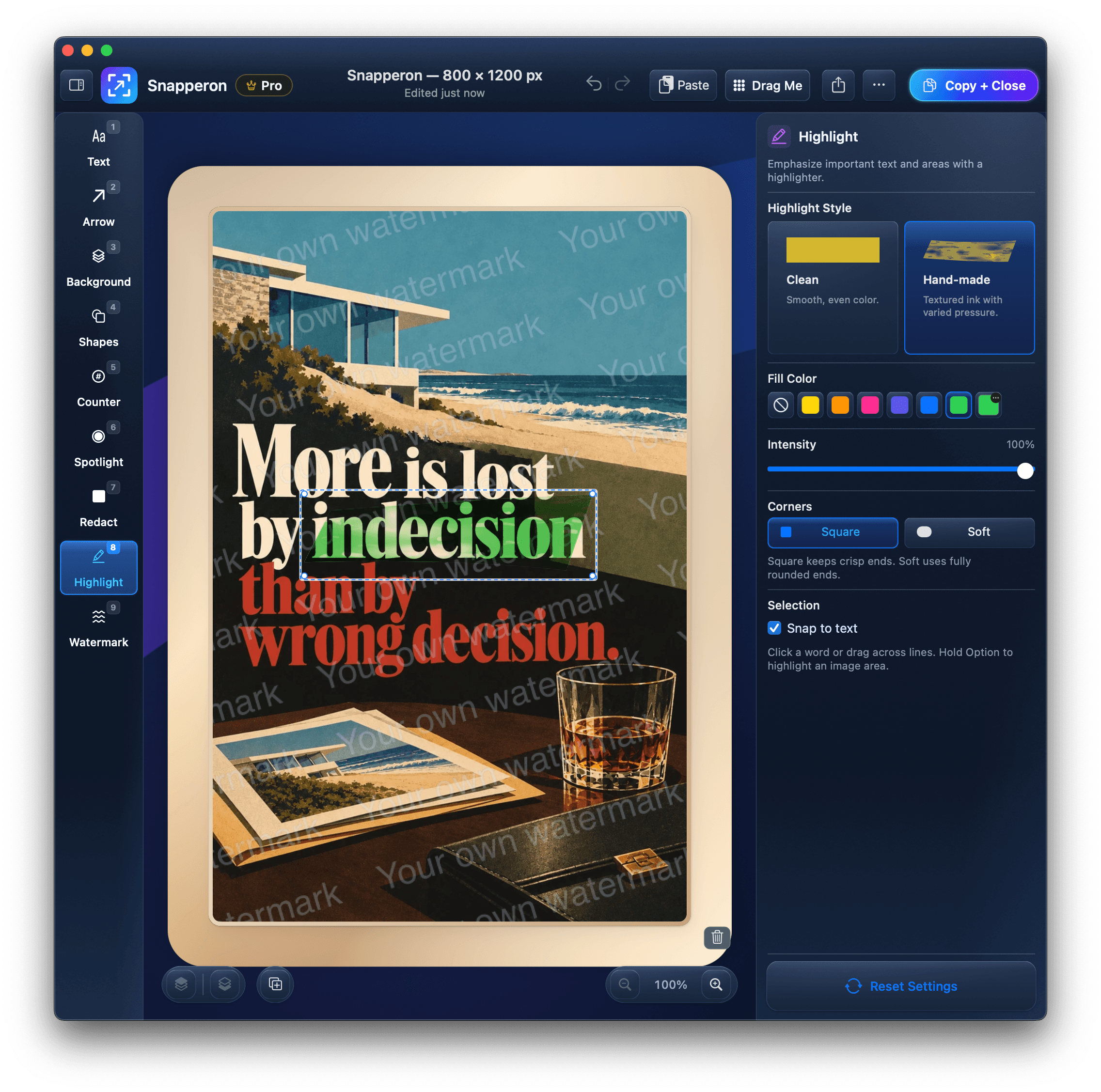
Snapperon helps you explain what is on your Mac screen without a long message. Capture an area, screen or active window, or open an existing image. Add styled arrows, text banners, numbered steps, highlights and spotlights, hide sensitive details with redaction, and finish with backgrounds, borders and watermarks.
Copy + Close puts the finished image on your clipboard and gets you back to your work. Native controls, keyboard shortcuts, Undo/Redo, drag-and-drop and PNG/JPEG export make it practical for tutorials, feedback, support and presentations. Screenshot editing and processing happen locally on your Mac.
Built with Swift and AppKit, Snapperon lives in the menu bar and uses ScreenCaptureKit for capture. It requires Apple Silicon and macOS 14 or later. Download the signed, notarized installer from snapperon.com. Try Demo Image lets you explore the editor without granting Screen Recording permission.
Utilities · $9.99 · one-time (Mac App Store, one-time purchase)
A modern, native macOS take on Skitch: capture any region, window or screen, annotate it instantly and share in one click.

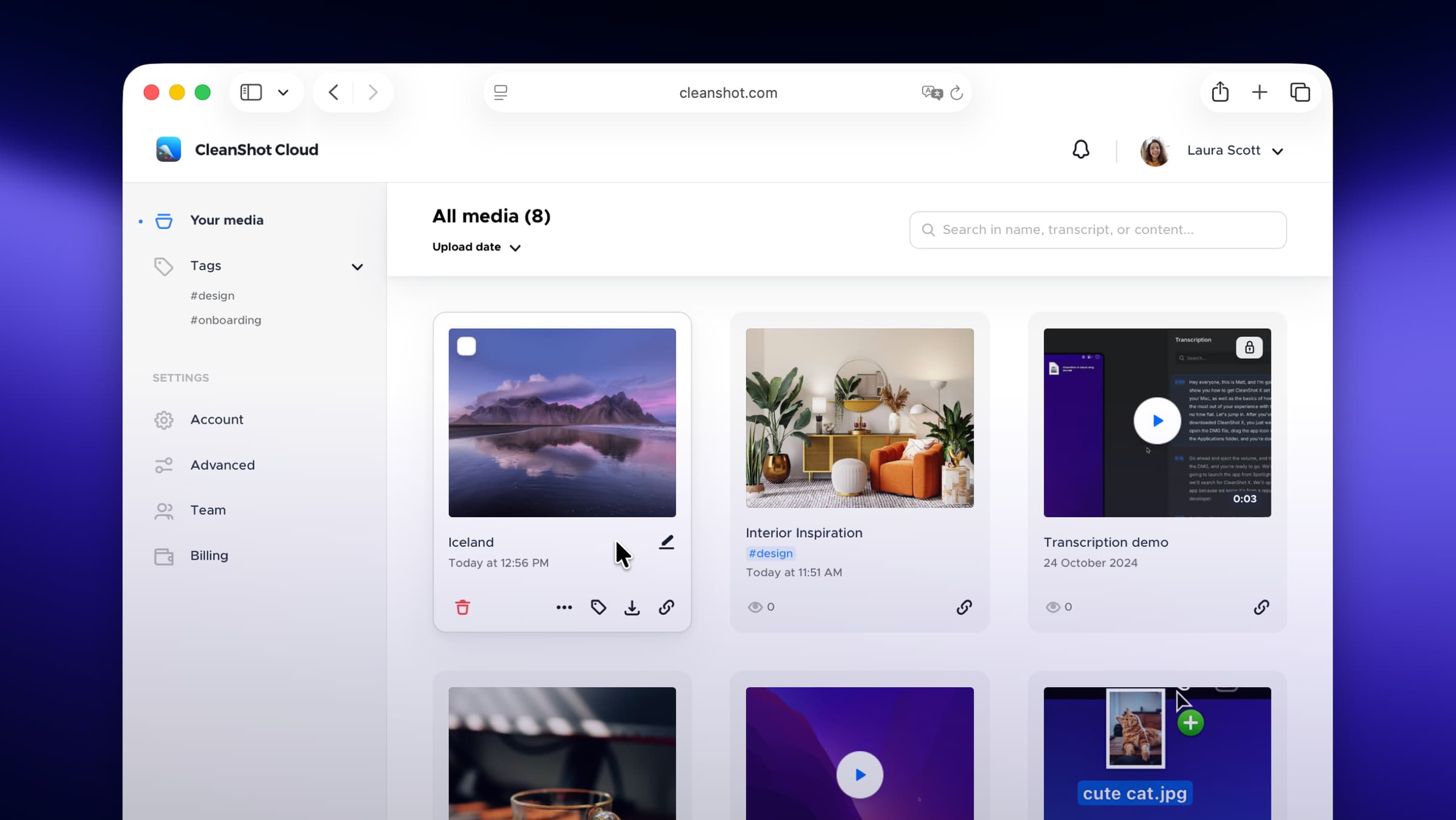
Photo & Video · $29 · one-time
Screenshot and screen-recording done right — hide desktop clutter, annotate, capture scrolling pages, record GIFs, and get a shareable link.

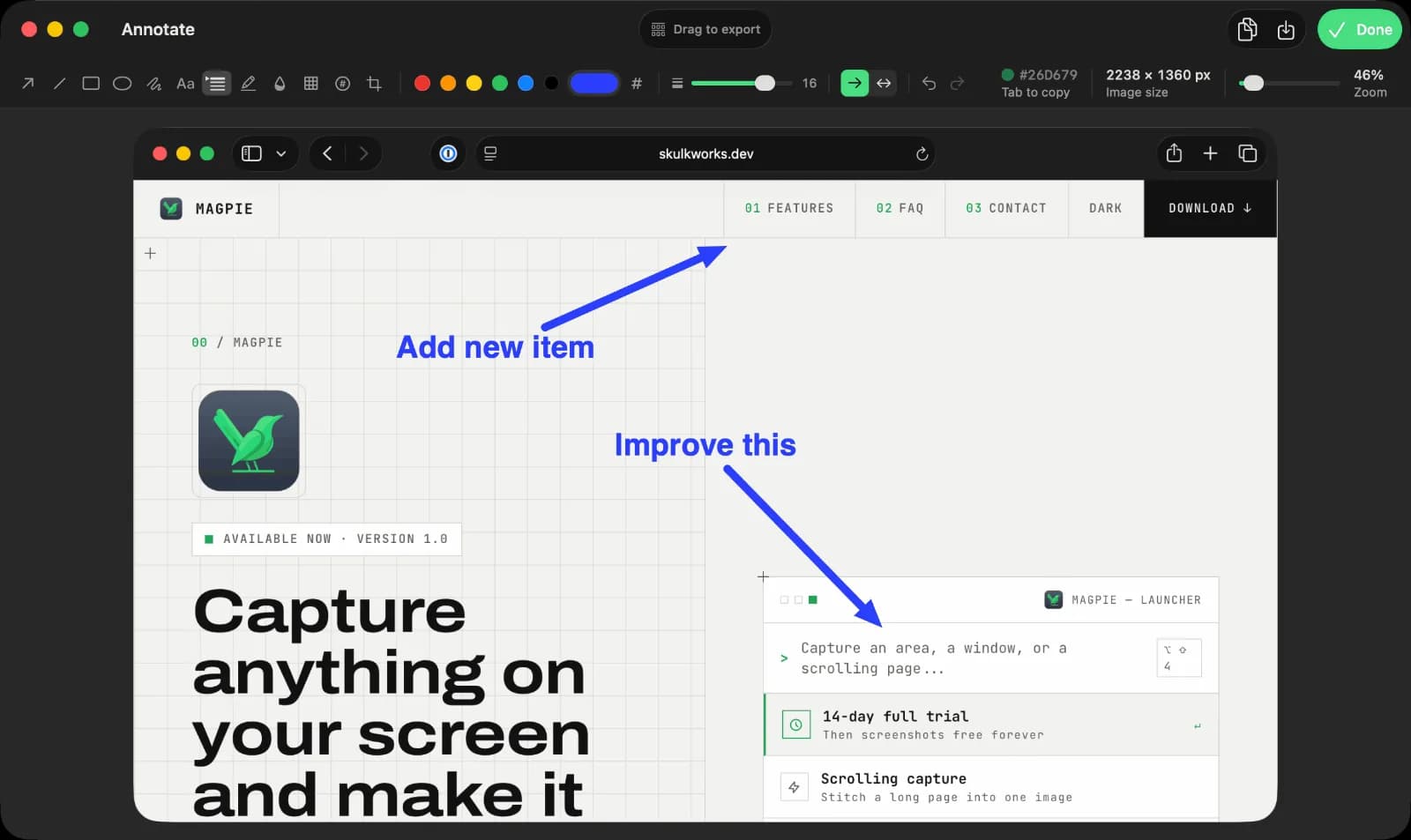
Productivity · $9.99 · one-time (14-day full-feature trial, then a free tier. One-time $9.99 Pro license covers three Macs.)
Screen capture, recording, and annotation for macOS

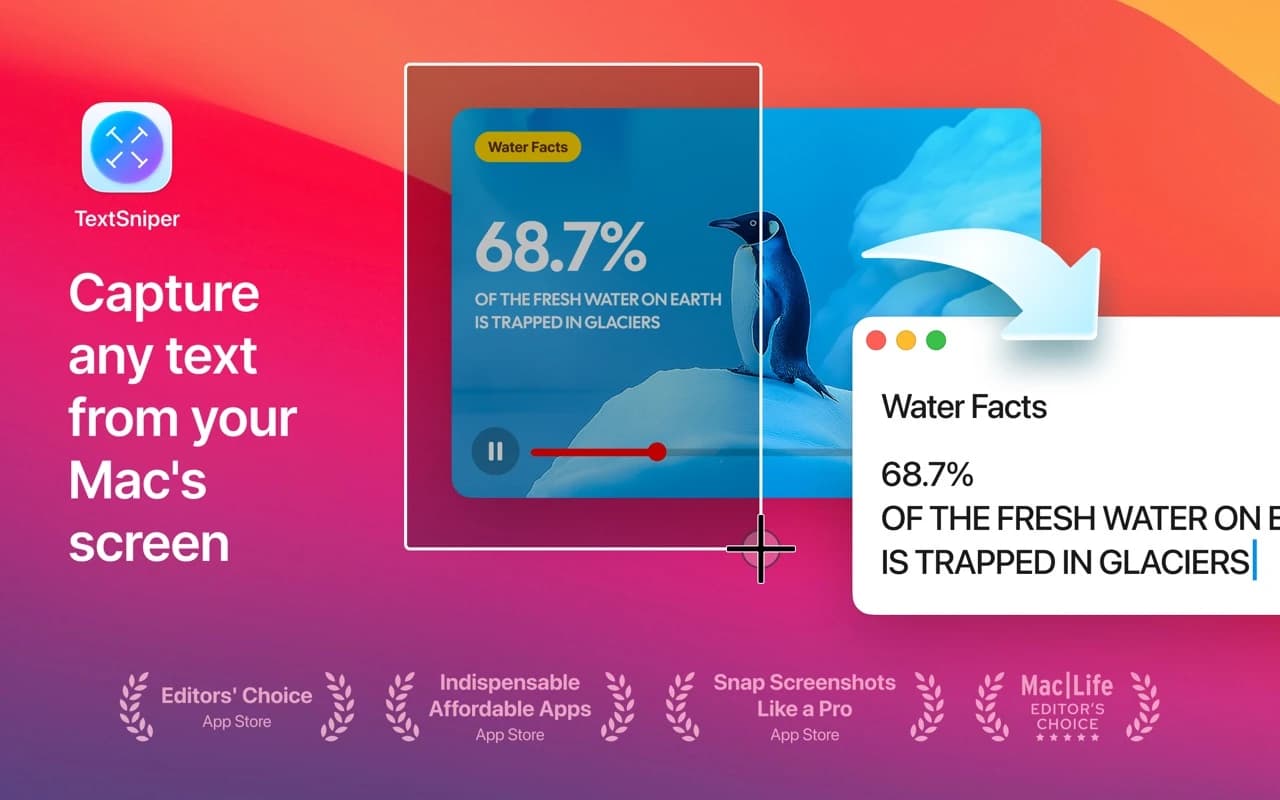
Utilities · $9.99 · one-time
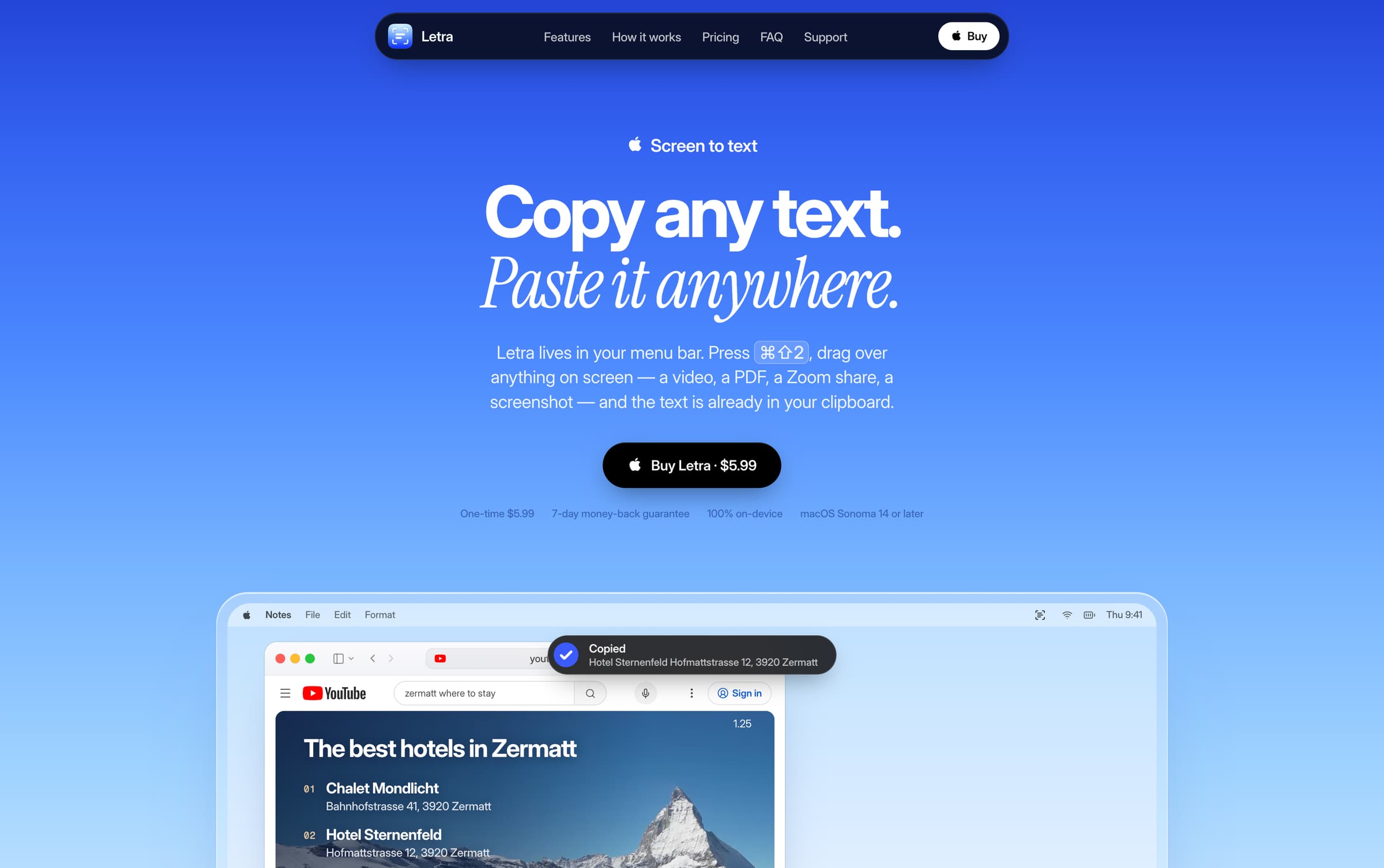
Drag a box over anything on screen — an image, a PDF, a video frame, an app that blocks copying — and the text inside it lands on your clipboard.

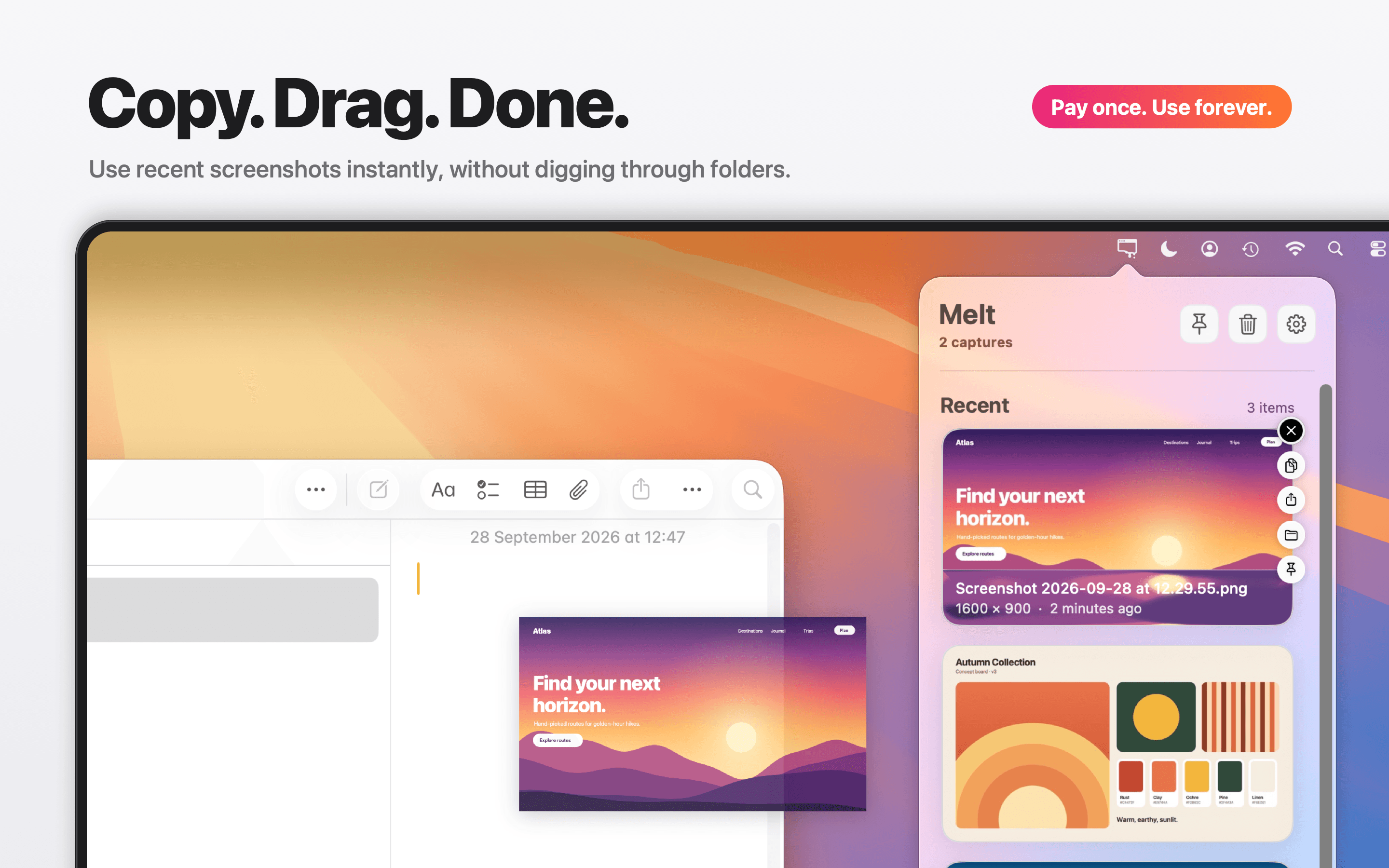
Productivity · $4.99 · one-time (Mac App Store, one-time purchase)
Menu bar tray for recent screenshots and screen recordings, with pinning and optional cleanup to Trash.
Productivity · $5.99 · one-time
Copy the text you cannot select. Videos, scans, slides, and screen shares.