

Menu bar tray for recent screenshots and screen recordings, with pinning and optional cleanup to Trash.
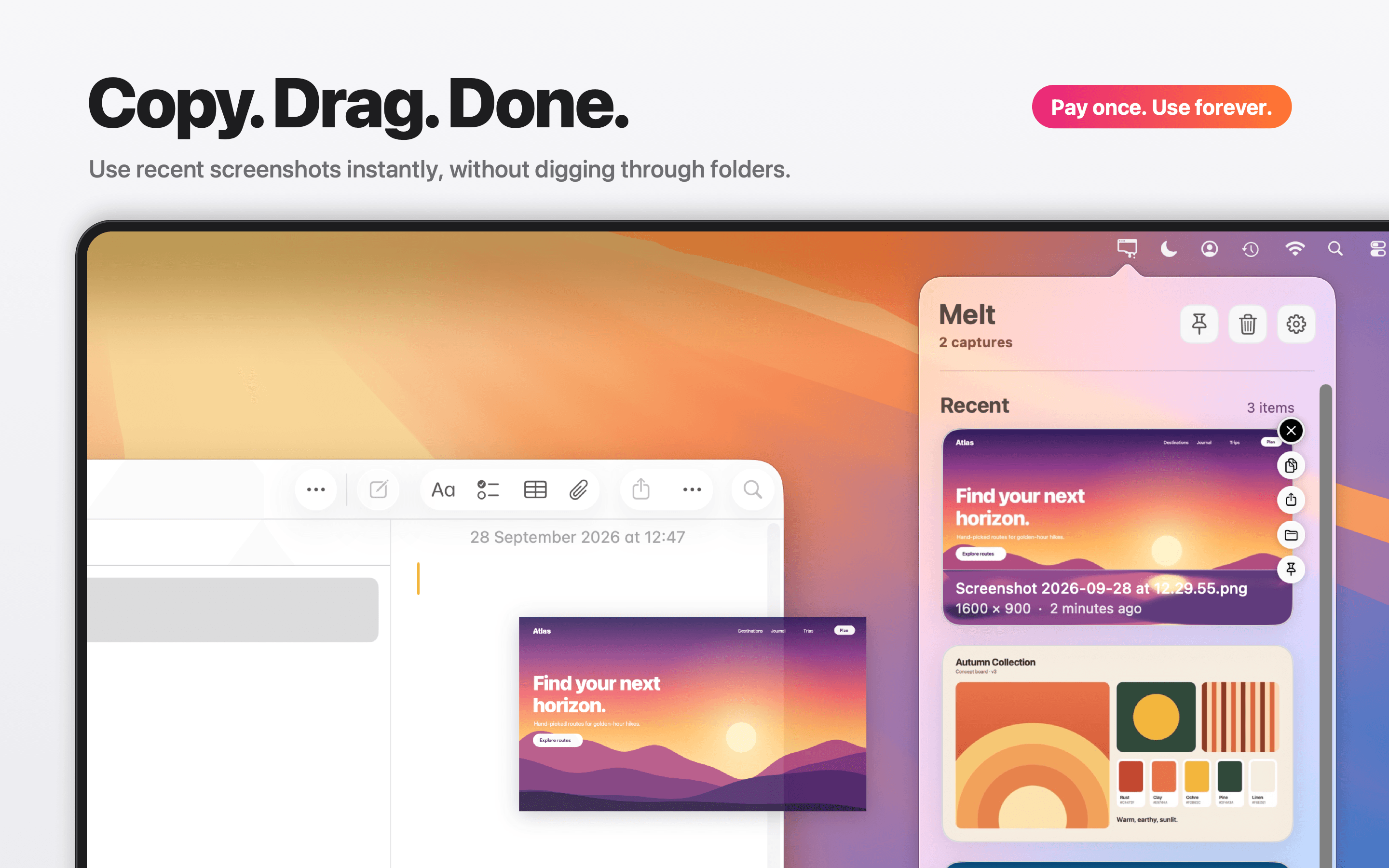
Melt lives entirely in the menu bar: click the icon and your recent screenshots and screen recordings are there as large previews. Drag the original file into any app, copy it with Command-C, share it, reveal it in Finder, or pin it to keep it.
Optional automatic cleanup moves old, unpinned captures to the system Trash after 1, 7, or 30 days, so the Desktop stays clean without losing what matters. Pinned captures are never touched, and nothing is ever deleted outright.
- Works with Apple's built-in Screenshot tool and any capture folder you choose
- No copies and no hidden library: Melt works with your original files
- Full keyboard control, light and dark mode, Liquid Glass on macOS Tahoe
- Native Swift and SwiftUI, fully local: no account, no cloud, no tracking
- One-time purchase on the Mac App Store, no subscription. macOS 15 or later
More in Productivity

Productivity · $9.99 · one-time
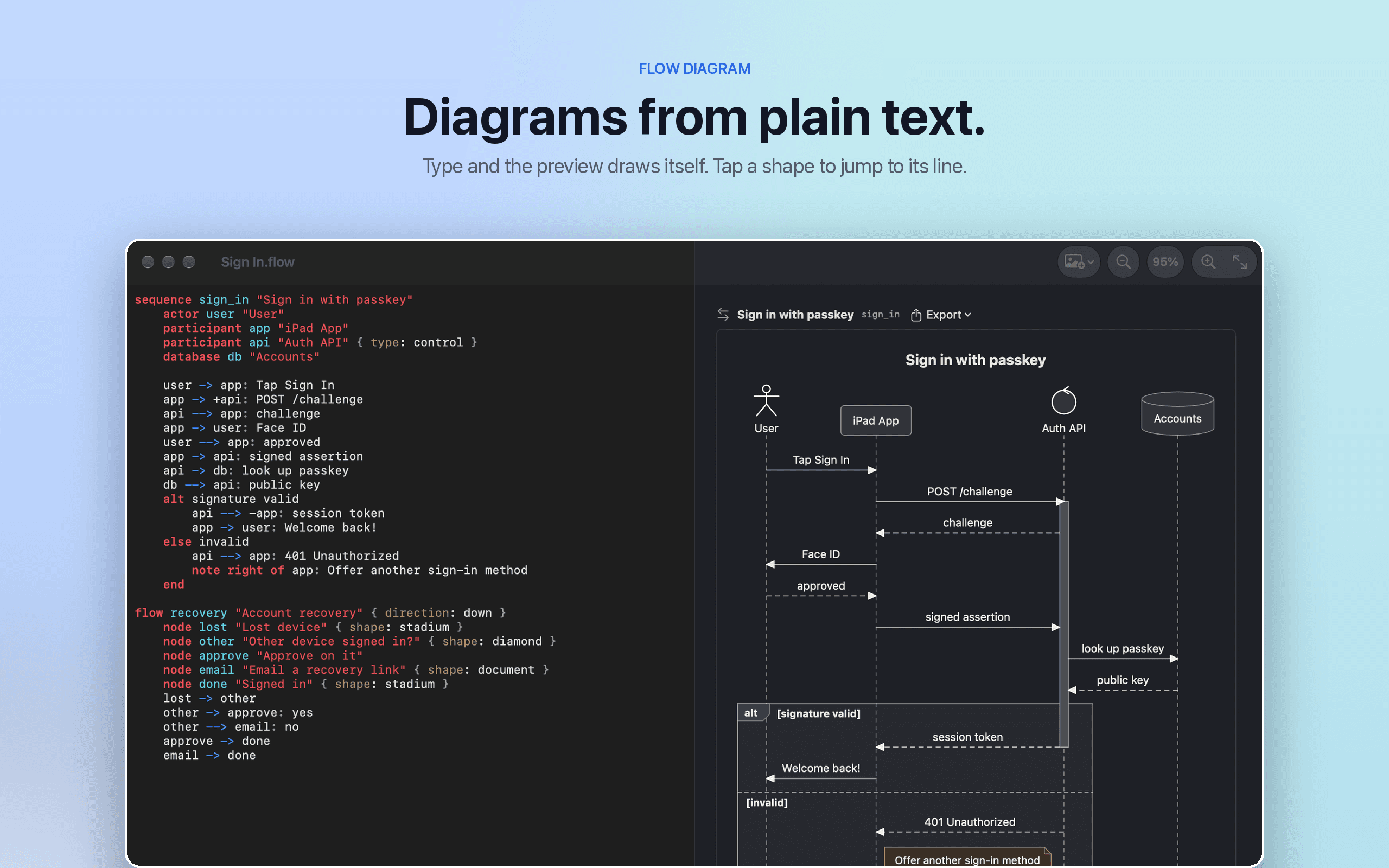
Flow Diagram turns a messy photo or a quick sketch into a diagram you can edit, share and keep
Productivity · Paid
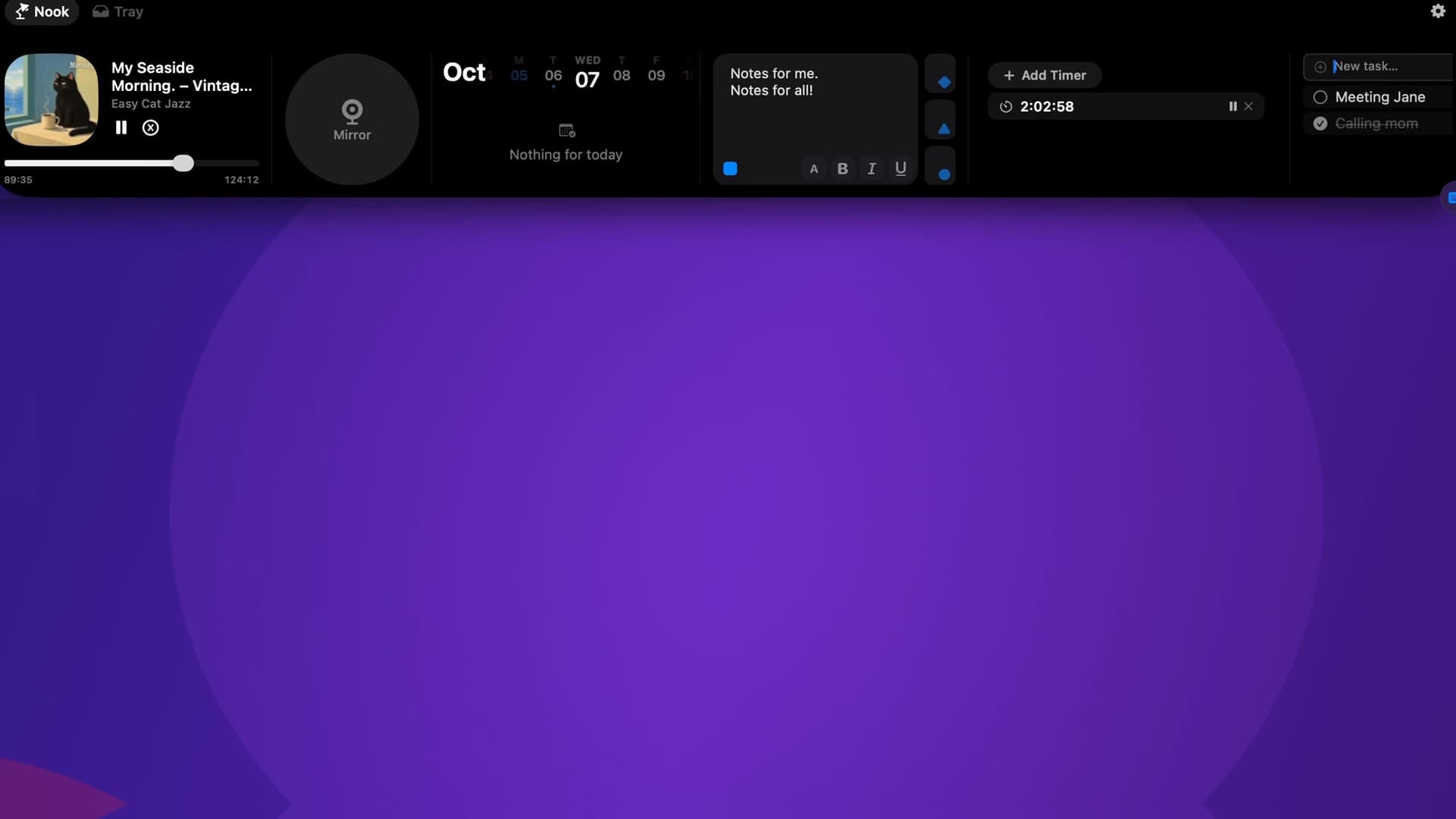
Music, calendar, notes, to-dos and files, right in your Mac’s notch.

Productivity · $9.89 · one-time (One-time payment, no subscription)
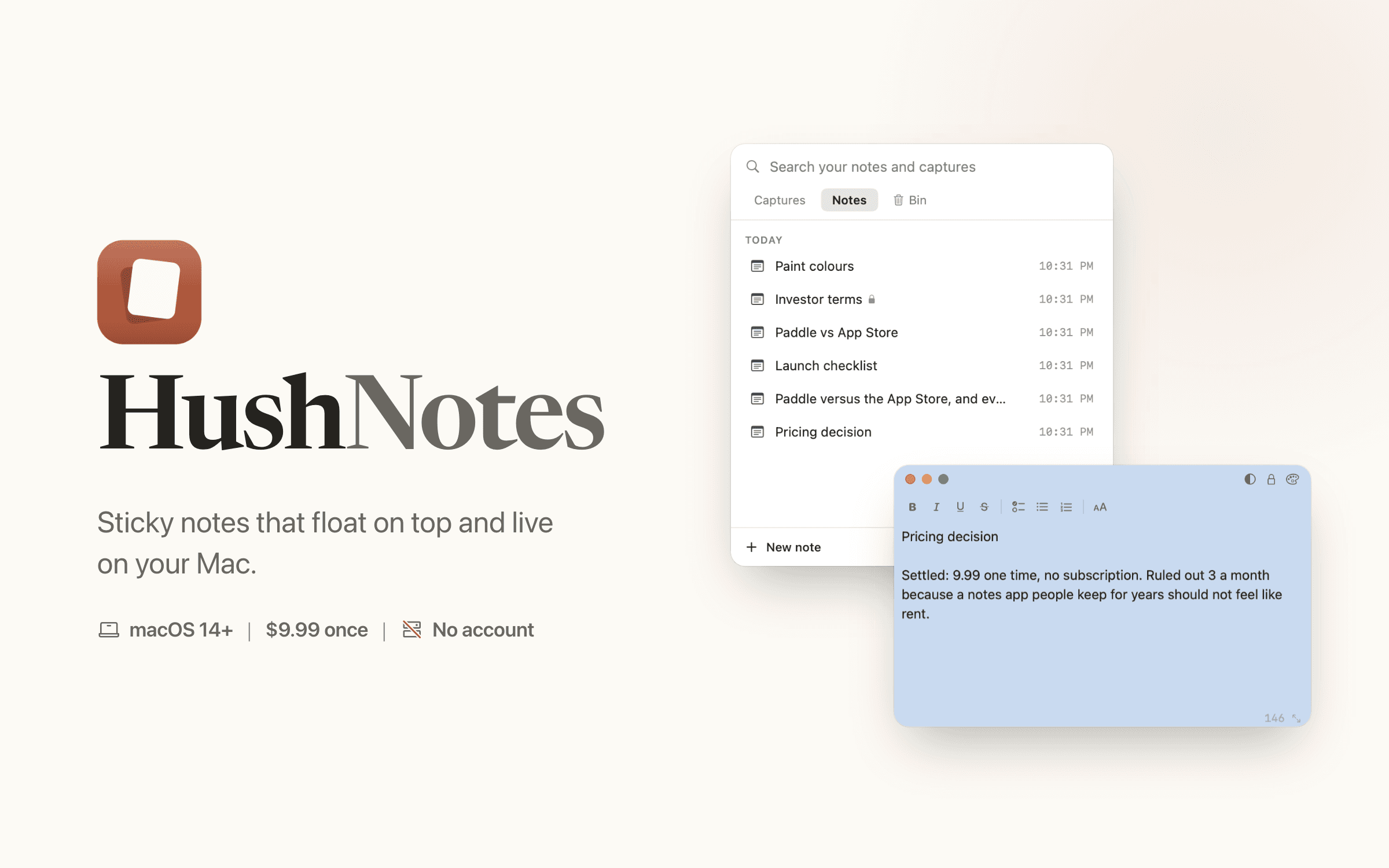
Sticky notes that float on top of every app and live on your Mac. Save text from any app with one key. No account, no server of ours.