Photo & Video · $29 · one-time
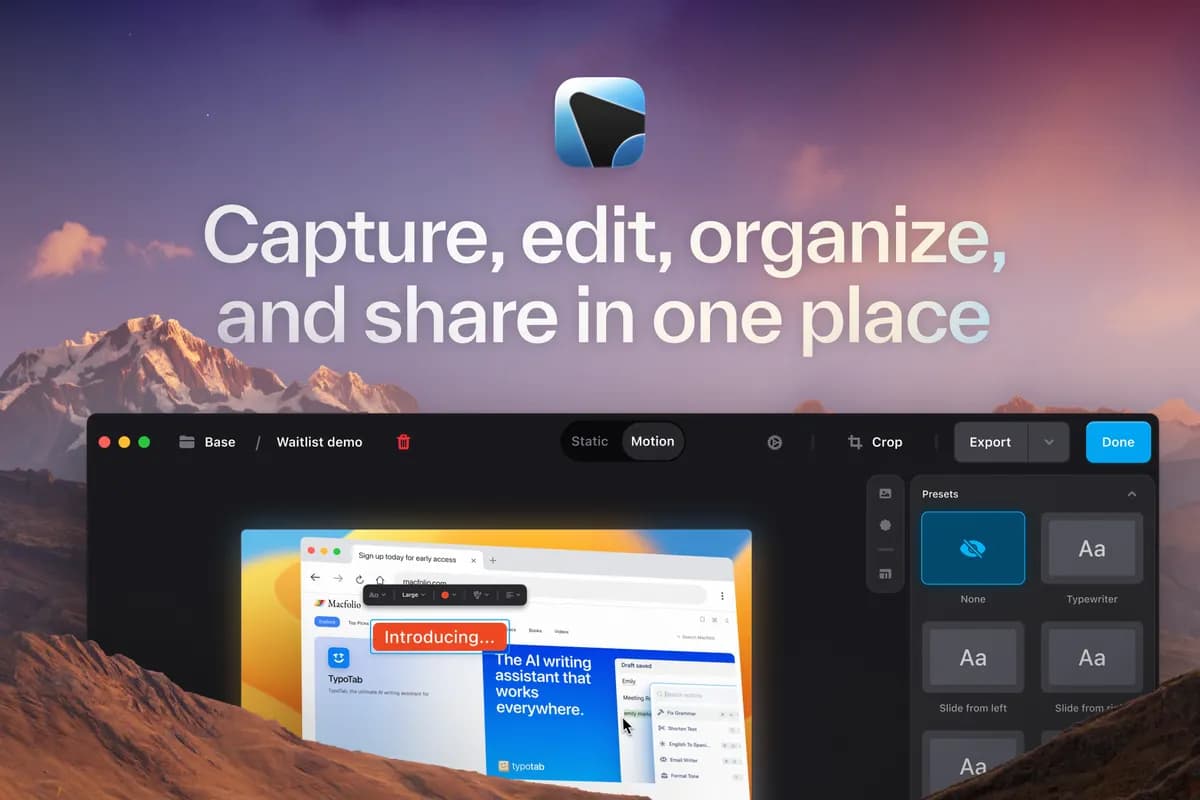
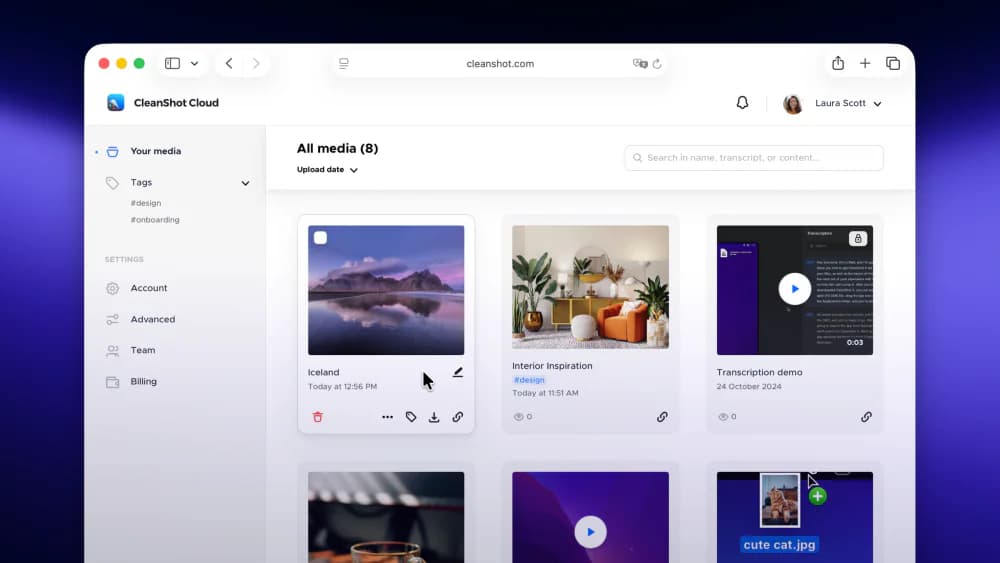
Screenshot and screen-recording done right — hide desktop clutter, annotate, capture scrolling pages, record GIFs, and get a shareable link.
Mac screen recorder that edits for you: a zoom on every click, captions made on your Mac, eight camera layouts. Pay once.
ScreenOtter is a native Mac app for screen recordings and screenshots. Your recordings come back already edited.
Record an area, a window, or a whole display, with your camera, microphone, and your Mac's sound. Open the recording, and there's a zoom on every click. The pointer moves smoothly. Your camera sits in one of eight layouts, and you can change it after you record.
Cut mistakes by deleting words from the transcript. Speed up typing in one click. Blur private data, and the blur follows it as the page scrolls. Add captions made on your Mac, music, and a voiceover. Read your script from a teleprompter that follows your voice and never shows in the video. Export an MP4 up to 4K at 60 fps, or a looping GIF.
Screenshots are copied to your clipboard the moment you take them. Add curved arrows, text, numbered steps, blur, and a backdrop, then paste them anywhere.
Everything runs on your Mac. Nothing is uploaded, and you don't need an account. Every feature works in the free version, with exports up to 720p and a small badge. One payment unlocks full quality, with every future update included. No subscription.
Photo & Video · $29 · one-time
Screenshot and screen-recording done right — hide desktop clutter, annotate, capture scrolling pages, record GIFs, and get a shareable link.

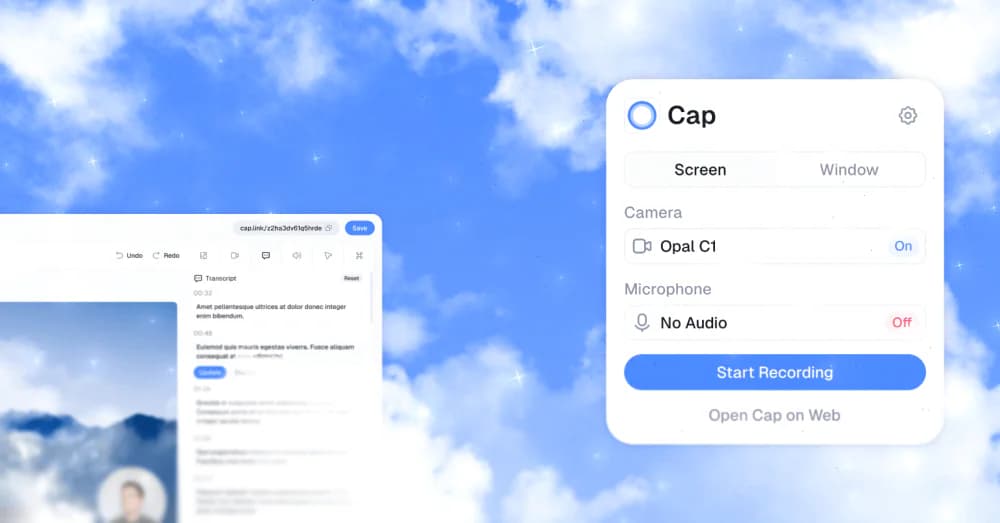
Photo & Video · Free · Pro, billed annually; desktop-only license from $29/yr $8.16
An open-source Loom alternative for Mac that records, edits, and shares screen recordings with a link — with a local-first Studio Mode and full self-hosting if you want to own the data.

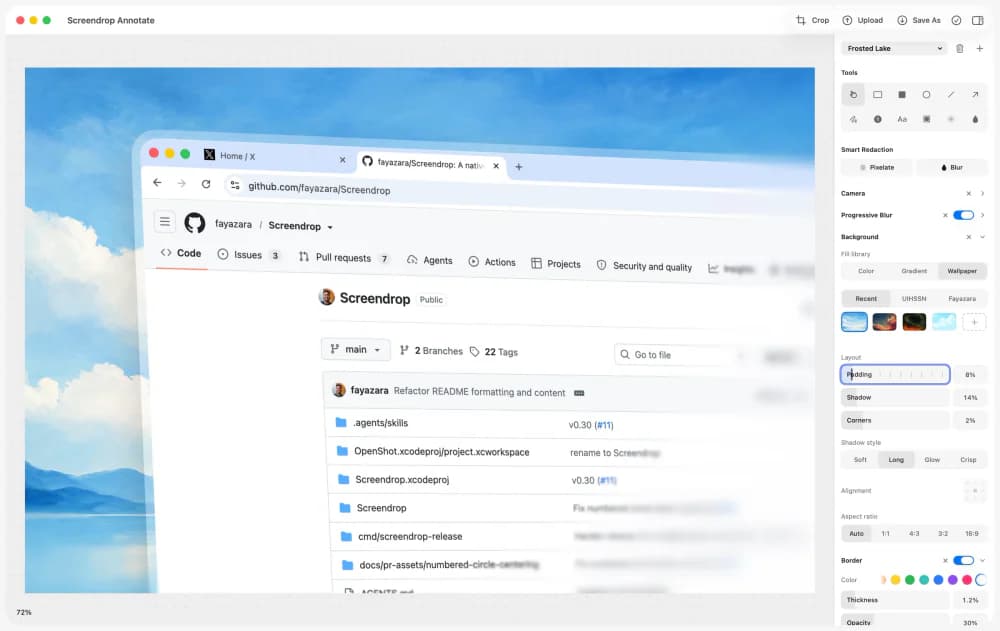
Photo & Video · Free & open source
A self-hostable Loom + CleanShot X alternative for macOS — screenshots, screen recording, and shareable clips, on your own infrastructure.
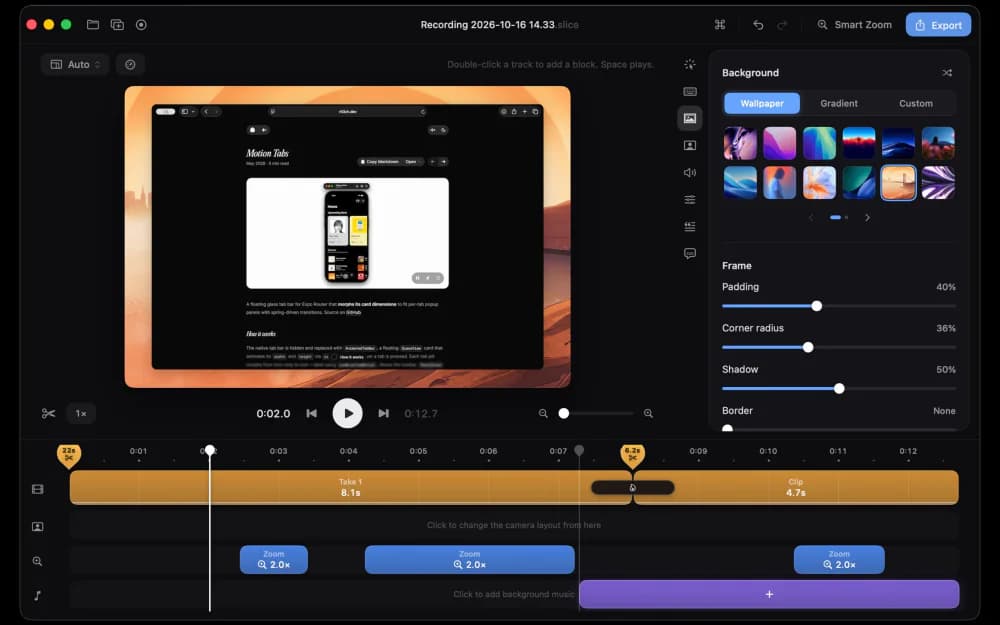
Developer Tools · Free
A native macOS screen recorder and video editor built with SwiftUI, with smooth zooms, cursor effects, and polished demos.
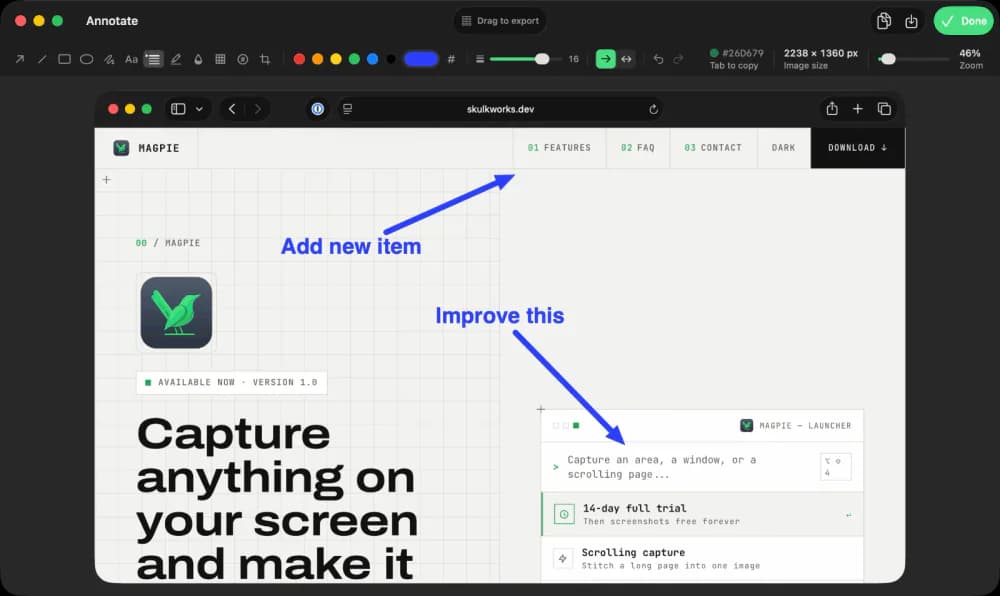
Productivity · $9.99 · one-time (14-day full-feature trial, then a free tier. One-time $9.99 Pro license covers three Macs.)
Screen capture, recording, and annotation for macOS
Developer Tools · Subscription
The last Screenshot & Screen Recording Tool You'll Need
25% off Your First Purchase for members