
Photo & Video · $29 · one-time
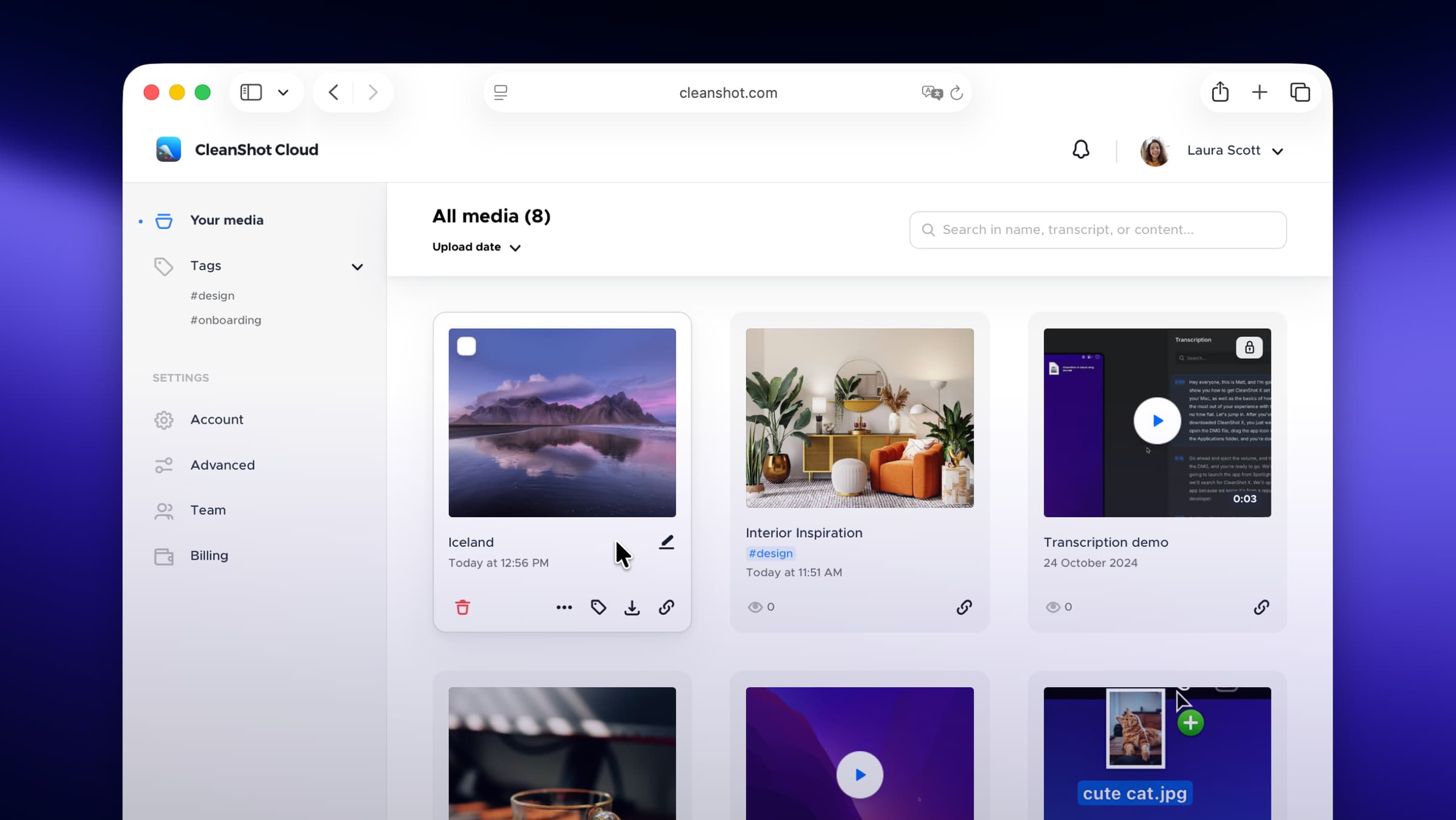
Screenshot and screen-recording done right — hide desktop clutter, annotate, capture scrolling pages, record GIFs, and get a shareable link.
A self-hostable Loom + CleanShot X alternative for macOS — screenshots, screen recording, and shareable clips, on your own infrastructure.
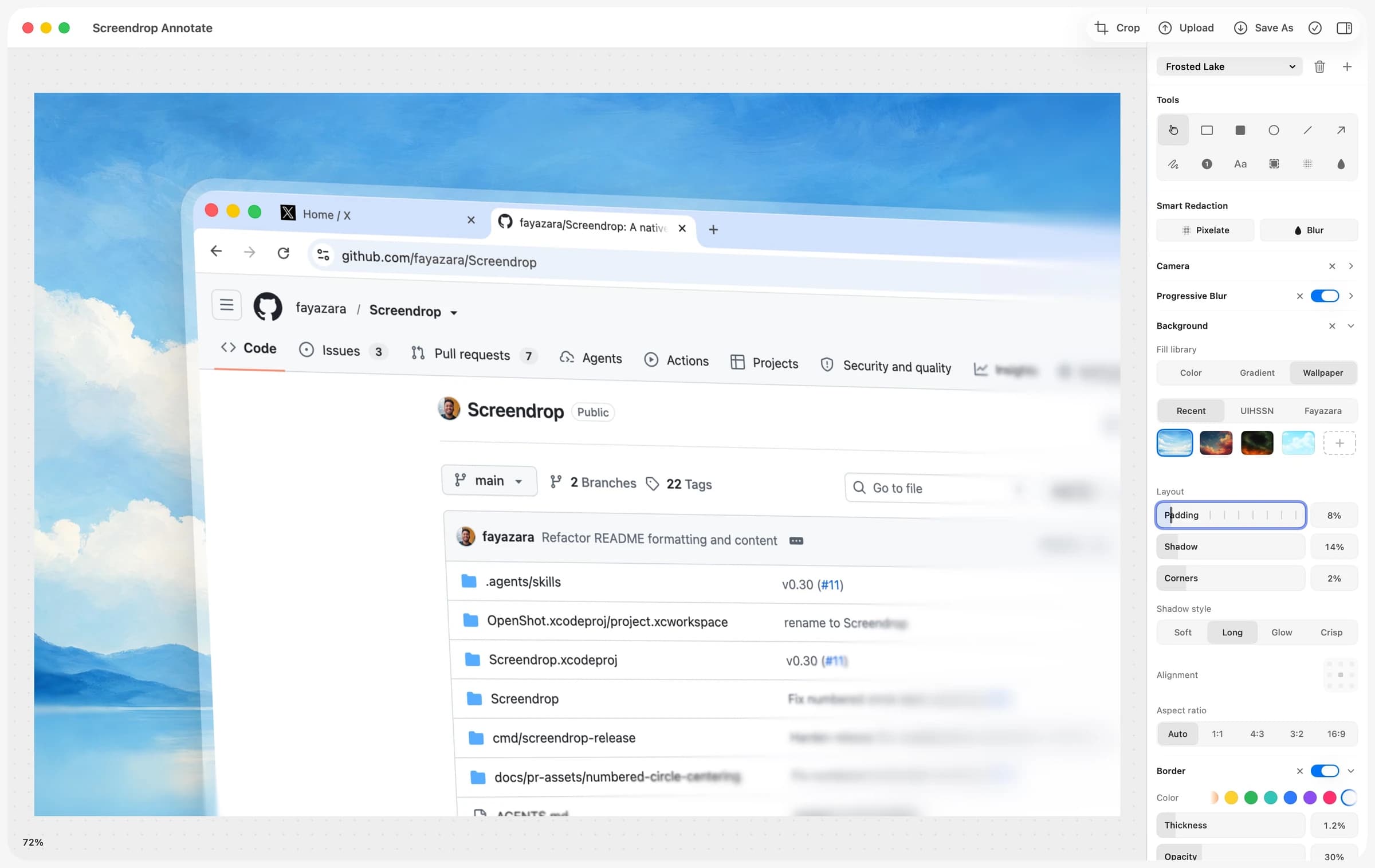
Screendrop covers the same ground as CleanShot X and Loom combined: full-display, window, or region screenshots with OCR text extraction, plus screen recordings that capture camera, cursor, clicks, keystrokes, and audio as separate, non-destructively editable tracks. Sharing a clip uploads it to your own Cloudflare Worker and R2 bucket instead of a third-party service.
CleanShot X and Loom are both excellent, and both proprietary and cloud-dependent. Screendrop is a genuinely capable open-source alternative that keeps captures local-first and puts sharing infrastructure in your own hands — the app only ever needs a Worker URL and an upload token, never direct access to your storage keys.
Completely free and open source (CC0).
Photo & Video · $29 · one-time
Screenshot and screen-recording done right — hide desktop clutter, annotate, capture scrolling pages, record GIFs, and get a shareable link.
Photo & Video · Free · Pro, billed annually; desktop-only license from $29/yr $8.16
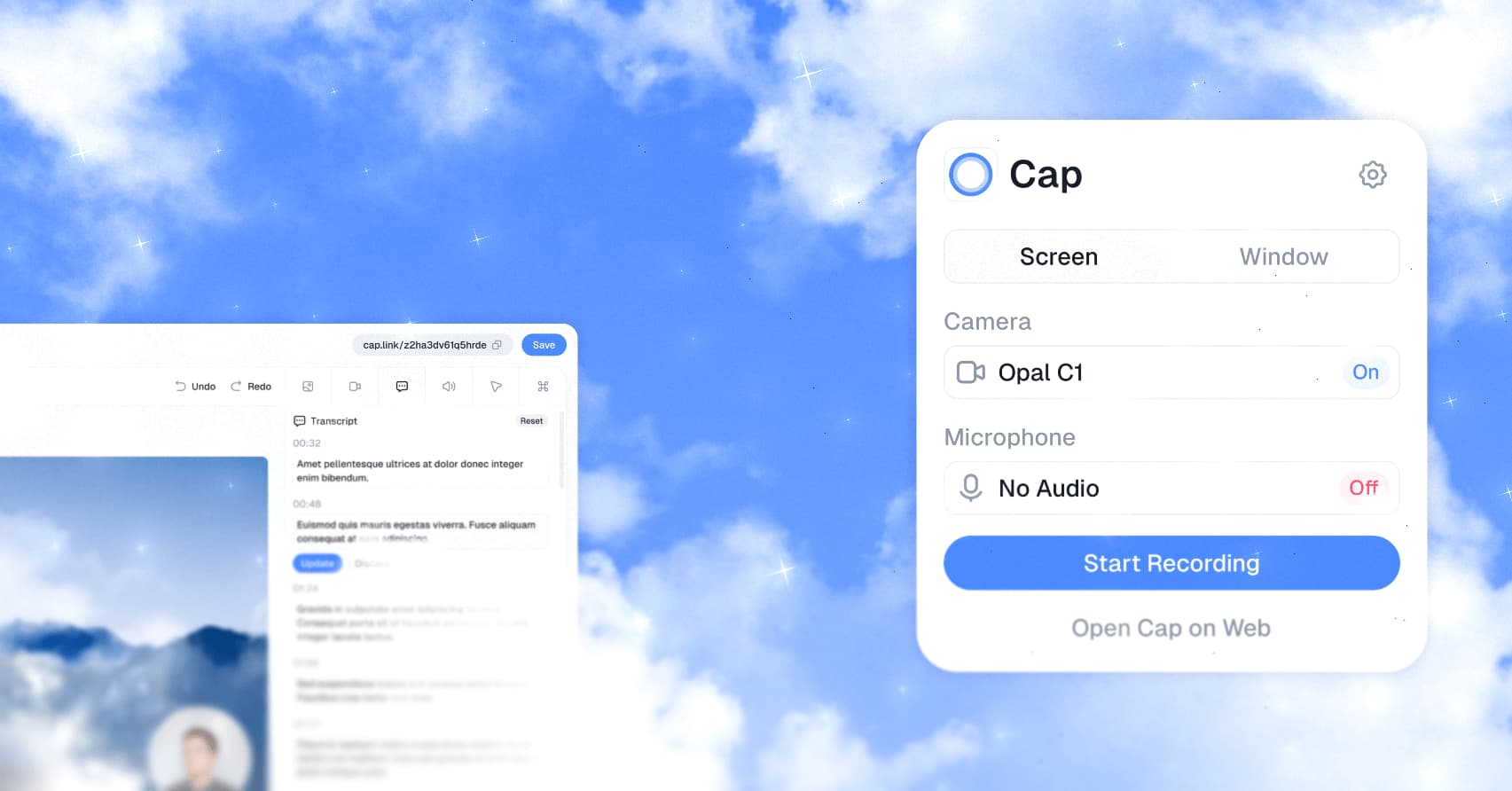
An open-source Loom alternative for Mac that records, edits, and shares screen recordings with a link — with a local-first Studio Mode and full self-hosting if you want to own the data.
Productivity · $9.99 · one-time (14-day full-feature trial, then a free tier. One-time $9.99 Pro license covers three Macs.)
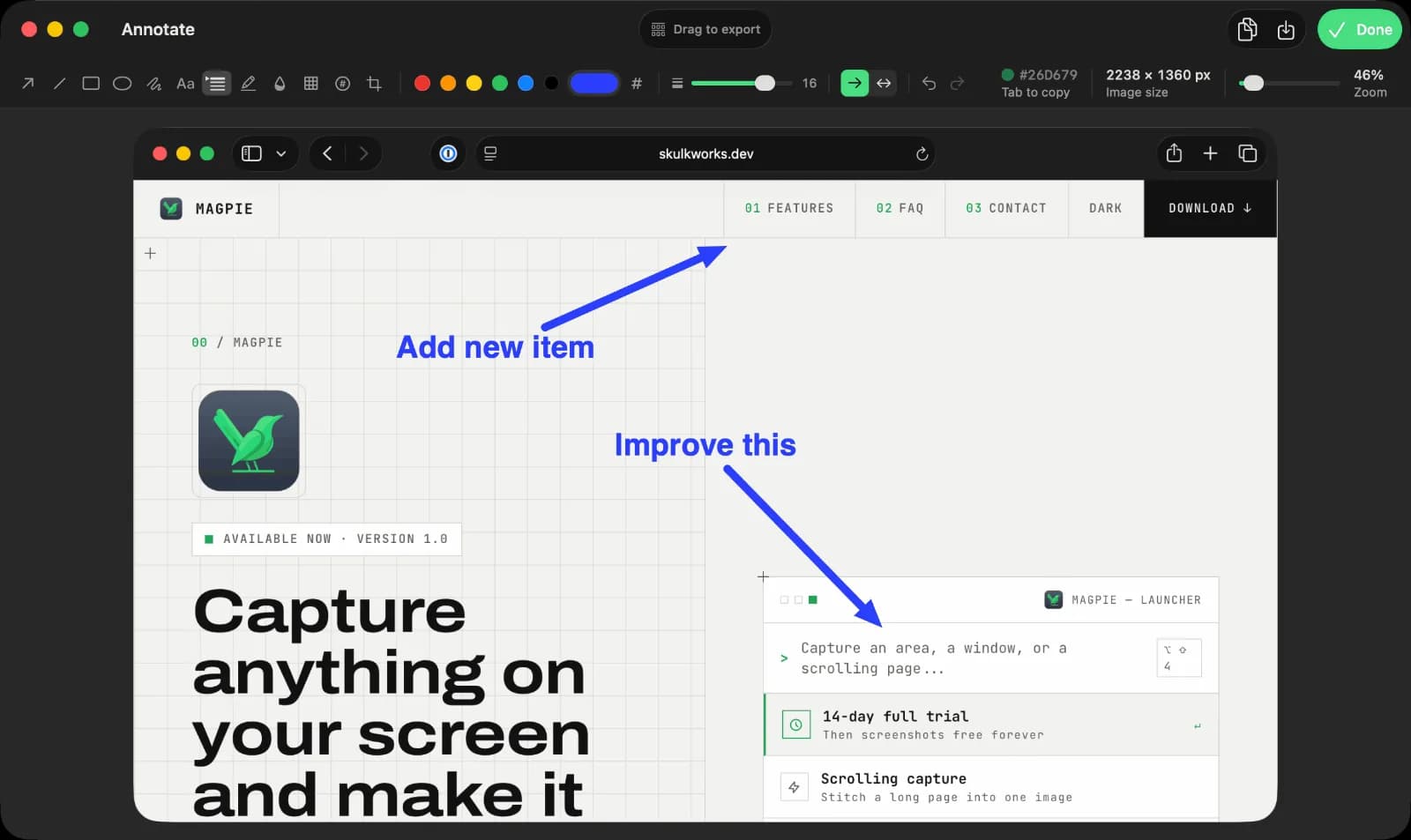
Screen capture, recording, and annotation for macOS
Photo & Video · Free & open source
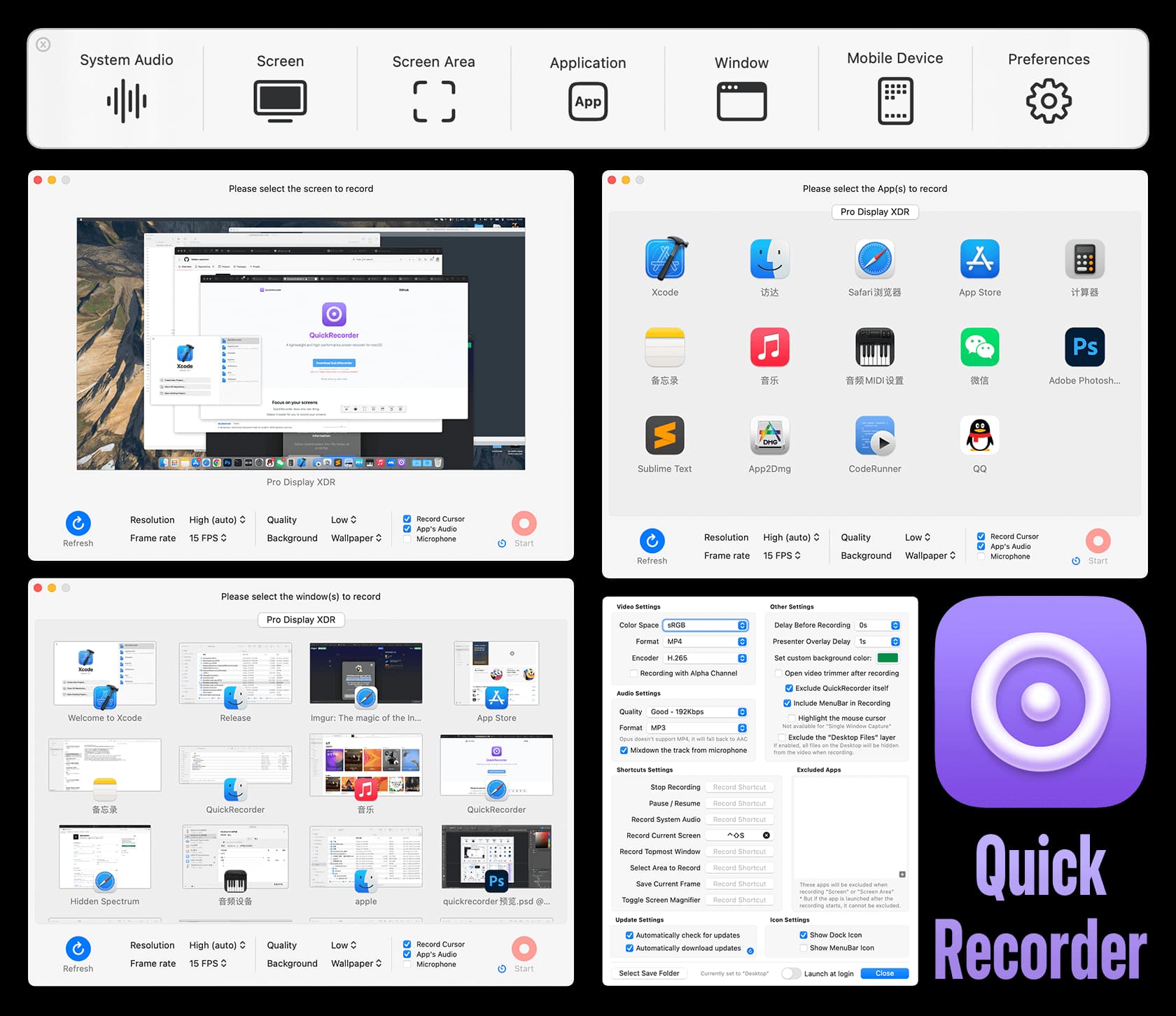
A lightweight screen recorder built on ScreenCaptureKit — record a screen, window, app, or region with system audio, no kernel extension required.

Utilities · $9.99 · one-time (Mac App Store, one-time purchase)
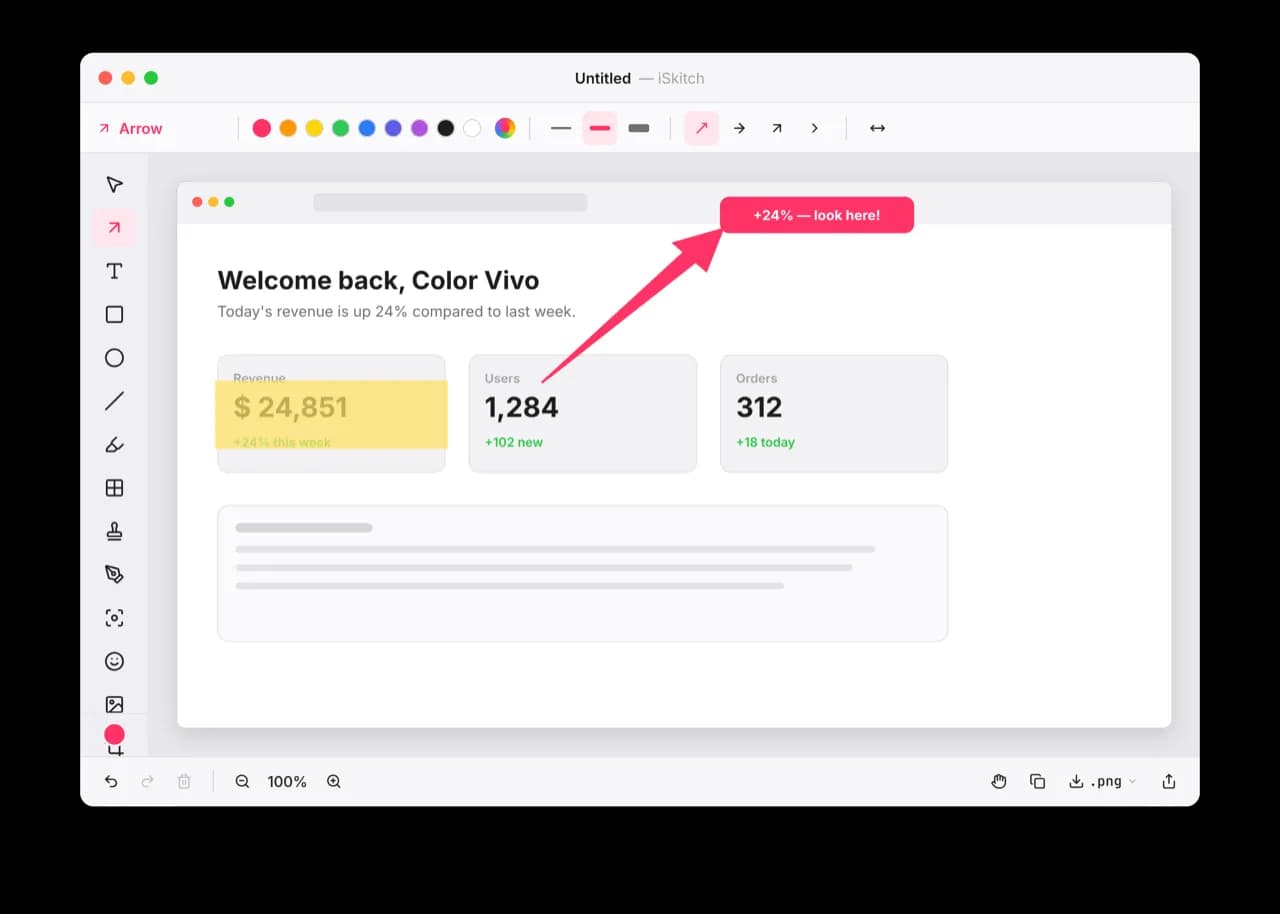
A modern, native macOS take on Skitch: capture any region, window or screen, annotate it instantly and share in one click.
Developer Tools · Free & open source
Android emulators, Android phones and iOS simulators side by side in one native Mac window.