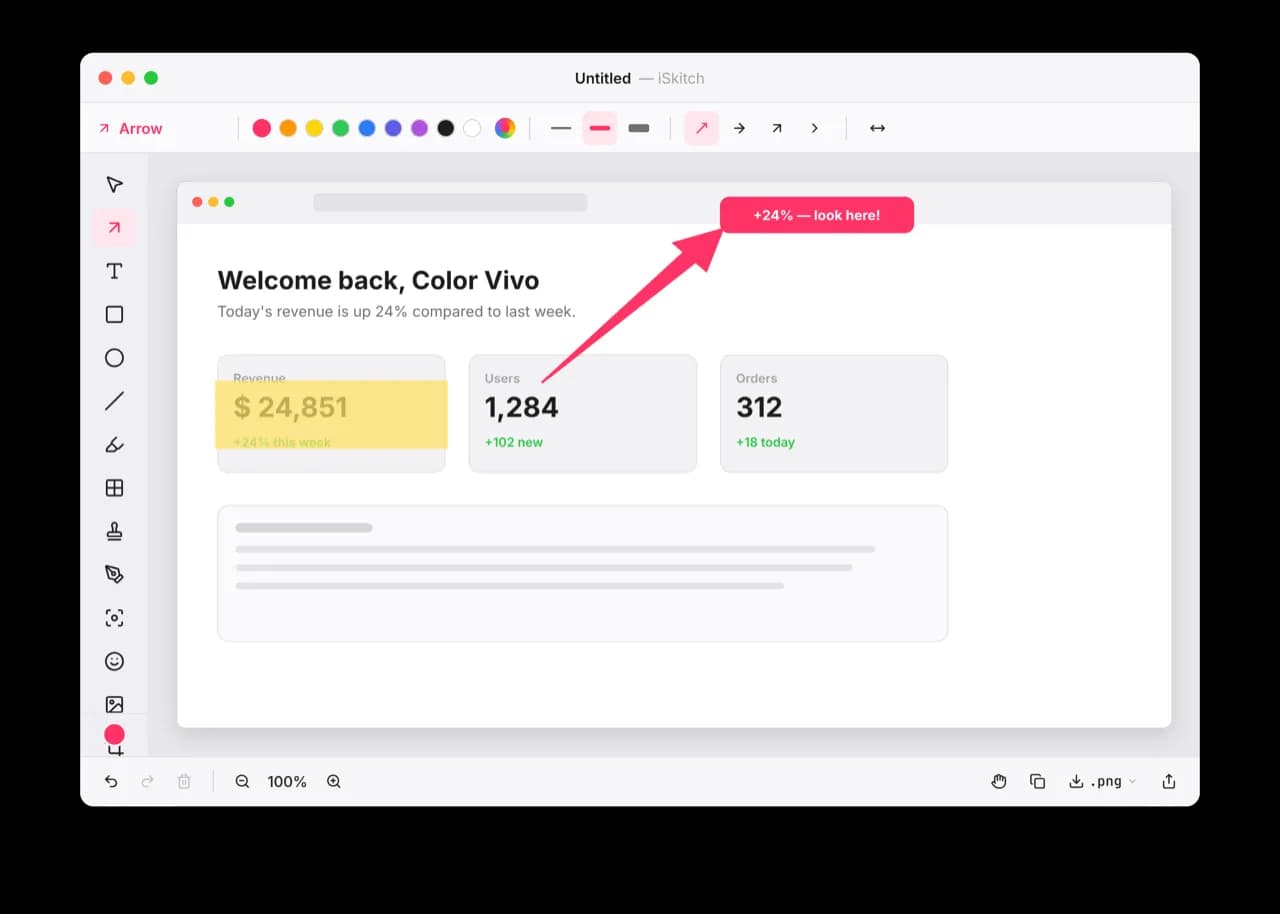

Utilities · $9.99 · one-time (Mac App Store, one-time purchase)
A modern, native macOS take on Skitch: capture any region, window or screen, annotate it instantly and share in one click.
Compare Snagit alternatives for Mac screenshots, scrolling capture, OCR and recordings. See free options, one-time purchases and workflow limits.
5 apps · Updated
For a Snagit alternative on Mac, start with CleanShot X or Magpie if you need both screenshots and short recordings. Compare iSkitch when annotated still images are the main job, Screendrop for capture with self-hosted sharing, or QuickRecorder when you mainly need video. Replacing a capture shortcut is easier than replacing an editable screenshot library or a documentation workflow.
| App | Best fit | Price model and what to check |
|---|---|---|
 CleanShot X | Screenshots, annotation, scrolling capture, OCR and recordings. | Paid app with optional cloud services. Compare local capture needs separately from storage and sharing-plan limits. |
 Magpie | Capture and annotation with OCR, recording and local history. | Free everyday features; paid Pro. Basic screenshots and annotation remain free after the trial; recording and scrolling capture require Pro. |
 Screendrop | Screenshots, video and sharing on infrastructure you control. | Free and open source. Hosting a sharing service adds setup, storage and bandwidth considerations. |
| iSkitch | Annotated still captures, redaction and an editable local history. | $9.99 once, with a direct trial. Current iSkitch needs macOS 26+ and focuses on still captures, not video. |
 QuickRecorder | Screen, window or region recording with audio options. | Free and open source. A recording alternative, rather than a full screenshot annotation and library replacement. |
For video delivery and team-sharing needs, our Loom alternatives comparison puts more emphasis on the shared recording than the annotated image.
Utilities · $9.99 · one-time (Mac App Store, one-time purchase)
A modern, native macOS take on Skitch: capture any region, window or screen, annotate it instantly and share in one click.
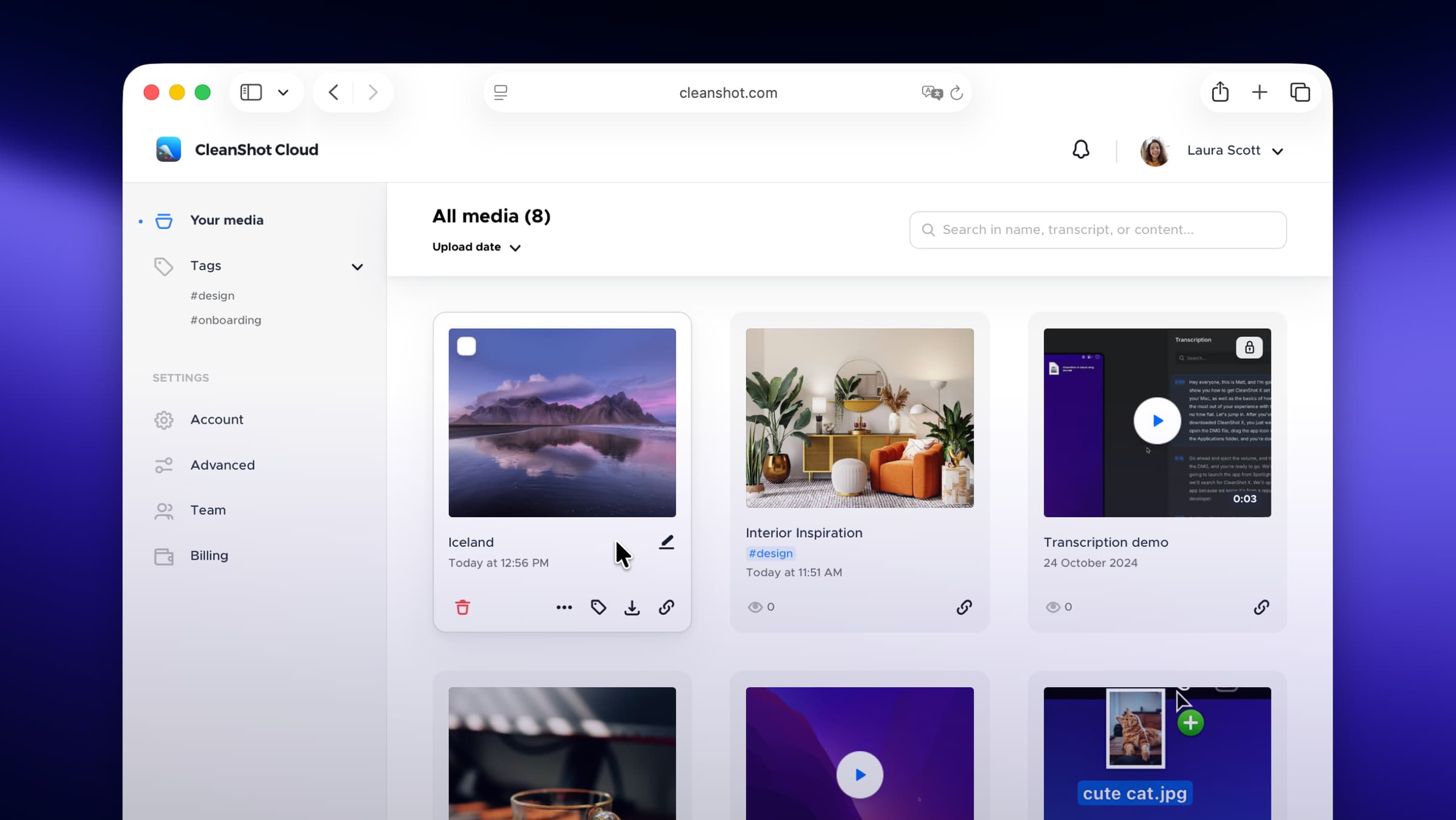
Photo & Video · $29 · one-time
Screenshot and screen-recording done right — hide desktop clutter, annotate, capture scrolling pages, record GIFs, and get a shareable link.
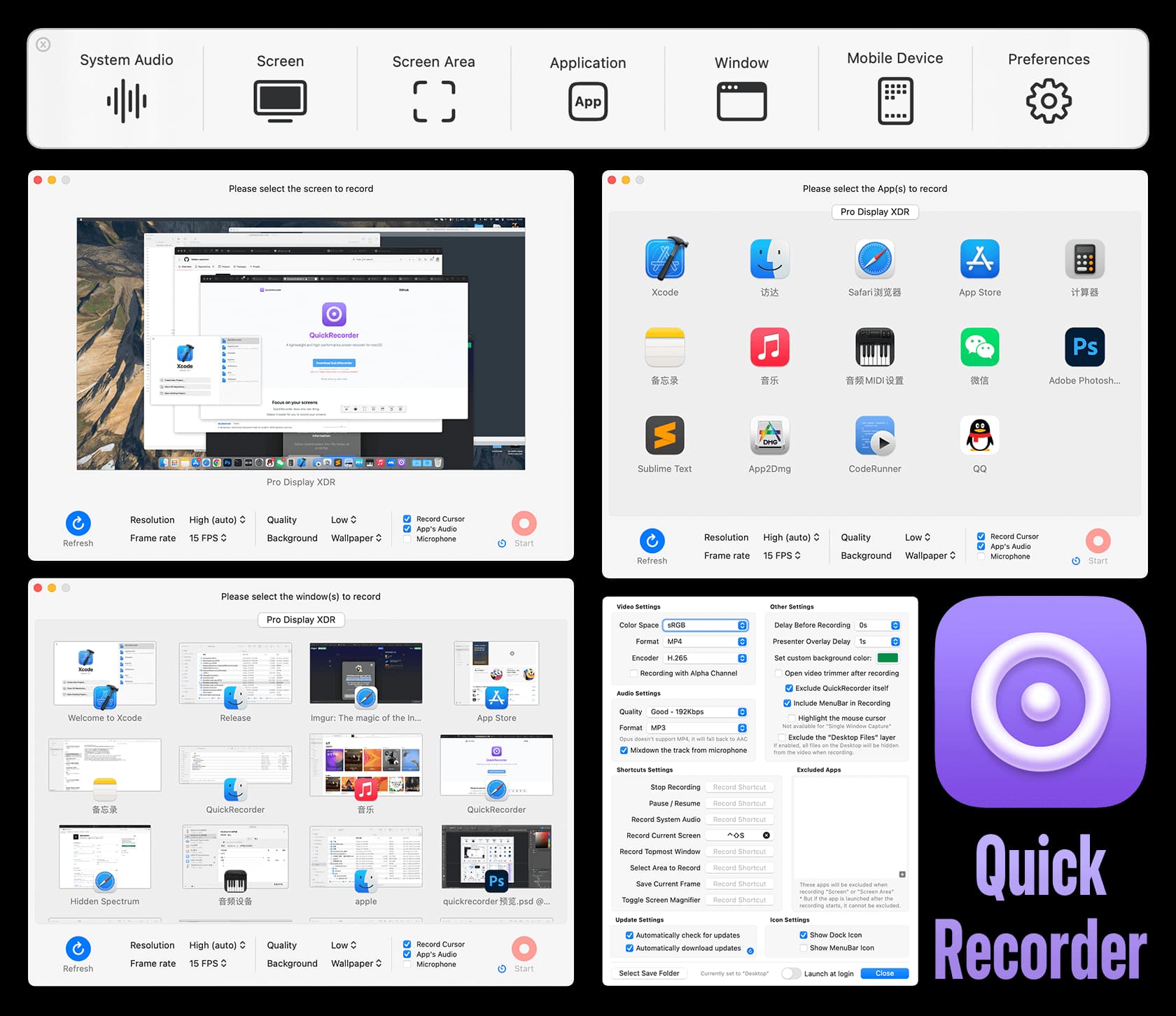
Photo & Video · Free & open source
A lightweight screen recorder built on ScreenCaptureKit — record a screen, window, app, or region with system audio, no kernel extension required.
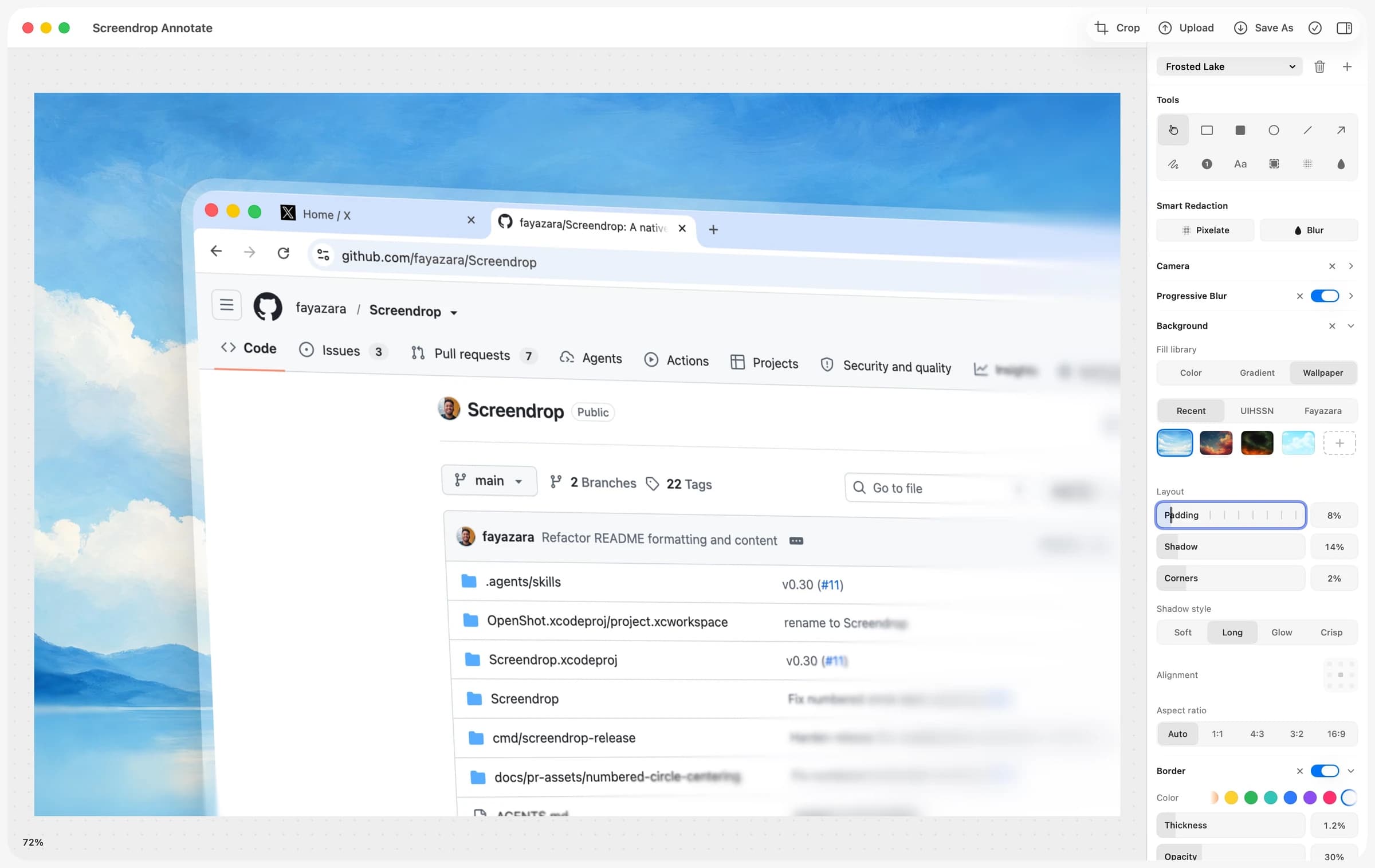
Photo & Video · Free & open source
A self-hostable Loom + CleanShot X alternative for macOS — screenshots, screen recording, and shareable clips, on your own infrastructure.
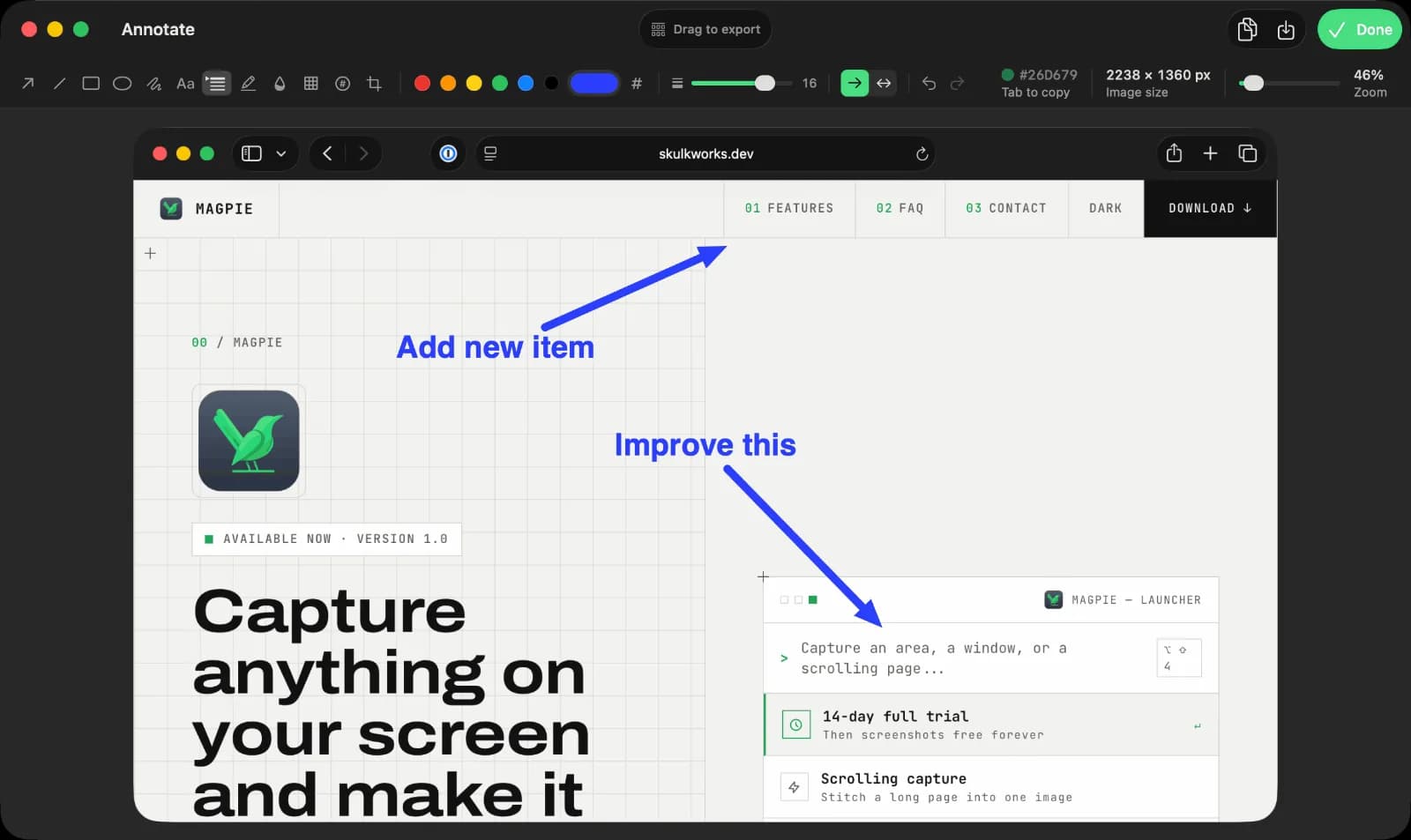
Productivity · $9.99 · one-time (14-day full-feature trial, then a free tier. One-time $9.99 Pro license covers three Macs.)
Screen capture, recording, and annotation for macOS
Before switching, identify the captures you may need to edit again. Export important final images and videos to common formats, and retain the originals. Do not assume another app can import a Snagit library, preserve its editable objects or reopen every project format.
For a trial, make one region capture, one scrolling capture and one recording. Annotate the image, cover a sensitive detail, export it and open the result in another app. For video, listen to both microphone and system audio; a recording that looks right may still be missing the sound you needed.
Screendrop is free and open source, while QuickRecorder covers free recording. Magpie keeps basic screenshot and annotation features free, with advanced features in Pro. For occasional captures, start with the Screenshot tools already included in macOS rather than assuming you need another app.
CleanShot X and Magpie document both. Check the relevant paid tier and try the page or app you actually capture. A feature list does not guarantee that every scrolling chat, embedded pane or long document stitches correctly.
It is a good candidate for the still-image part: capture, annotate, redact and share. Choose a broader tool or a separate recorder if video is a regular part of your work. Keep library migration and reusable documentation workflows on your checklist too.
Choose around the deliverable. If most work ends as an annotated image, use this comparison. If it ends as a hosted video people comment on or watch later, compare the recording, permission and sharing features in the Loom collection.
See more tools in Mac apps for designers.
Official product information checked 4 November 2026. These are researched workflow recommendations; no cross-app capture-accuracy benchmark is claimed.