
The color picker that checks your work.
Photo & Video
Sip
A native macOS color picker and manager — grab colors from anywhere, organize them into palettes, and check contrast and color-blind accessibility before you ship.
Free · One-time $29.99by Olá Brothers
Sip puts a fast color picker in the menu bar, plus a full window for organizing picked colors into palettes and sub-palettes, a contrast checker for accessibility, and simulation modes for several types of color blindness.
Why it makes the list
Most color pickers stop at hex codes. Sip is built around an actual design workflow — picking from anywhere on screen, organizing swatches into shared palettes, and checking a color's accessibility before it ships — as a lightweight native Mac app rather than a browser tool.
Standout features
- Menu bar picker for grabbing colors from anywhere on screen in one shortcut
- Palettes and sub-palettes for organizing colors by project or team
- Contrast checker plus color-blindness simulation (protanopia, deuteranopia, tritanopia, achromatopsia)
- Smart color profiles that carry values across different color spaces
- Color dock for keeping a shortlist of colors on screen while you work
Pricing
Free to try for 15 days, no credit card required. A Mac license is a one-time $29.99 per seat (includes 1 year of updates), with a 50% education discount and a 30-day money-back guarantee. Also available via Setapp.
More like Sip
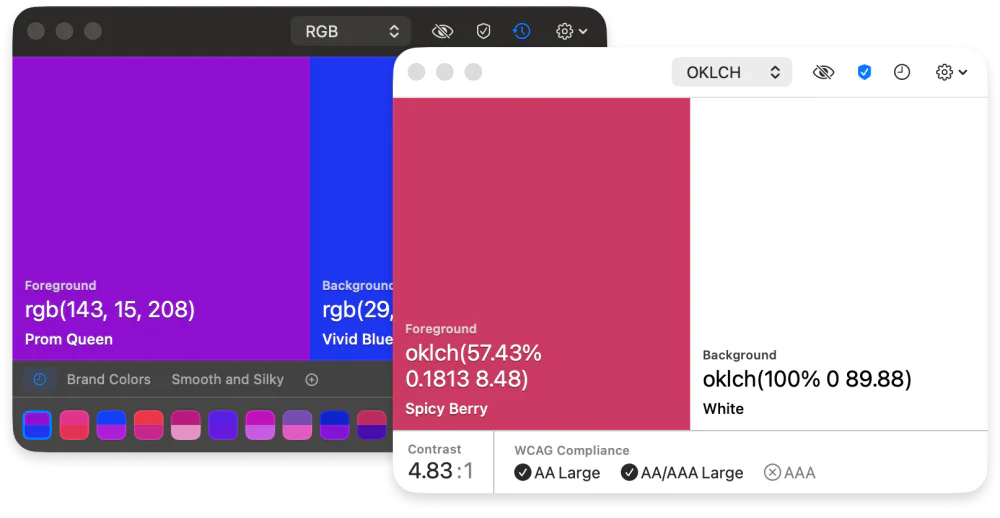
An open-source colour picker for macOS — pick any on-screen colour in Hex, RGB, HSB, HSL, LAB, or OKLCH, with full keyboard control.
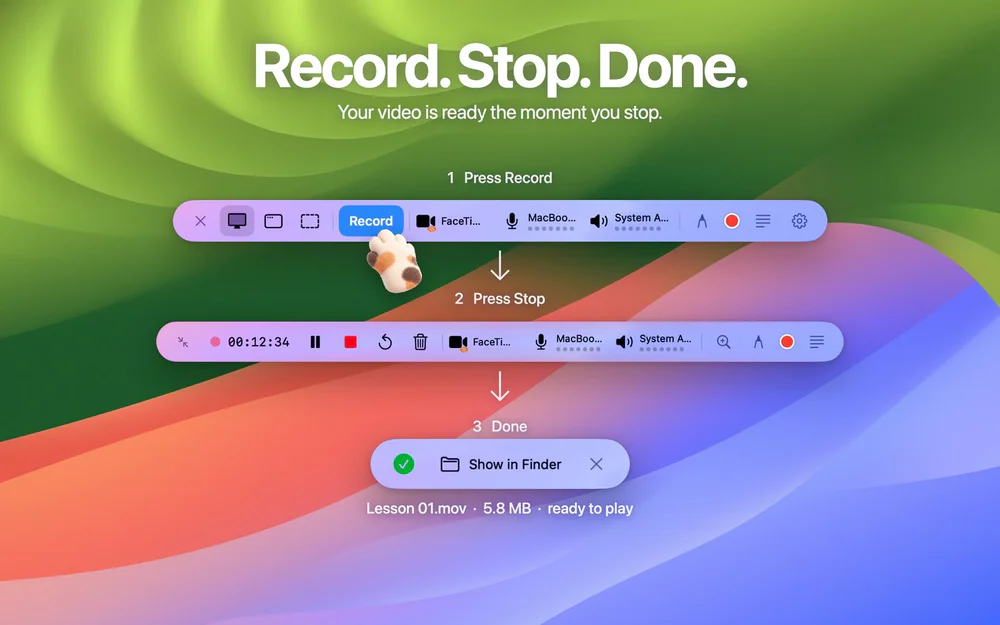

4.1 MB native Swift screen recorder for macOS — zero export wait, live pen, magnifier, 3D cat paw cursors & stealth teleprompter.
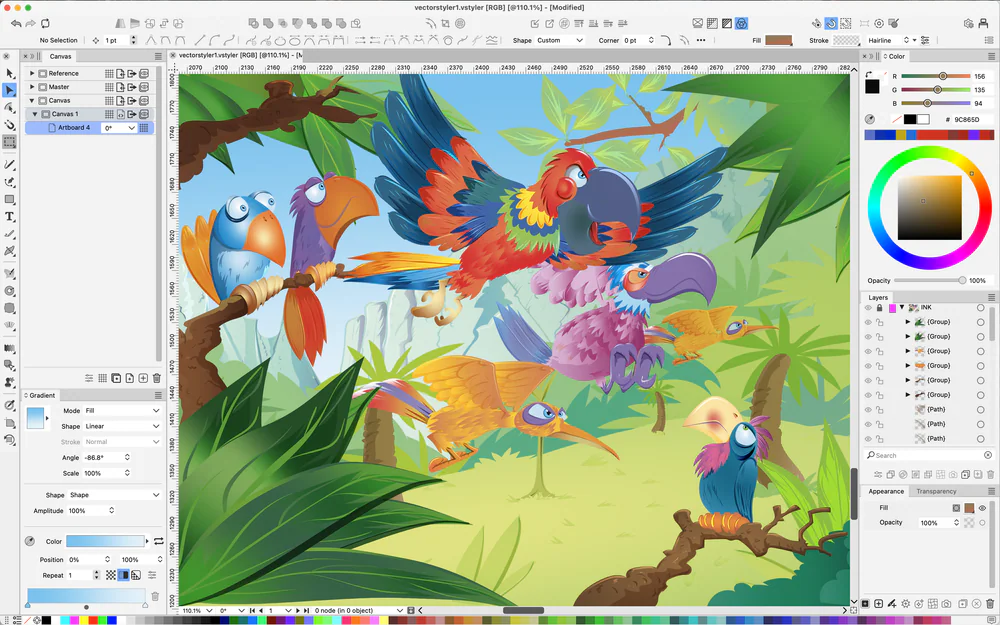
Vector illustration and design app with real vector brushes, non-destructive effects, freeform gradients and AI/PSD/SVG/PDF support. One-time purchase, no subscription.
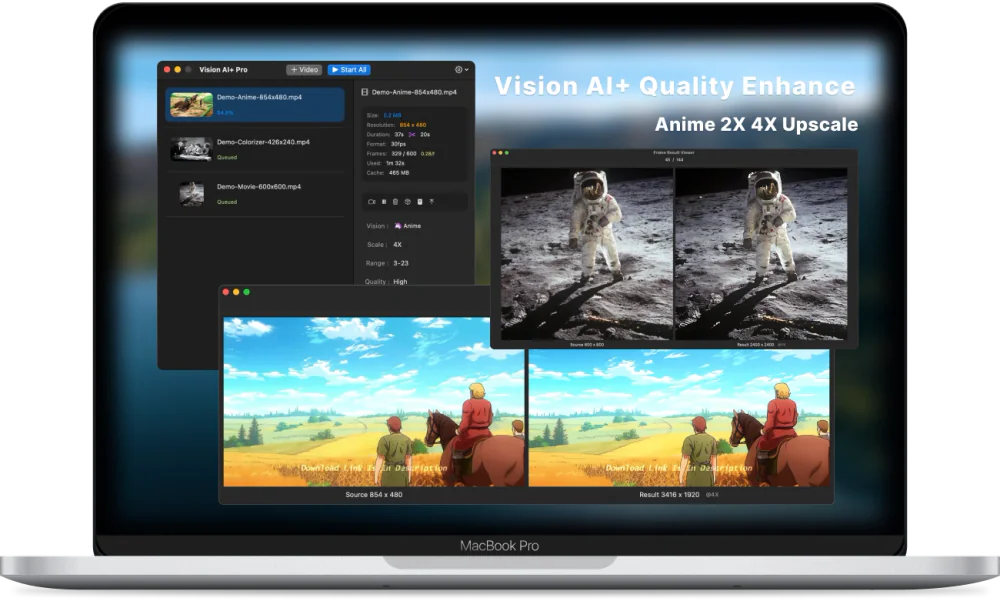
Enhance video locally on Mac with batch 2×/4× upscaling, detail restoration, colorization, and creative visual styles.
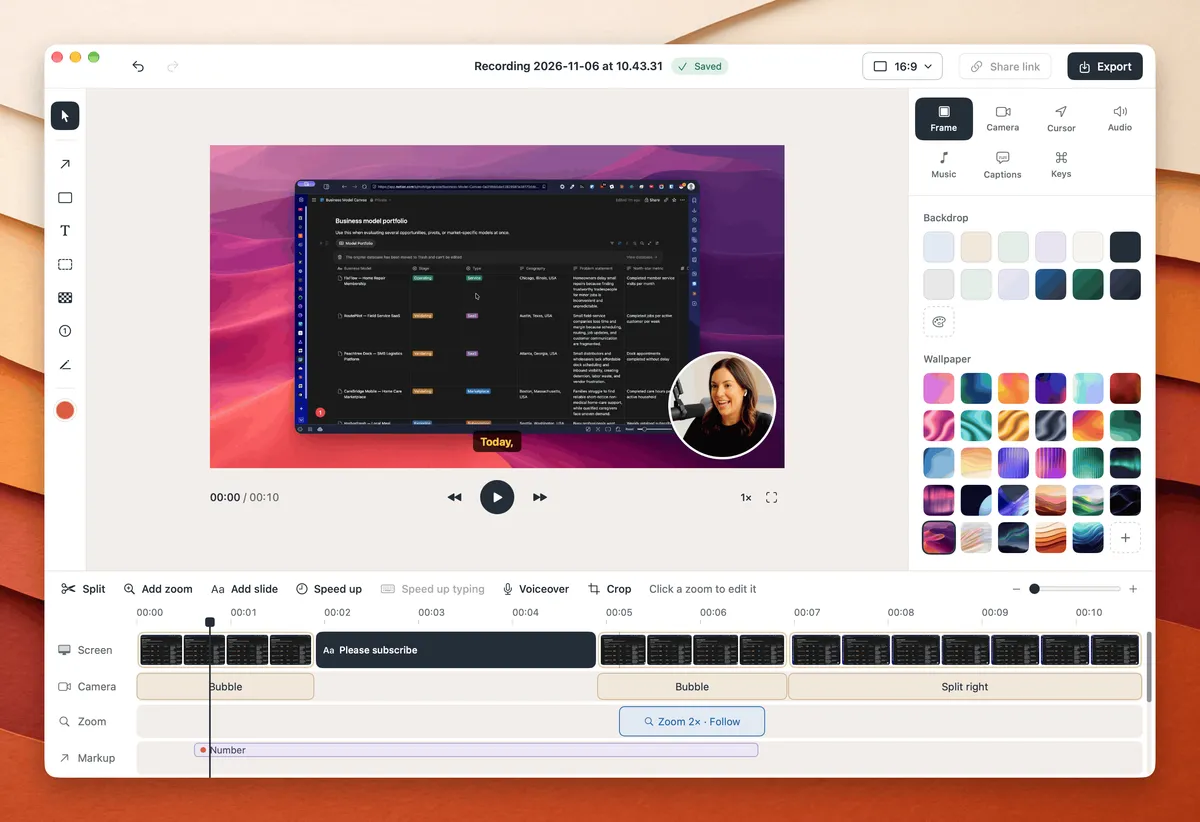

Mac screen recorder that edits for you: a zoom on every click, captions made on your Mac, eight camera layouts. Pay once.