Photo & Video · Free · Lifetime $29.99
A native vector illustration app for Mac — Bezier drawing, unlimited artboards, and full SVG/PDF/AI export, built as a Mac-first alternative to Illustrator.
Vector illustration and design app with real vector brushes, non-destructive effects, freeform gradients and AI/PSD/SVG/PDF support. One-time purchase, no subscription.
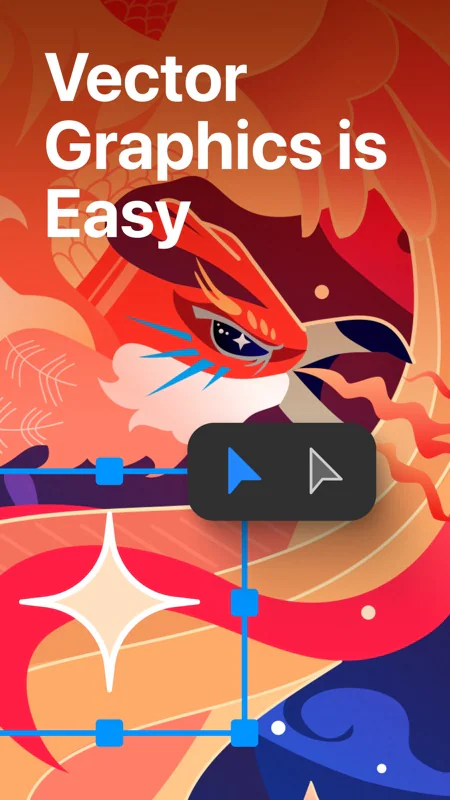
VectorStyler is a professional vector graphics and illustration app for Mac and Windows, made for scalable artwork, drawings and designs for print and screen. It pairs the familiar drawing tools you'd expect from Adobe Illustrator with advanced brushes, live effects and procedural features, and it's sold as a one-time purchase with no subscription.
Import and export AI, PDF, SVG, PSD, DWG, DXF, PNG and TIFF. Illustrator files open with editable attributes intact, and PSD files keep their layer hierarchy and editable vectors.
Photo & Video · Free · Lifetime $29.99
A native vector illustration app for Mac — Bezier drawing, unlimited artboards, and full SVG/PDF/AI export, built as a Mac-first alternative to Illustrator.
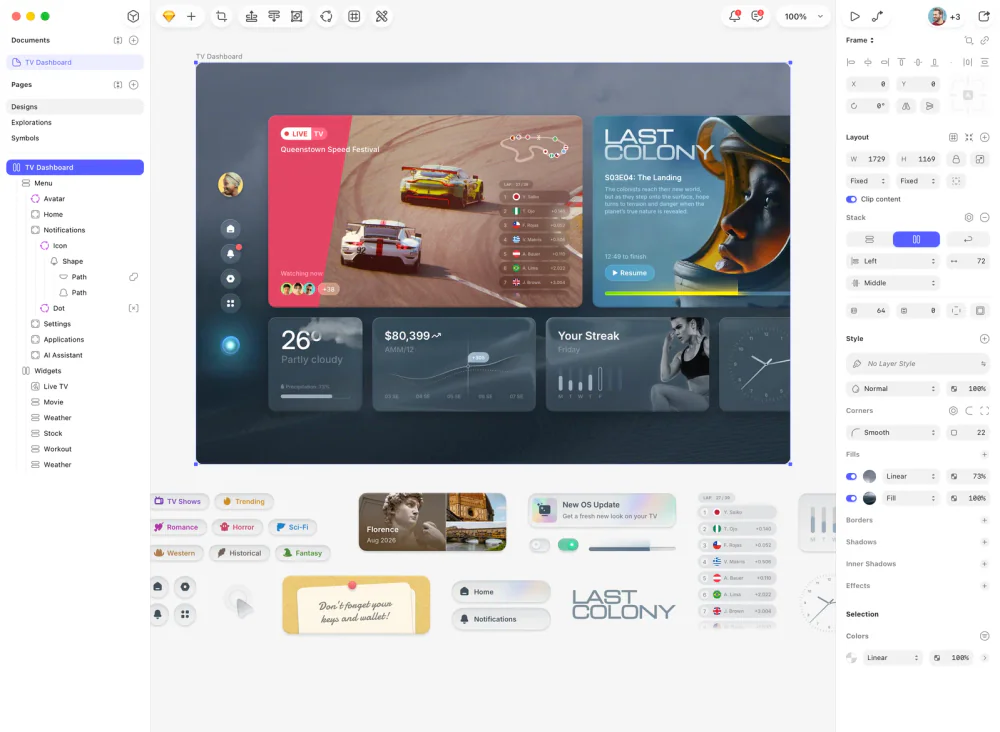
Photo & Video · $120 · one-time (Mac-only license)
The native Mac app that defined modern UI design — vector editing, components, and prototyping, with a one-time Mac-only license alongside its cloud subscription.

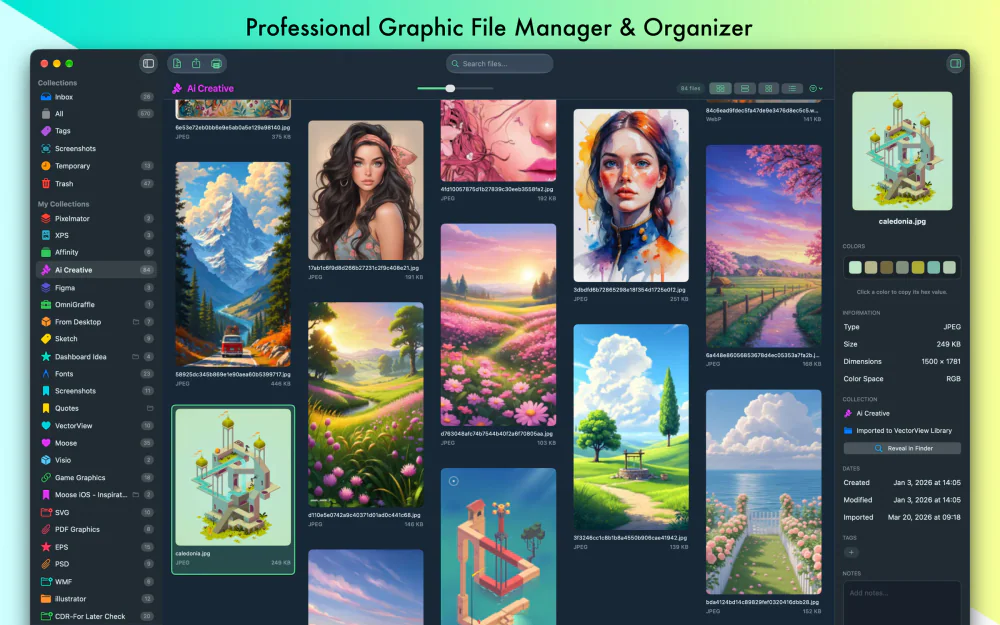
Photo & Video · Free · https://apps.apple.com/us/app/vectorview/id1172866932 $2.99
VectorView: The Professional Graphic File Manager for Mac
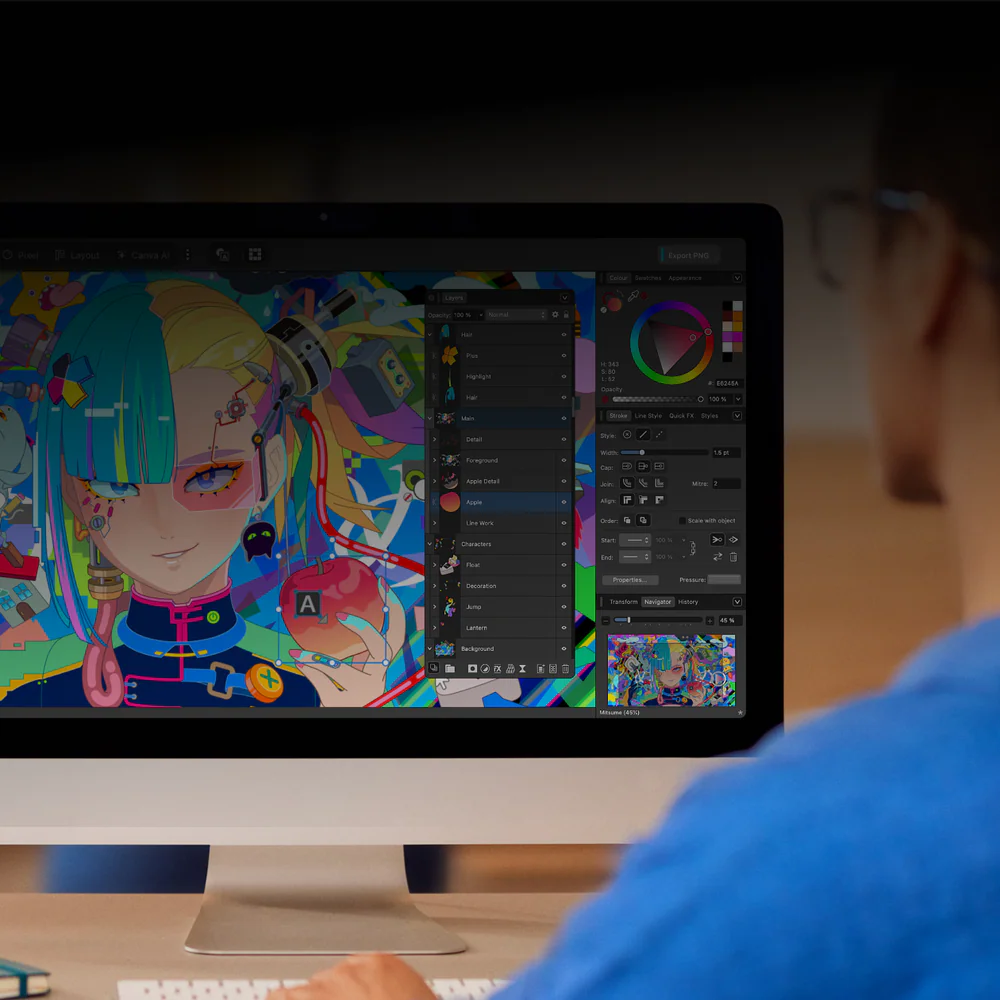
Photo & Video · Free
Canva's free, unified native design app for Mac — vector illustration, photo editing, and page layout (formerly Designer, Photo, and Publisher) in one window.
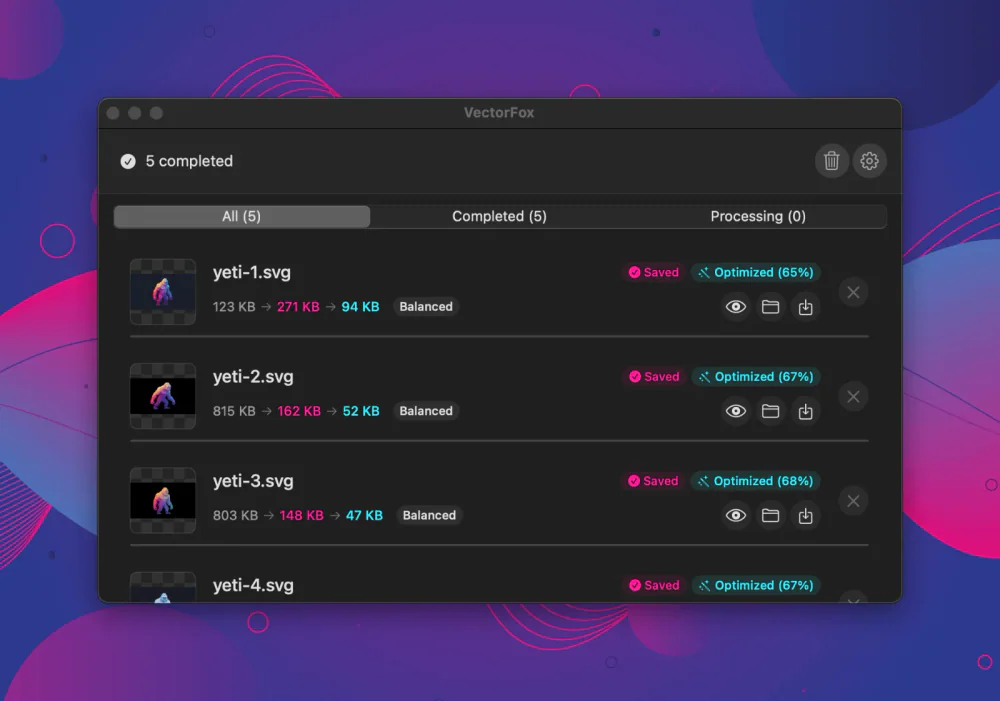
Photo & Video · $9.99 · one-time (14-day full-feature trial, then a free tier. One-time $9.99 Pro license covers three Macs.)
Raster to SVG for macOS, with real gradients
Utilities · Free & open source
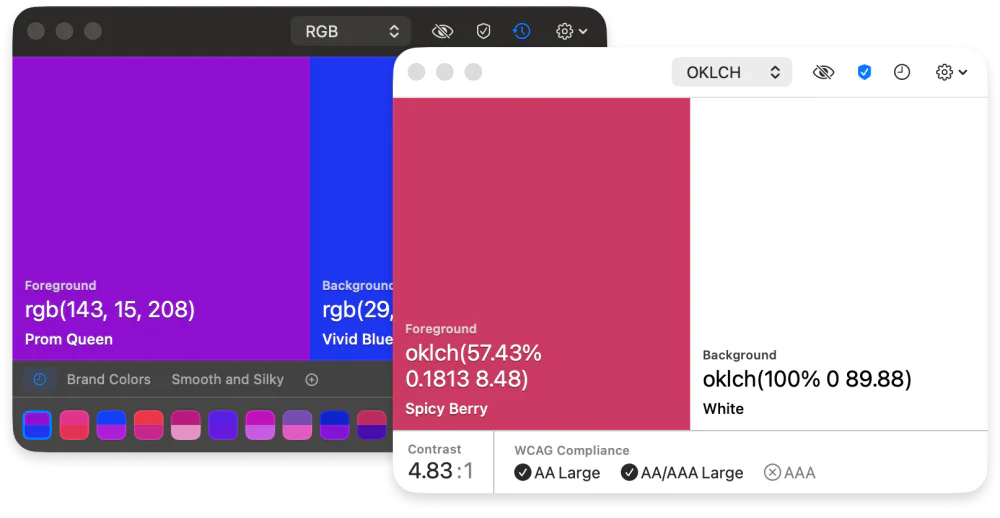
An open-source colour picker for macOS — pick any on-screen colour in Hex, RGB, HSB, HSL, LAB, or OKLCH, with full keyboard control.