
Photo & Video · Free · One-time $29.99
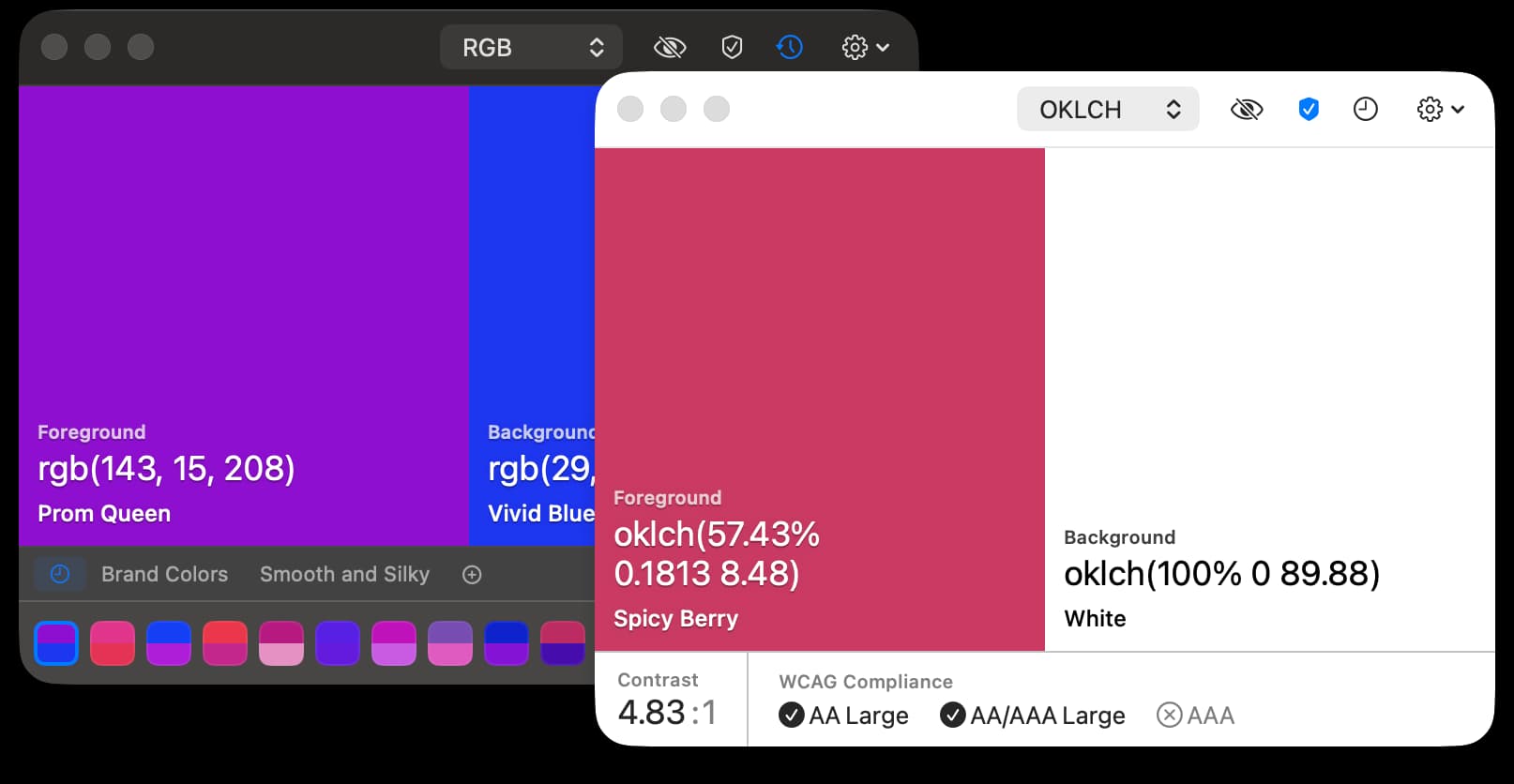
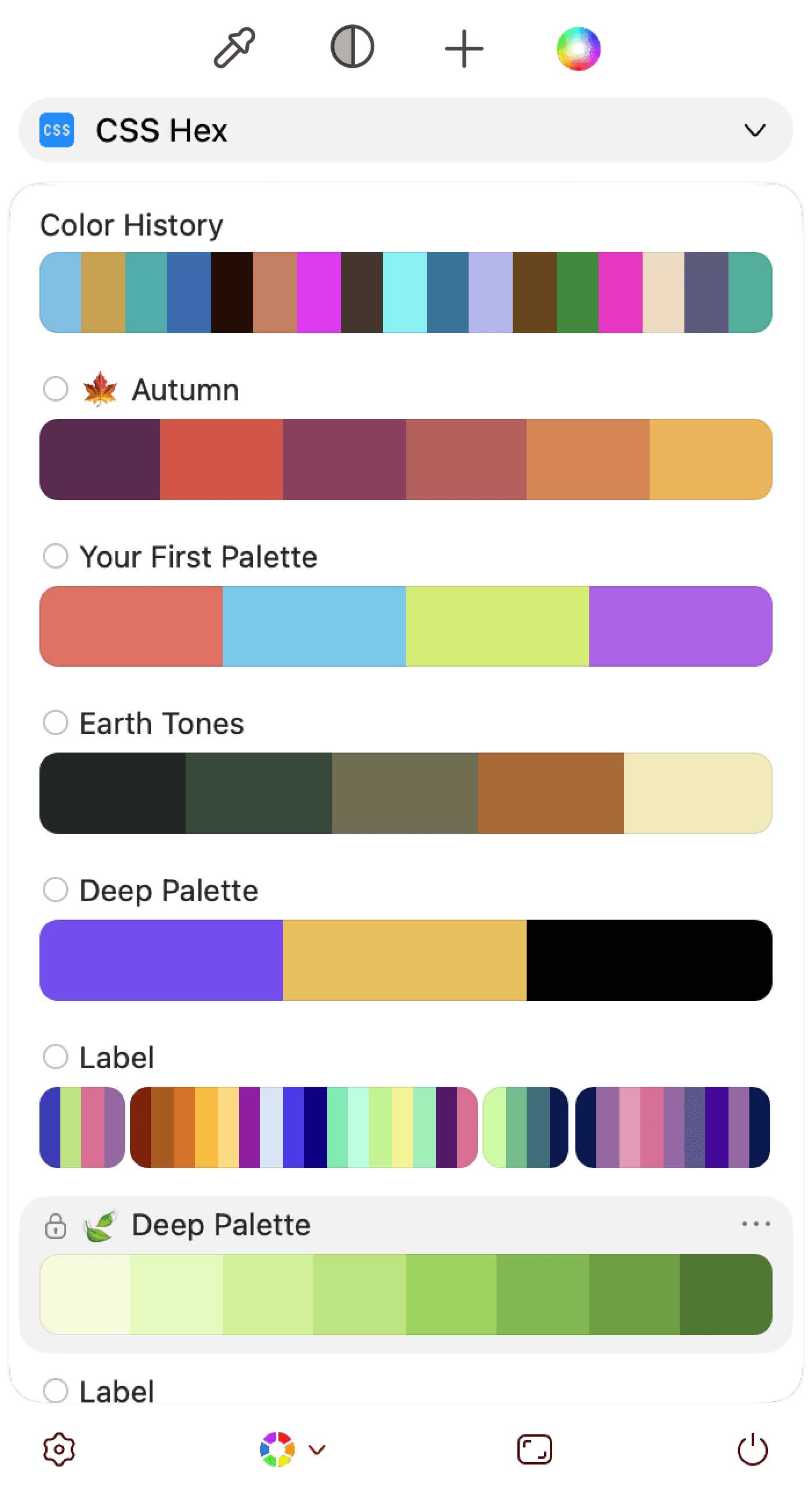
A native macOS color picker and manager — grab colors from anywhere, organize them into palettes, and check contrast and color-blind accessibility before you ship.
The color picker that checks your work.
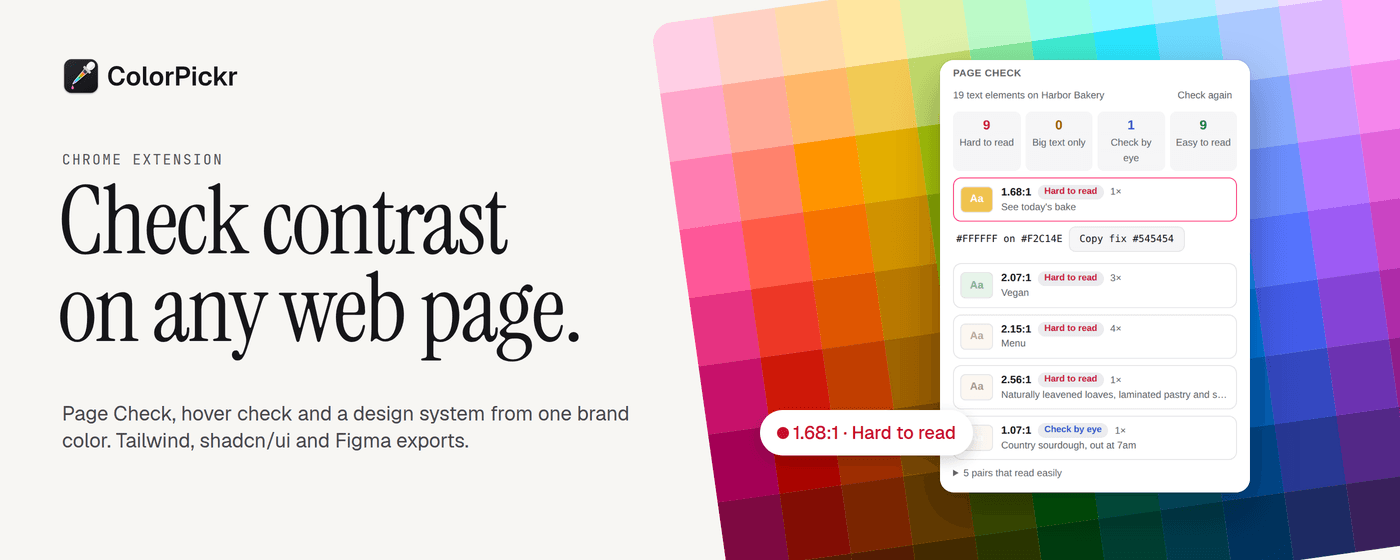
ColorPickr lives in your menu bar. Press ⌃⌥C, click any pixel and the color lands on your clipboard in the format the app you're working in expects: SwiftUI in Xcode, HEX in VS Code or Figma. It also names the color in plain words, like "dark grayish blue".
Free, forever: the picker and loupe, every format (HEX, RGB, HSL, HSB, CMYK, OKLCH, Lab, Display P3, SwiftUI, NSColor, UIColor), history, WCAG 2 and APCA contrast with fixes that keep the hue, color blindness simulation, palettes, the OKLCH Color Wheel, gradients, and CSS and CSV export.
ColorPickr Pro, $19.99 once:
Native SwiftUI, macOS 14 or later, Apple Silicon and Intel. No subscription. No account. No tracking.
Photo & Video · Free · One-time $29.99
A native macOS color picker and manager — grab colors from anywhere, organize them into palettes, and check contrast and color-blind accessibility before you ship.
Utilities · Free & open source
An open-source colour picker for macOS — pick any on-screen colour in Hex, RGB, HSB, HSL, LAB, or OKLCH, with full keyboard control.

Developer Tools · Free
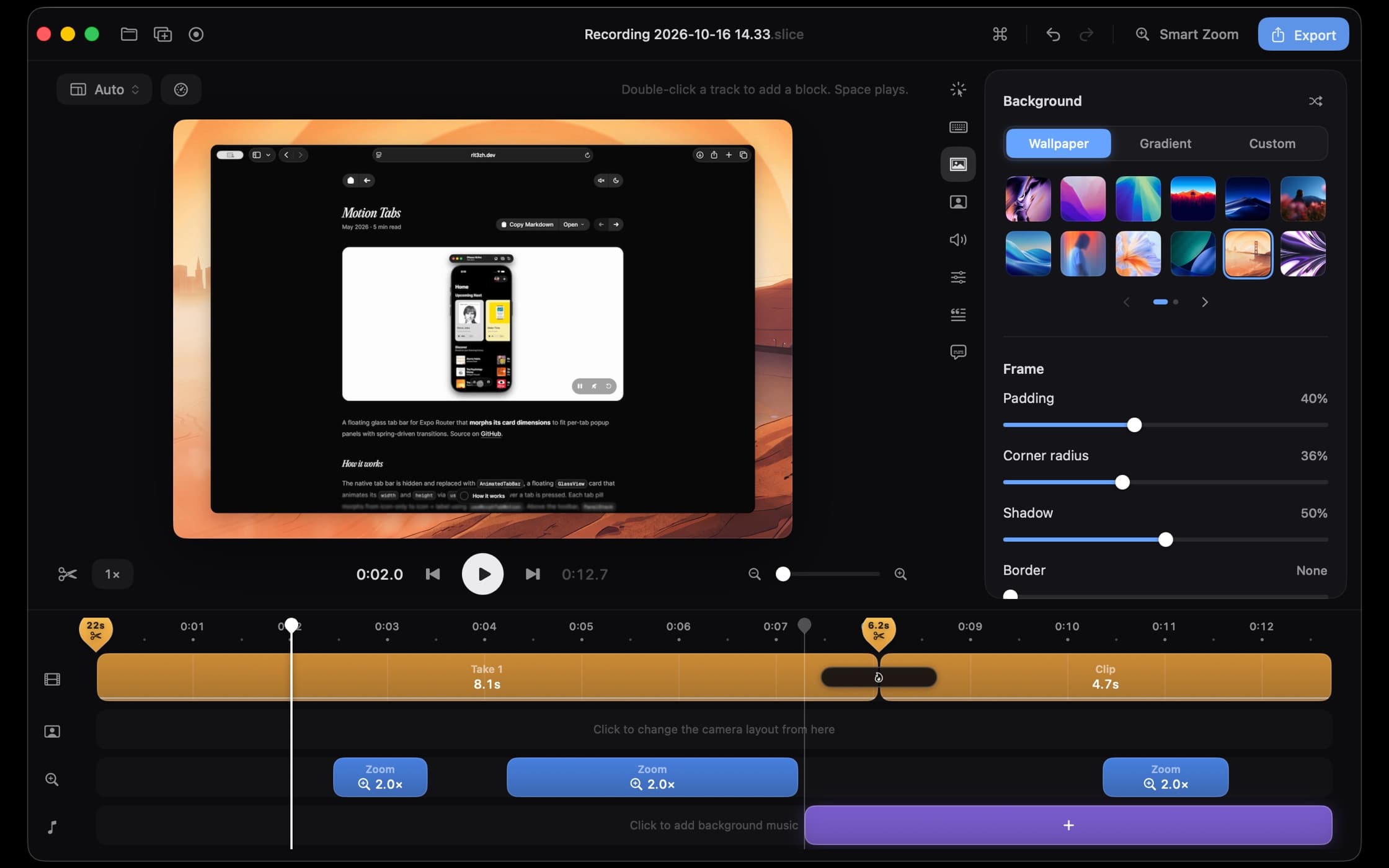
A native macOS screen recorder and video editor built with SwiftUI, with smooth zooms, cursor effects, and polished demos.
Developer Tools · $19.99 · one-time
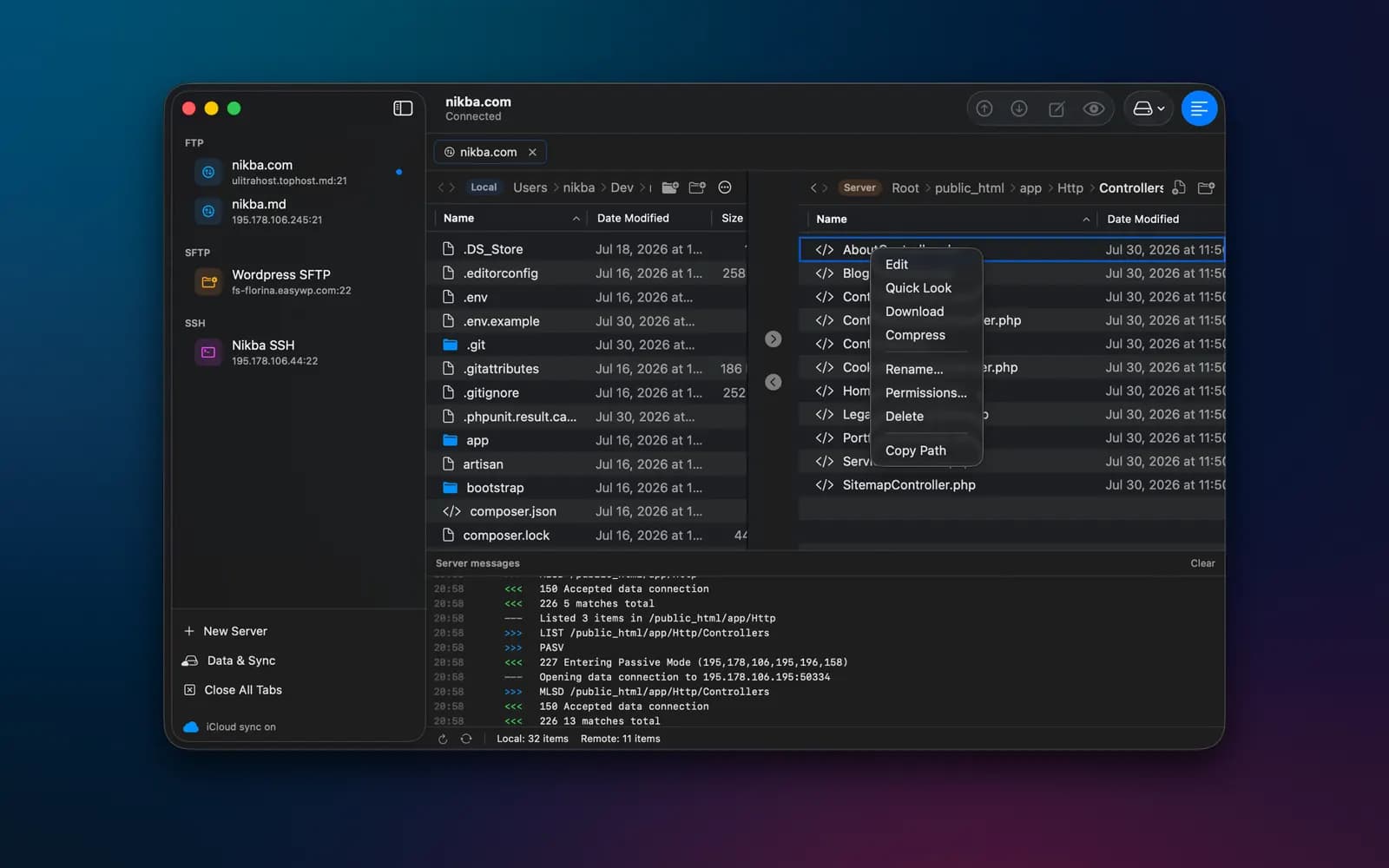
Native FTP, SFTP and SSH client for Mac

Developer Tools · $19 · one-time (14-day free trial with everything switched on.)
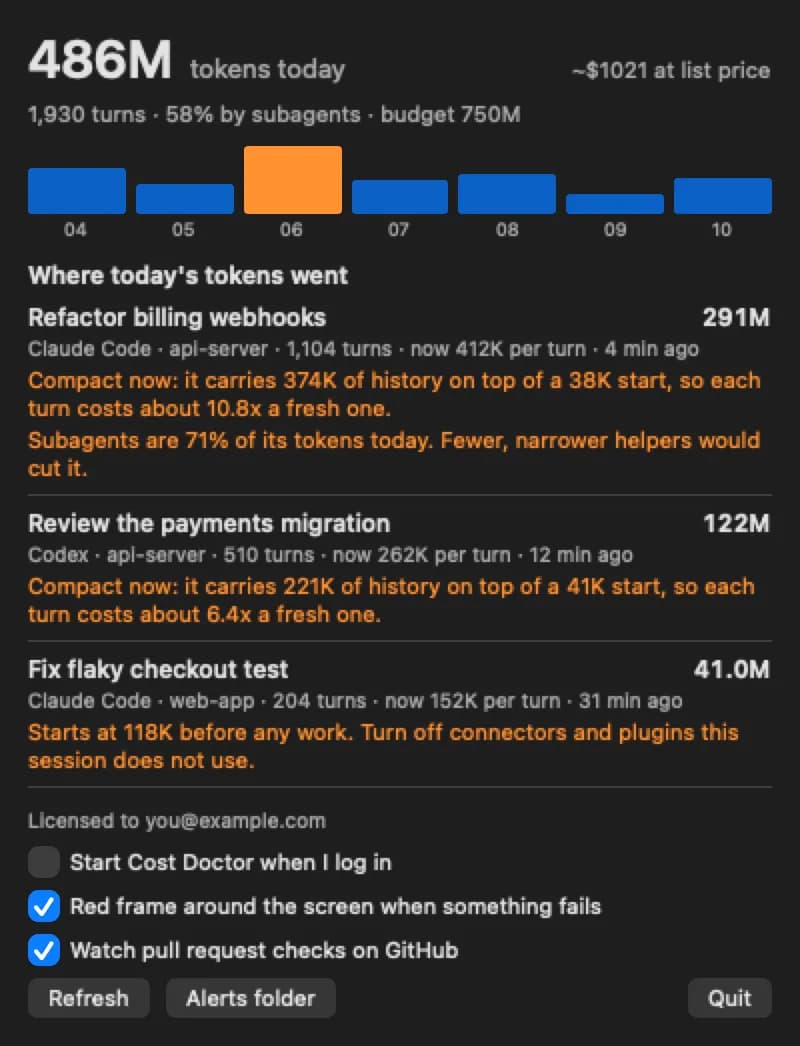
A Mac menu bar app that shows which Claude Code or Codex session is using your tokens, and why.

Developer Tools · Free
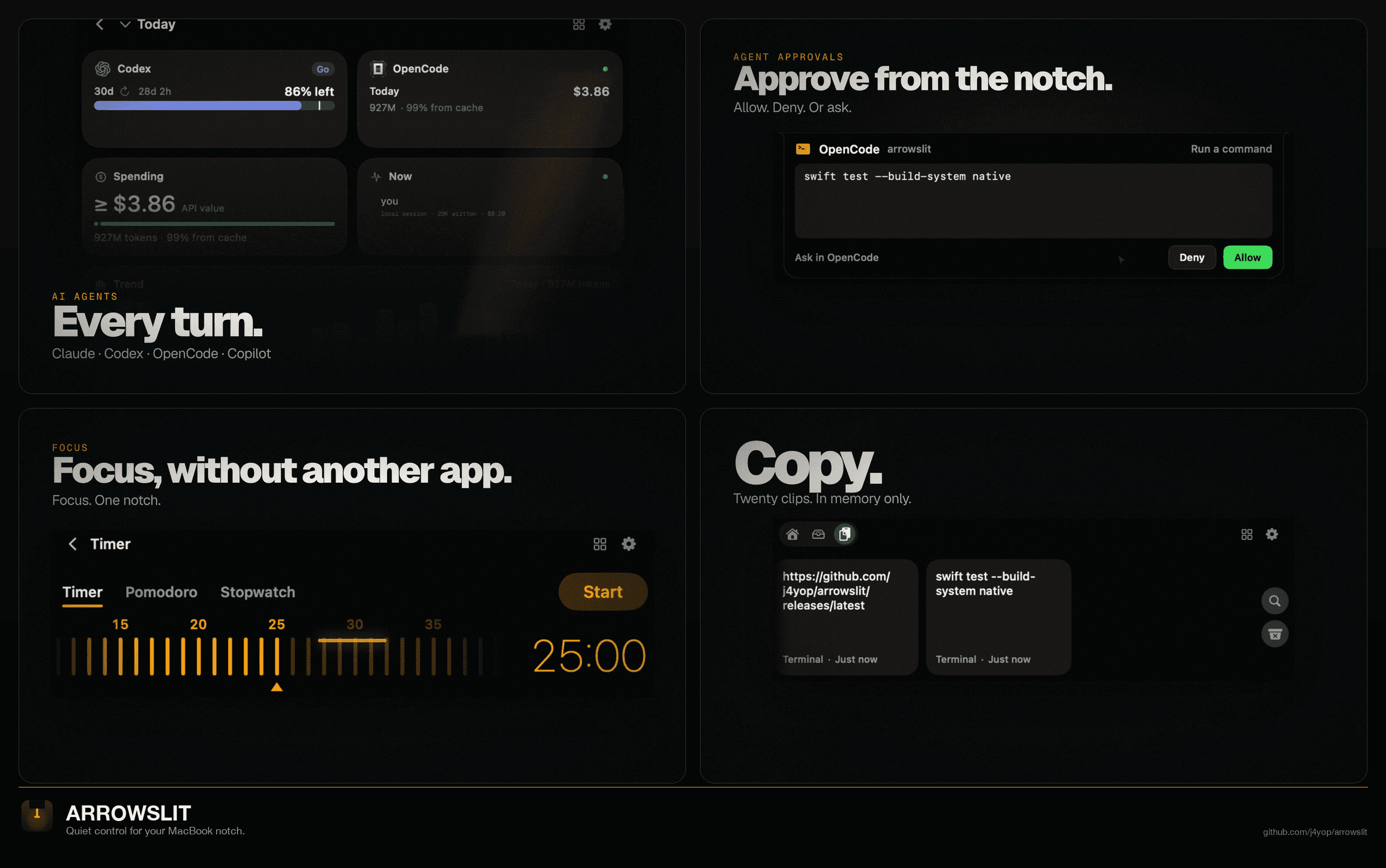
Quiet control for your MacBook notch: AI agent spend and approvals, timers, calendar, clipboard, files, media and stats.