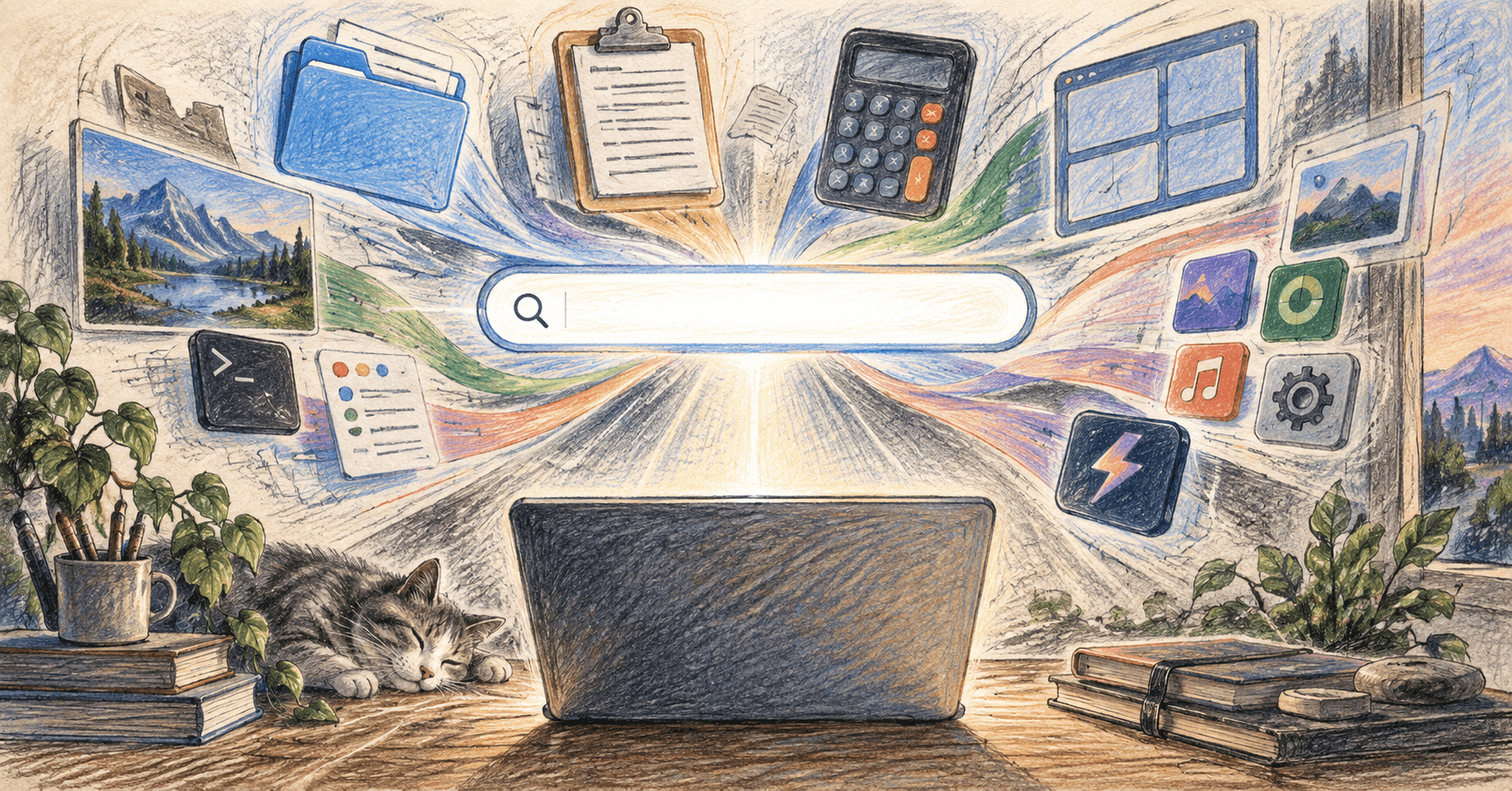
The best Spotlight alternatives for Mac keep the one thing Spotlight gets right — a hotkey and a text field — and add everything it doesn't. If you hit ⌘Space fifty times a day, a real launcher pays for itself in the first week.
What Spotlight still can't do
macOS Spotlight has improved, but it's still just search plus a few conversions. A dedicated launcher turns that same box into a command line for your whole machine:
- Clipboard history — every recent copy, searchable, no separate app.
- Window management — halves, thirds, and fullscreen from the same bar.
- Snippets and text expansion — canned replies, email addresses, boilerplate.
- App and file aliases — rename "Google Chrome" to "browser" so it matches how you think.
- Extensions — control music, search GitHub or Jira, run a shell script, check the weather, do unit math.
The pick
- Raycast — Fast, keyboard-first, and free for everything above. The extension store is the real advantage: most people install it and delete two or three single-purpose utilities the same day. It stays responsive as you add more, and the design feels native rather than bolted on. Pro (from $8/mo) adds cloud sync and built-in AI, but the free tier is a complete product.
AI & Automation · Free · Pro $8
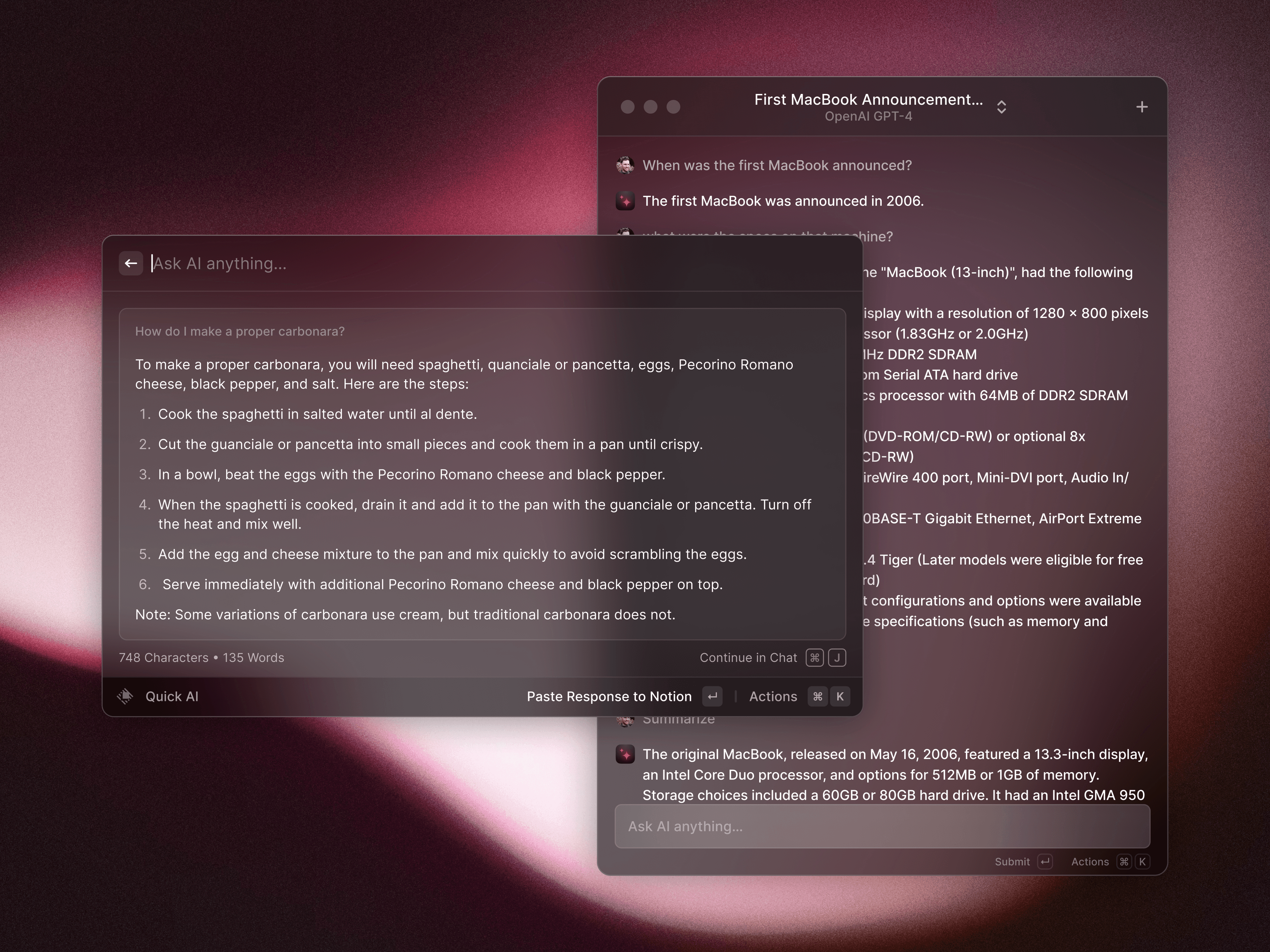
A blazing-fast, keyboard-first launcher that folds clipboard history, window management, snippets, an extension store, and AI into one command bar.
The paid classics
- Alfred and LaunchBar are the long-standing alternatives, aimed at people who want to build deep custom workflows and are happy to pay once for a perpetual license. Both are mature; neither has matched Raycast's extension ecosystem.
How to switch
Reassign Spotlight's ⌘Space shortcut in System Settings → Keyboard, point it at your new launcher, and use it exclusively for a week. If you don't miss anything, the move is done — most people don't go back.
The test of a launcher isn't features, it's whether your hands stop reaching for the trackpad.
More in AI & Automation.