
Utilities · $5.99 · one-time (7-day trial, then lifetime unlock)
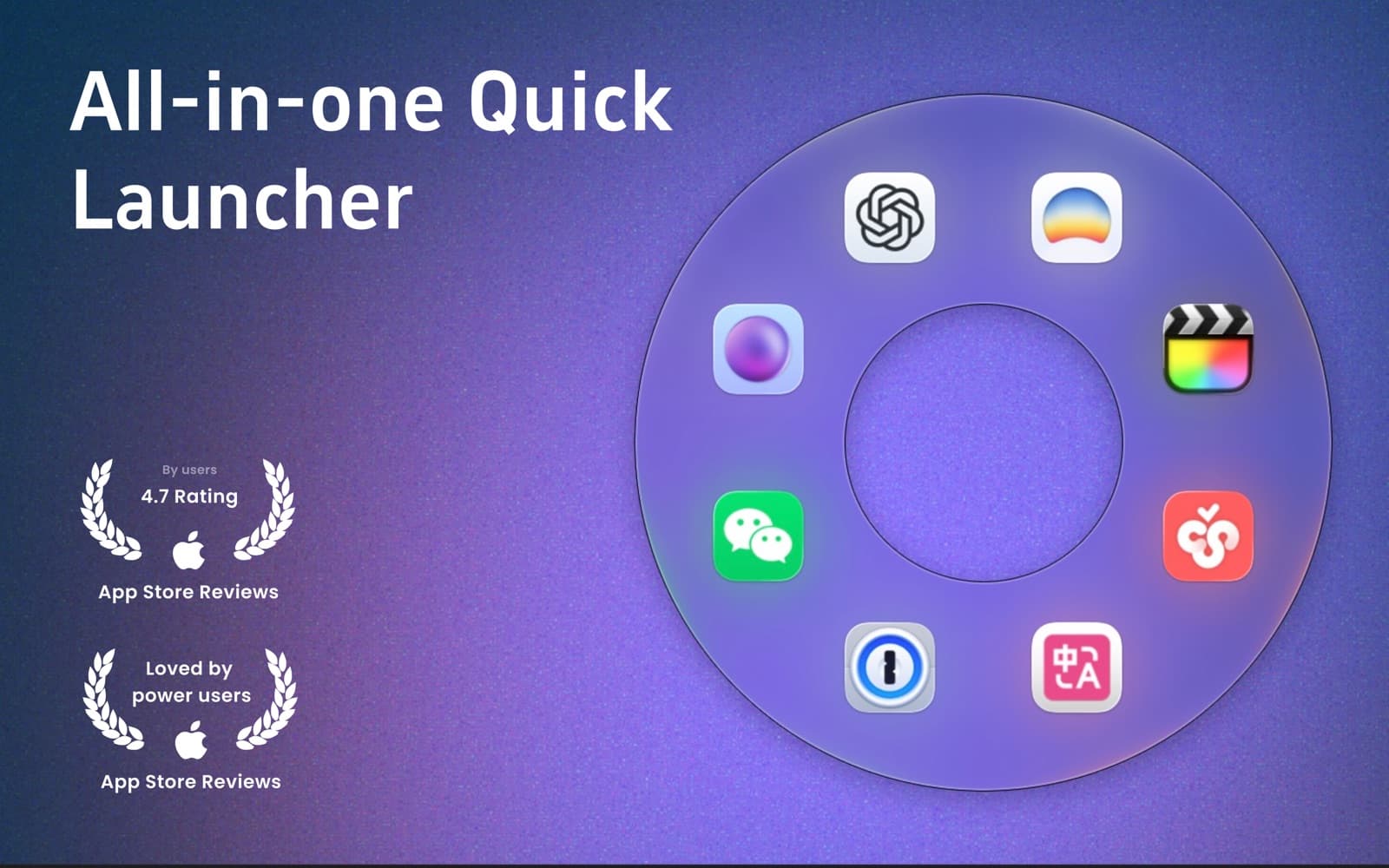
Circular macOS launcher: gesture-open an orbit of apps, files, folders, and sites.
An open-source menu bar manager for macOS 26 — hide, arrange, and search your menu bar items with a floating bar and full glass styling.
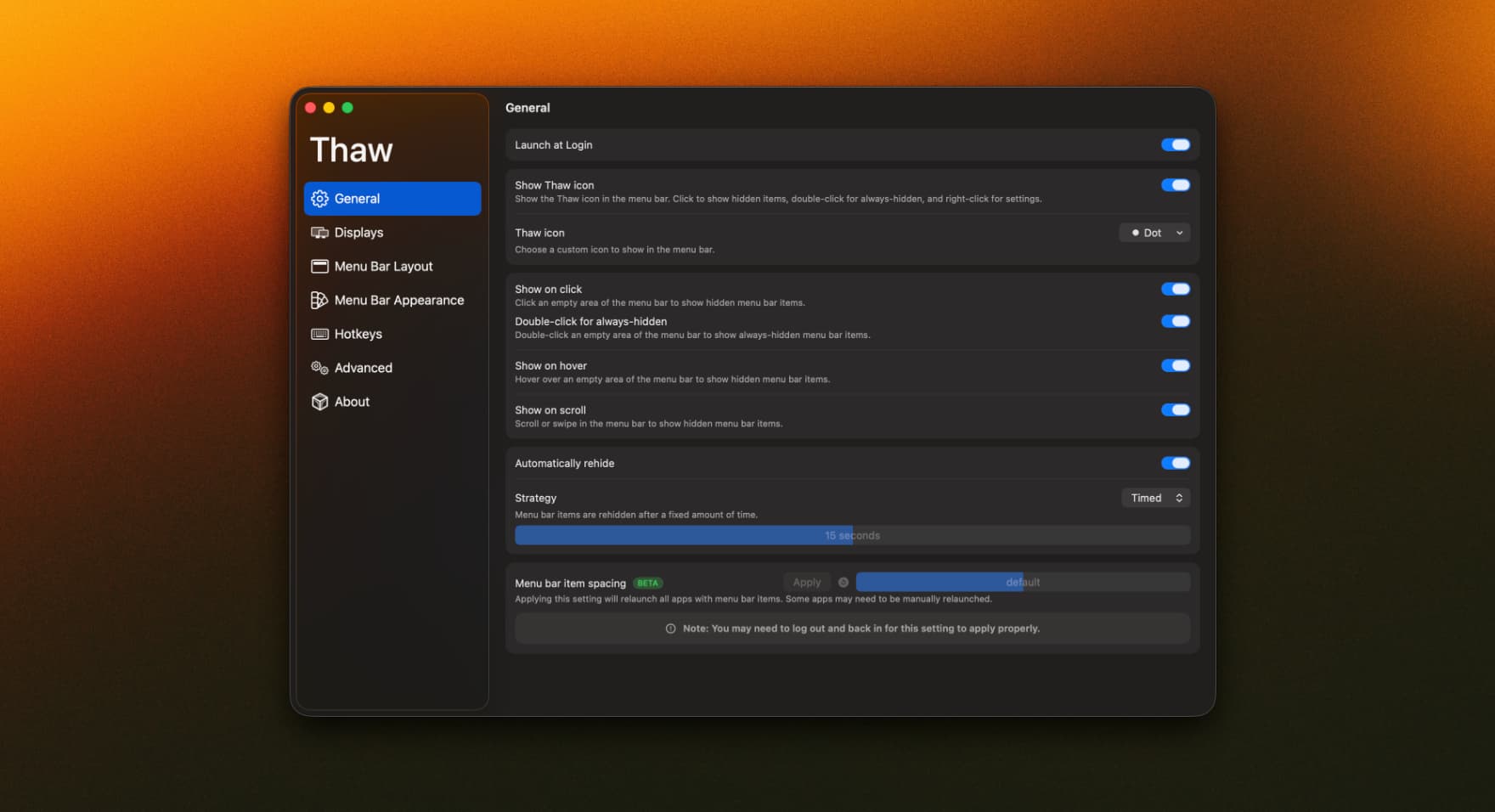
Thaw takes over your Mac's menu bar the way Bartender and Hidden Bar always have, but built natively for macOS 26's redesigned glass interface. Drag items into Hidden, Always Hidden, or a floating always-on-top bar, then bring them back with a click, a hotkey, or a search.
Menu bar management has always been a paid-app category — Bartender's licence alone runs into real money. Thaw covers the same ground for free and open source, and because it's built specifically around macOS 26's redesigned menu bar, it handles the new glass materials, spacing, and Control Center quirks that older menu bar tools weren't built for.
Completely free and open source (GPL-3.0).
Utilities · $5.99 · one-time (7-day trial, then lifetime unlock)
Circular macOS launcher: gesture-open an orbit of apps, files, folders, and sites.

Utilities · $22 · one-time
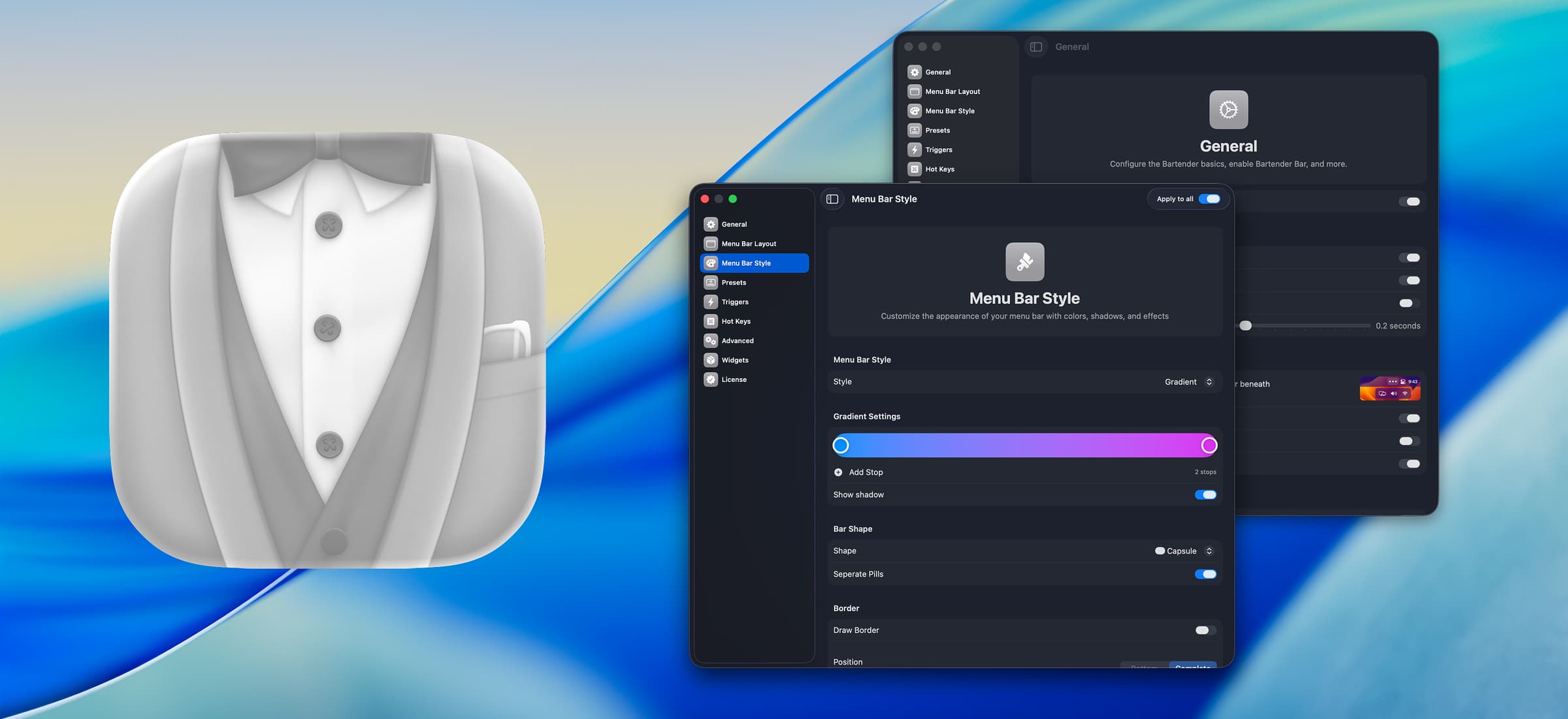
Take control of a crowded menu bar — hide items you rarely need, reveal them on a trigger, and style the whole bar to taste.

Utilities · Free & open source
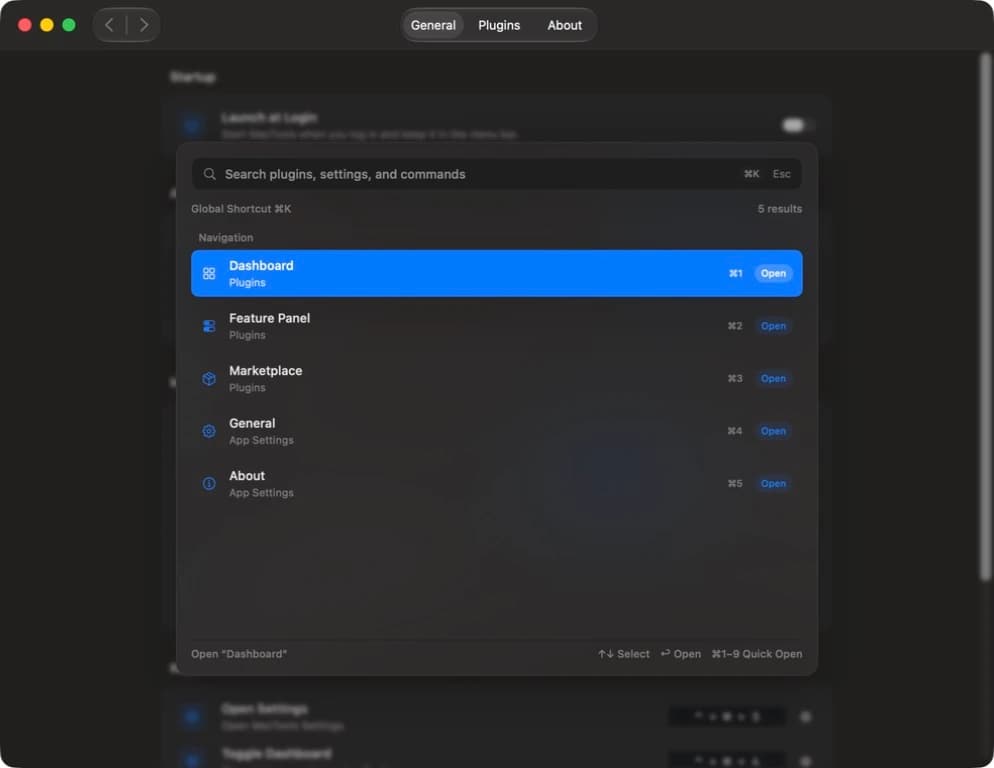
A free, open-source collection of native macOS menu bar tools — unified under one searchable command palette.

Writing & Documents · $19.99 · one-time (Paid for major upgrades (for example 1.x -> 2.x))
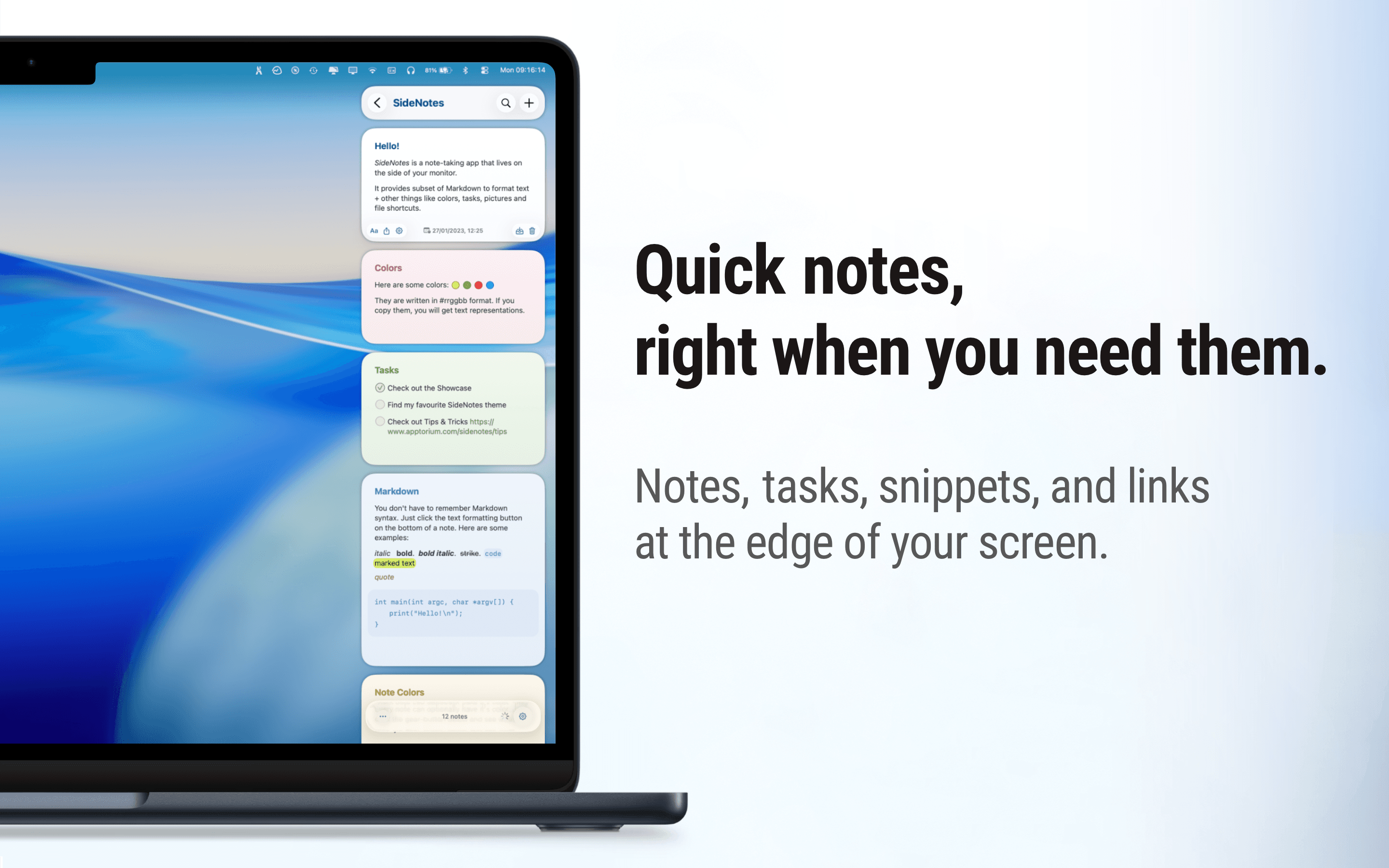
Native macOS notes that slide out from your screen edge, so you can capture tasks, links, and snippets without leaving your work.

Utilities · Free & open source
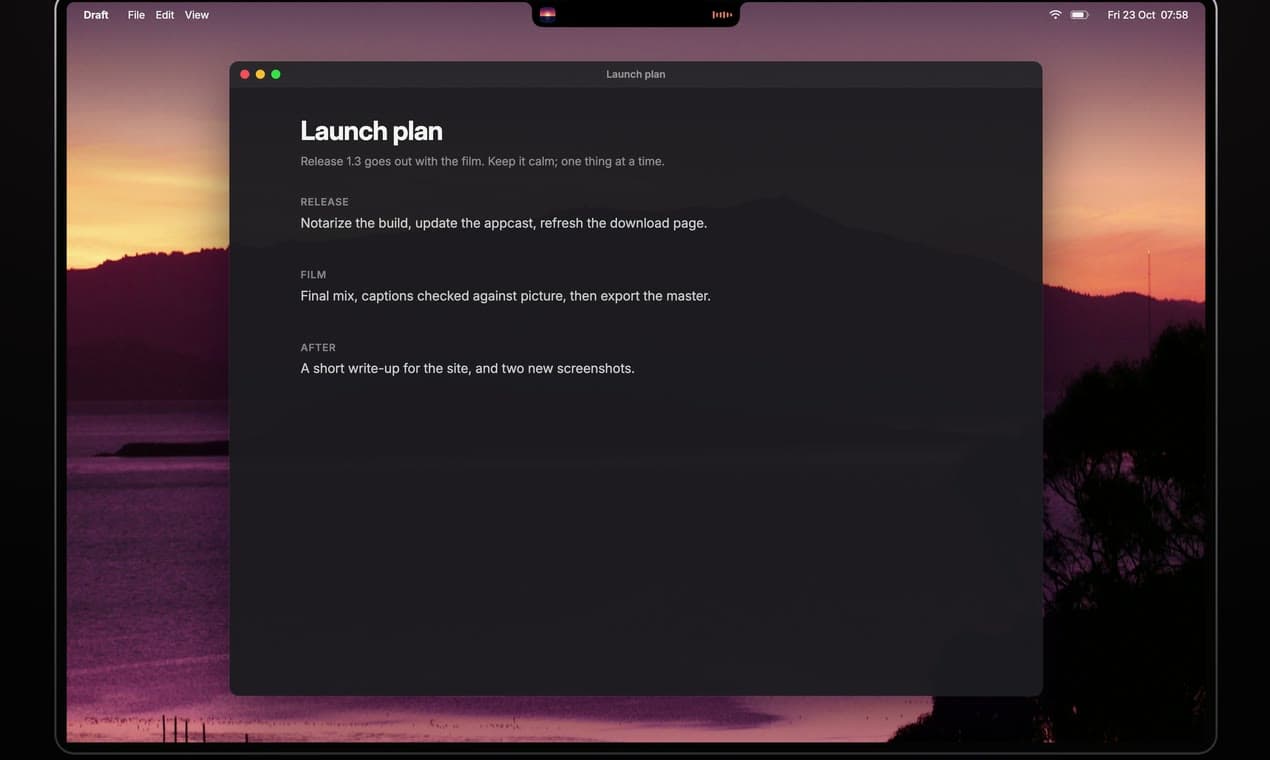
Free, open-source notch app for MacBook: now playing, a focus timer, your next meeting, weather, notes and Keep Awake.

Utilities · Free · Pro
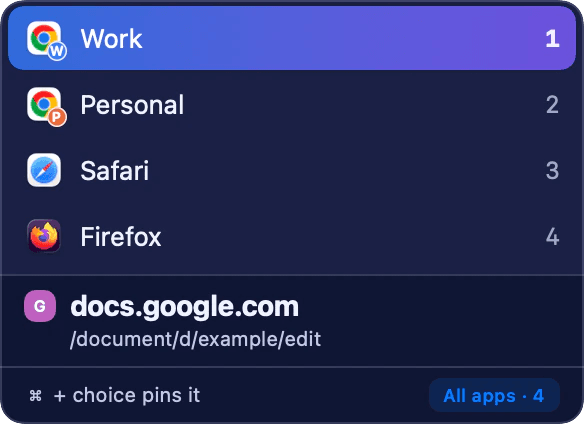
Native Mac link router: sends each clicked link to the browser, Chrome Profile or Arc Space you meant.