

Take control of a crowded menu bar — hide items you rarely need, reveal them on a trigger, and style the whole bar to taste.
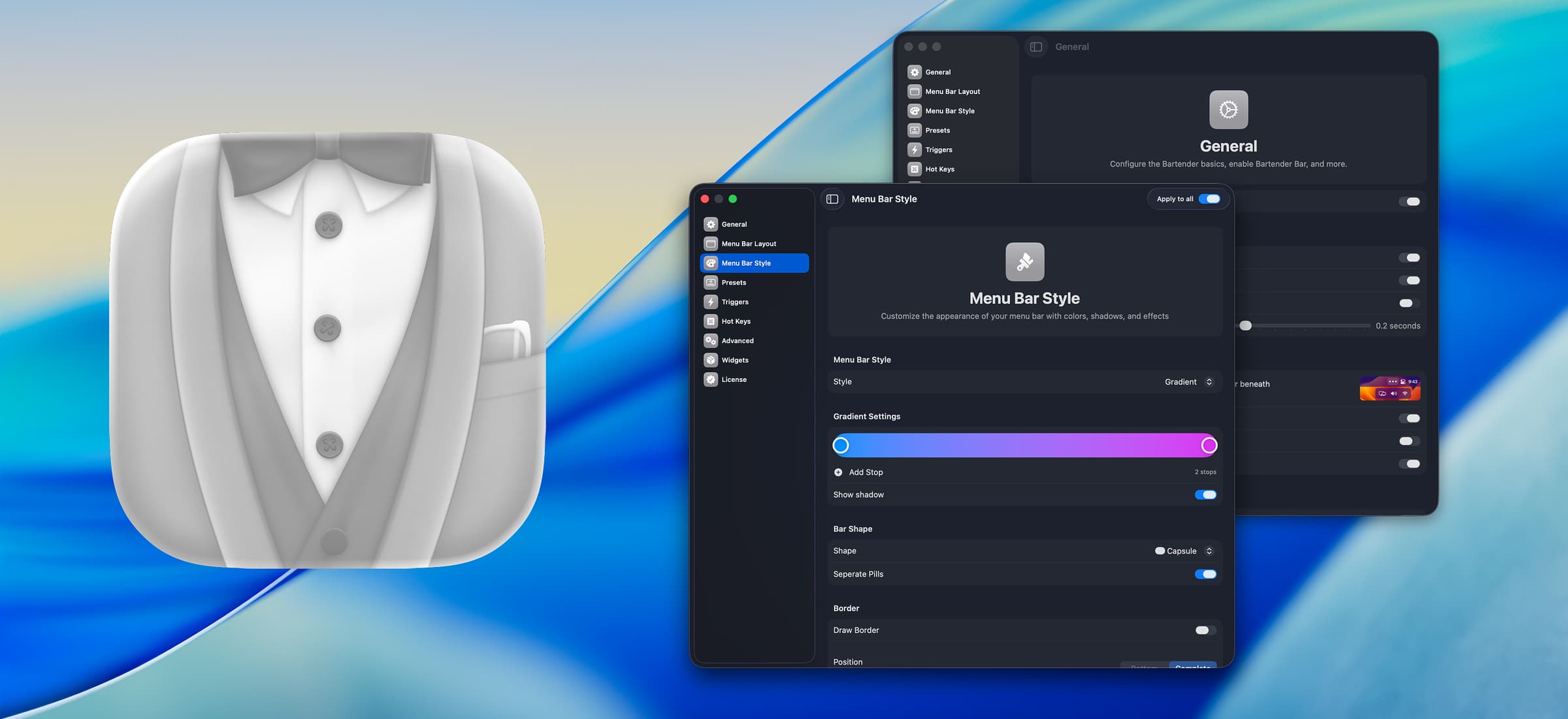
Bartender organizes the macOS menu bar. Move the icons you do not need out of sight into a secondary bar, keep the essentials visible, and pull the rest back with a click, a hotkey, or automatically when something changes.
Why it makes the list
On a modern Mac with a notch, menu-bar space is genuinely scarce, and Bartender has been the answer since long before the notch existed. Version 6 adds a native styling engine, quick search across every hidden item, and triggers that show an icon only when it matters — a low battery, an active VPN, a change in volume.
Standout features
-
Hide and reorder any menu-bar item, including system ones
-
Triggers — reveal an item on schedule or when its appearance changes
-
Quick Search to jump to any icon by name
-
Menu bar styling: spacing, tint, rounded corners, and custom backgrounds
-
Hover and keyboard navigation of the hidden bar
-
Presets for switching layouts between contexts
Pricing
A one-time purchase (around $22, with a discounted upgrade path) and a free four-week trial.
More in Utilities
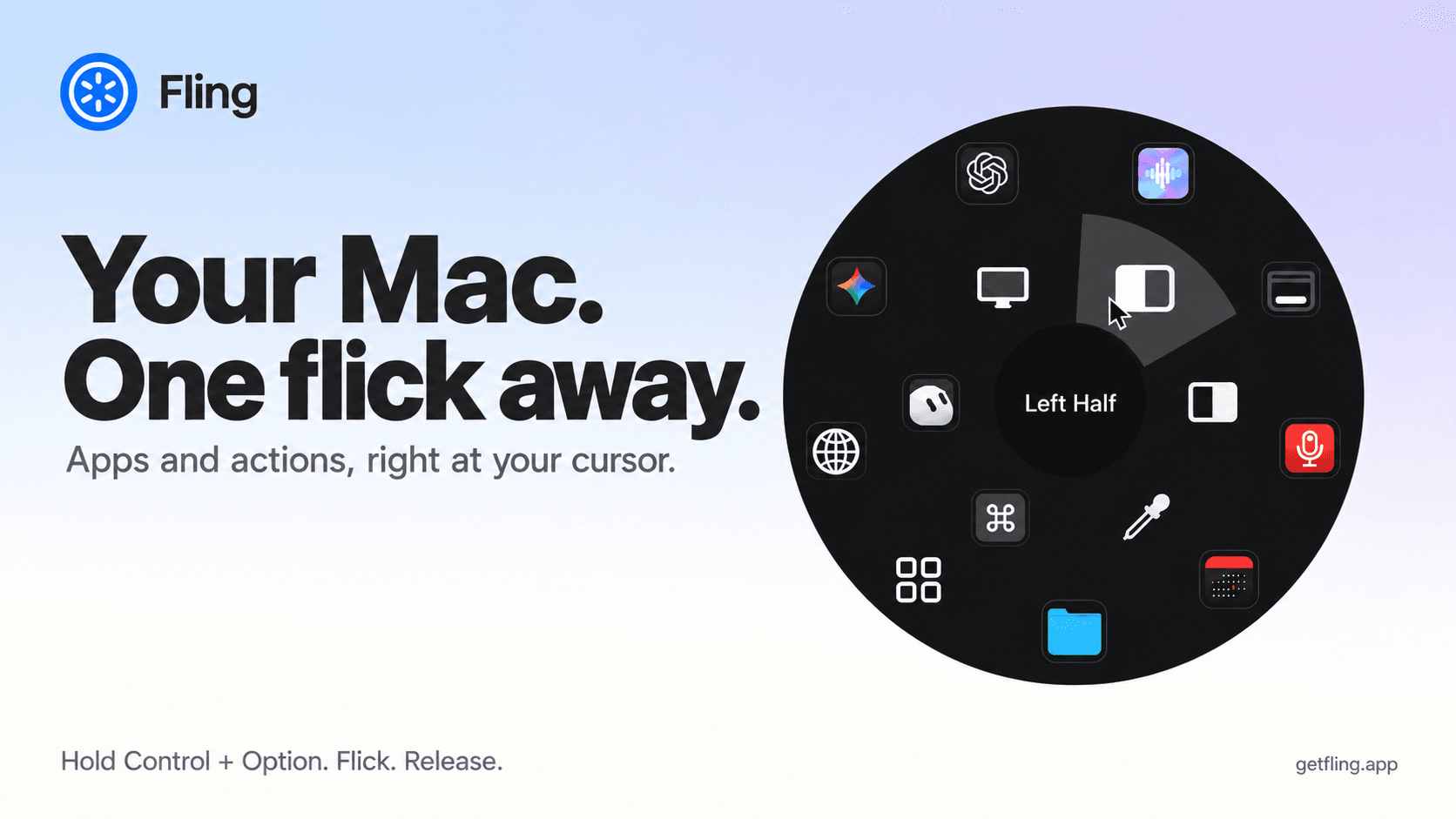

Utilities · $4.99 · one-time (14 day refund policy)
A native macOS command ring for launching apps, folders, links, shortcuts, window actions, screenshots and more with a quick flick.
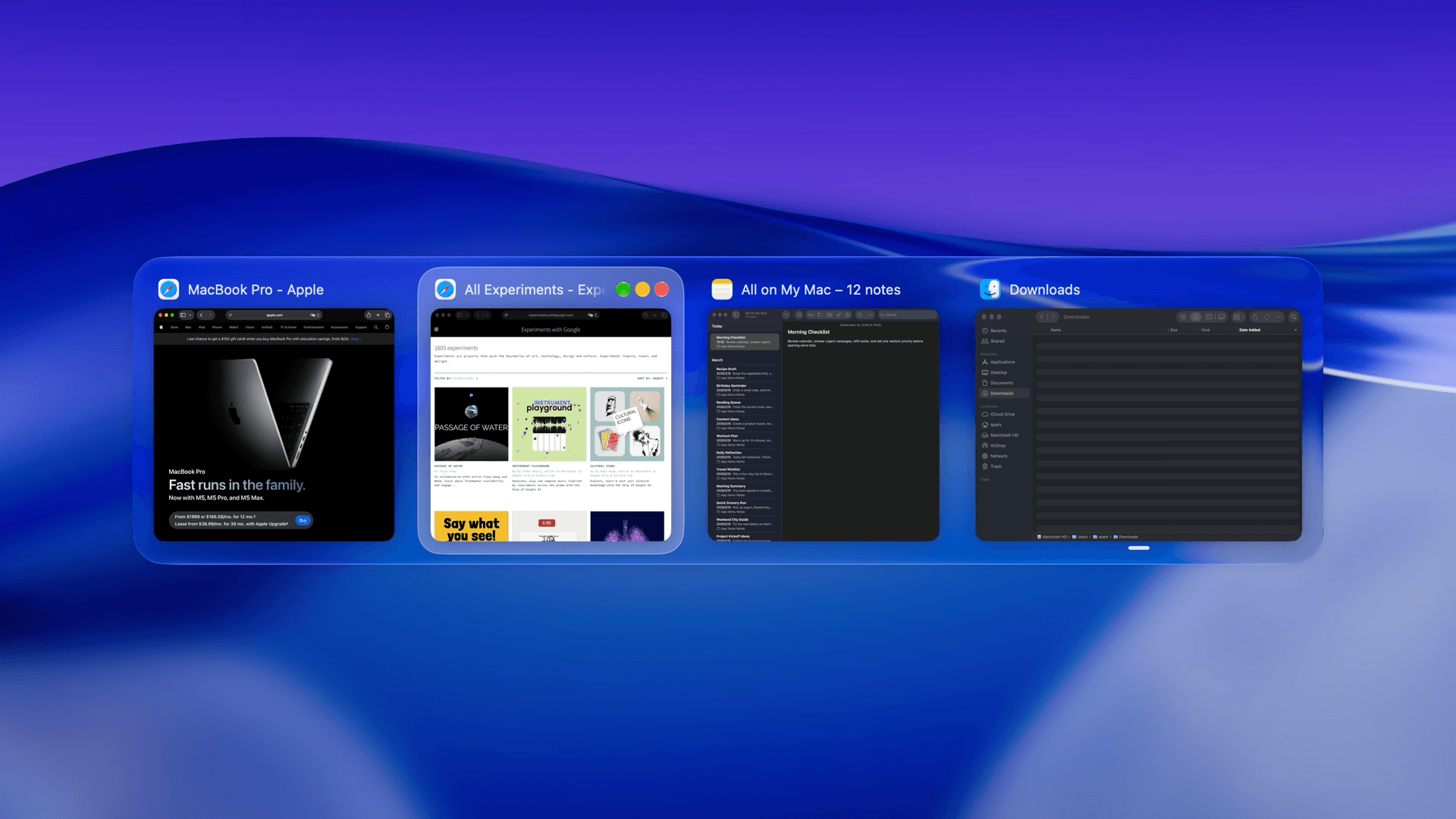

Utilities · $22.99 · one-time (Lifetime license for 1 Mac; 7-day free trial.)
macOS window manager with automatic tiling, window search, and saved layouts
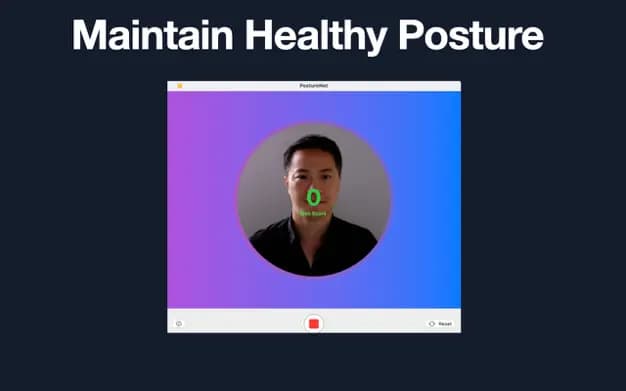

Utilities · $9.99/mo (US $9.99/month or $99.99/year. Free one-hour trial; Family Sharing on annual only.)
Detect slouching with your Mac’s camera and receive personalized posture reminders while you work.