
Utilities · $5.99 · one-time (7-day trial, then lifetime unlock)
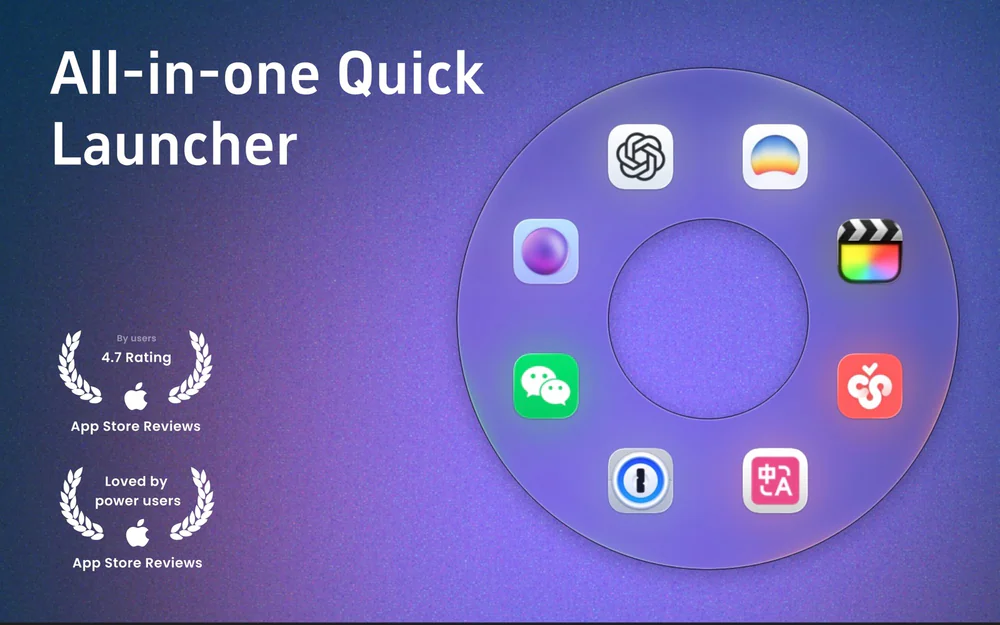
Circular macOS launcher: gesture-open an orbit of apps, files, folders, and sites.

A free, open-source collection of native macOS menu bar tools — unified under one searchable command palette.
MacTools bundles a growing set of small, focused menu bar utilities — keep-awake, battery charge control, a network rate monitor, a window switcher, and more — behind one unified search palette (⌘K) so you never have to hunt through separate menu bar icons to find the one you need.
Most menu bar utility collections ship as separate apps you install one by one, each with its own icon crowding your menu bar. MacTools takes the opposite approach: one app, one icon, a searchable command palette in front of every plugin, and a plugin marketplace for adding more without installing anything new.
Completely free and open source (GPL-3.0).
Utilities · $5.99 · one-time (7-day trial, then lifetime unlock)
Circular macOS launcher: gesture-open an orbit of apps, files, folders, and sites.

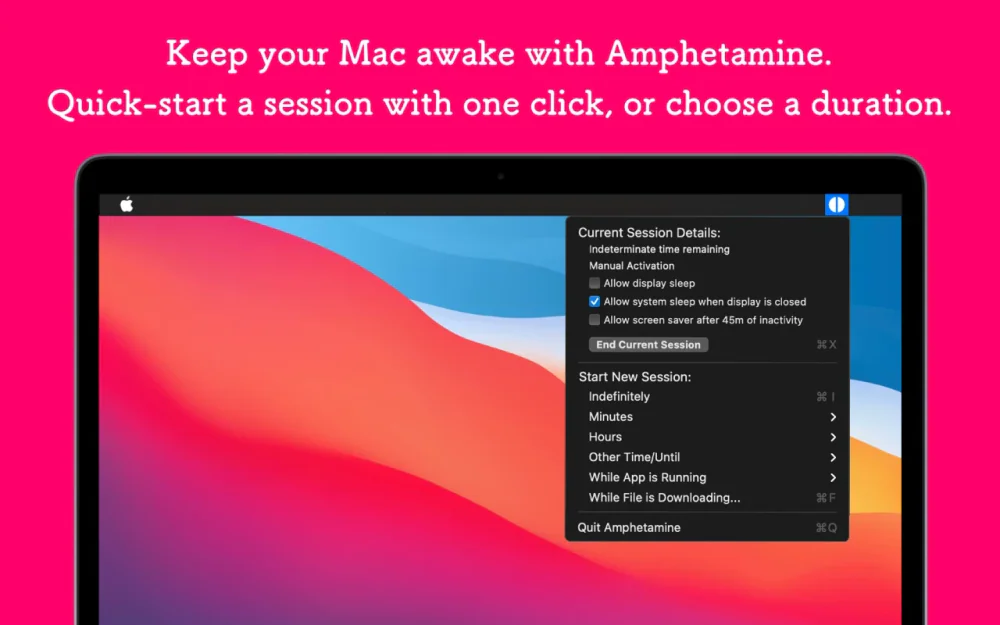
Utilities · Free
Keeps your Mac awake on your terms — precise triggers for time, running apps, network, battery, or an attached display, all from the menu bar.

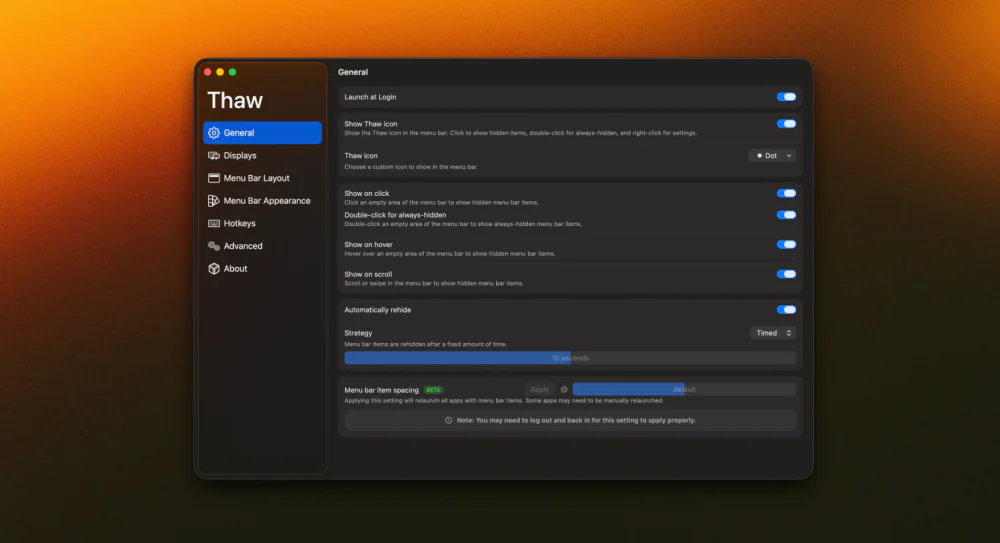
Utilities · Free & open source
An open-source menu bar manager for macOS 26 — hide, arrange, and search your menu bar items with a floating bar and full glass styling.

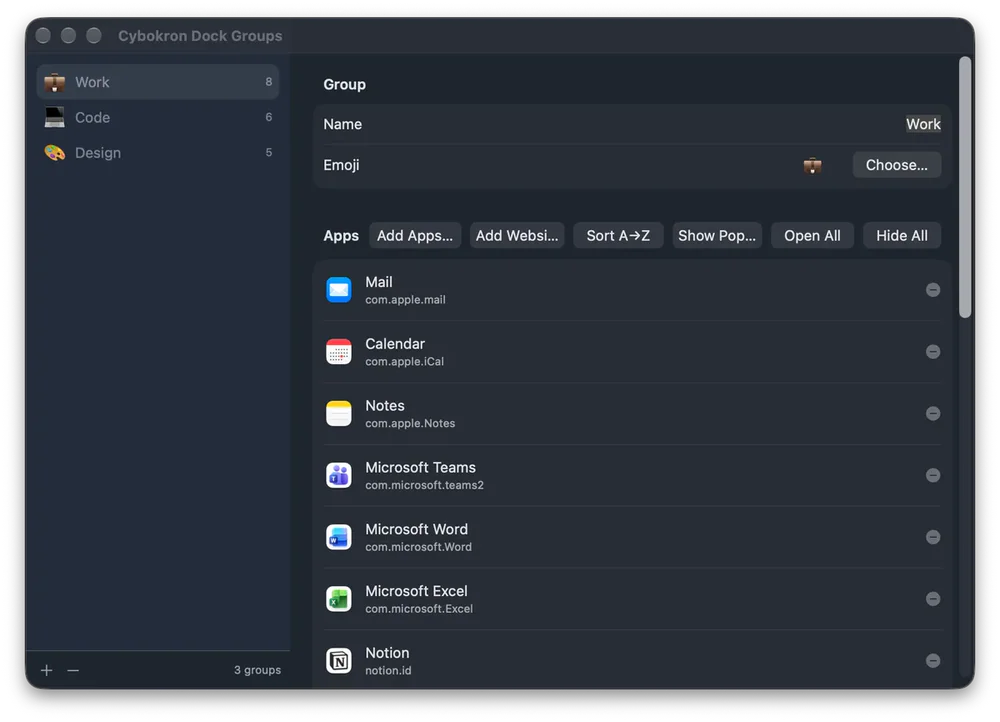
Productivity · Free & open source
Group apps and websites on macOS, open, hide or quit a group, and give each group its own Dock icon.

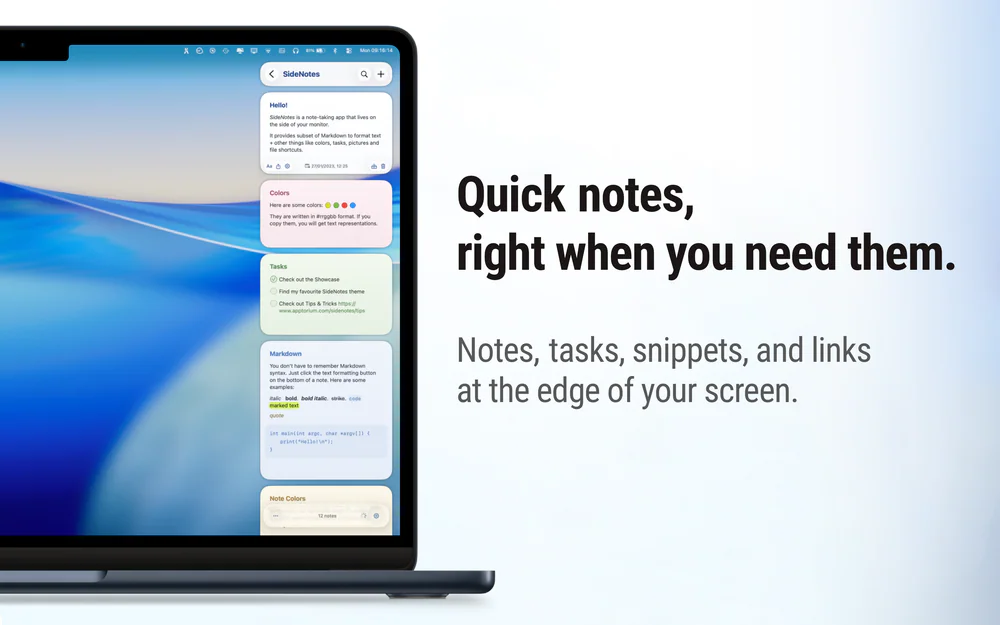
Writing & Documents · $19.99 · one-time (Paid for major upgrades (for example 1.x -> 2.x))
Native macOS notes that slide out from your screen edge, so you can capture tasks, links, and snippets without leaving your work.
Utilities · Free & open source
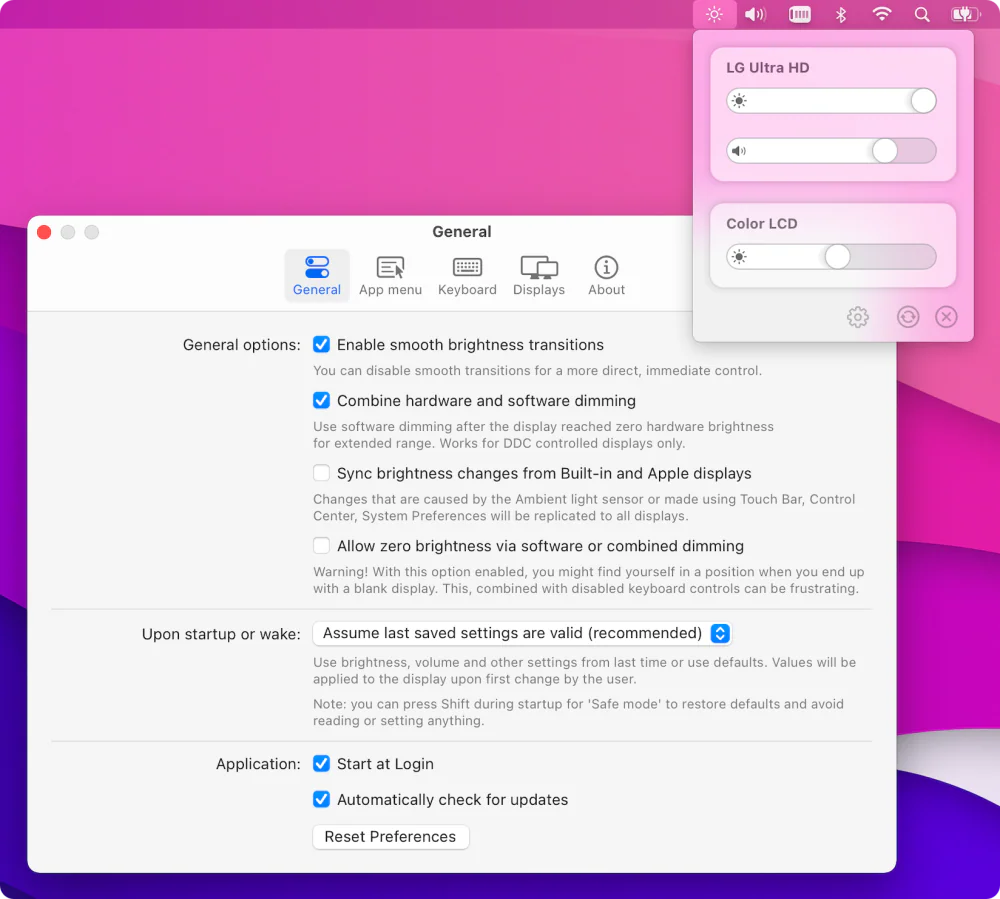
Free, open-source brightness and volume control for external monitors — the native macOS controls Apple never gave your non-Apple display.