

Keeps your Mac awake on your terms — precise triggers for time, running apps, network, battery, or an attached display, all from the menu bar.
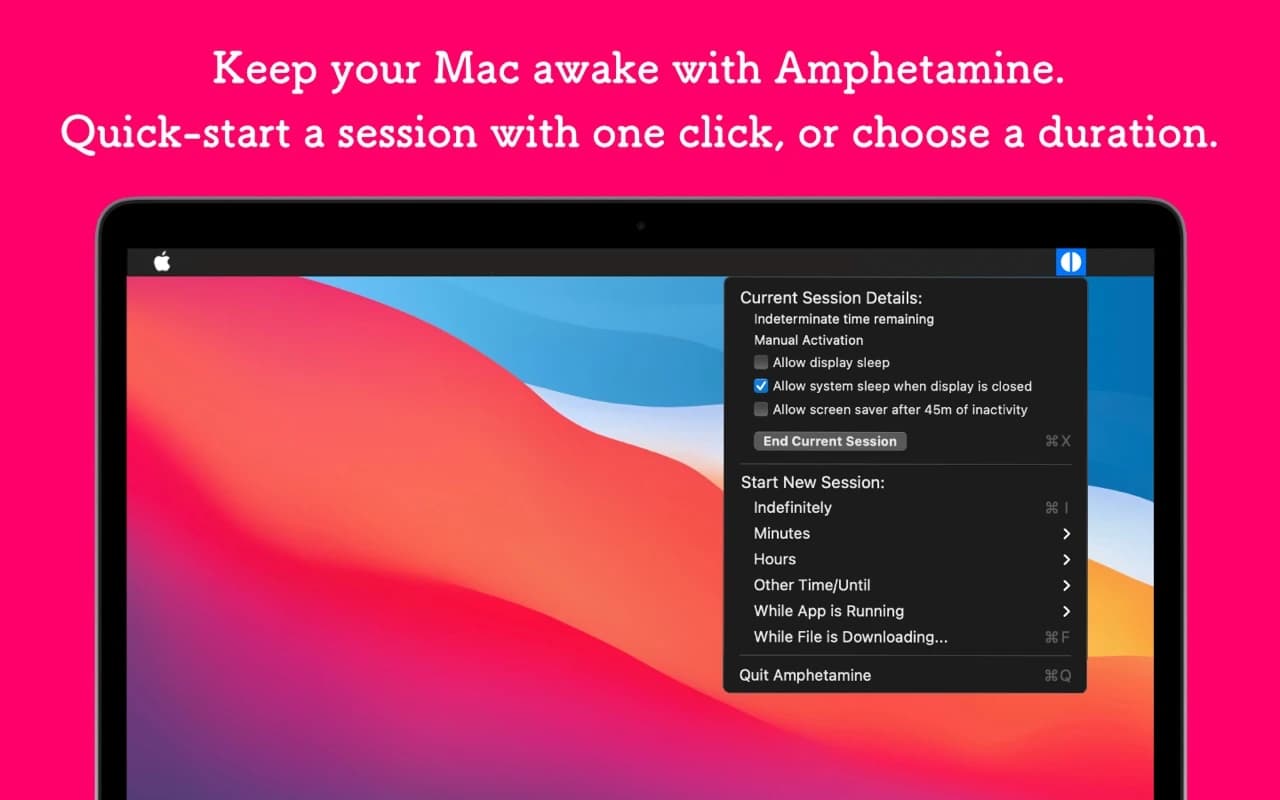
Amphetamine stops your Mac from sleeping, dimming, or starting the screen saver for as long as you want. Start a quick session from the menu bar, or set up Triggers that keep the Mac awake automatically under conditions you define.
Why it makes the list
The built-in prevent-sleep options are blunt. Amphetamine is the powerful, genuinely free version: session timers, indefinite sessions, and a rich Triggers engine — stay awake while a specific app runs, while a drive is mounted, while on a particular Wi-Fi network, while the battery is above a threshold.
Standout features
-
Triggers based on running apps, network, connected displays, drives, IP address, or battery level
-
Timed or indefinite sessions with a one-click menu-bar control
-
Allow display sleep while keeping the system awake
-
Closed-display operation without external power or peripherals
-
AppleScript support for scripted control
Pricing
Completely free on the Mac App Store, with no ads and no in-app purchases.
More in Utilities
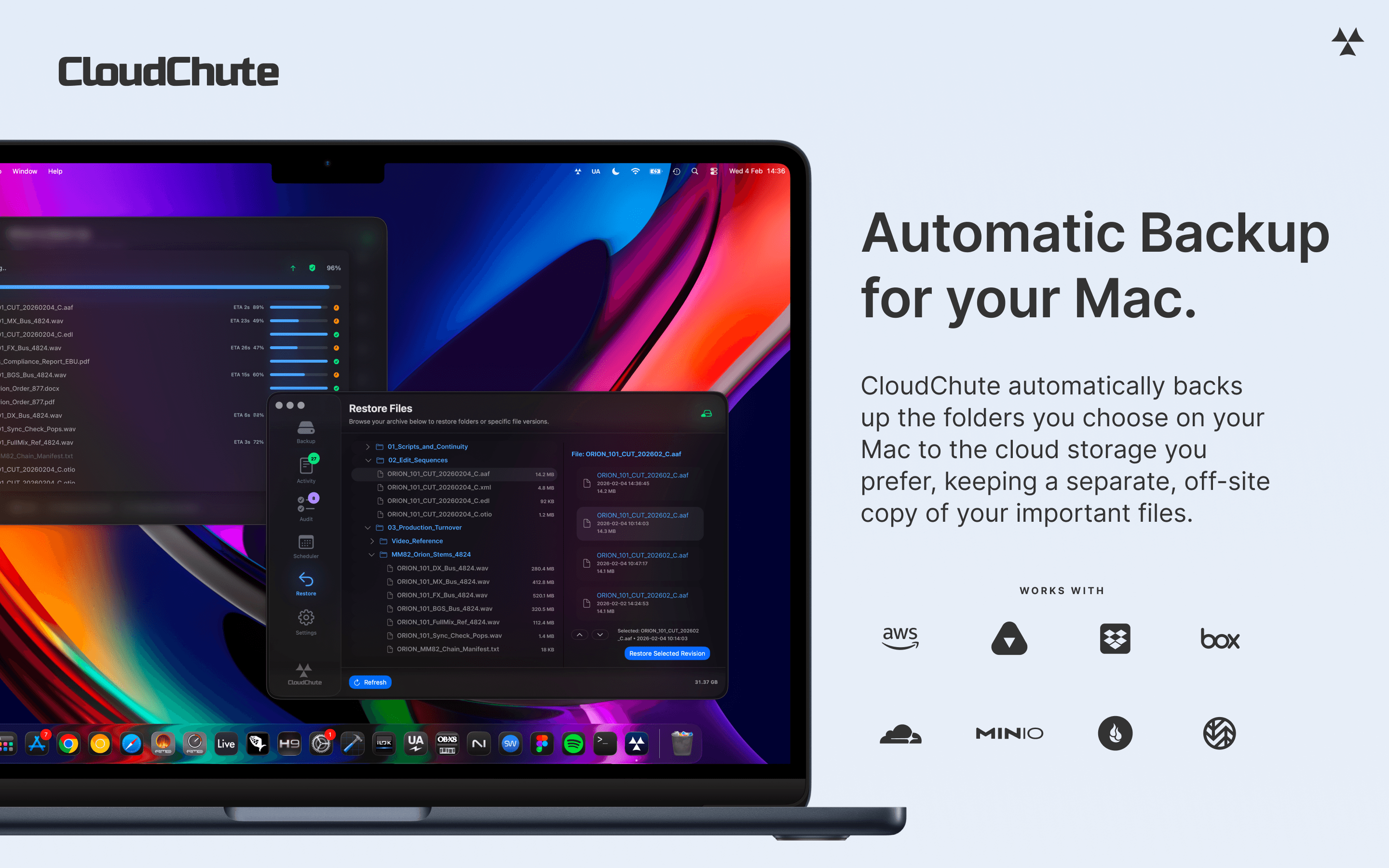

Utilities · $3.99/mo (Start 10-day free trial)
Automatically back up selected Mac folders to your own cloud storage, with optional encryption and protection against accidental deletion.
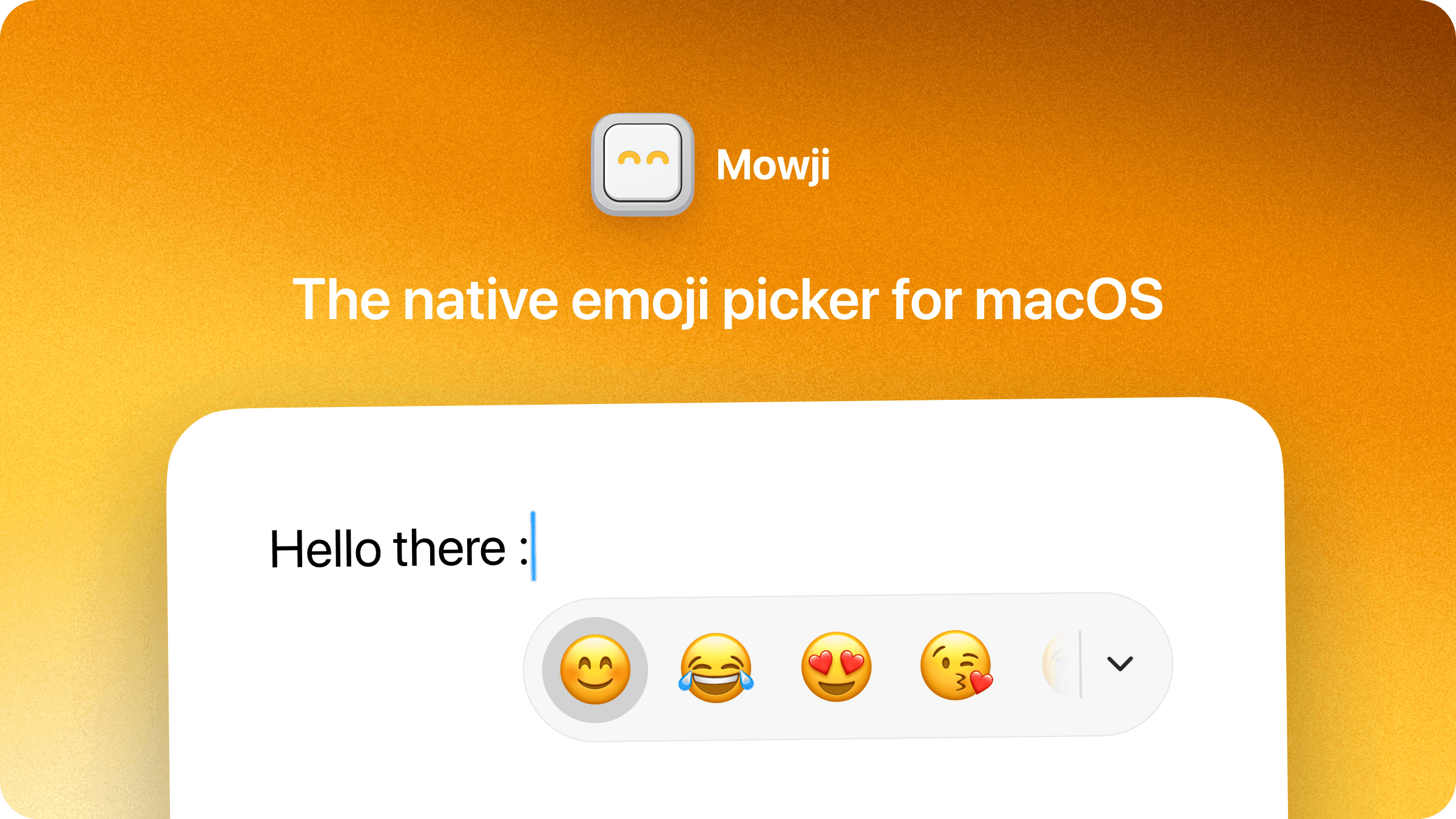

Utilities · $12 · one-time (Free trial with 150 emoji insertions)
The native emoji picker for macOS
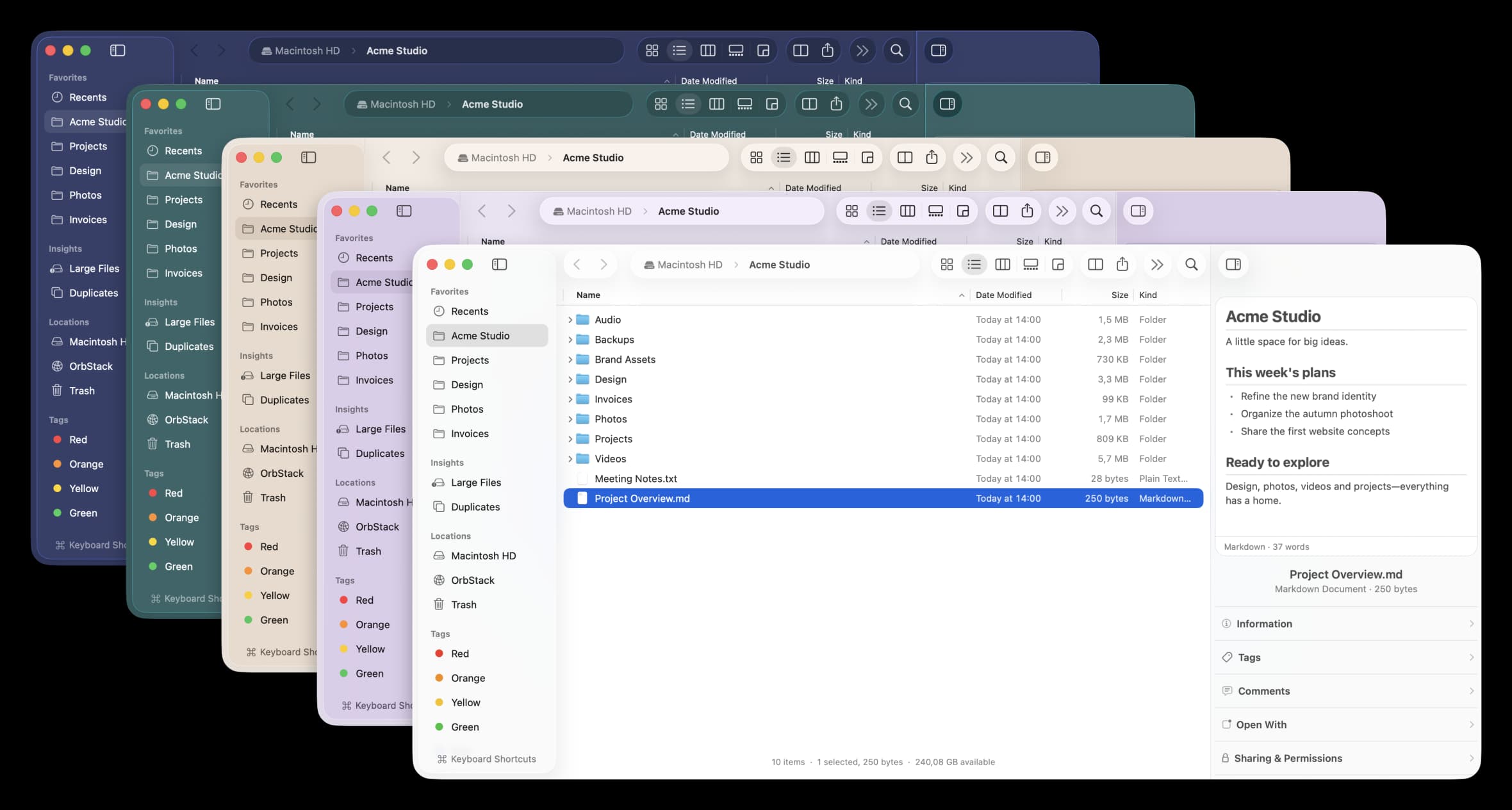

Utilities · Free & open source
A free, open-source Finder alternative for Mac with instant plain-English search, real-time folder sizes, and a visual disk usage map.