
Utilities · Free & open source
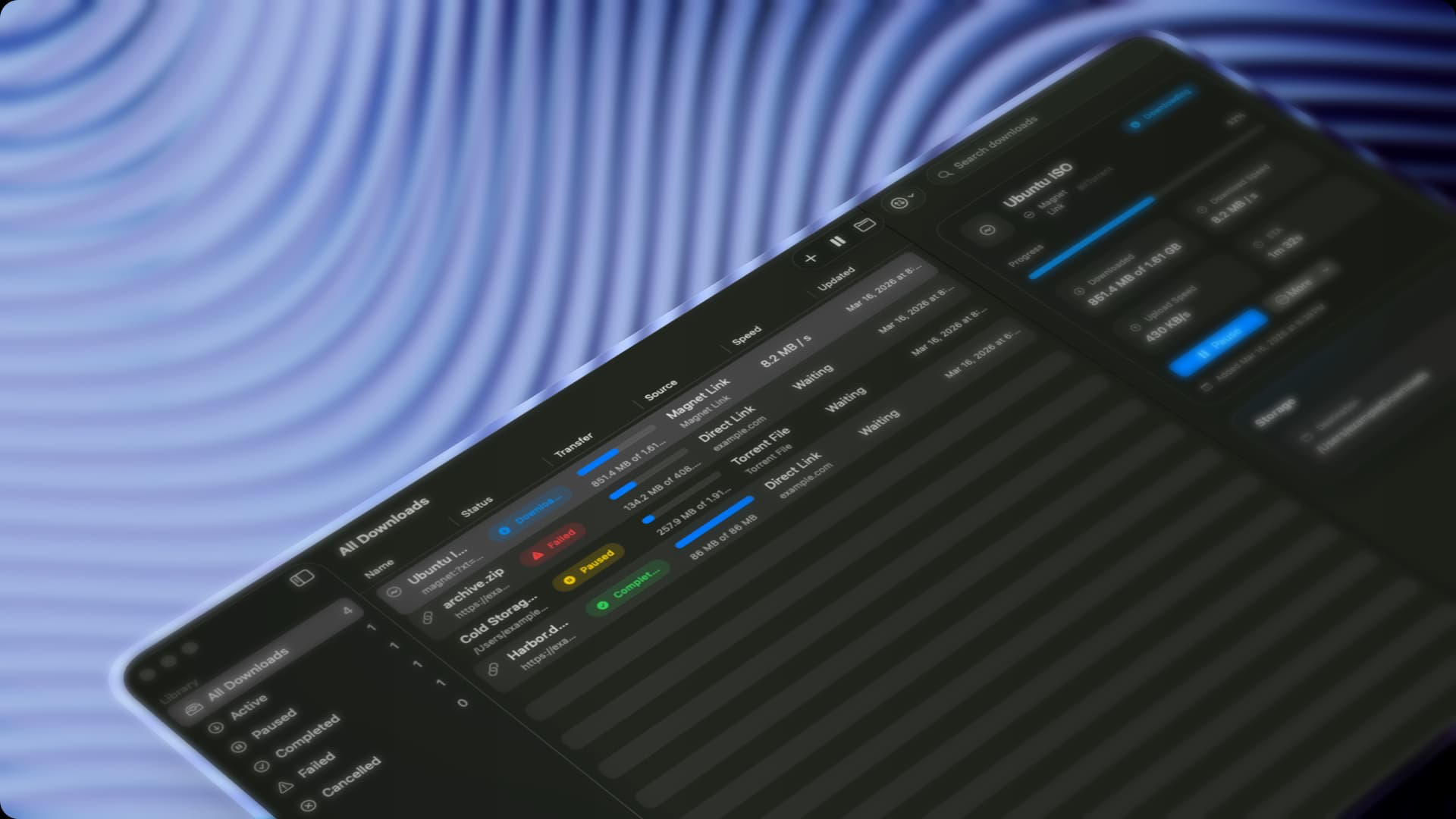
A beautiful native download manager for direct links, magnet links, and torrents.
Brings iPhone-style Continuity features — clipboard sync, notification mirroring, file transfer — to Android and Mac.

AirSync recreates the Continuity features Apple reserves for iPhone owners, but for Android — mirror notifications, reply to messages, transfer files, and sync your clipboard between your Mac and Android phone over your local network.
Mac and Android don't talk to each other out of the box, and most bridging apps are clunky or cloud-dependent. AirSync works entirely on your local network, mirrors your phone's notifications into macOS, and lets you reply, copy, and drag-and-drop files both ways without touching your phone.
Completely free and open source.
Utilities · Free & open source
A beautiful native download manager for direct links, magnet links, and torrents.

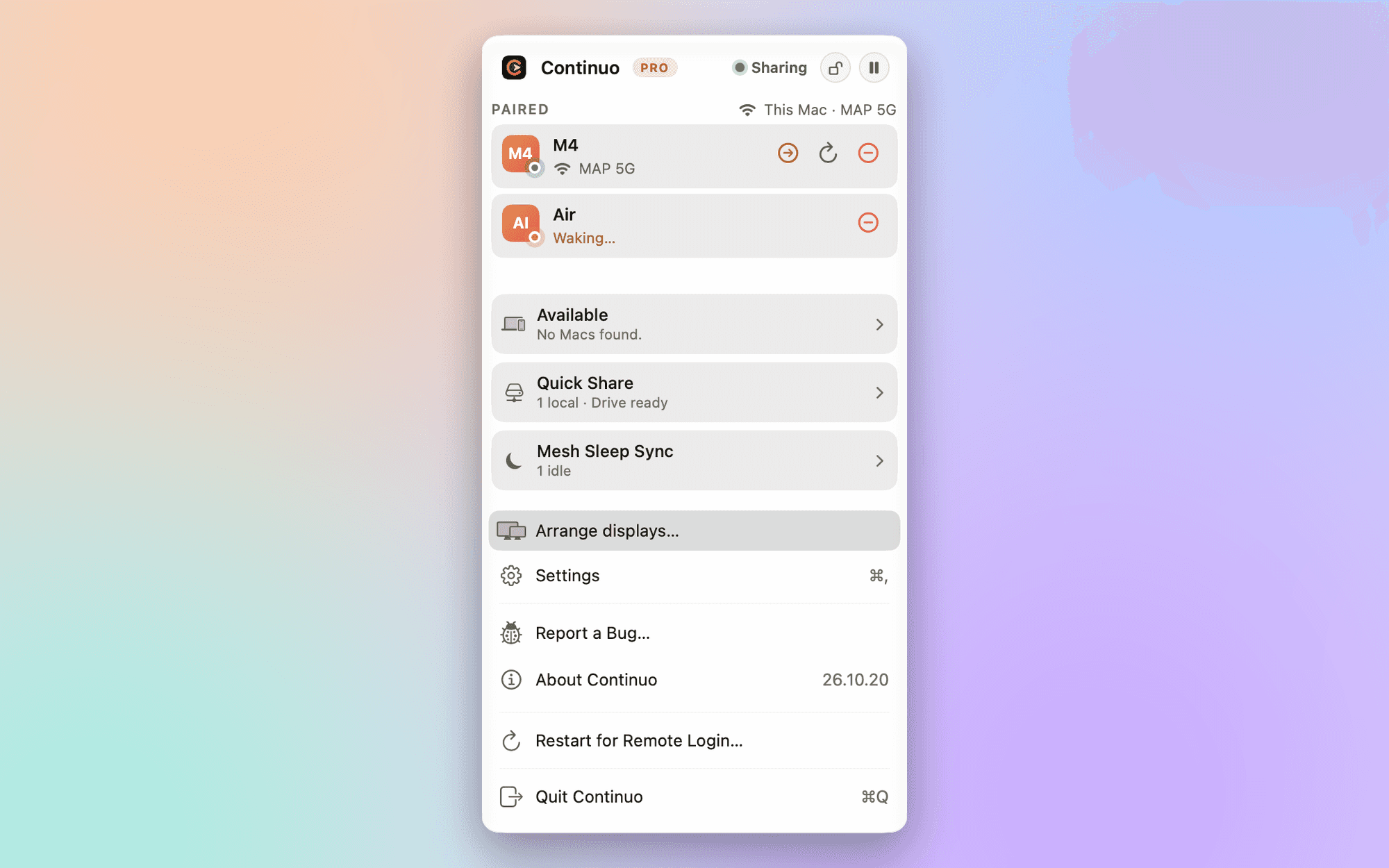
Productivity · Free · one-time Pro, free for 2 Macs $39
Share one keyboard, mouse and trackpad across Macs, with Quick Share folders. Works at the lock and login screens. No account.
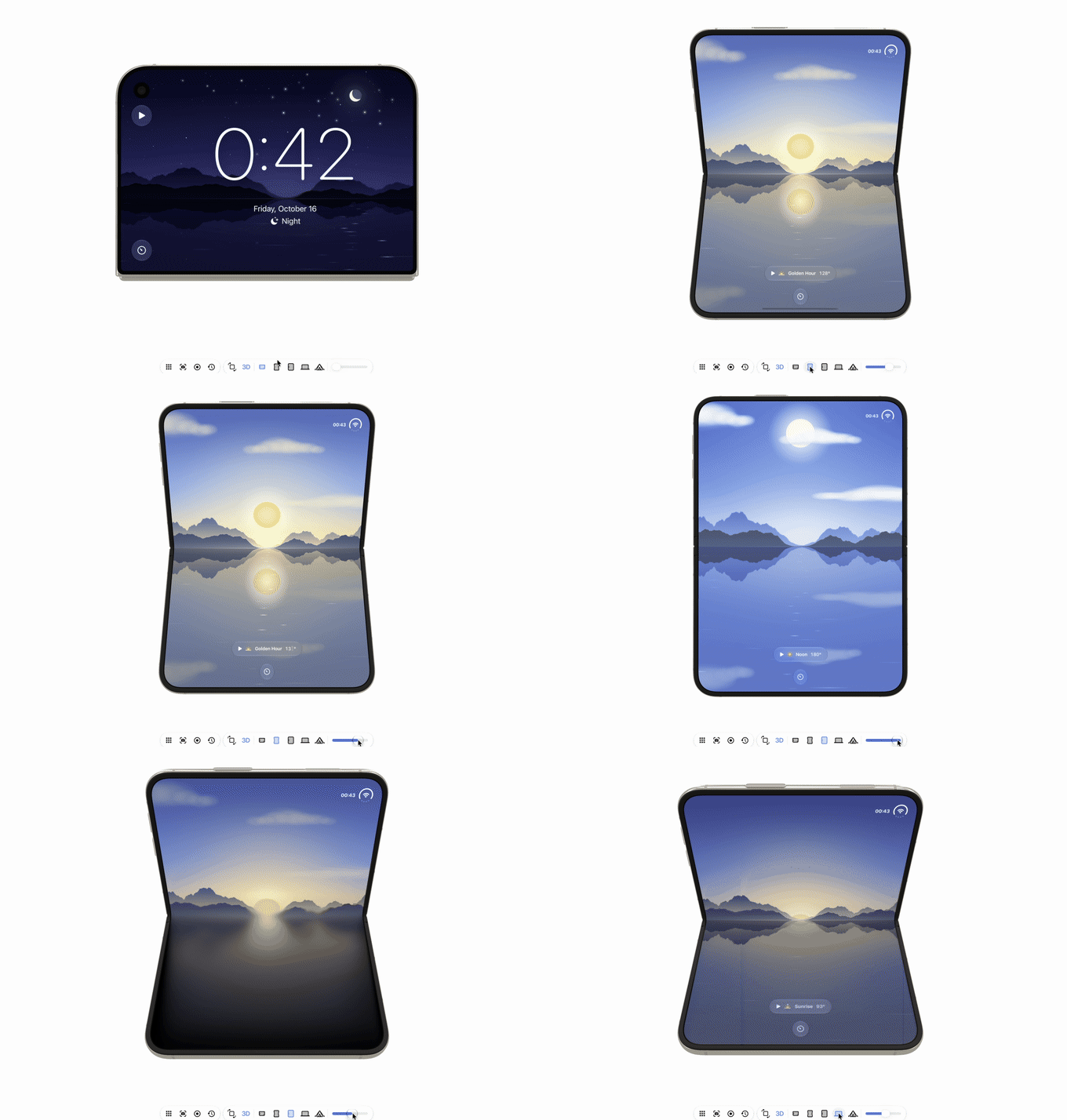
Developer Tools · Free & open source
Android emulators, Android phones and iOS simulators side by side in one native Mac window.
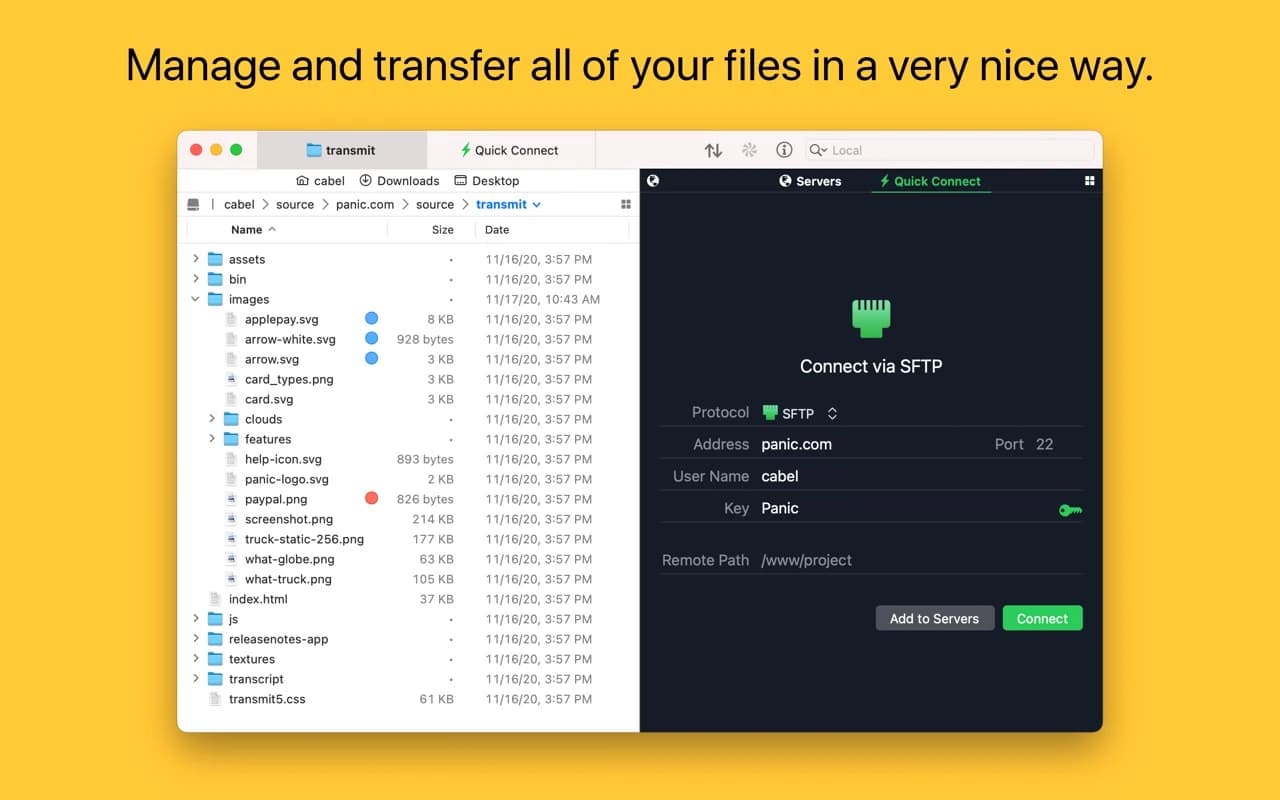
Developer Tools · $45 · one-time (free trial)
Panic's file-transfer classic — a fast, dual-pane client for SFTP, S3, Backblaze, WebDAV, and a dozen more, with the craft you expect from Panic.

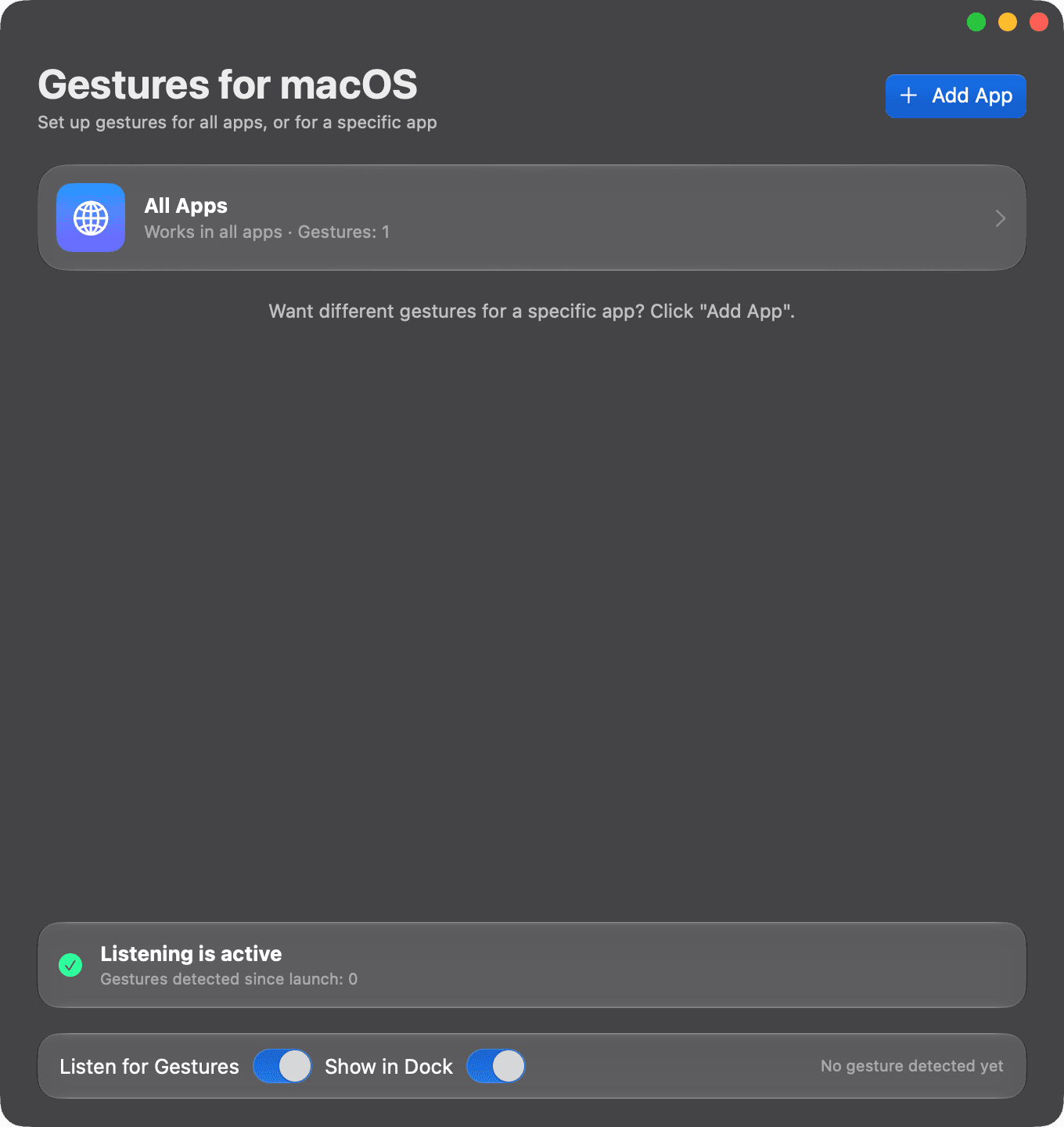
Utilities · Free
Trackpad gestures that do different things in each Mac app. Swipe, pinch, tap, or record your own.

Utilities · $9 · one-time ($5 for fiest 50)
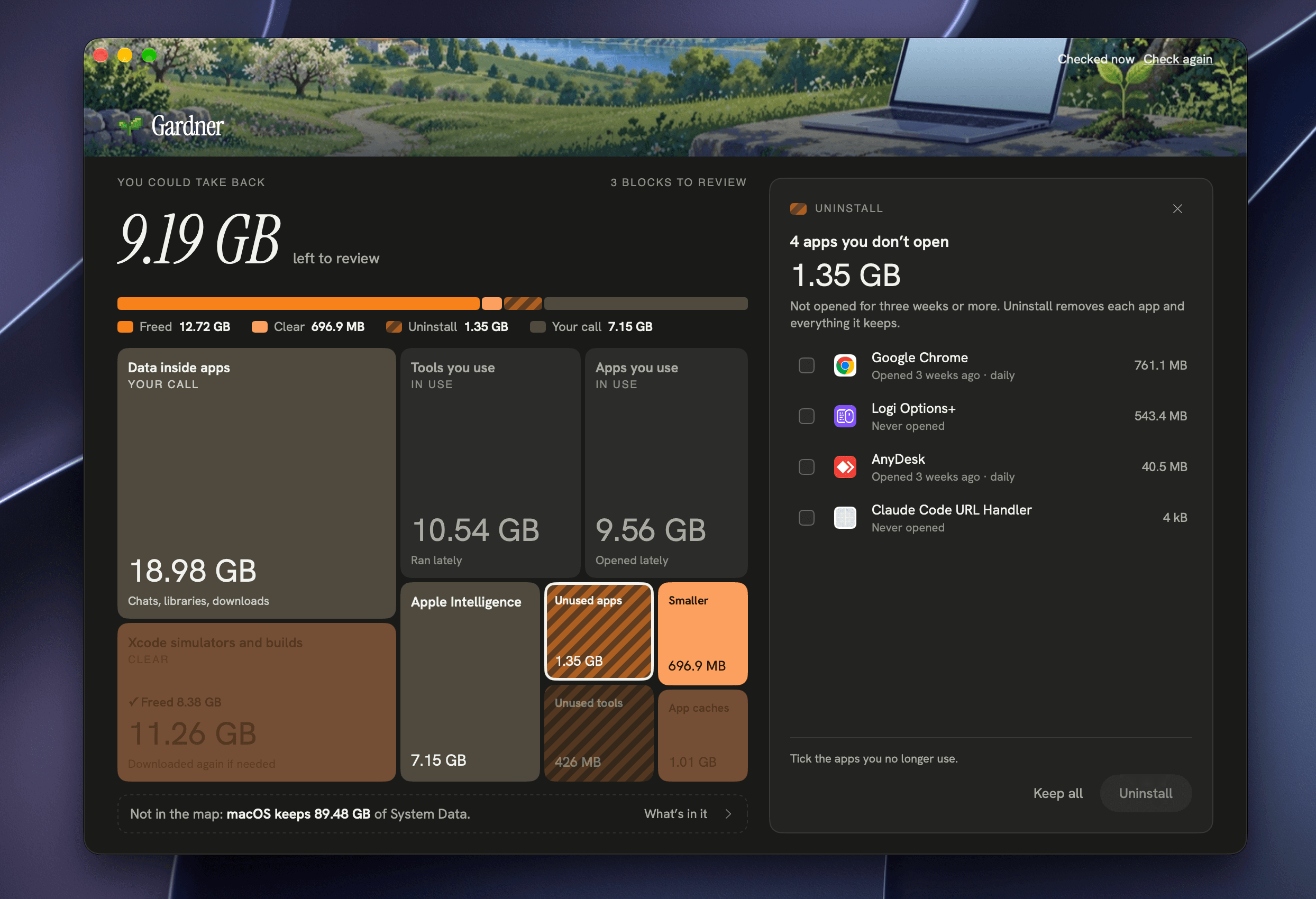
Gardner shows what’s filling your Mac’s System Data on one map, in plain words, and lets you safely clear caches, old simulators, backups an