Utilities · Free & open source
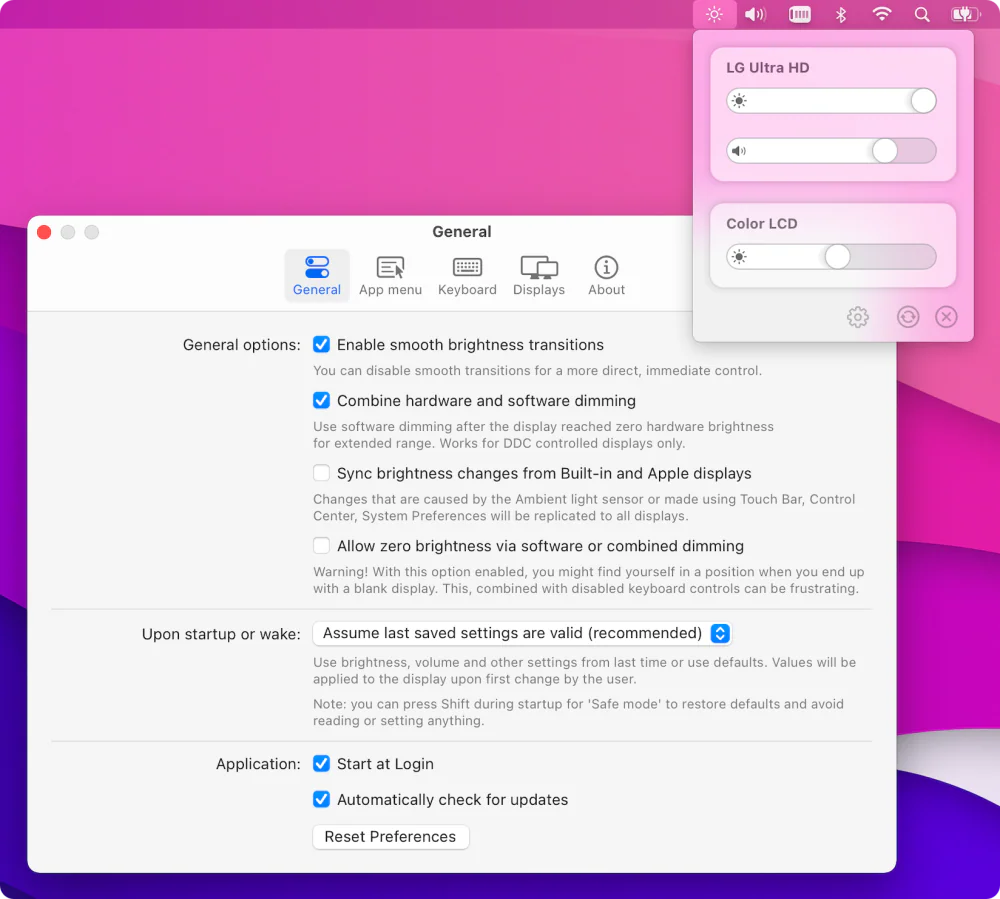
Free, open-source brightness and volume control for external monitors — the native macOS controls Apple never gave your non-Apple display.
Trackpad gestures that do different things in each Mac app. Swipe, pinch, tap, or record your own.
Gestures for macOS is a small native Mac app that lets you swipe, pinch, tap or hold on the trackpad to trigger actions. What happens depends on the app in front: the same gesture can go Back in Finder and switch tabs in Safari, and you decide which. The app does not replace the gestures macOS already has. It adds your own on top of them.
Features: Many gestures: swipes with two, three or four fingers, pinch in and out, rotate, taps and holds, edge slides and corner taps. You can also record your own gesture. Simple actions: Back, Forward, Close Window, New Window, New Tab, switch tabs, Reload, Copy and Paste. You can also pick any menu item of the app in front, or record any keyboard shortcut. Per-app or global: set a gesture for all apps or only for one app. The app-specific one wins. Light on resources: nothing runs while you are not using a gesture. Native look: SwiftUI, light and dark mode. Private: no network access, no account, no data collection.
Examples: In Safari, a two-finger swipe switches tabs. In Finder, a two-finger swipe goes back to the previous folder. In every app, a three-finger pinch closes the window.
Requires macOS 14 or later and a trackpad. The app is not notarized by Apple, so macOS asks for a one-time approval on first launch (Open Anyway in System Settings, Privacy & Security). It needs Accessibility and Input Monitoring permissions.
Free and open source (MIT license).
Utilities · Free & open source
Free, open-source brightness and volume control for external monitors — the native macOS controls Apple never gave your non-Apple display.
Utilities · $9.99 · one-time (Launch Pricing)
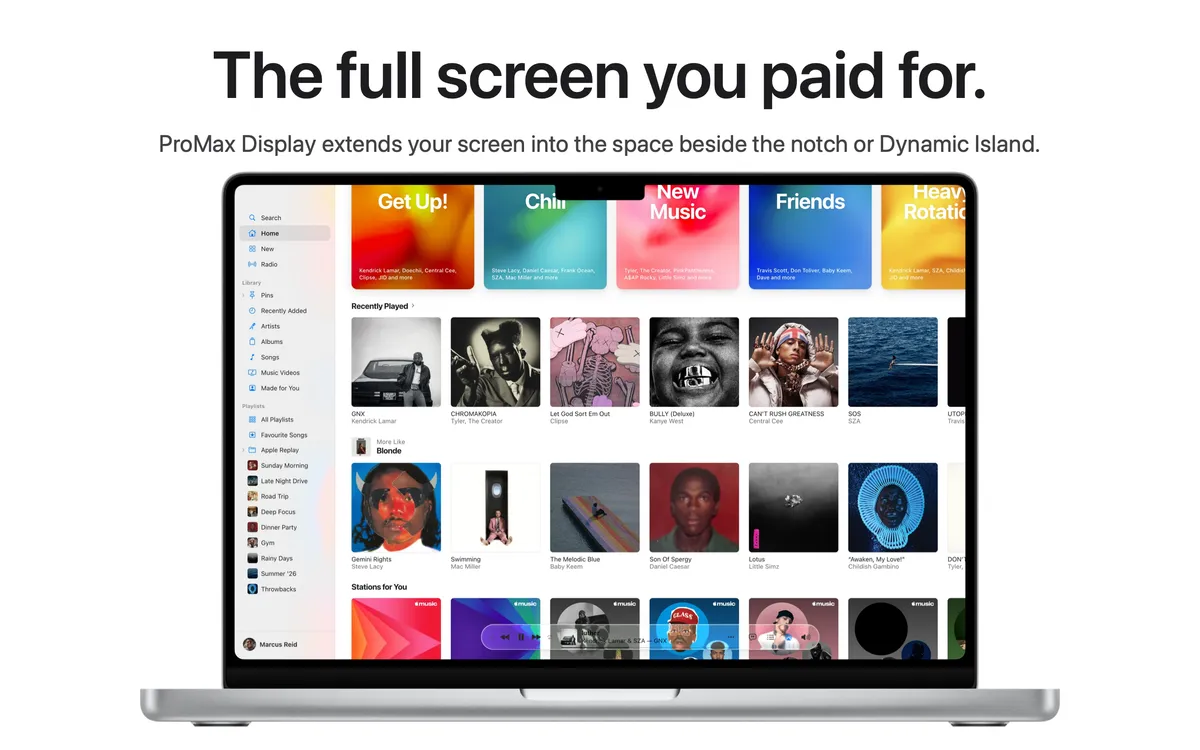
Lets full screen apps use the strip beside your MacBook's notch or Dynamic Island, so you get the whole display.

Utilities · $4.99 · one-time (14-day free trial. One license covers up to 3 Macs.)
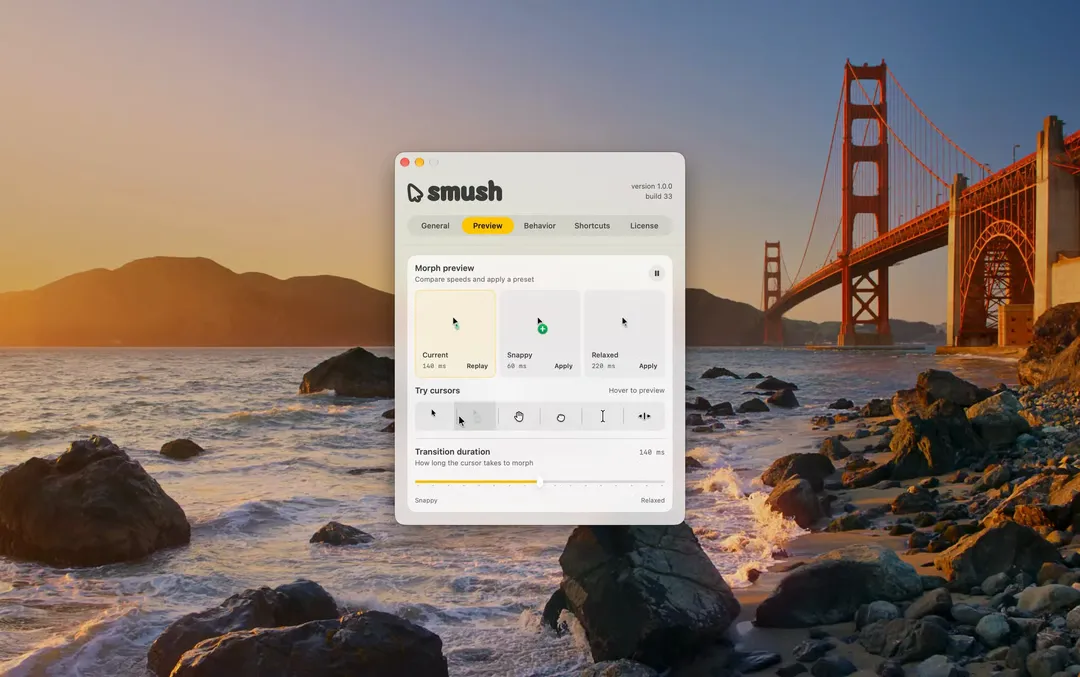
Adds a little animation when your Mac’s cursor changes shape.
Utilities · $9.99 · one-time (14-day trial · launch price until Jan 12, 2027, then $14.99)
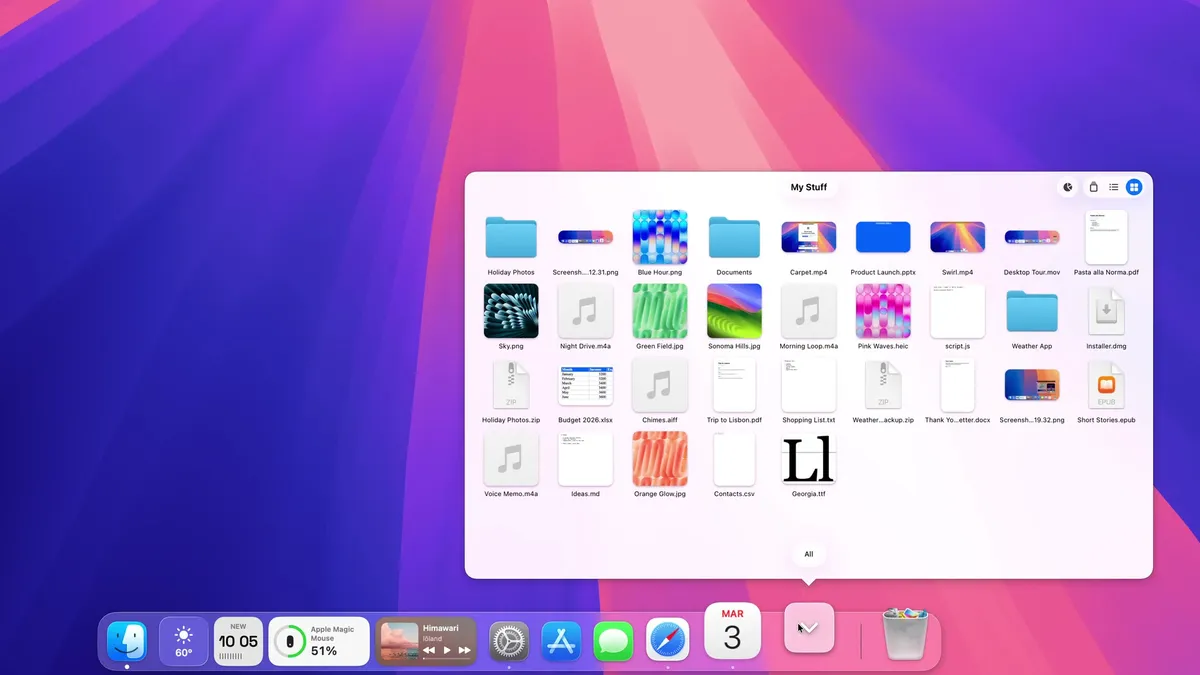
A Dock for macOS, written from scratch. Same spot, new tricks: badges that talk, widgets, Finder-like folders and smarter hiding.
20% off, on top of the launch price for members
Utilities · Paid
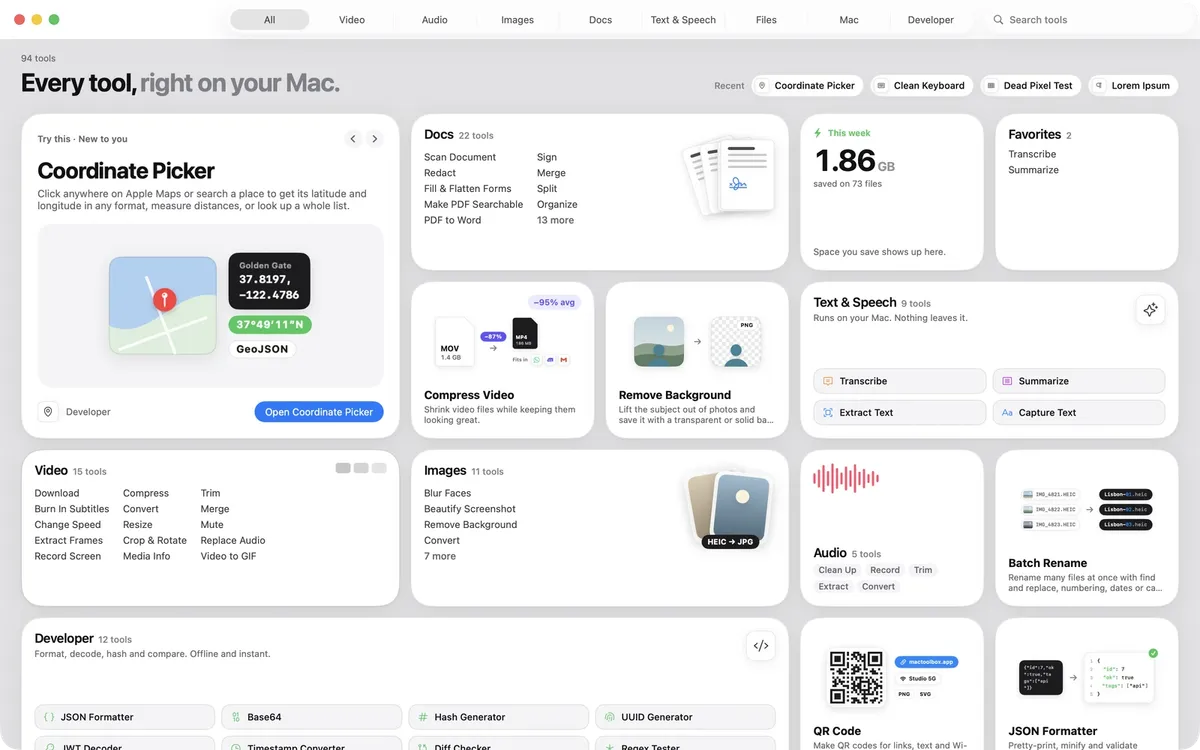
100+ native Mac tools in one app: compress video, sign PDFs, remove backgrounds, transcribe, all offline.
Utilities · $4.99 · one-time (One-time, free 24-hour trial)
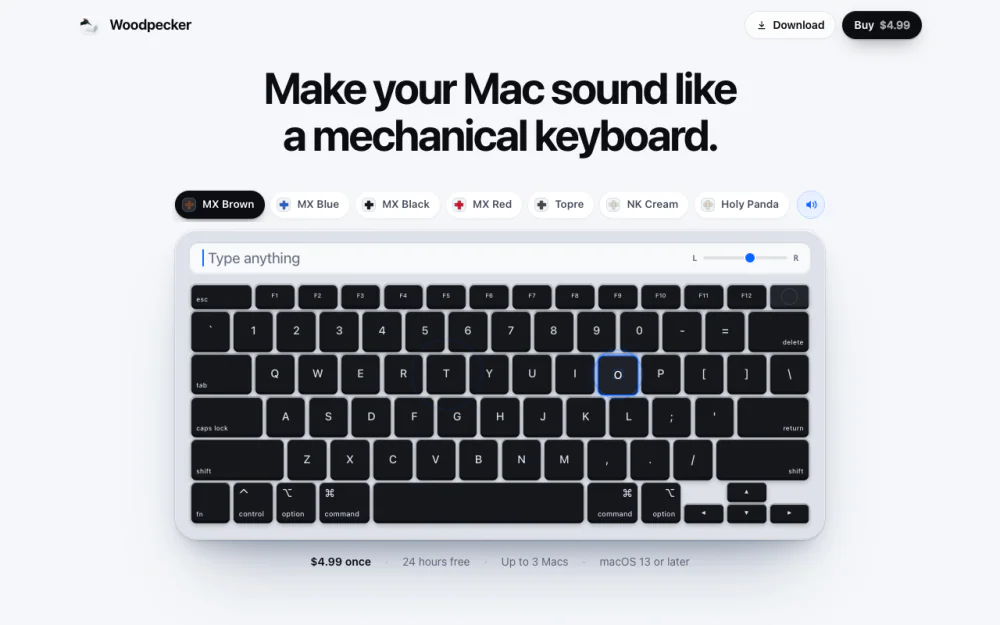
Make your Mac sound like a real mechanical keyboard. Every key plays its own recording, 22 switches, quiet on calls.