
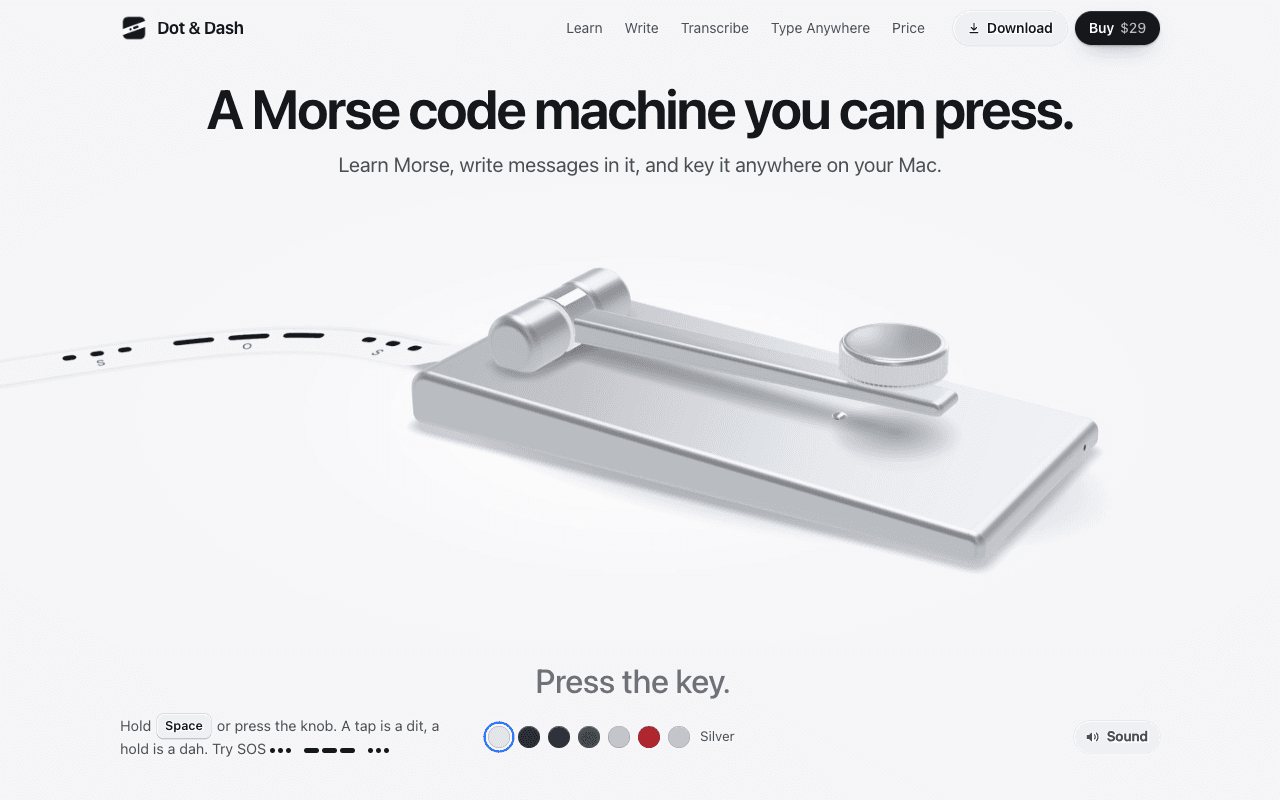
Utilities · $29 · one-time (Free 24-hour trial, up to 3 Macs)
A Morse code machine for the Mac: learn, key and send Morse, and type it into any app.
Gardner shows what’s filling your Mac’s System Data on one map, in plain words, and lets you safely clear caches, old simulators, backups an
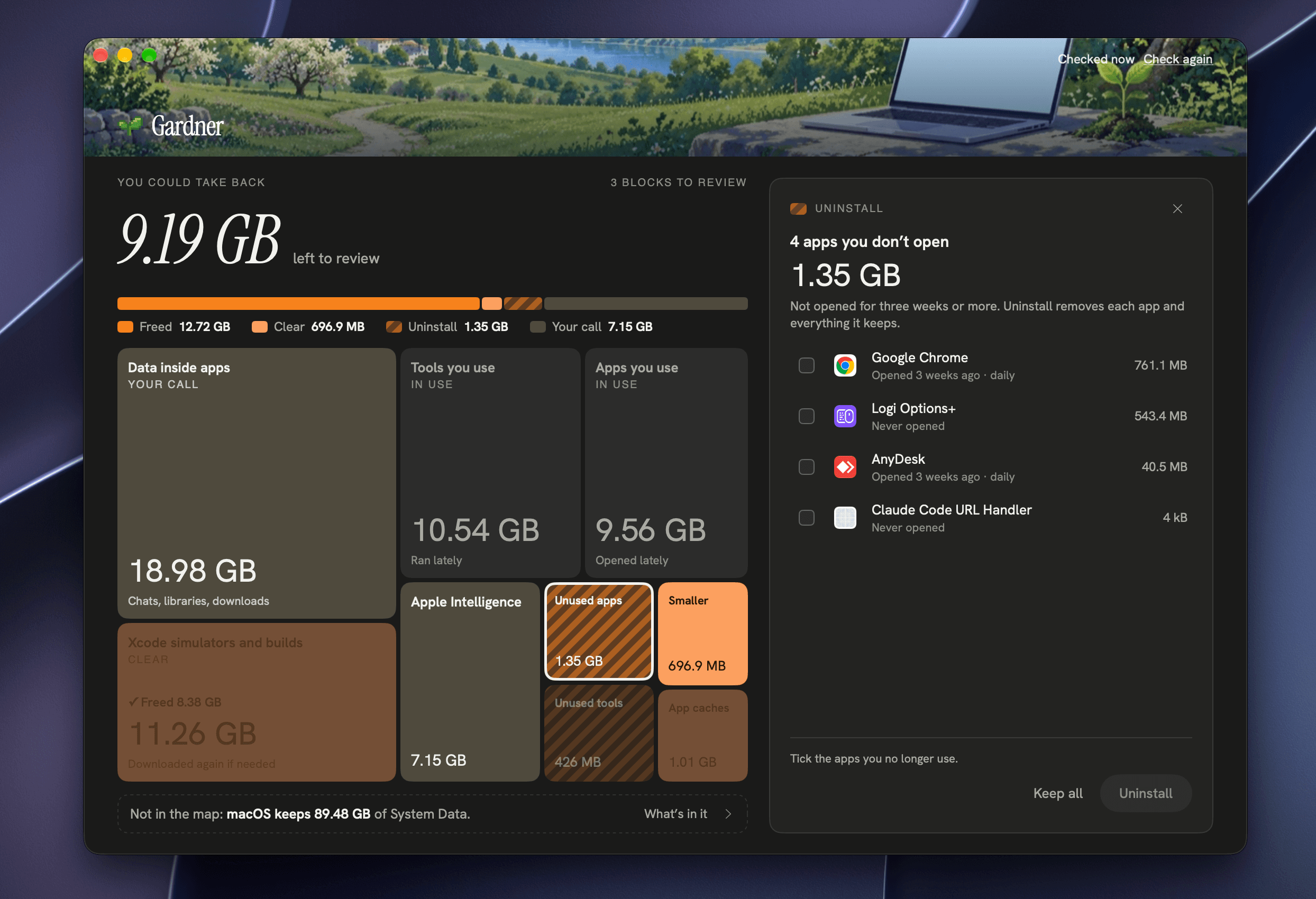
Storage settings say System Data is taking 100+ GB, but not what it is or whether you can delete it. Gardner answers that.
It measures everything on your disk in about ten seconds and puts it on one map: System Data, the Trash, your apps and command-line tools. Bigger blocks take more space. The colour says what Gardner can do: Clear, Uninstall, Empty, Your call or In use. Every item says what it is and why it may go, in one plain sentence. A big number at the top shows how much you could take back, and it drops as you review each block.
Utilities · $29 · one-time (Free 24-hour trial, up to 3 Macs)
A Morse code machine for the Mac: learn, key and send Morse, and type it into any app.

Utilities · Free · per year with a 7-day free trial · weekly and one-time lifet $19.99
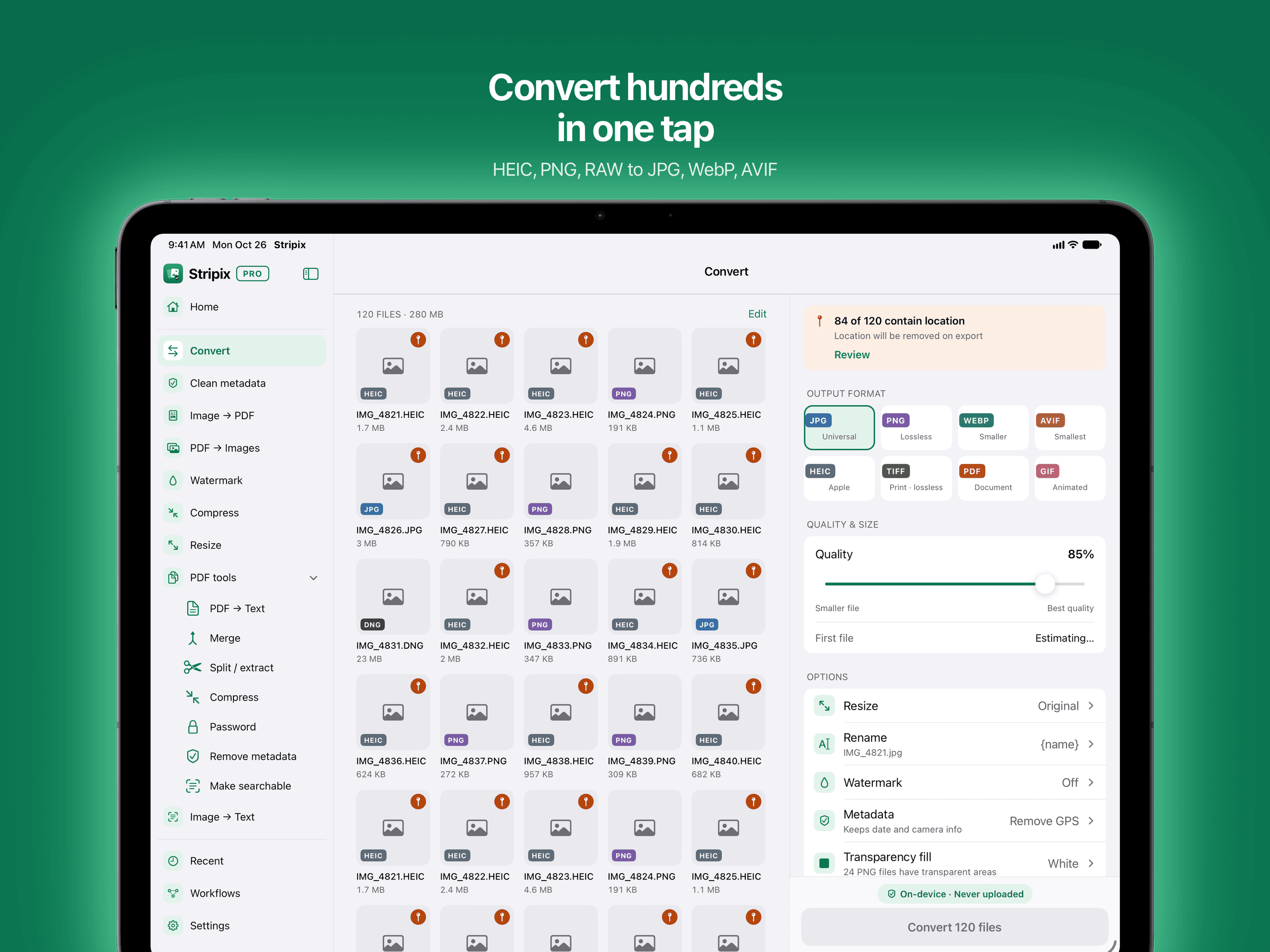
Convert HEIC to JPG, turn photos into PDFs and copy text from images and PDFs on your Mac. Offline, nothing uploaded.

Utilities · Free & open source
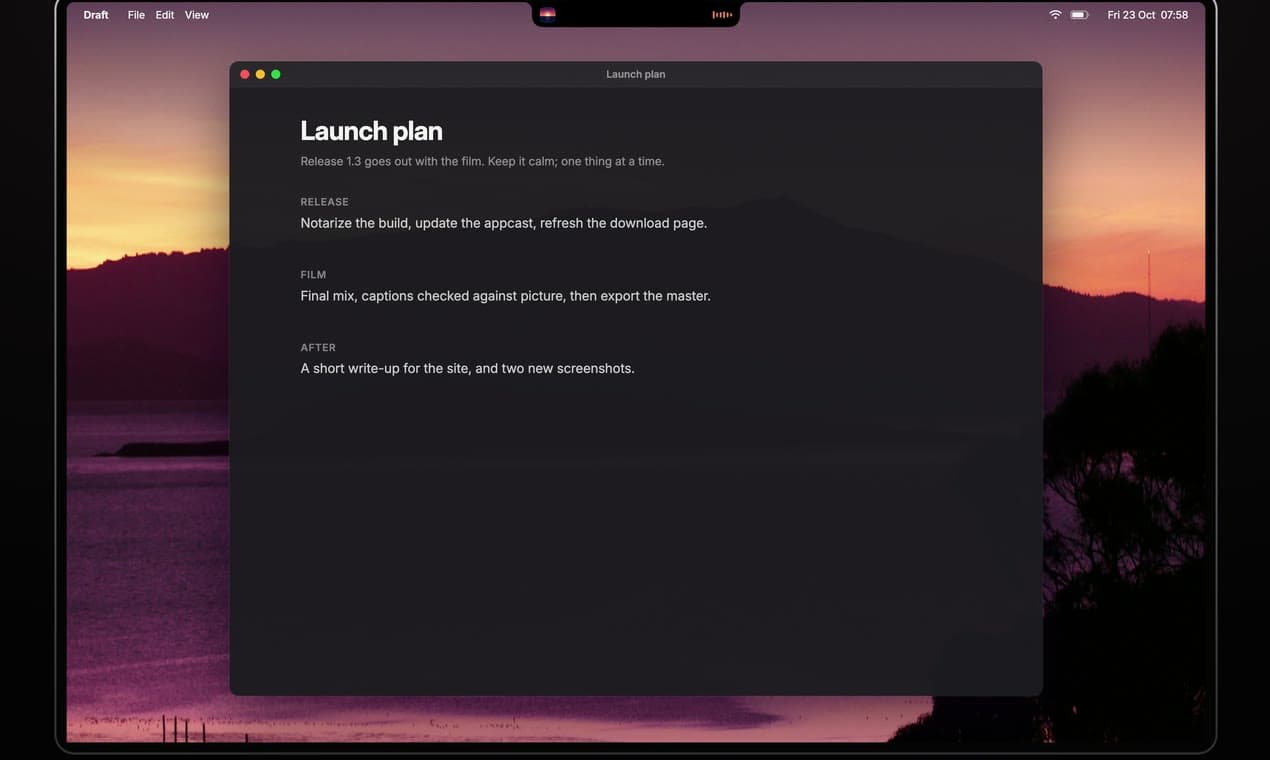
Free, open-source notch app for MacBook: now playing, a focus timer, your next meeting, weather, notes and Keep Awake.

Utilities · Free & open source
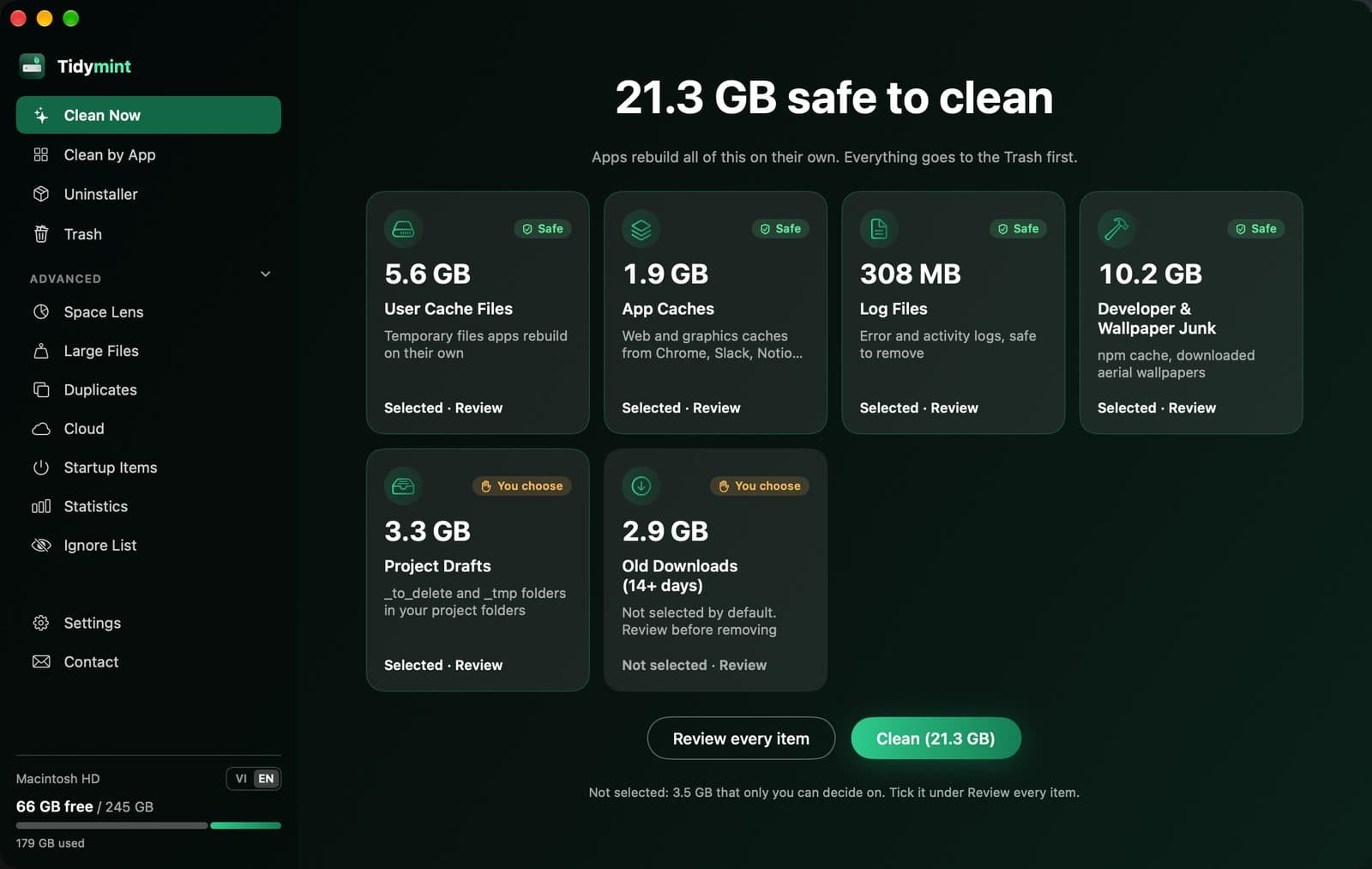
Free, open-source Mac cleaner that only moves files to the Trash, with Undo, and checks your scripts before deleting duplicates.

Utilities · Free
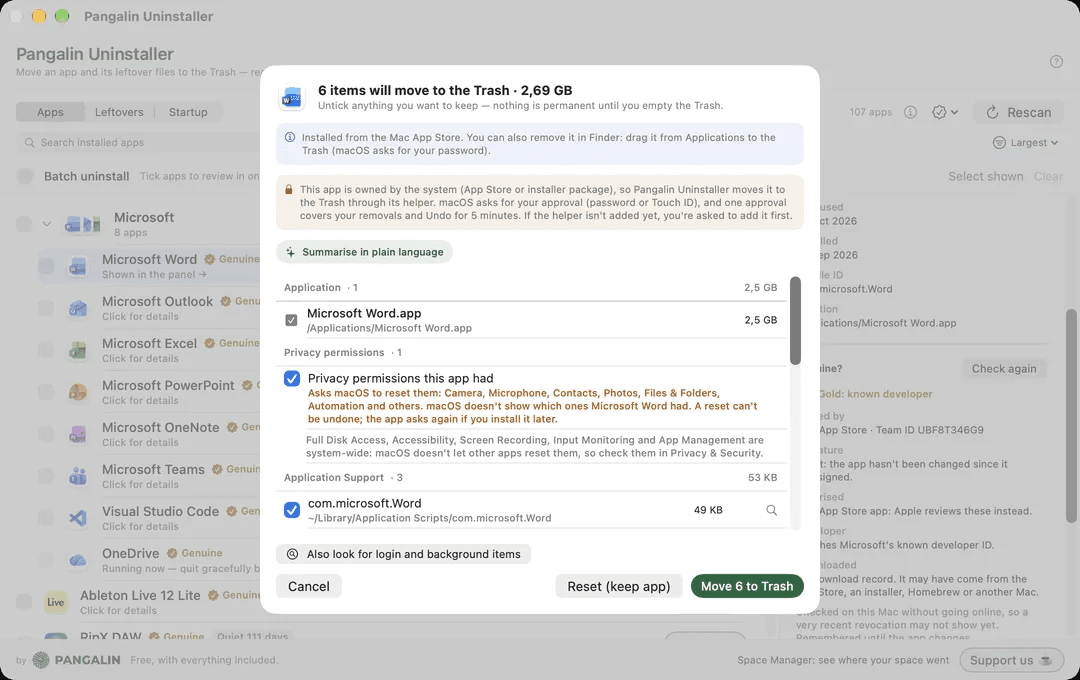
Shows every file an app put on your Mac before anything moves to the Trash. Free.
Utilities · Free · Free download; optional Pro US$3.99 one-time in-app purchase. No subscription. Local pricing may vary. $0
Browse folders and archives in Finder Quick Look