Utilities · $4.99 · one-time (One-time, free 24-hour trial)
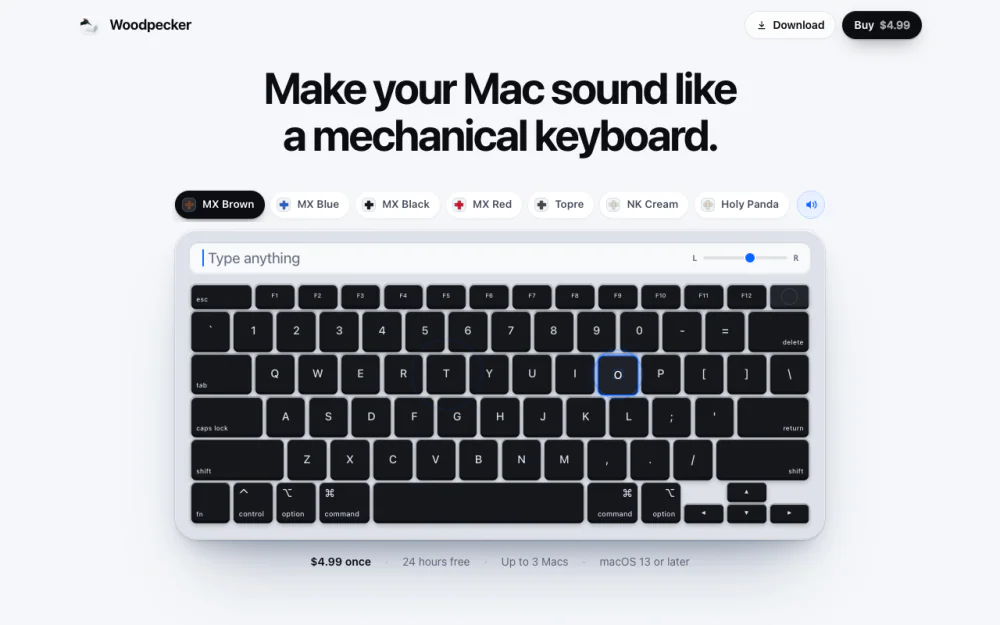
Make your Mac sound like a real mechanical keyboard. Every key plays its own recording, 22 switches, quiet on calls.
A Morse code machine for the Mac: learn, key and send Morse, and type it into any app.
Dot & Dash is a Morse code machine for the Mac. Hold Space or press the knob: a tap is a dit, a hold is a dah, and the tape prints as you key.
Twenty short chapters take you from E and T to the whole alphabet, the figures, punctuation and the common prosigns, two or three characters a chapter. A five-minute daily review brings back what needs it most.
Type a message and the machine sends it, or key it yourself and watch it decode. Paste dots and dashes to get text, or text to get Morse. Type Anywhere keys Morse into any app from the menu bar. Share a message as a tape image, audio or video.
Free for 24 hours, then $29 once for up to 3 Macs. Seven finishes, works offline, no account. macOS 14 or later, Apple silicon and Intel.
Utilities · $4.99 · one-time (One-time, free 24-hour trial)
Make your Mac sound like a real mechanical keyboard. Every key plays its own recording, 22 switches, quiet on calls.

Audio & Voice · Paid
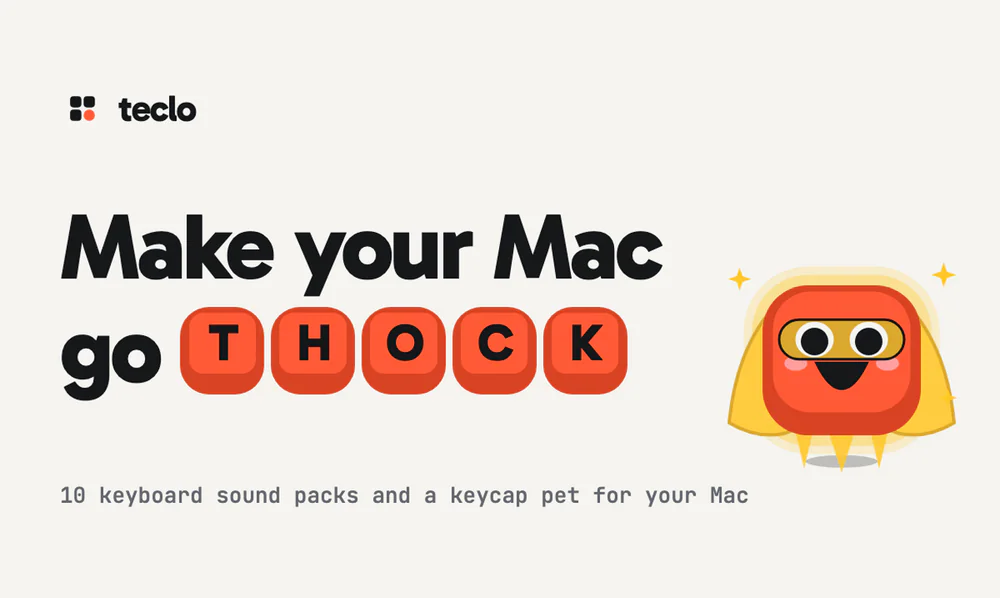
A menu bar app that plays a mechanical keyboard sound for every key you press, in any app, with a keycap pet that types along.

Productivity · Subscription
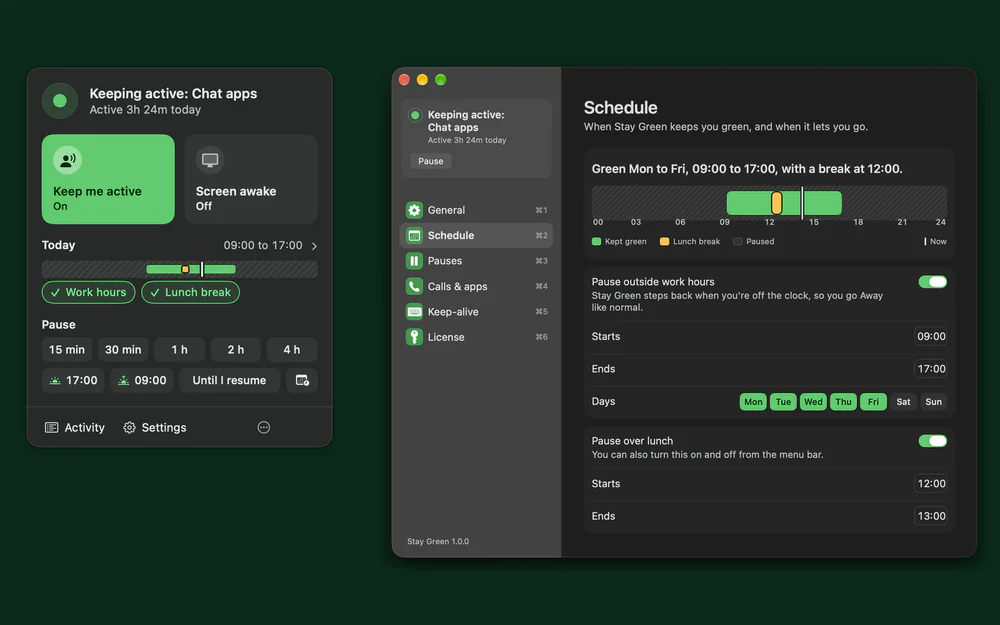
Keeps Teams, Slack and Zoom green while you read, think or take a call. Never moves your cursor.
Utilities · Free & open source
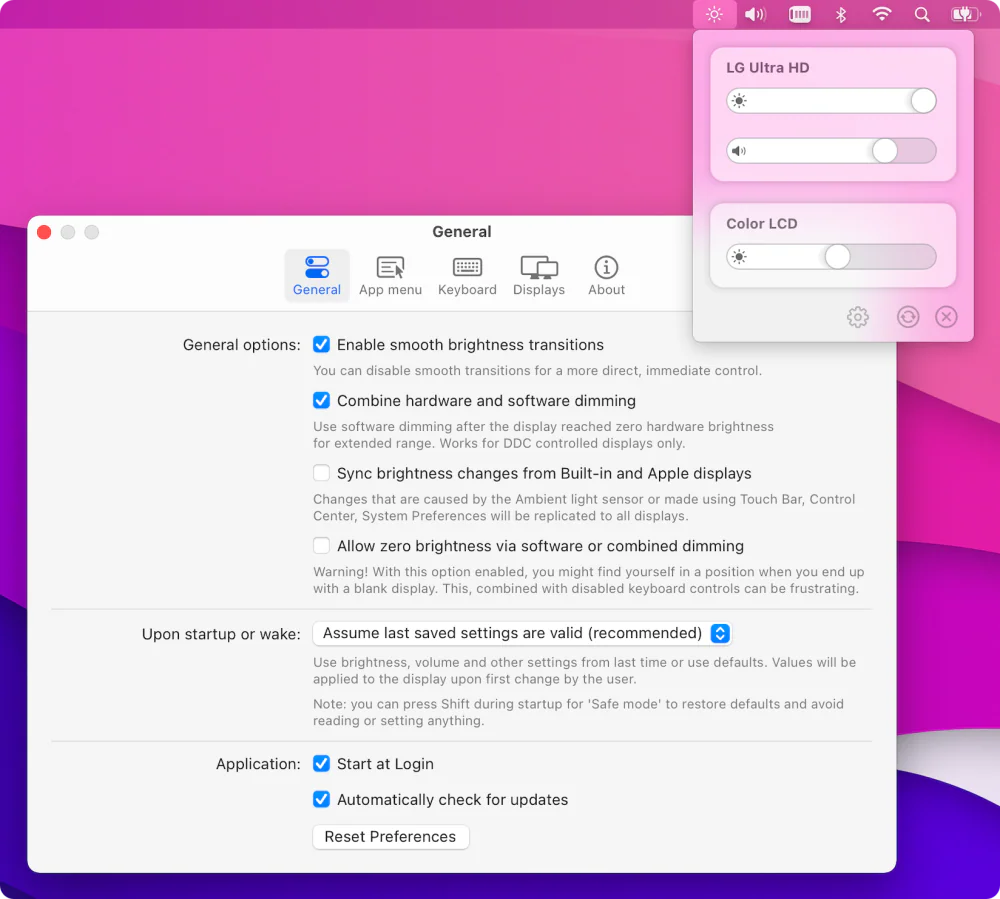
Free, open-source brightness and volume control for external monitors — the native macOS controls Apple never gave your non-Apple display.
Utilities · $9.99 · one-time (Launch Pricing)
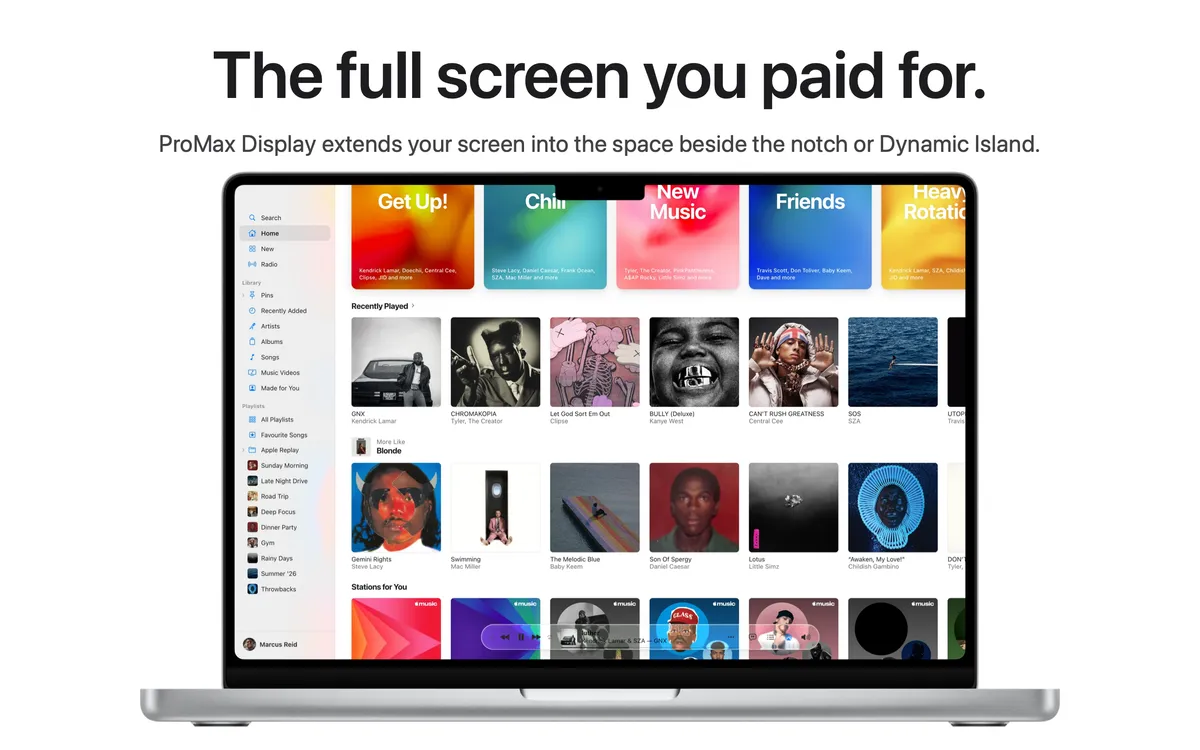
Lets full screen apps use the strip beside your MacBook's notch or Dynamic Island, so you get the whole display.

Utilities · $4.99 · one-time (14-day free trial. One license covers up to 3 Macs.)
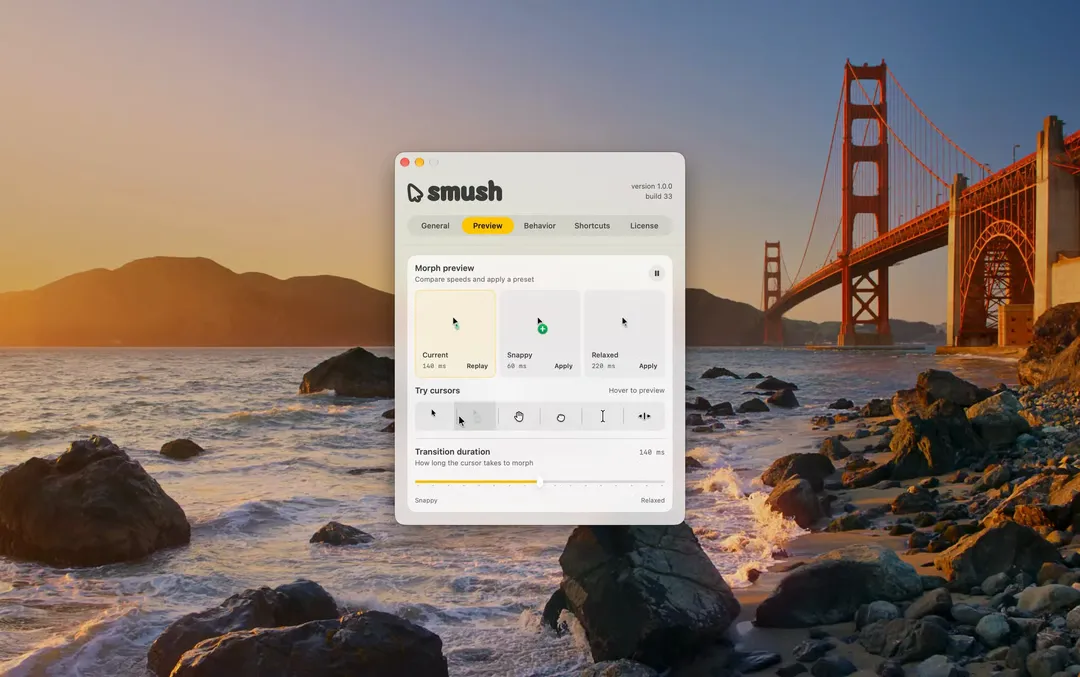
Adds a little animation when your Mac’s cursor changes shape.