

Share one keyboard, mouse and trackpad across Macs, with Quick Share folders. Works at the lock and login screens. No account.
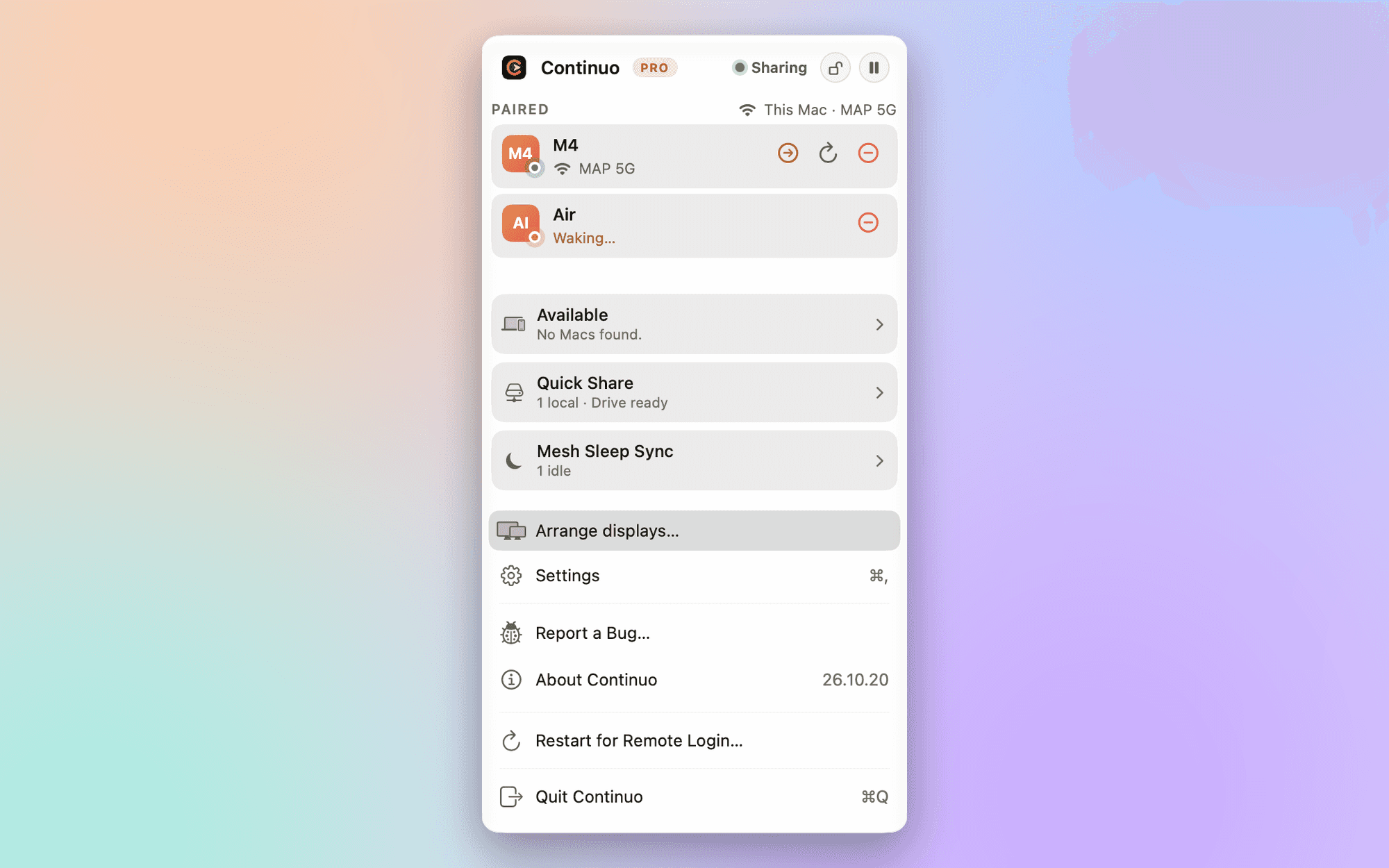
No account. Made only for Macs. Quick Share built in.
Continuo shares one keyboard, mouse and trackpad across Macs on the same network. Move the pointer off one screen and it lands on the next Mac. Each Mac keeps its own screen; it is not screen sharing.
- No account. No sign-in, no cloud relay, no telemetry. Pairing is local: both Macs show the same three words and you check they match. Signed and notarized, so it opens with a double-click.
- Native, not a port. Pinch, rotate and swipe arrive as real trackpad gestures on the other Mac. You can type at the lock screen, and at the login window after a restart. Runs on Apple silicon and Intel, macOS 15 or newer.
- Copy on Select. Highlight text and it is copied, and sent to your other Macs, without pressing ⌘C. Passwords and other concealed items are never copied.
- Quick Share. Mounts a folder from one Mac in Finder on the others. You can also drag files across screens and share the clipboard.
Free works for two Macs. Pro is a one-time purchase ($39) and adds more Macs, trackpad gestures, Copy on Select, the login window, Quick Share and more.
More in Productivity
Productivity · Free · Pro $4.99
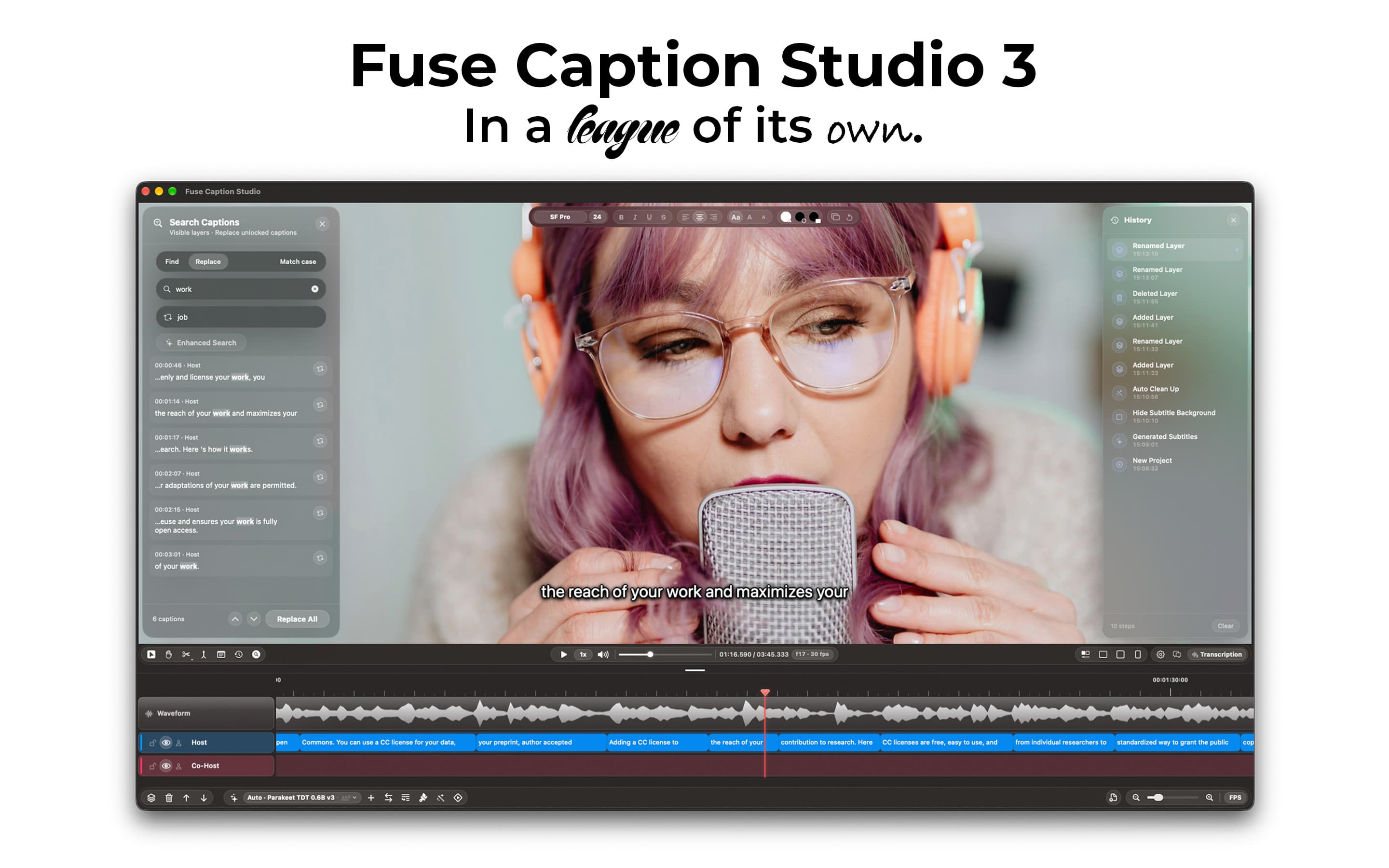
Transcribes and translates media, generating captions that can easily be edited by using a video editor-style type of timeline.
Productivity · $14.99 · one-time
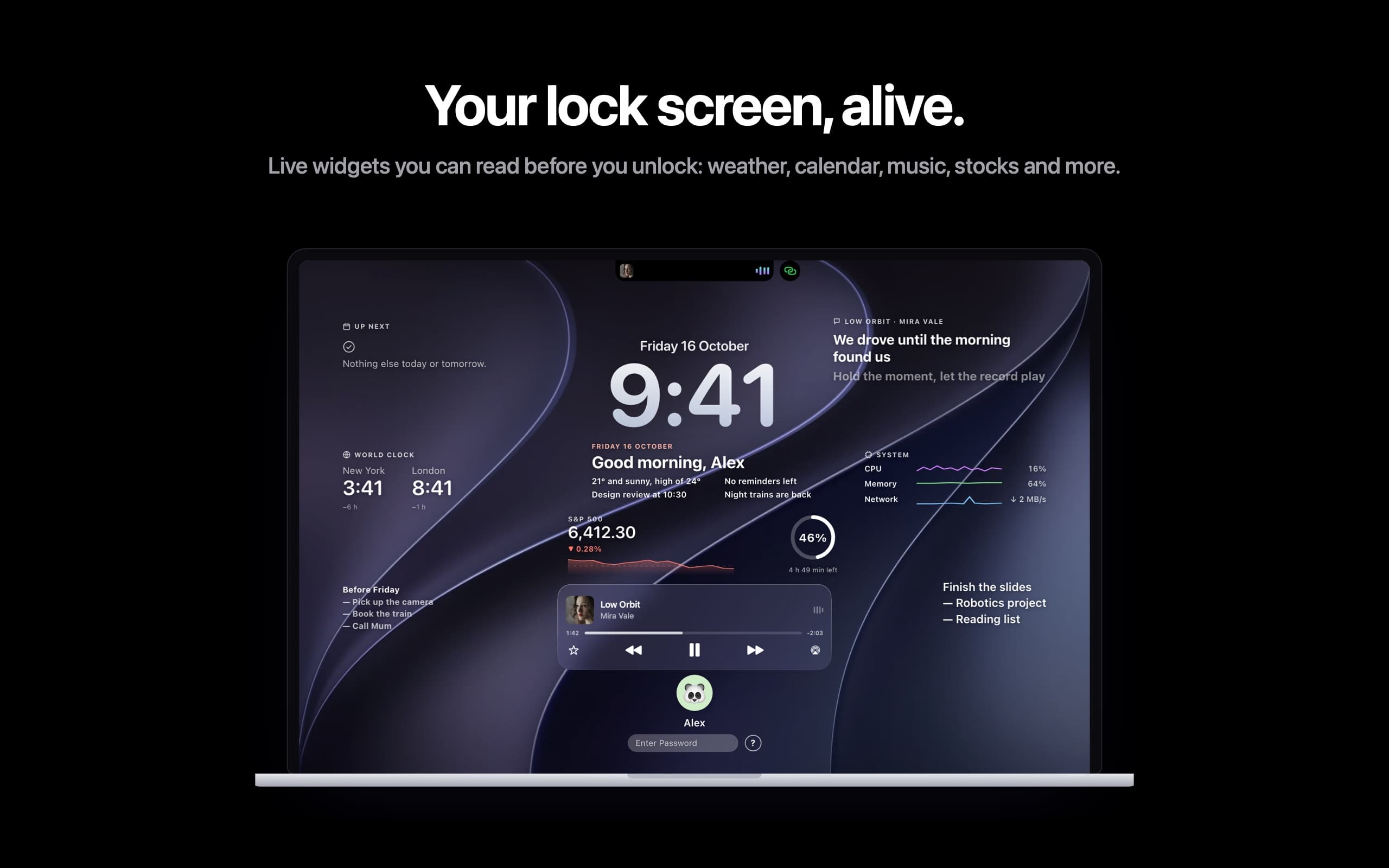
Live widgets on your Mac's lock screen and a Dynamic Island in the notch: music with synced lyrics, calls, trips and more.

Productivity · $9.99 · one-time
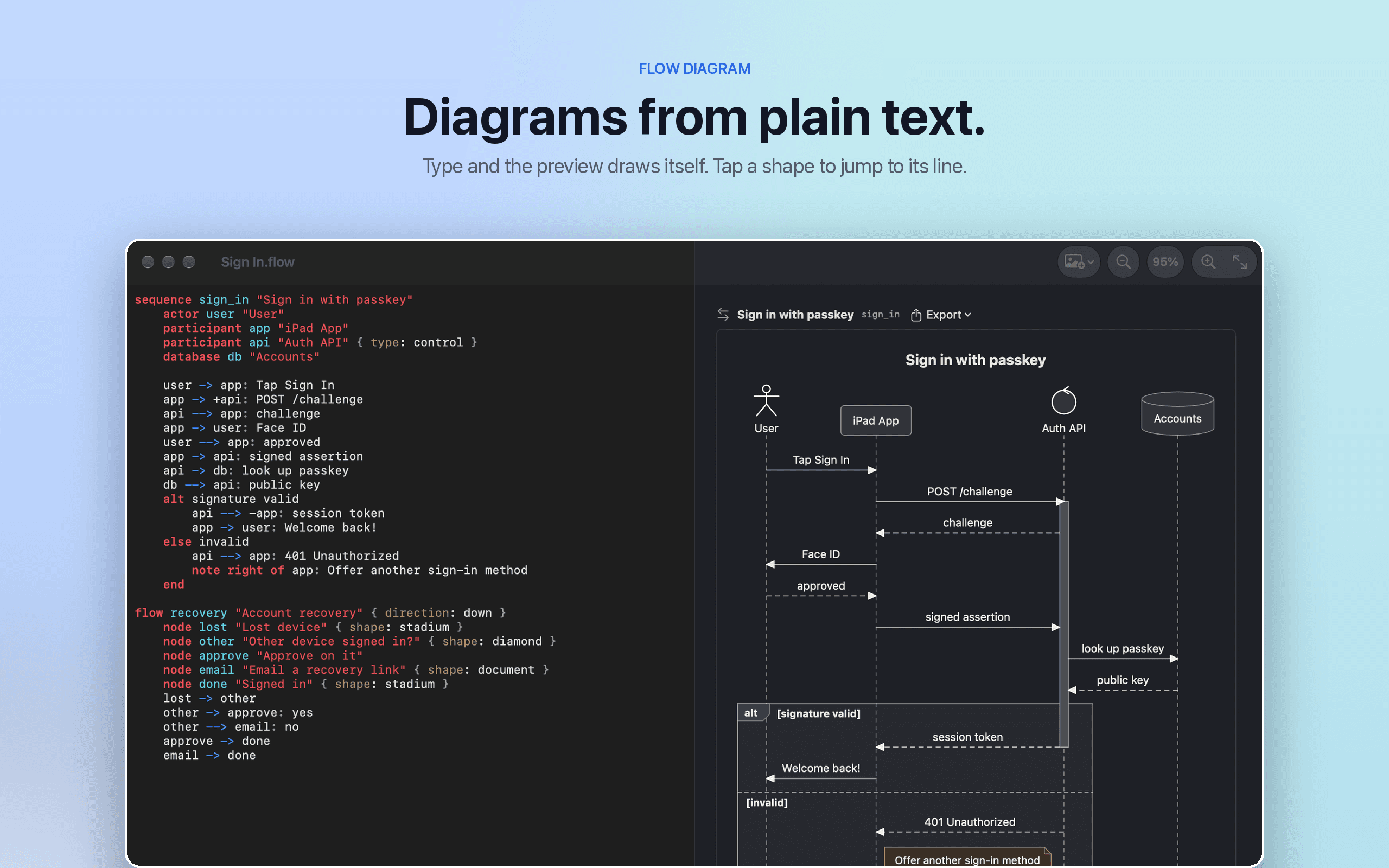
Flow Diagram turns a messy photo or a quick sketch into a diagram you can edit, share and keep