
The neatest Pomodoro timer in your menu bar — minimal, keyboard-friendly, and free and open source.
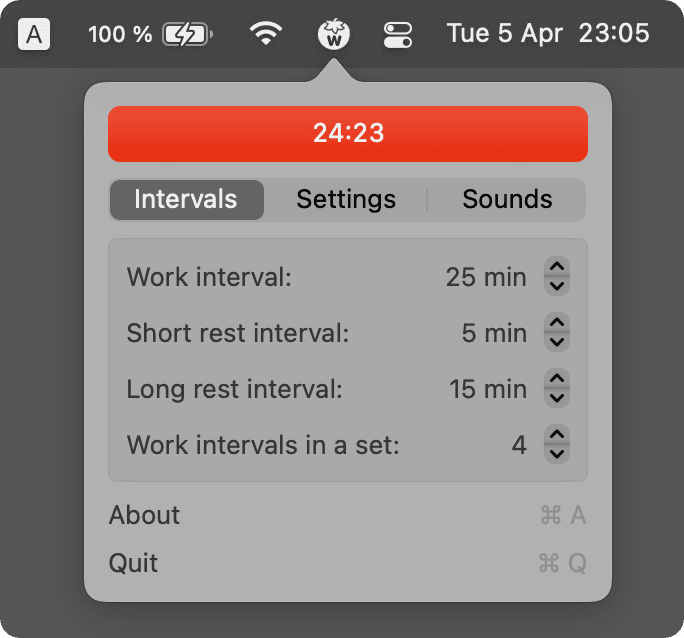
TomatoBar lives entirely in your menu bar: click the tomato icon to start a work interval, and it counts down with a live progress ring right there in the menu bar, no separate window required. Short and long breaks kick in automatically on the classic Pomodoro schedule, with a sound and notification when it's time to switch.
Why it makes the list
Most Pomodoro apps want their own dock icon, window, and settings panel for what should be a simple countdown. TomatoBar strips it down to exactly what the technique needs — a timer, an interval schedule, and a notification — and does it natively in Swift with essentially no memory footprint.
Standout features
- Menu bar-only interface — no dock icon, no separate window
- Live countdown ring built into the menu bar icon itself
- Automatic work/short-break/long-break cycling on the classic Pomodoro schedule
- Global keyboard shortcut to start, stop, or skip an interval
- Sound and notification when an interval ends
- Tiny and native — negligible CPU and memory usage
Pricing
Completely free and open source (MIT).
More in Productivity
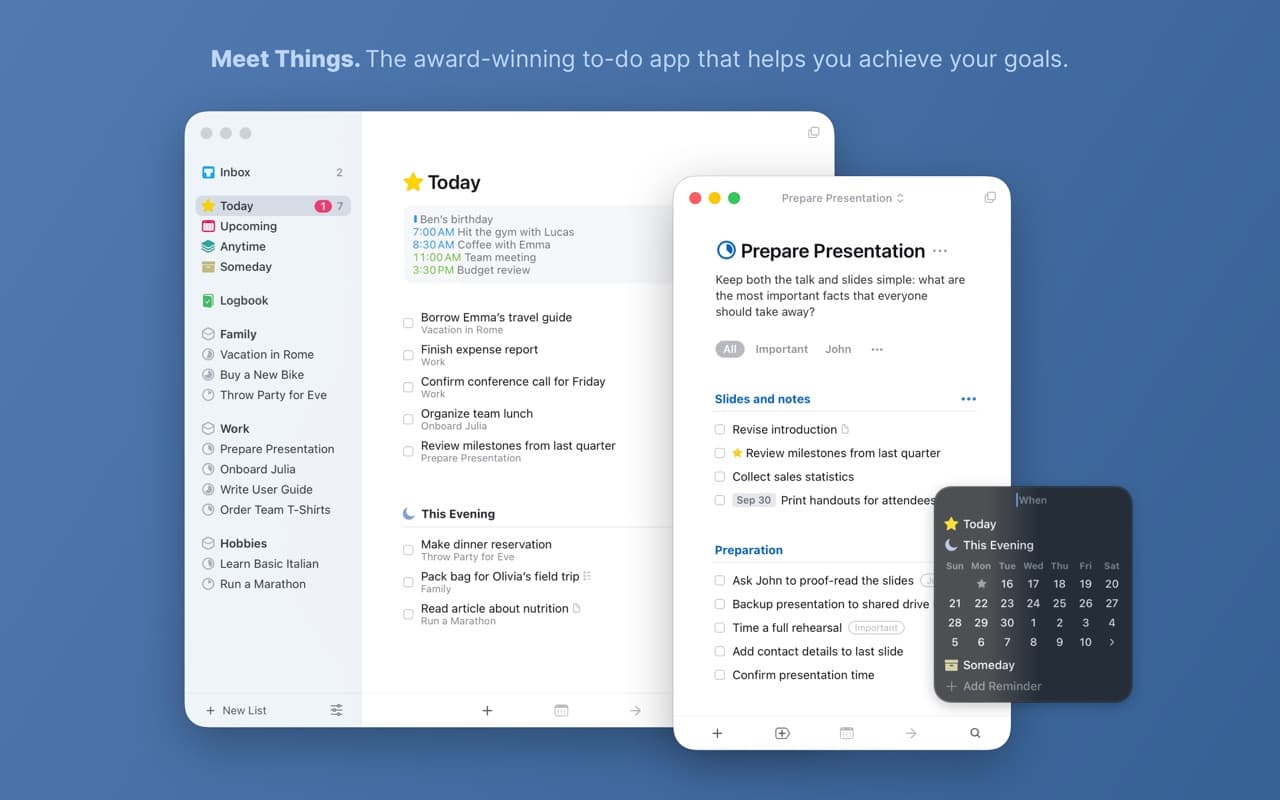
Productivity · $34.99 · one-time
The task manager other task managers are measured against — a two-time Apple Design Award winner built on calm typography and zero friction.
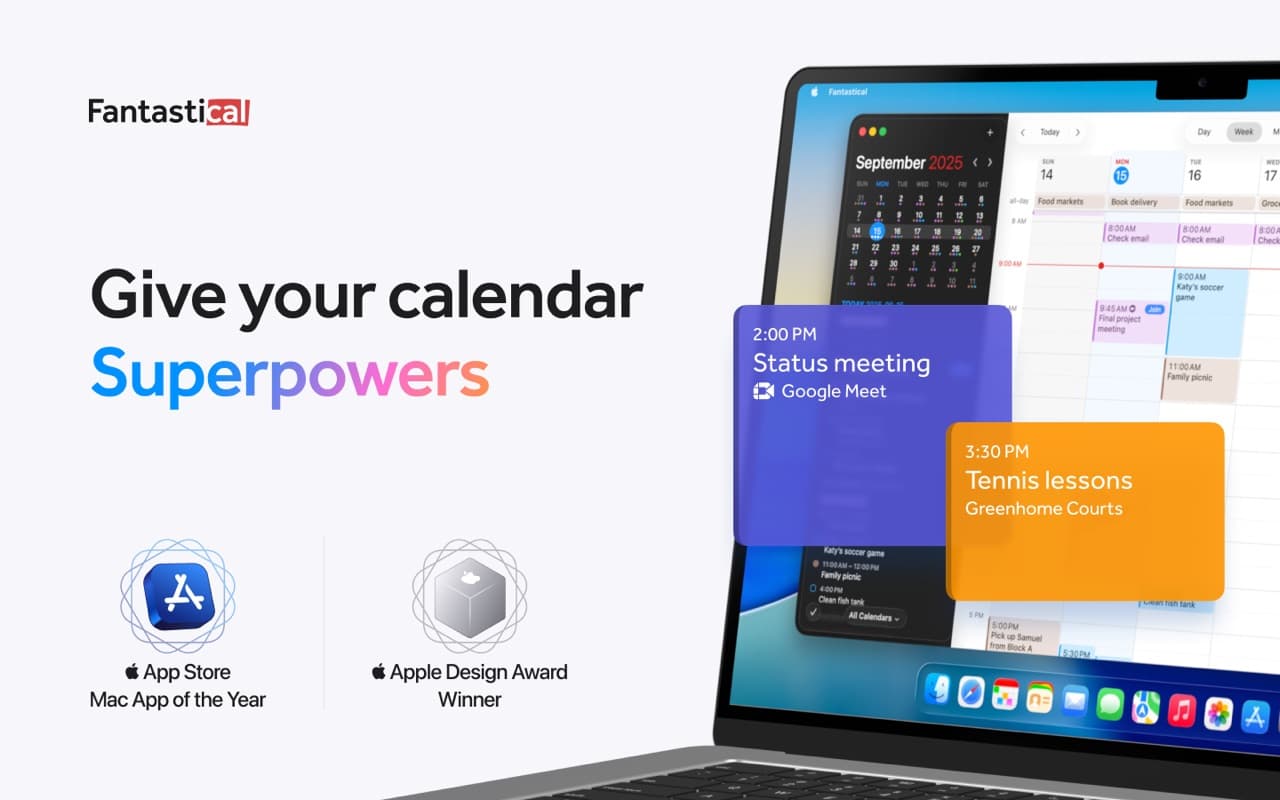
Productivity · Free · Flexibits Premium subscription
The calendar app that set the bar for the category — natural-language event entry, a beautiful week view, and every calendar account in one place.
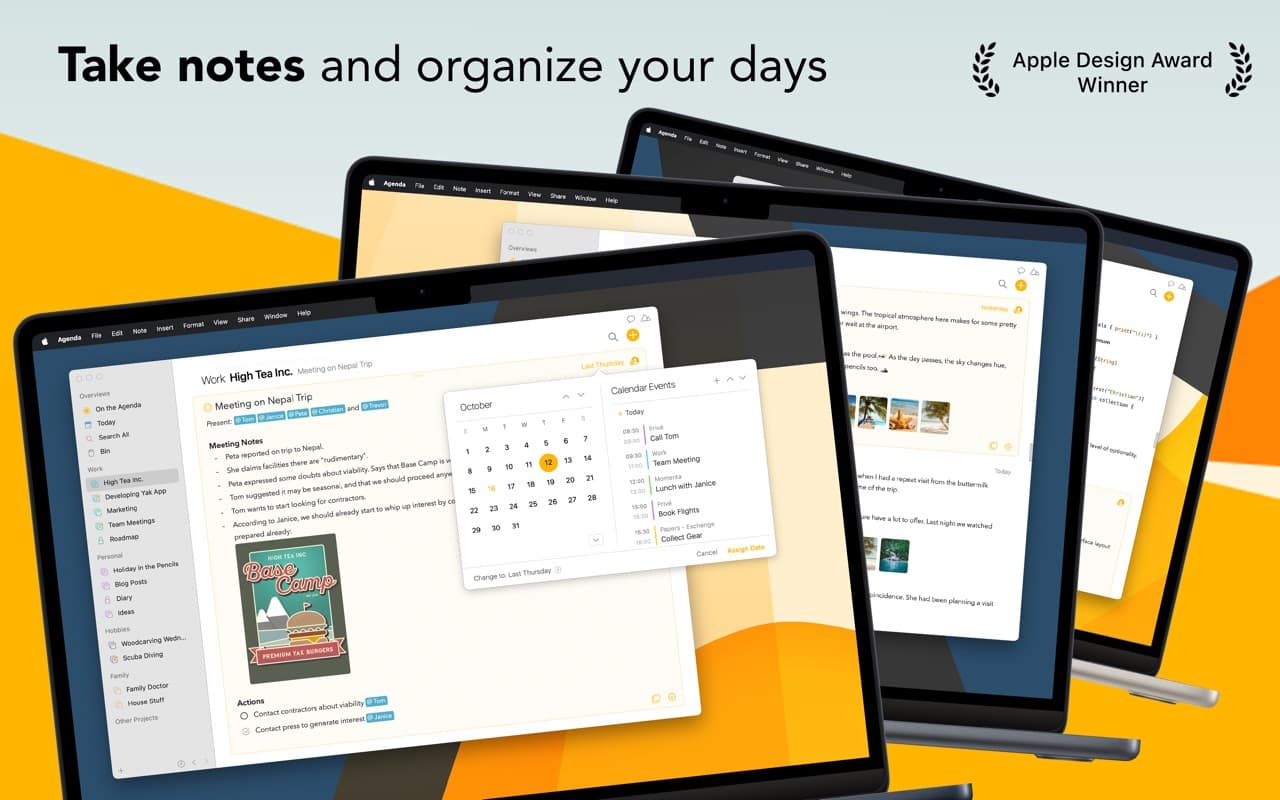
Productivity · Free · one-time premium unlock
A date-focused note-taking app that ties your notes to your calendar — an Apple Design Award winner with a timeline running through everything.