
A date-focused note-taking app that ties your notes to your calendar — an Apple Design Award winner with a timeline running through everything.
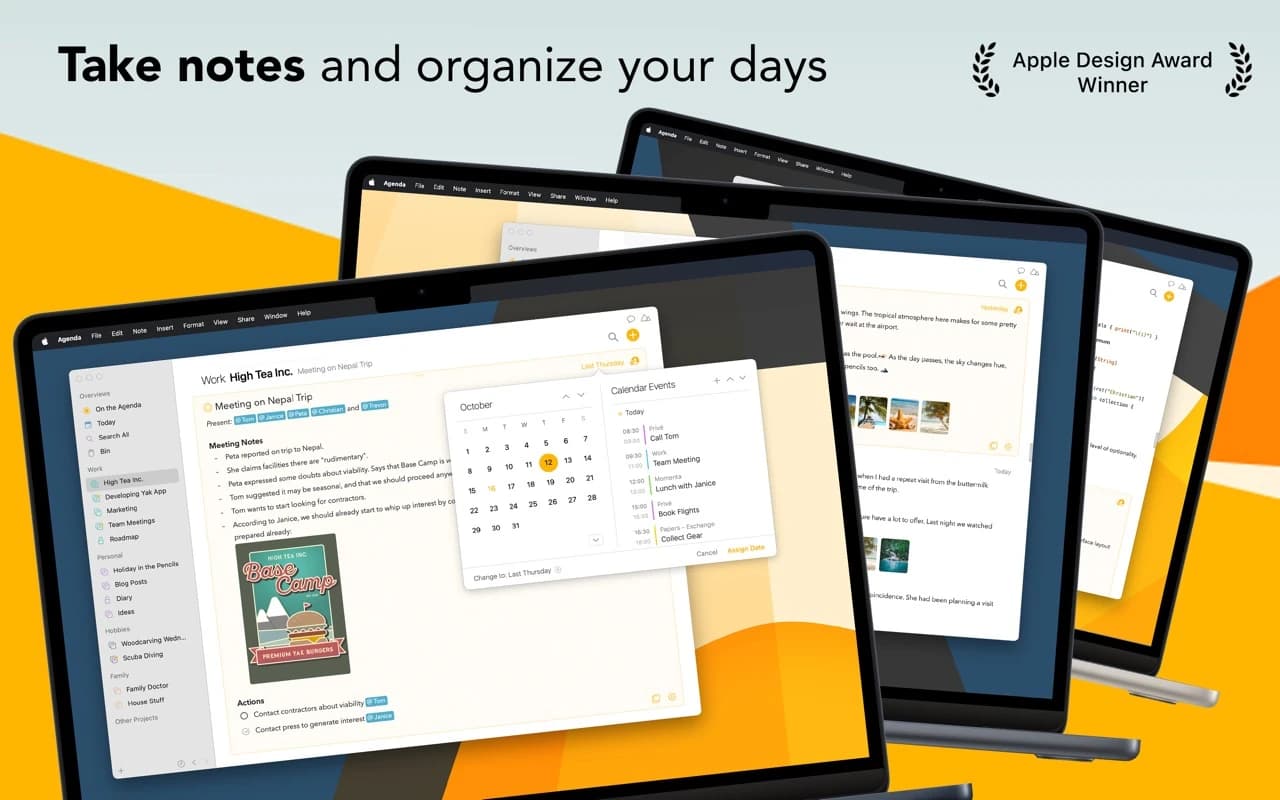
Agenda organizes notes along a timeline. Every note can be attached to a date and linked to a calendar event, so your project history, meeting notes, and plans all sit on one continuous track — "On the Agenda" for what is active now, dated entries for everything else.
Why it makes the list
Agenda won an Apple Design Award for good reason: it found a genuinely new shape for notes and executed it with taste. Rich Markdown-style editing, deep macOS integration (Shortcuts, Share extension, Reminders, Calendar), and a refreshing business model — you pay once for the features that exist today and keep them forever.
Standout features
-
Timeline view connecting notes to dates and calendar events
-
On the Agenda — a live shortlist of what you are working on now
-
Rich text with Markdown shortcuts, styles, and inline attachments
-
Project and category organization with saved searches and overviews
-
Two-way links to Reminders, Calendar, and other notes
-
Works fully offline, syncs via iCloud or Dropbox
Pricing
Free to use with the full core app. A one-time premium purchase unlocks the latest features permanently; buy again later only if you want the next year's additions.
More in Productivity
Productivity · Free · Pro $4.99
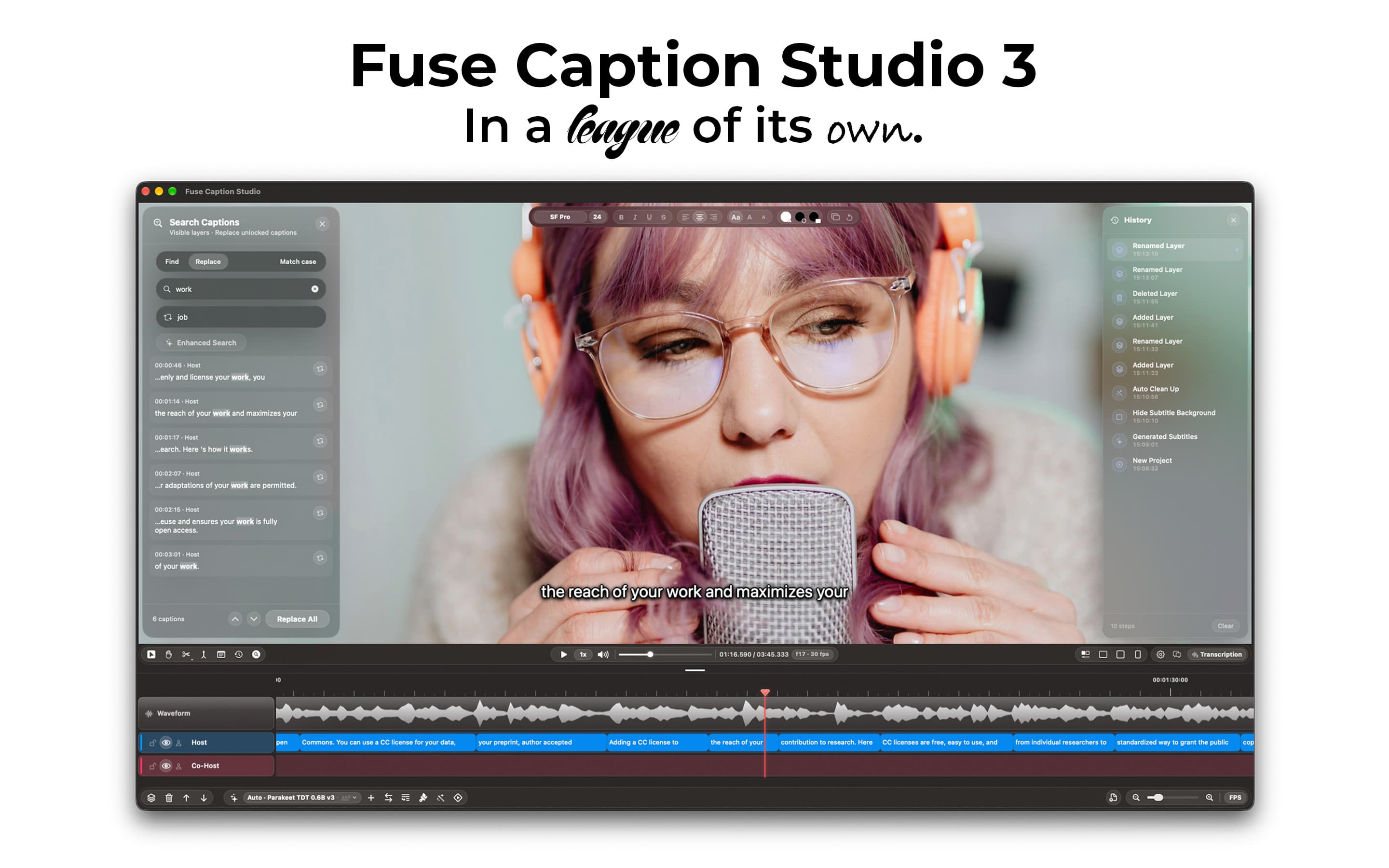
Transcribes and translates media, generating captions that can easily be edited by using a video editor-style type of timeline.
Productivity · $14.99 · one-time
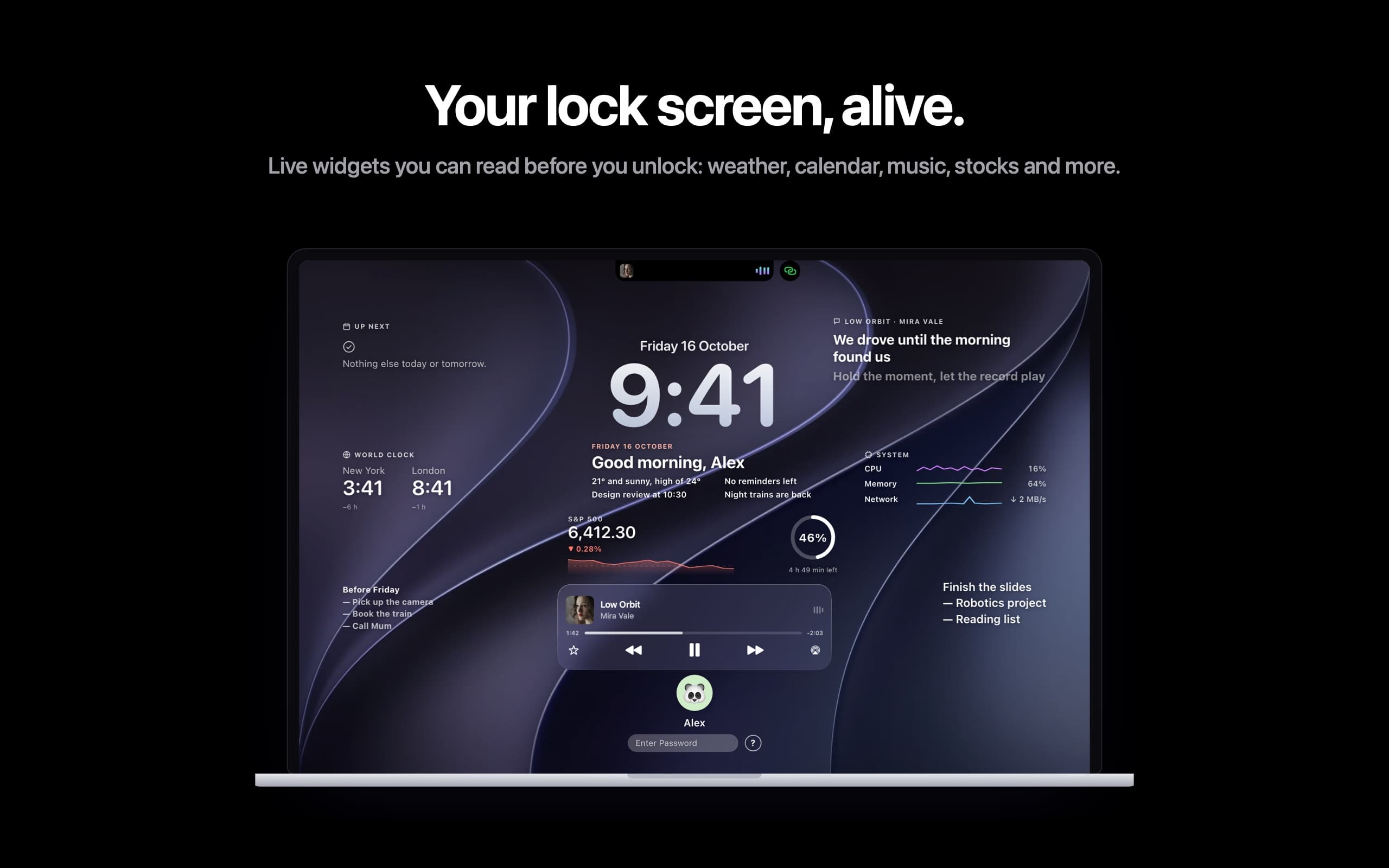
Live widgets on your Mac's lock screen and a Dynamic Island in the notch: music with synced lyrics, calls, trips and more.
Productivity · $9.99 · one-time
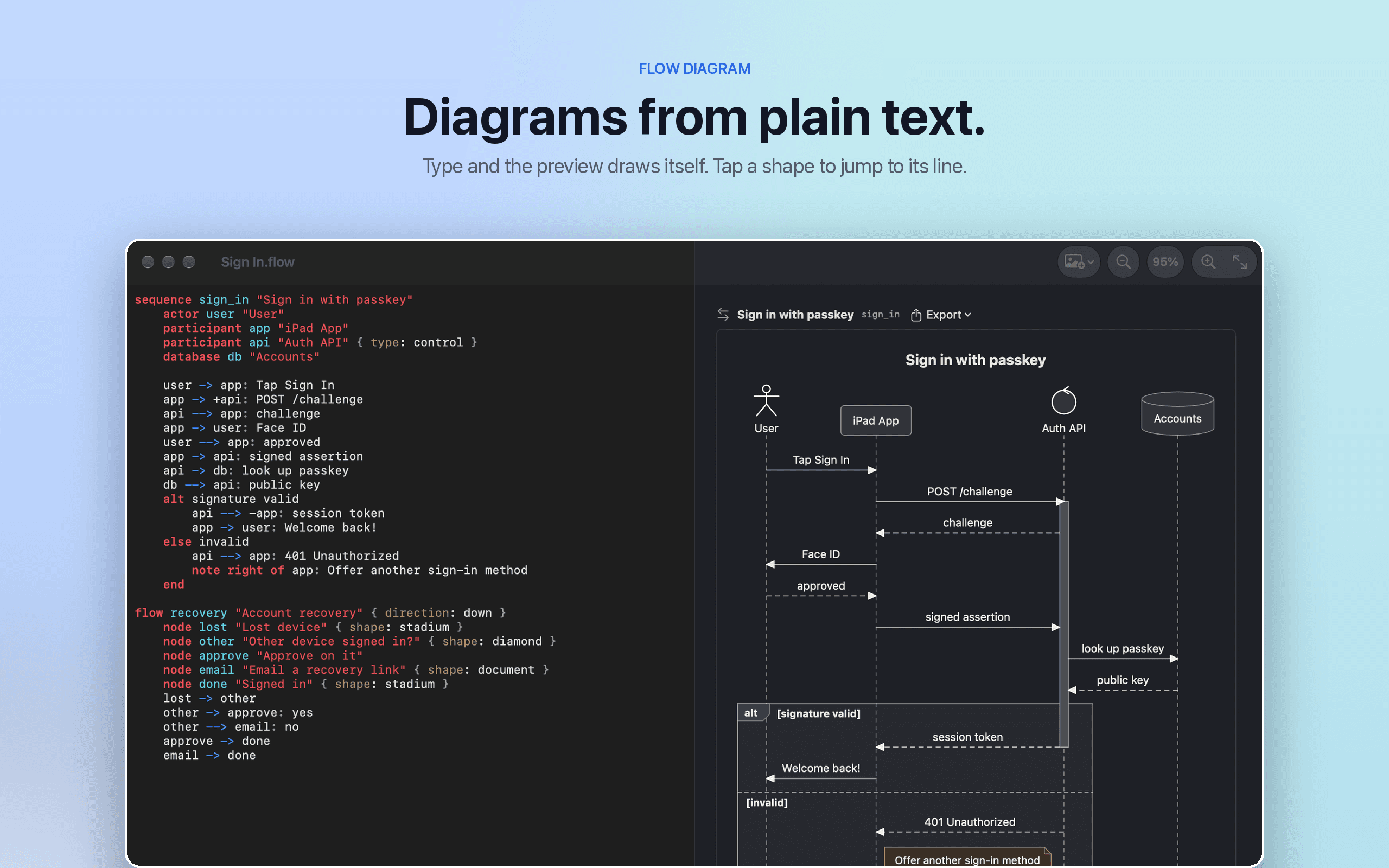
Flow Diagram turns a messy photo or a quick sketch into a diagram you can edit, share and keep