
Developer Tools · $9.99 · one-time
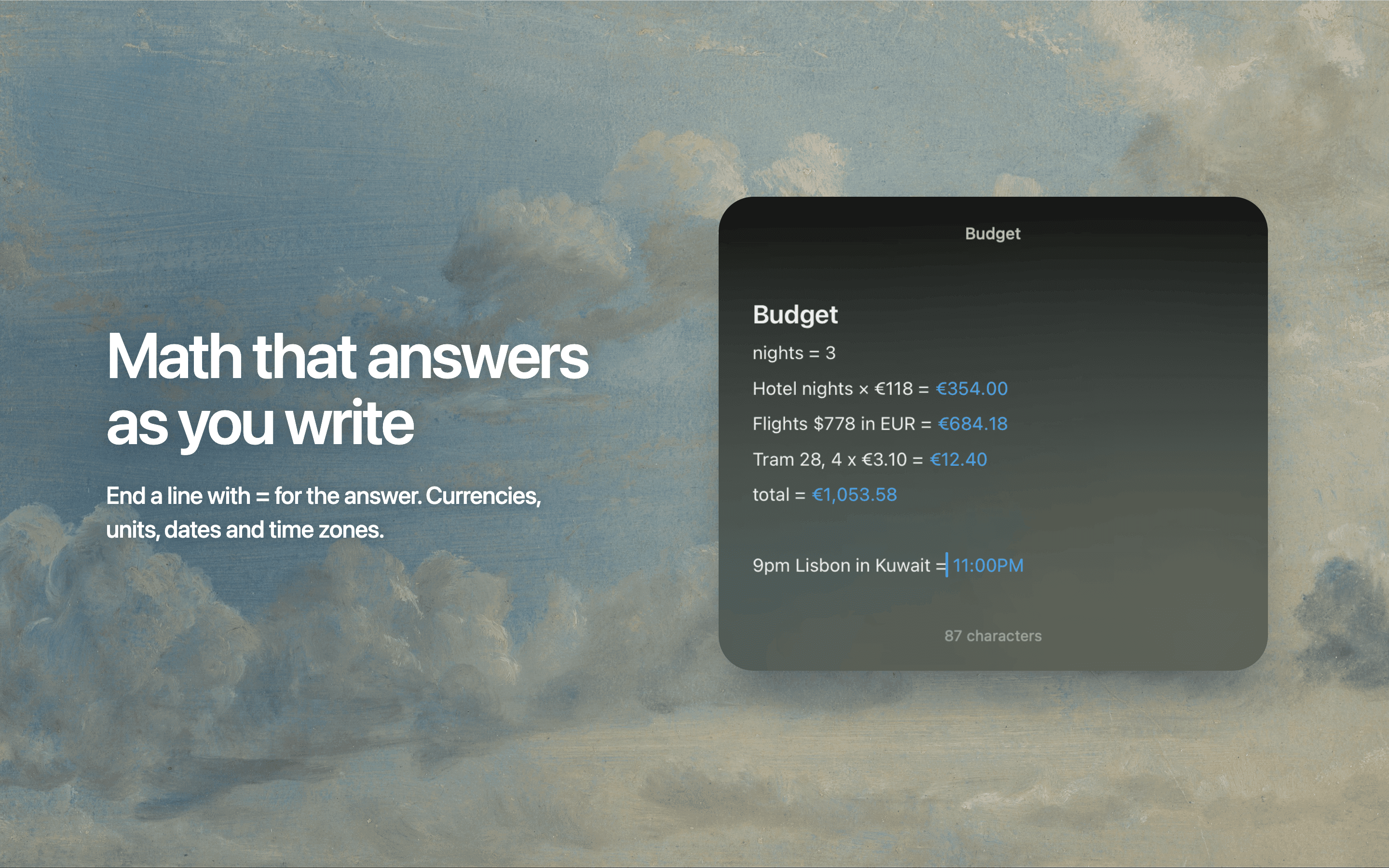
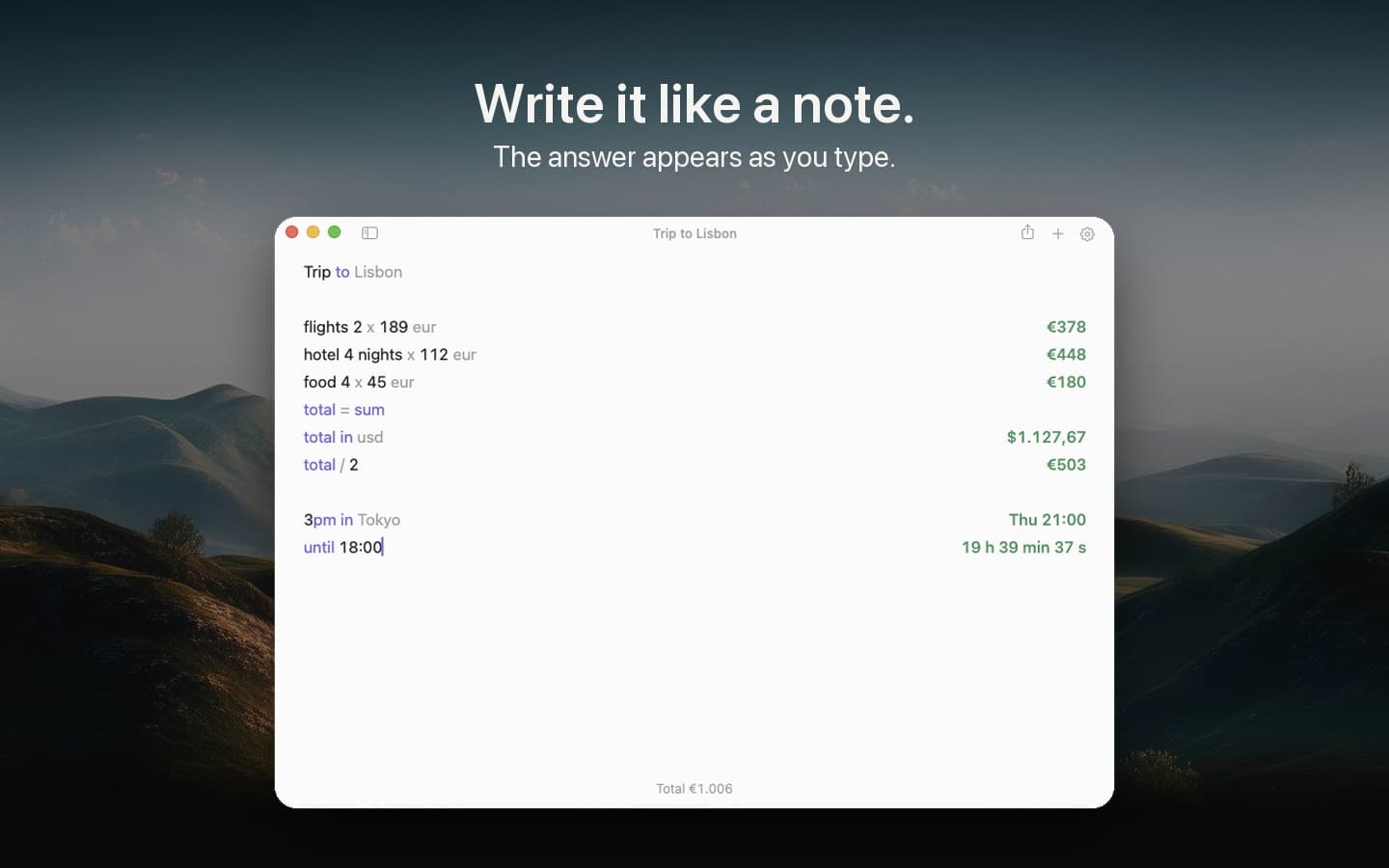
A notepad calculator: type calculations like a note, and the answer appears beside each line as you type.
A notepad that does math as you type — write calculations in plain language, reference earlier lines by name, and watch every answer update when a number changes.

Soulver sits between a calculator and a text editor. Type "rent = $2,500" on one line and "20% of rent" on the next, and the answers appear down the right margin. Change the rent and everything recalculates. It handles currencies with live rates, unit conversions, dates, percentages, and running totals, all in readable notes you can keep.
Soulver has been a quietly influential Mac app for years — the thing people reach for when a spreadsheet is too much and Calculator is too little. Version 4 is a native rewrite with a cleaner design, faster engine, and a token-based editor that keeps your working legible. It is the rare utility people describe as a pleasure to think in.
Natural-language math — words and numbers on the same line
Named lines and variables you can reference later
Live currency rates, unit conversion, and date math
Running totals and subtotals across a note
Multiple documents, with a menu-bar quick calc
iCloud sync with the separate iPad and iPhone apps
A one-time $59 purchase for the Mac app after a 60-day free trial. Also available on Setapp.
Developer Tools · $9.99 · one-time
A notepad calculator: type calculations like a note, and the answer appears beside each line as you type.

Productivity · $12 · one-time (One-time, free 24-hour trial)
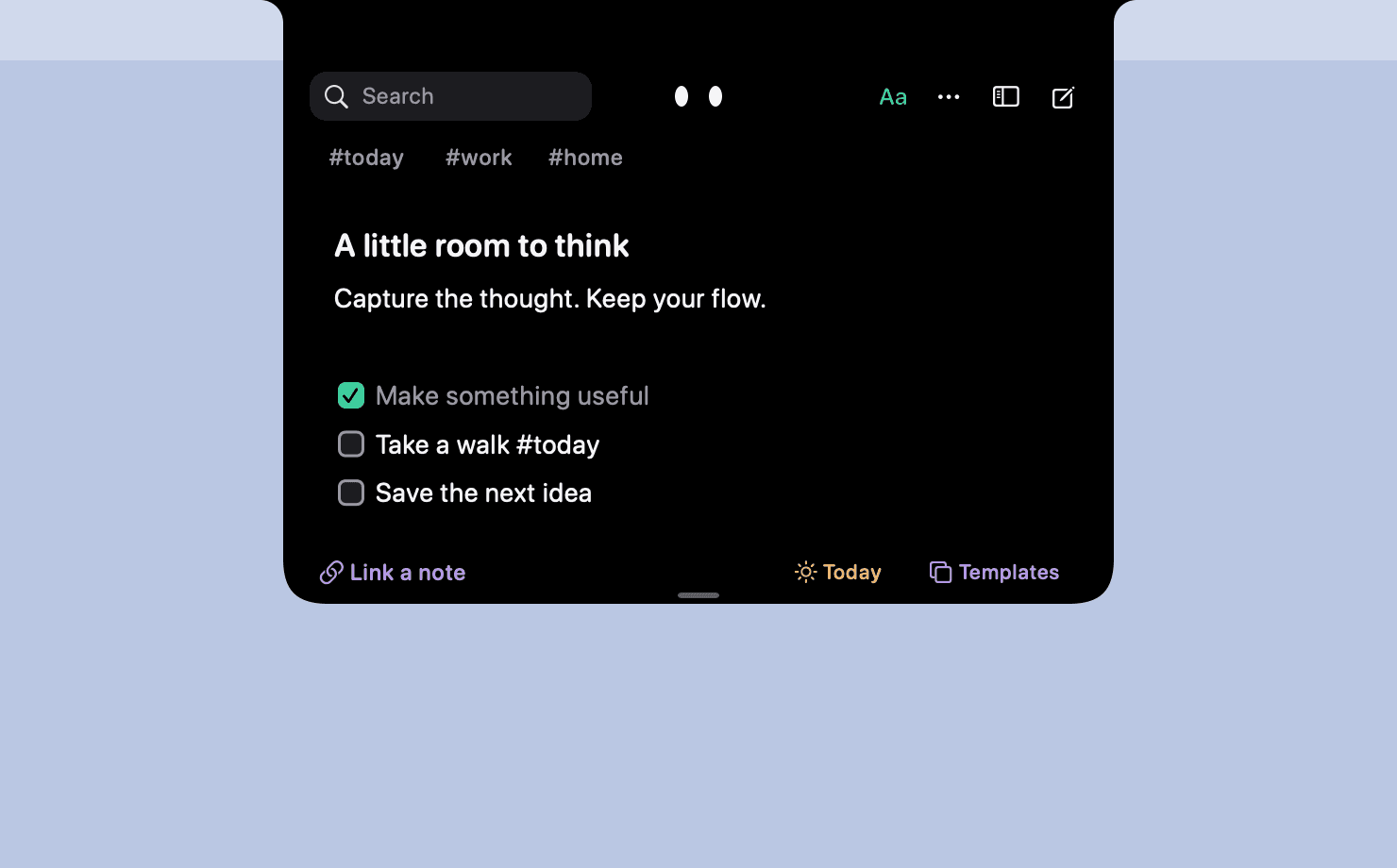
Catch a thought without leaving what you are doing. Notes, checklists and a little companion in your Mac's notch.

Productivity · $9 · one-time
Leave it here. Find it when you’re back.

Writing & Documents · $29.99 · one-time (App Store, Free Trial)
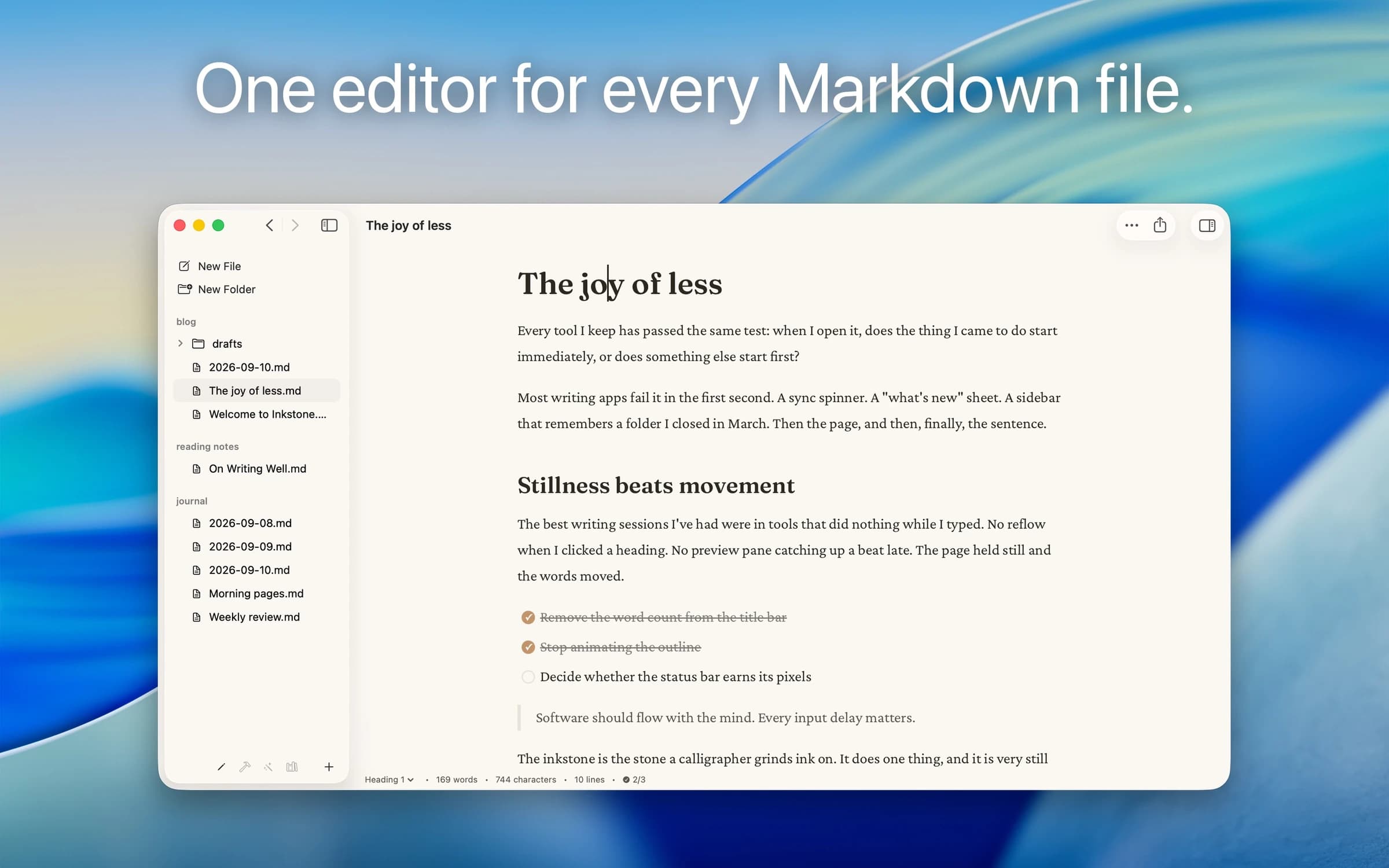
Native Markdown editor for the plain .md files on your Mac: renders as you type, edits folders in place, no account.

Writing & Documents · $17.99 · one-time (App Store. Subscription options also available.)
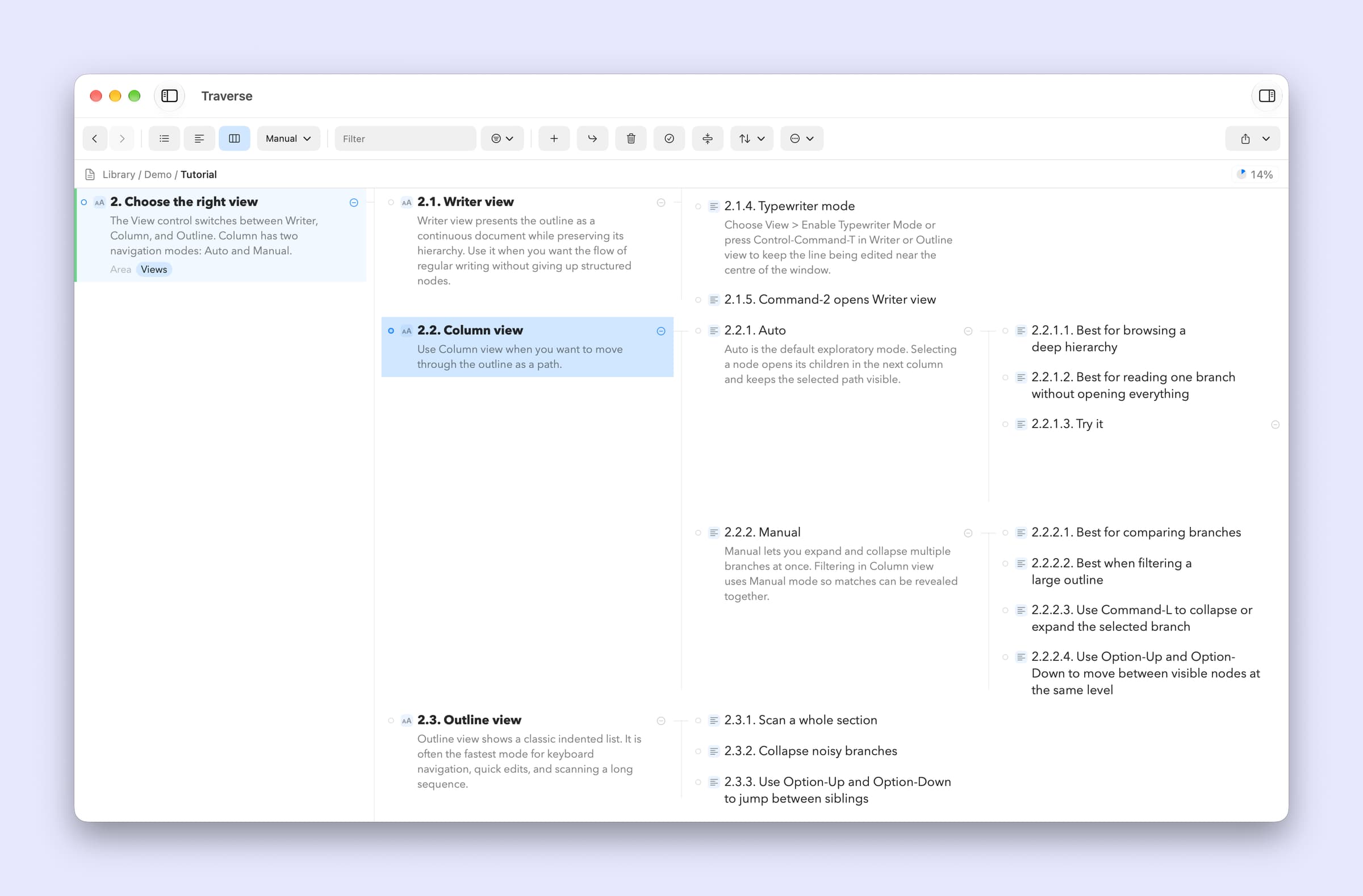
A native Mac outliner for turning messy ideas into structured writing, research, plans, and scripts, all stored as portable local OPML files

Writing & Documents · Free · free for 3 notes, $4.99 one-time for unlimited $0
Floating Markdown notes for Mac that open over any app with one keystroke, or from the screen edge or notch.