


All apps

Captured Clean

Productivity$15 · one-timeby capturedclean.com

Captured Clean is a native storage cleaner for Mac and iPhone.
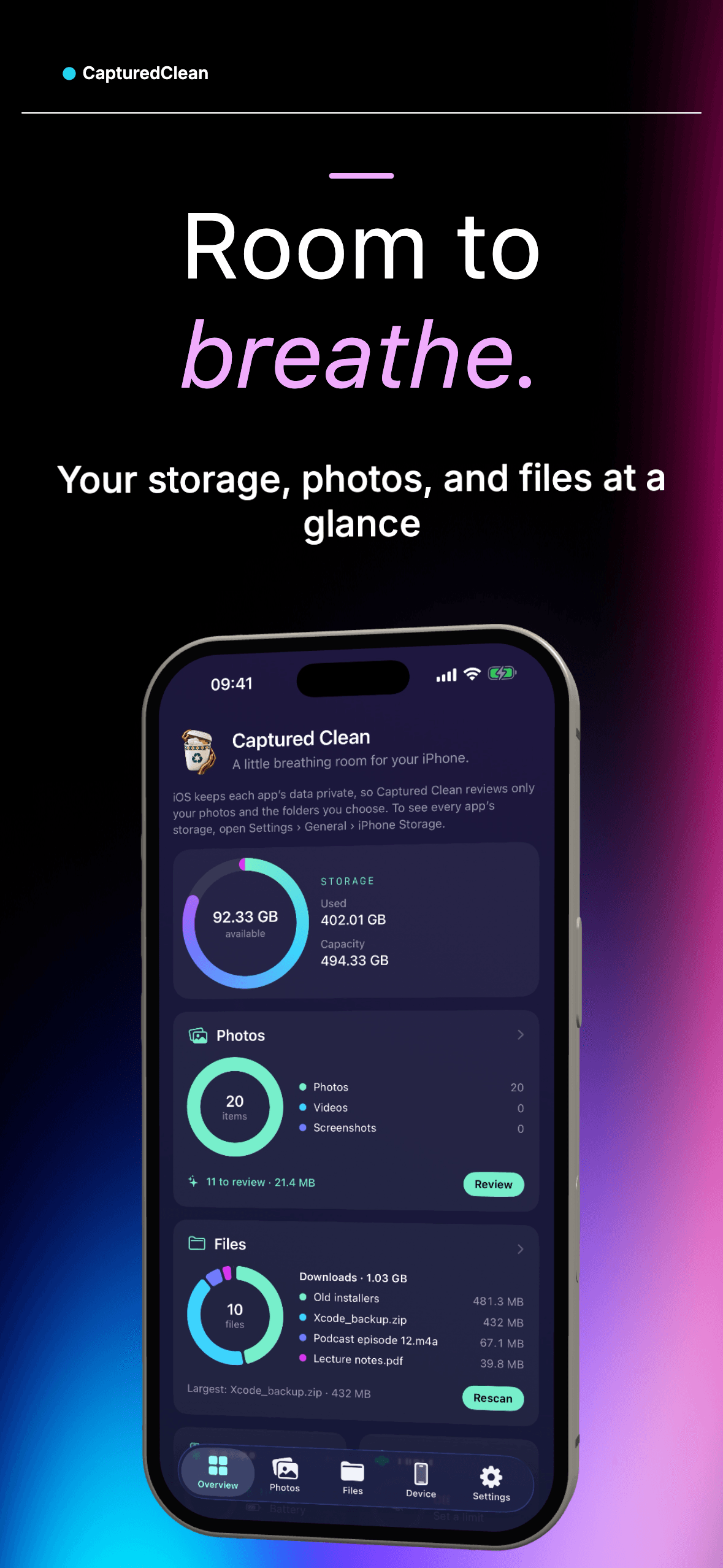
Captured Clean screenshot 1

What Captured Clean does

Mac app (macOS 14 Sonoma or later)

  • Overview dashboard: disk capacity and free space, junk found, live CPU and memory, Trash size and the largest files on one page.
  • Clean up: finds application caches and logs; Xcode build data, archives and device support files; simulator caches; npm, Gradle, Cargo, Go, pnpm, Bun, Dart/Flutter and ~/.cache package caches; iPhone/iPad backups; and installers in Downloads older than 30 days. Nothing is preselected; the user reviews exact paths first.
  • Smart Clean: one click from the menu bar removes only caches, logs and build data that apps rebuild, skipping apps that are running. It lists everything by category first, so people can untick what to keep.
  • "Safe to delete?": explains what each item is and how risky deleting it is, using Captured Clean's own rules. On Macs with Apple Intelligence (macOS 26), Apple's on-device model can also explain it in plain language: what it is, what happens if it's deleted, and how to get it back. Nothing leaves the Mac.
  • File explorer and Large files: scans any folder and sorts everything by size, with drill-down. Sizes match Finder's "on disk" figure, and hard links are counted once. The large-file size can be changed (default 100 MB).
  • Find files: searches by part of a name, ignoring case and accents. Uses Spotlight by default, with an option to include hidden and Library folders.
  • Applications and uninstaller: shows how much space each app uses, including its extensions (for example VS Code extensions with names, versions and sizes), caches, data and logs. Uninstalling removes the app plus its support files, caches, preferences, containers and launch agents. Exact matches are preselected; folders matched only by name are listed but left for the user to verify.
  • Activity Monitor: live CPU and memory for each app or process, with Quit and Force Quit after confirmation. It never touches system processes or other users' processes.
  • Menu bar panel and floating monitor: free space in the menu bar, a panel with live CPU and memory, the busiest apps and the largest files, and a small monitor that floats above every window, including full-screen apps.
  • Storage alerts: notifies the user once when free space drops below a limit (or usage rises above a percentage), without repeating while readings hover near the line.
  • Automatic updates (Sparkle, signed), 15 themes, launch at login.

iPhone app (iOS 17 or later)

  • Overview: storage used and available, photos to review, and the biggest folders.
  • Photos: finds exact duplicates, similar shots (near-identical photos taken within two minutes), screenshots and large videos. The best photo in each group is marked. Comparison uses small thumbnails on the device; no photo is uploaded. Deleted photos go to Recently Deleted.
  • Files: browse any folder in Files or iCloud Drive by size, find large files, preview with Quick Look.
  • Widgets: Home Screen and Lock Screen widgets show storage left and photos to review.
  • Device: thermal state, battery, Low Power Mode, memory and system version.
  • Storage alerts and themes.

Safety and privacy principles

  • Nothing is selected or removed automatically; every cleanup is reviewed first.
  • Files go to the macOS Trash and photos to Recently Deleted by default. Permanent deletion is an explicit opt-in.
  • Never asks for an administrator password and never touches system folders.
  • File and photo scans run entirely on the device. Optional, anonymous usage statistics and crash reports contain no file names or paths, and can be turned off in Settings.
  • When macOS hides protected folders, results are clearly marked as partial and the app explains how to grant Full Disk Access.

Business model

PlanPriceIncludes
Free$0Unlimited scanning and browsing; 2 GB of cleanup, 1 app uninstall and 1 GB of photo deletions a month
Pro Lifetime$15 onceUnlimited cleanup, uninstalls and photo deletions, Safe to delete?, custom alerts, floating monitor, Quit/Force Quit, all themes; 2 devices, any mix of Macs and iPhones
Family Lifetime$55 onceEverything in Pro, 5 devices
iPhone in-app$14.99 oncePro through the App Store; unlocks the Mac through Sign in with Apple

No subscriptions. The website sells license keys through Creem (merchant of record), since Stripe doesn't onboard Nigeria-based businesses.

Technology

  • Native Swift 6 and SwiftUI with one shared core framework for macOS and iOS, plus a WidgetKit extension. No third-party dependencies in the scanning engine.
  • The Mac app is signed with Developer ID, notarized, and distributed from the website.
  • Licensing backend on Cloudflare Workers and KV: checkout webhooks with verified signatures, Ed25519-signed activation tokens stored in the Keychain so Pro works offline, device limits and revocation on refund.
  • About 9,400 lines of Swift, 20 test suites (scanner accuracy, hard links, symlink cycles, cleanup safety rules, licensing, photo grouping and more), plus Worker tests.

Links

More like Captured Clean

NotchNook Pro screenshot

Productivity · $19 · one-time (Lifetime; US$3/month also available. Free 48-hour trial, no card.)

The original notch app for Mac, taken to the next level.

Textly screenshot

Productivity · $14.99 · one-time (7-day free trial available)

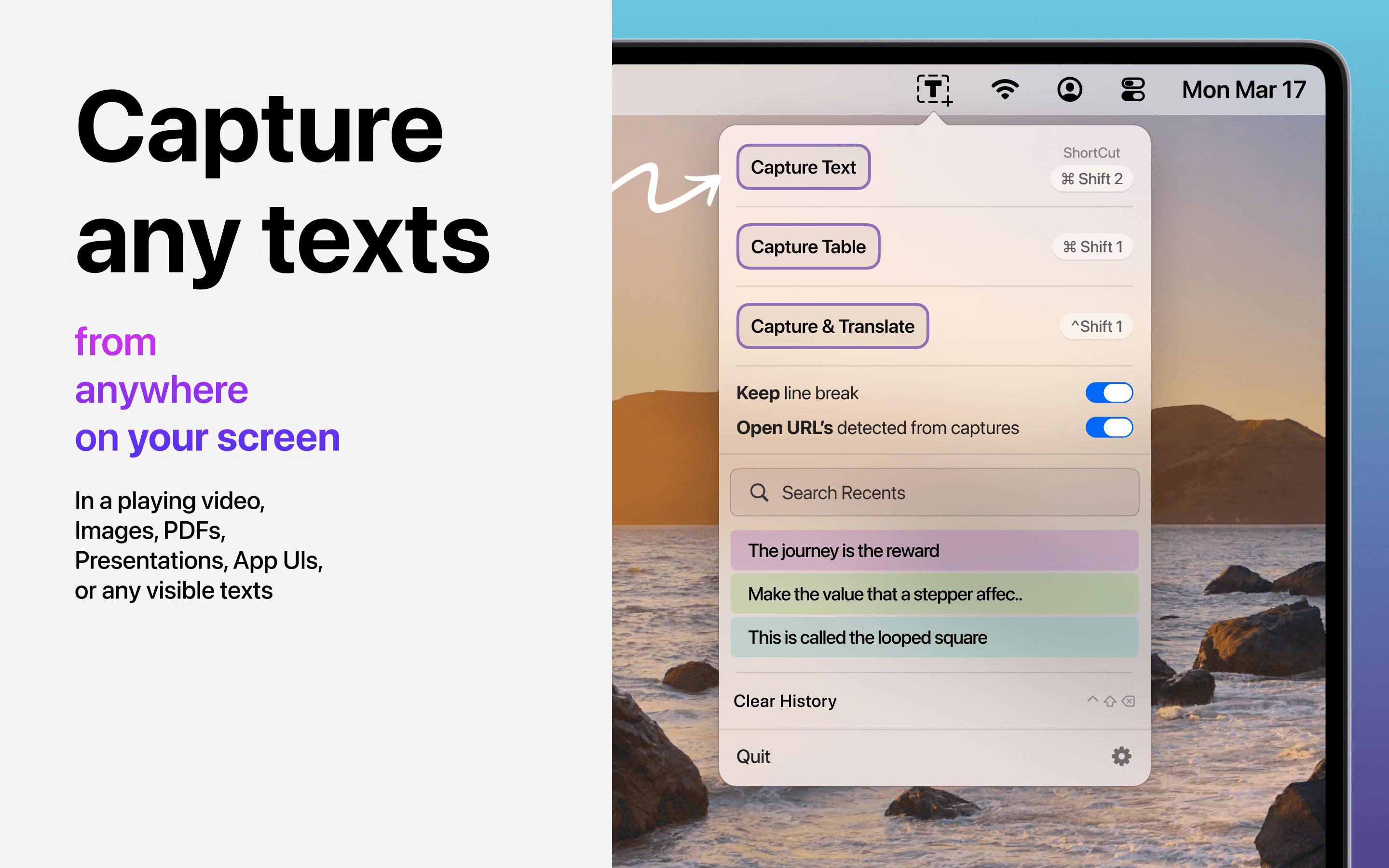
Capture text and entire tables from PDFs, videos, images, and any Mac screen, with rows and columns preserved.
Cameleon screenshot

Productivity · Paid

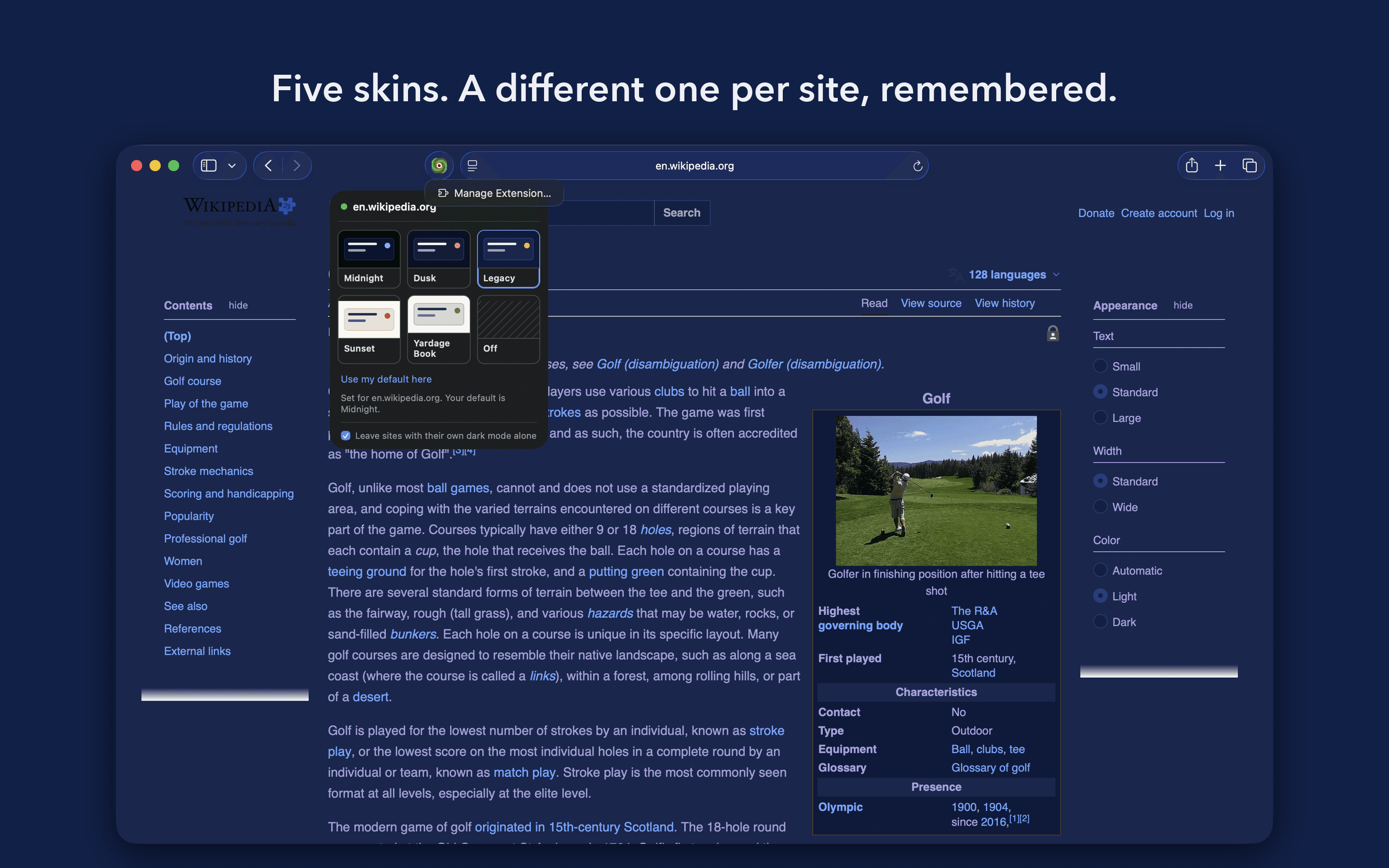
A Safari extension that recolours any website to one of five skins, three dark and two light.

Basic Deck screenshot

Productivity · $19 · one-time (Once, for two Macs)

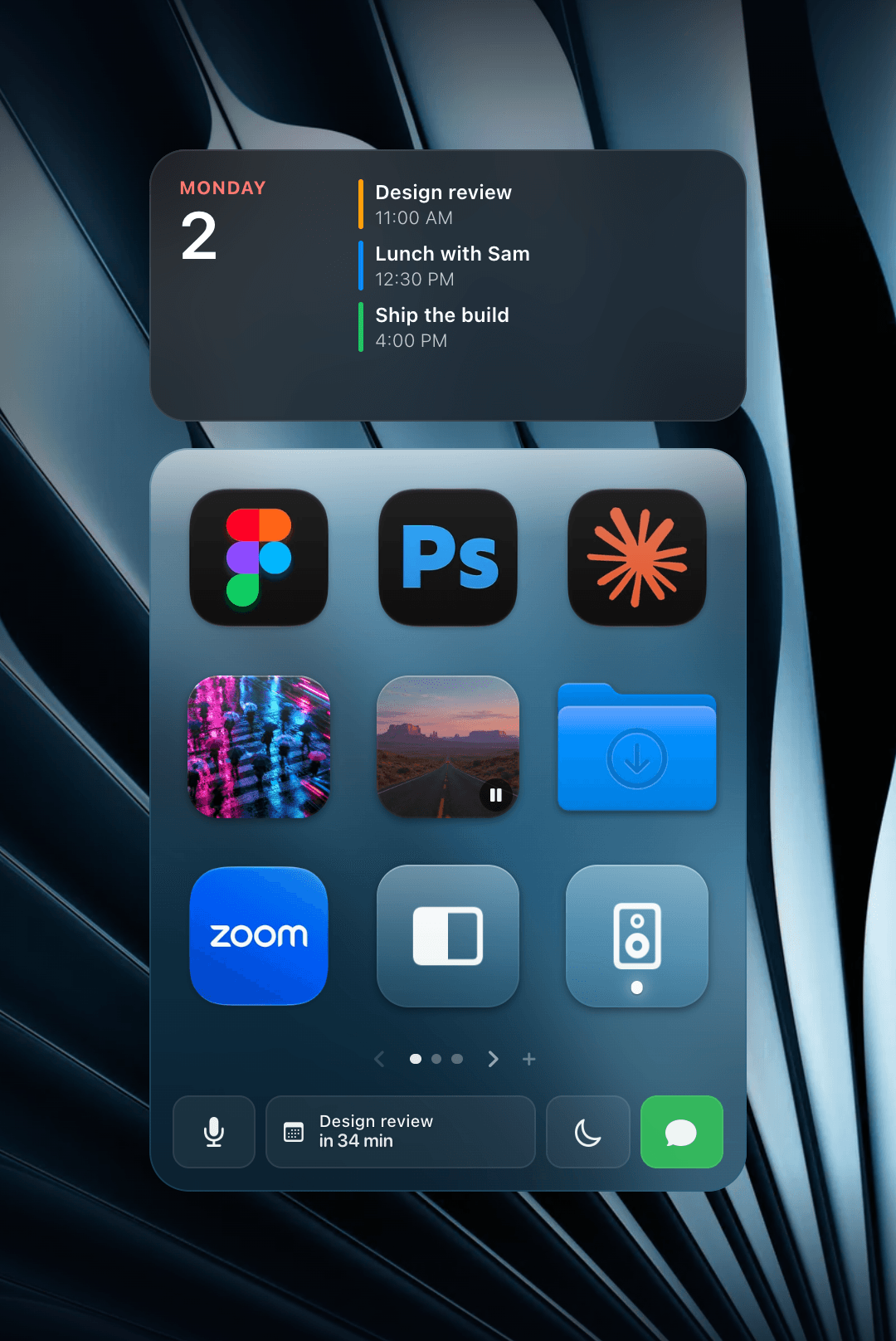
A grid of one-click tiles on your Mac desktop for apps, files, links, playlists, Shortcuts and scripts.