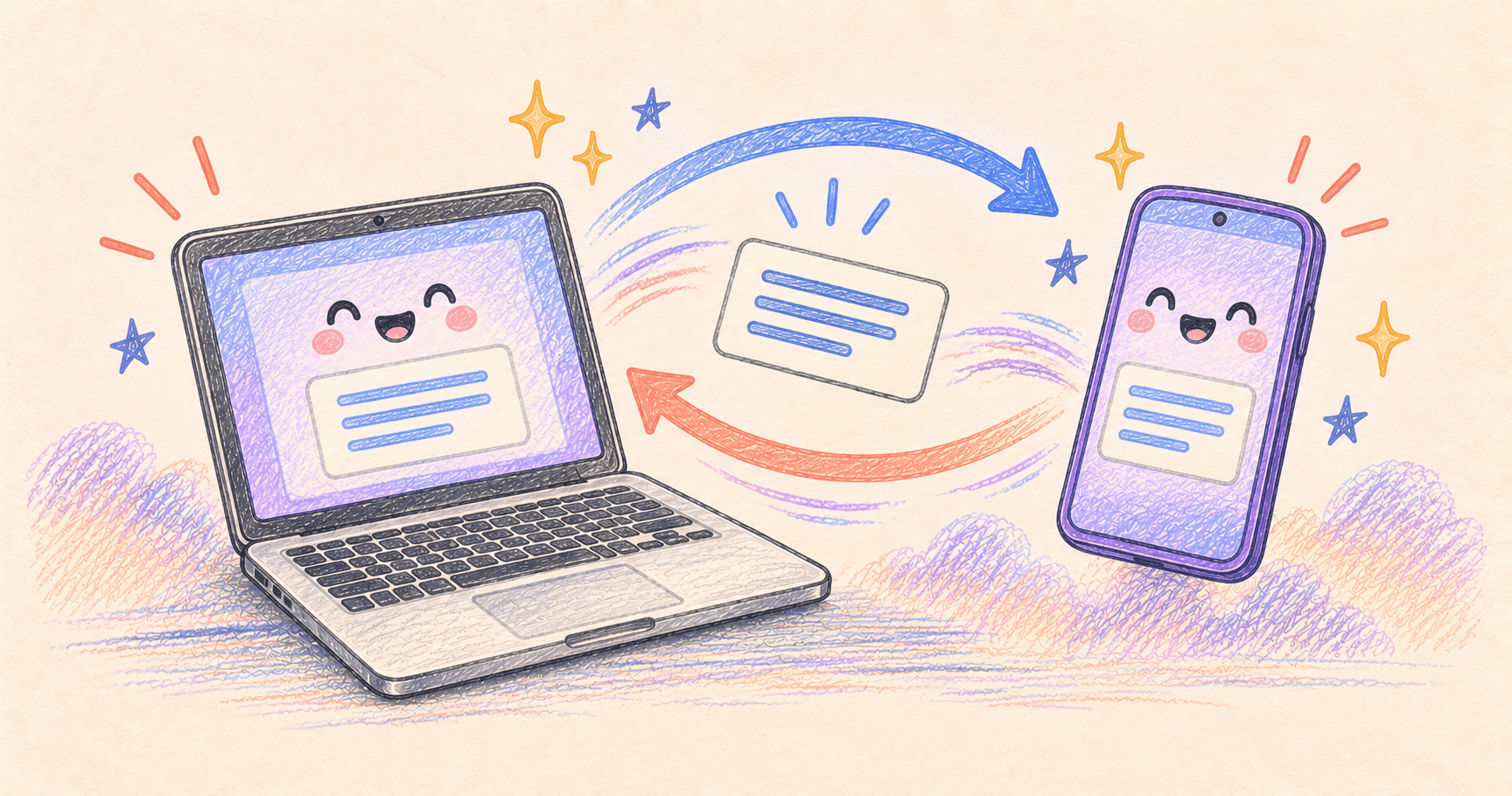
You can share copied text between Android and a Mac with AirSync, but check each direction separately. Copying on your Mac and pasting on your phone is not the same workflow as sending text from Android back to the Mac.
“Clipboard sync” can mean automatic updates, a manual send button, or a share-sheet action. If you expect every copy on your phone to appear on your Mac in the background, establish that behavior before depending on it.
Current project documentation checked October 4, 2026. This is a setup and verification guide, not a hands-on test of Android devices. Background behavior and transfer support need checking against your installed versions.
Bottom line
Install both current AirSync apps, pair them, and test a short sentence in each direction. Use Android’s explicit share or clipboard-send action if automatic copying does not transfer it. Treat images as a separate test.
On this page
Start from the current AirSync website
Use AirSync’s official download links for Android and macOS. Its site lists the clipboard bridge in the free tier; advanced mirroring features have separate paid options. You do not need to choose a mirroring subscription just to evaluate text sharing.

Utilities · Free & open source
Brings iPhone-style Continuity features — clipboard sync, notification mirroring, file transfer — to Android and Mac.
Search results can lead to archived projects named AirSync or AirSyncMac. The current repositories are airsync-android and airsync-mac. At the documentation check, they listed Android 11 and macOS 14.5 as minimums. Check release-specific requirements too.
Open both apps on the same local network and follow the pairing flow. The Android project documents QR-code pairing using a camera or scanner, followed by authorization in the app. Confirm the intended Mac is the paired device before trying clipboard transfers.
Test text first, one direction at a time
Use two distinctive phrases rather than a password or a sentence already on both clipboards. For example, copy “From my Mac 104” on the Mac and later “From my phone 208” on Android. That prevents an old clipboard entry from looking like a successful transfer.
| Direction | First check | If it fails |
|---|---|---|
| Mac → Android | Copy a new sentence, then paste into a phone text field | Confirm the connection and clipboard feature are active |
| Android → Mac | Send selected text through AirSync’s sharing or clipboard action, then paste on Mac | Check the send action before assuming background copying is supported |
| Images | Try one small, non-sensitive image independently | Check both apps’ release notes and use file transfer if needed |
AirSync’s current site explicitly describes copying on Mac and sending text the other way. Its Android release history also records changes to clipboard sharing and a clipboard Quick Settings tile. Don’t use an old screenshot to decide which controls your installed version should have. Current features · Android release notes
After explicit sharing works, try ordinary copying on Android with AirSync in the background. Record whether it transfers without another action. This is a separate capability check, not a prerequisite for a useful manual sharing workflow.
If the devices pair but nothing arrives
Start with both devices awake and AirSync open. Repeat the short-text test before investigating images or large files. A successful transfer in one direction narrows the problem; it does not prove the opposite direction has identical permissions or behavior.
If neither direction works, check whether a guest Wi-Fi network isolates devices, or whether a firewall rule blocks the app’s local connection. Inspect the relevant rule rather than disabling your firewall wholesale. Keep both apps updated together.
If transfers stop only after the phone has been idle, investigate its background restrictions. The Android project includes manufacturer-specific auto-start support, which is a reminder that phone settings can matter as much as Mac settings. Android project
Enable only the features you plan to use
Clipboard sharing, notification mirroring and screen mirroring solve different problems. Review their controls separately. The developer describes local-network operation and encryption; that is a documented design claim, not an independent security audit by us.
Remember that a clipboard manager on the receiving device may retain what you send. Use ordinary sample text while setting up, and check how to pause sharing before copying sensitive material.
If you only want earlier copies on the Mac itself, see our clipboard managers without a subscription. Cross-device transfer is a different job.