
Utilities · Free
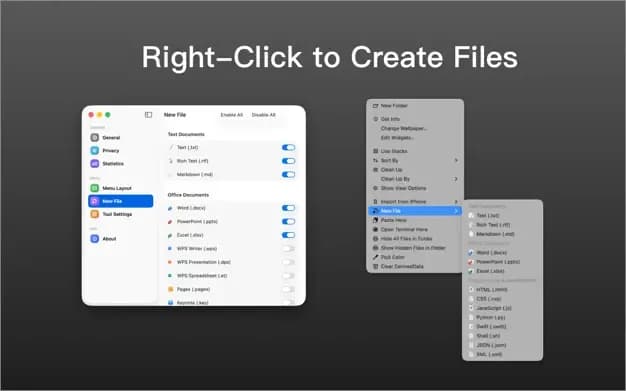
Add customizable file actions to the Finder right-click menu.
The macOS archiver that handles everything — 7z, Zip, and Tar to create, RAR and a dozen others to extract, with real AES-256 encryption.
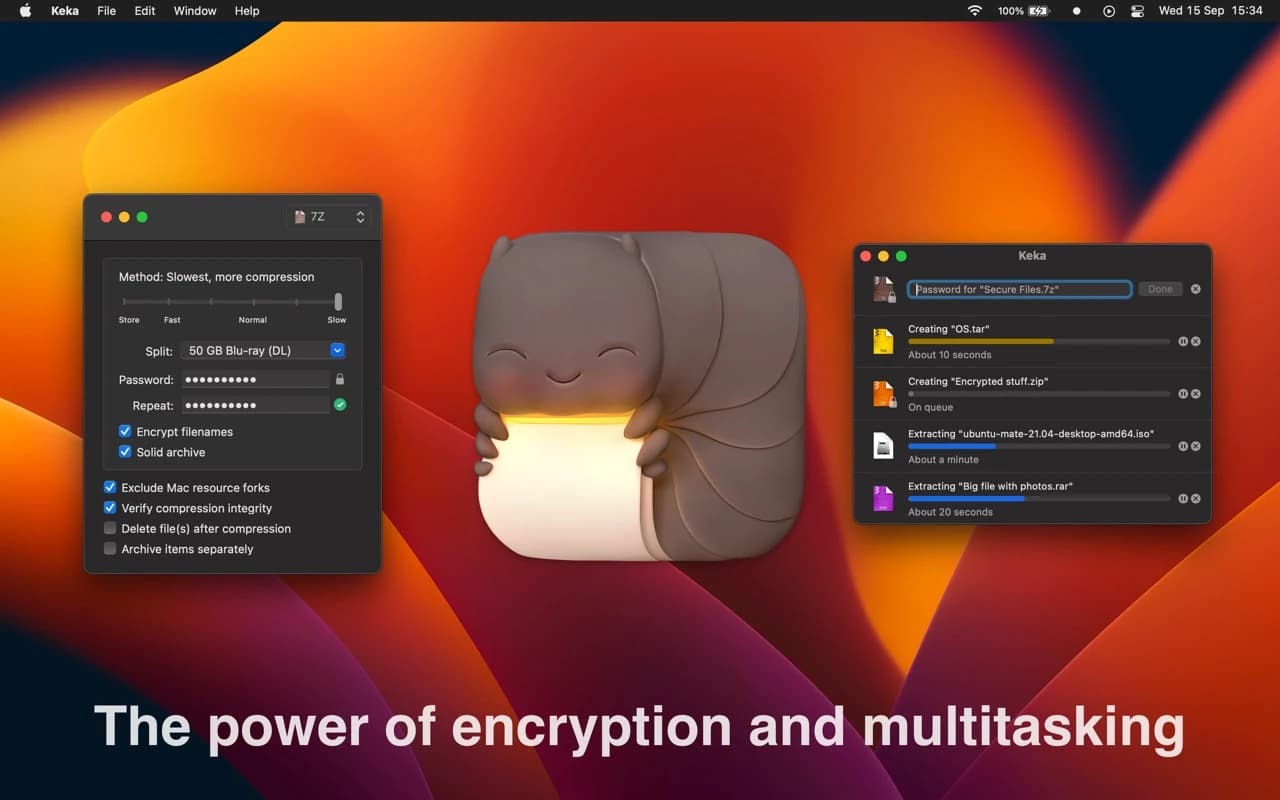
Keka compresses and extracts archives in far more formats than the Finder knows about. Drag files onto its window or Dock icon to build a 7z, Zip, Tar, Gzip, or Brotli archive; open almost anything, including RAR, to extract it.
It is the free, native, no-nonsense replacement for a separate unarchiver plus a compressor, without the ads and bundled junk that plague this category elsewhere. Encryption is real AES-256, split archives are supported, and it never phones home.
Create 7z, Zip, Tar, Gzip, Bzip2, XZ, and Brotli archives
Extract RAR, Zip, 7z, Tar, Lzip, ISO, DMG, and many more
AES-256 encryption, with encrypted file names for 7z and Zip
Split archives into volumes for transfer
Exclude macOS resource forks for clean cross-platform archives
Set it as the system-wide default extractor
Free when downloaded from keka.io. $6.49 on the Mac App Store if you would rather get updates there and support the developer.
Utilities · Free
Add customizable file actions to the Finder right-click menu.
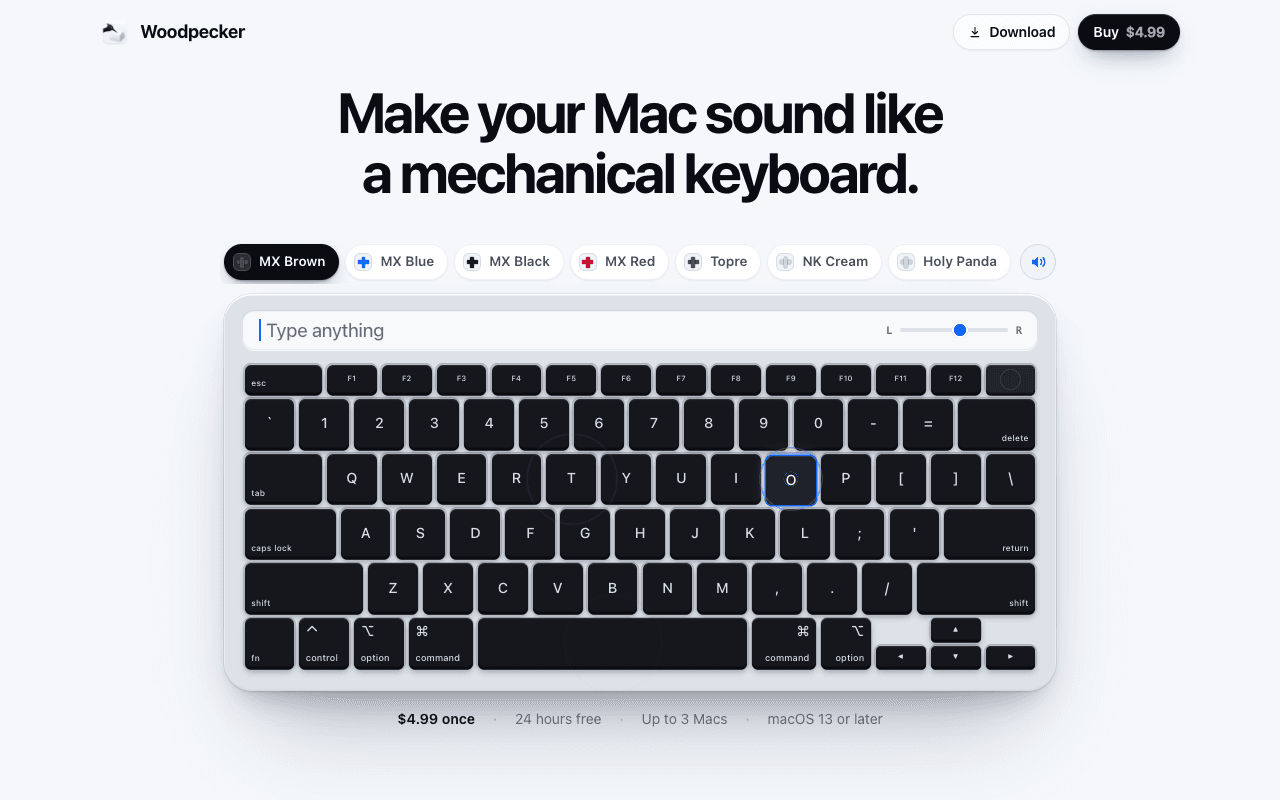
Utilities · $4.99 · one-time (One-time, free 24-hour trial)
Make your Mac sound like a real mechanical keyboard. Every key plays its own recording, 22 switches, quiet on calls.

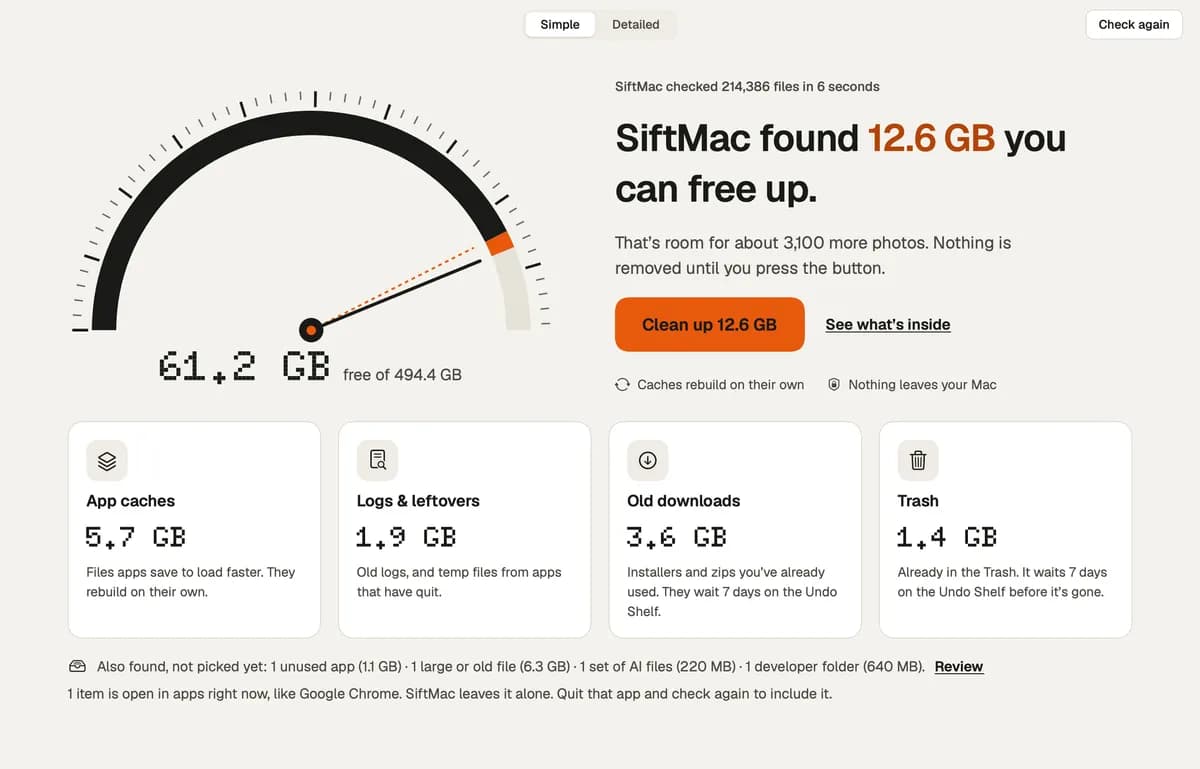
Utilities · $12 · one-time ($12 for the first 100, then $19; free scan and first 2 GB)
The calm Mac disk cleaner that tells you, for every item, whether it comes back.

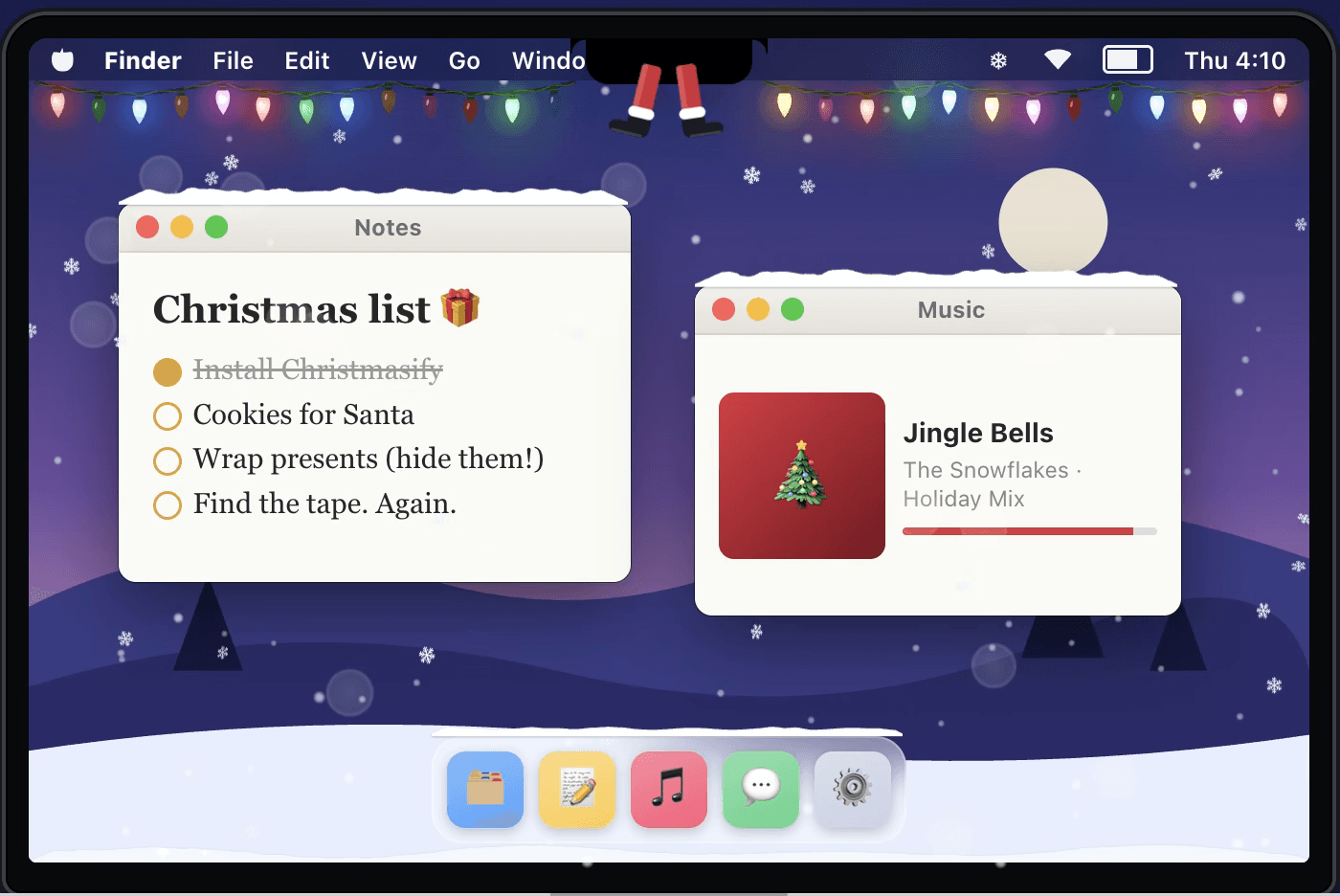
Utilities · $4.99 · one-time (Free 1-day trial, no subscription)
The Mac version of putting up the lights: snow on your windows, bulbs that pulse with your music.

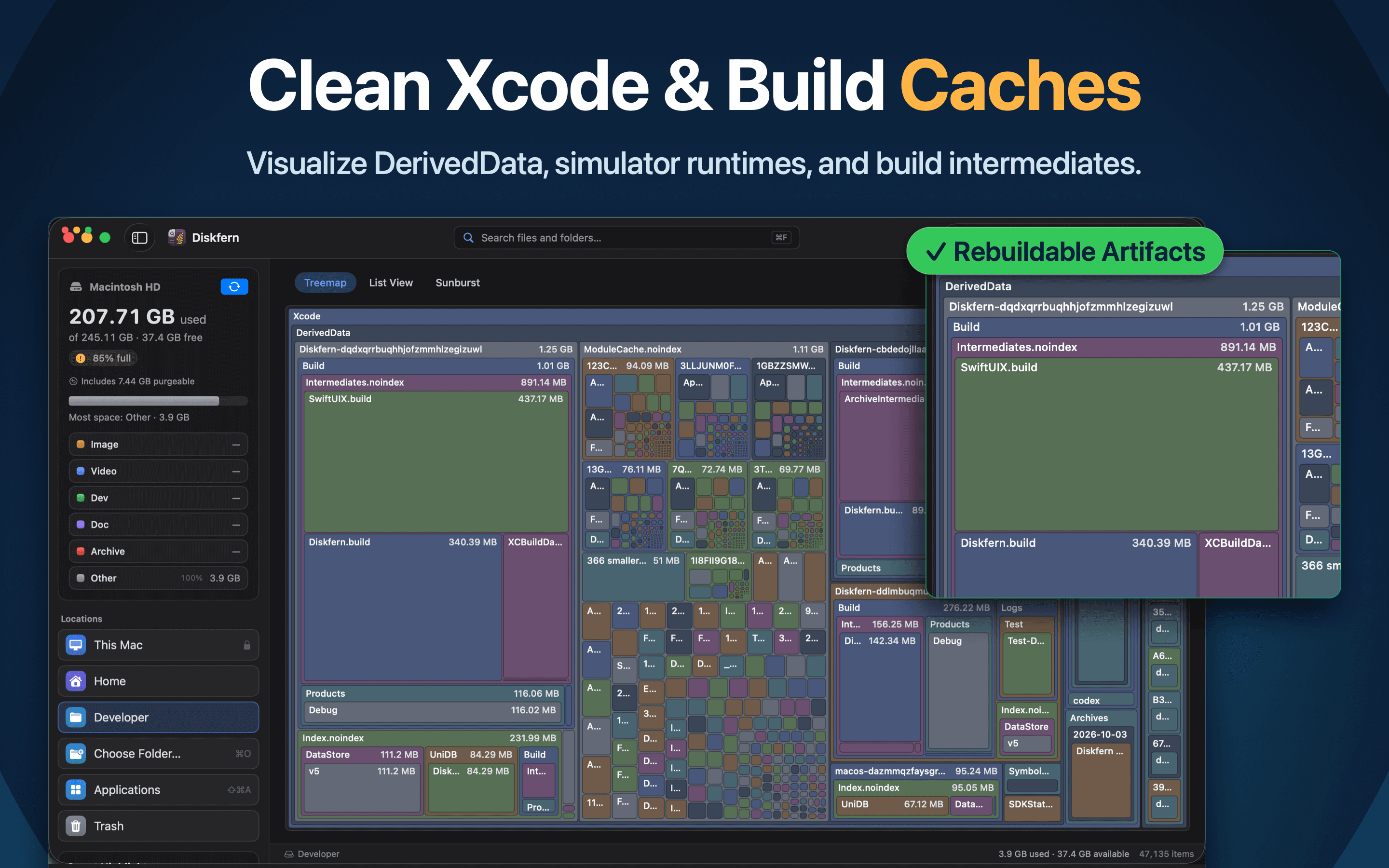
Utilities · Free · Free unlimited scanning and storage exploration. Pro starts $19.99
A native macOS app to visualize disk usage, find unnecessary files, and reclaim storage with confidence.
Get 30% off Diskfern Pro and Family for members
Utilities · Free · Pro $2
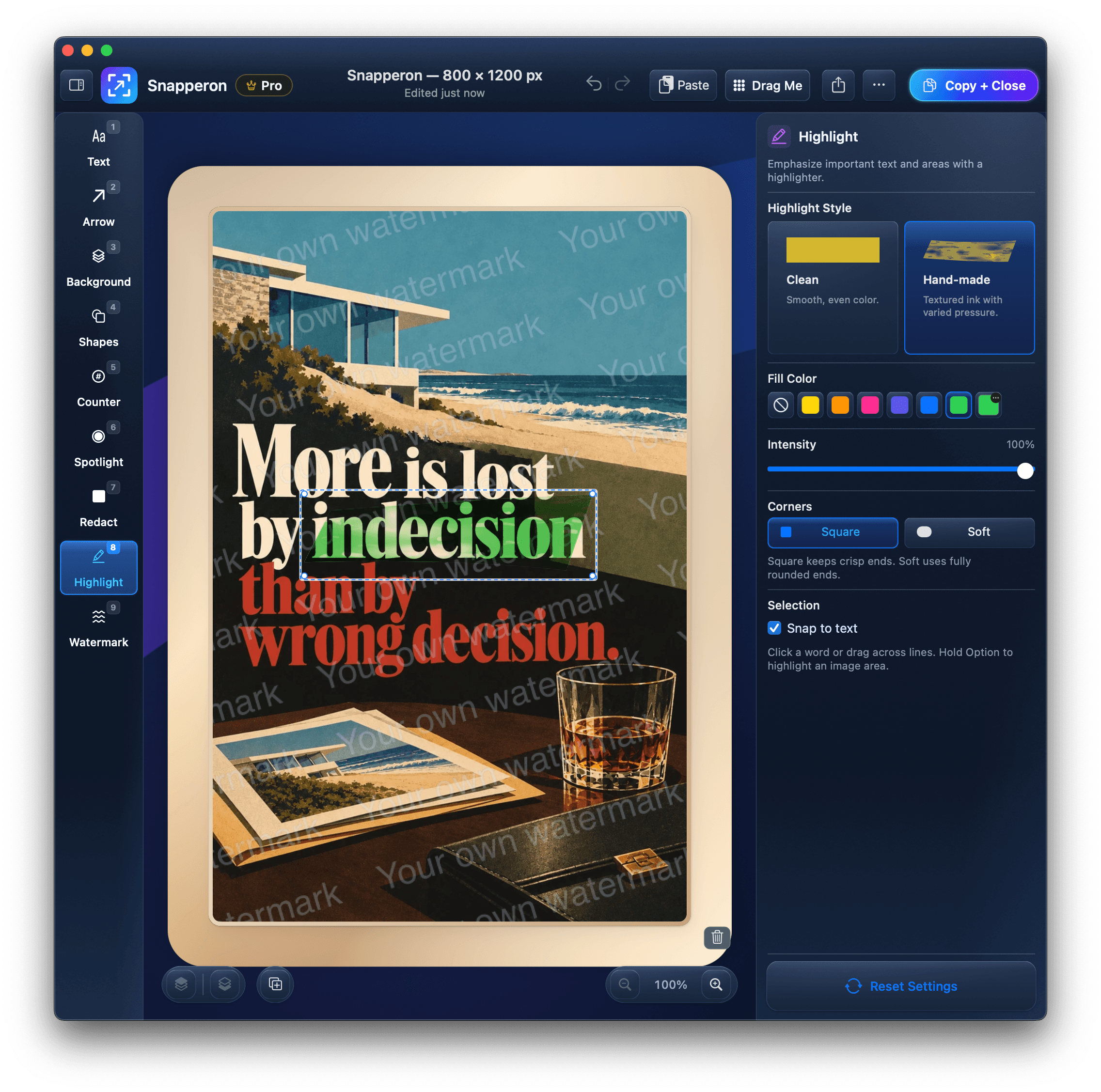
Capture, annotate and share designer-quality screenshots in seconds, with native Mac tools and local image processing.