
EzSwitch
Menu bar app that switches keyboard layouts with a tap and fixes text typed in the wrong layout with a double Shift.
EzSwitch is a native macOS menu bar app, built with Swift, SwiftUI and AppKit, for people who type in more than one language.
- Instant layout switching: tap Left or Right Command (or Option) to jump to the layout assigned to that key. ⌘C, ⌘V and other shortcuts keep working.
- Fix text typed in the wrong layout: double-tap Shift or Option to convert the selection or the last word, for example
ghbdtn → привет. - Word substitutions: your own dictionary that replaces words as you type and keeps their case.
- Custom mappings: generate conversion rules from your installed layouts and edit them on a visual keyboard.
- Terminal support: works in Terminal.app and iTerm2.
- Interface languages: English, Russian, Ukrainian, Hebrew, German, French, Spanish and Polish.
Requires macOS 14 or later, Apple Silicon and Intel. Free and open source (MIT). Source and downloads: GitHub.
More like EzSwitch
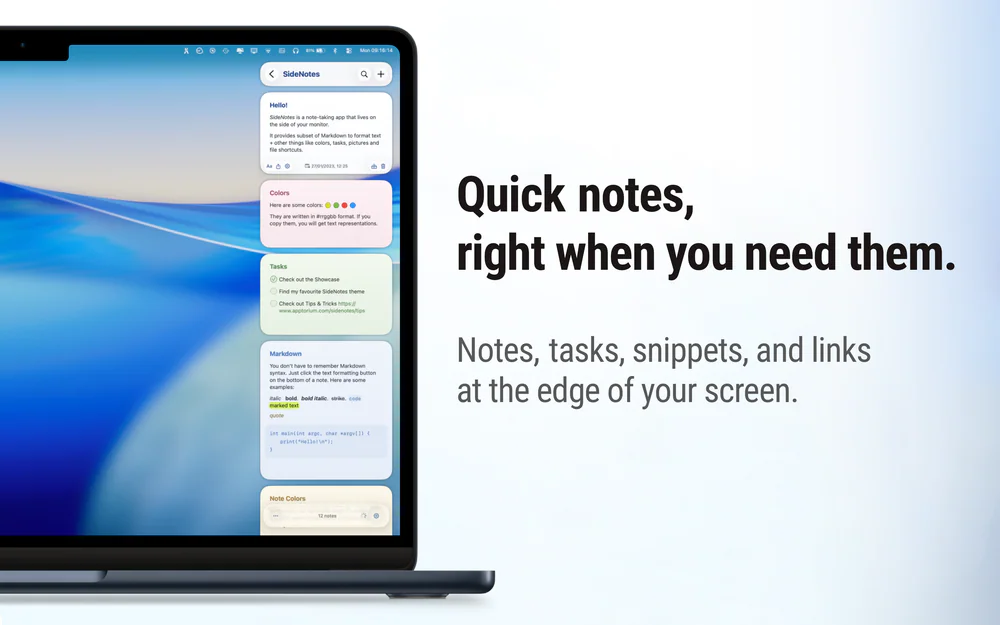


Productivity · Free · Free, with a 7-day trial of the paid features. Paid upgrades $19
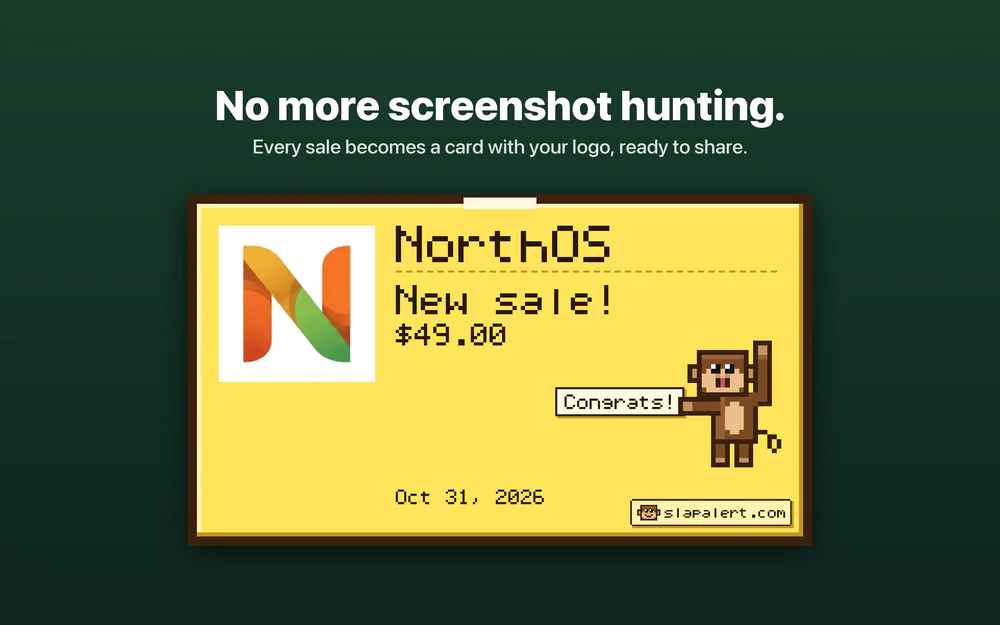
A menu-bar-only Mac app that celebrates every sale with a pixel-art monkey and sticky note.
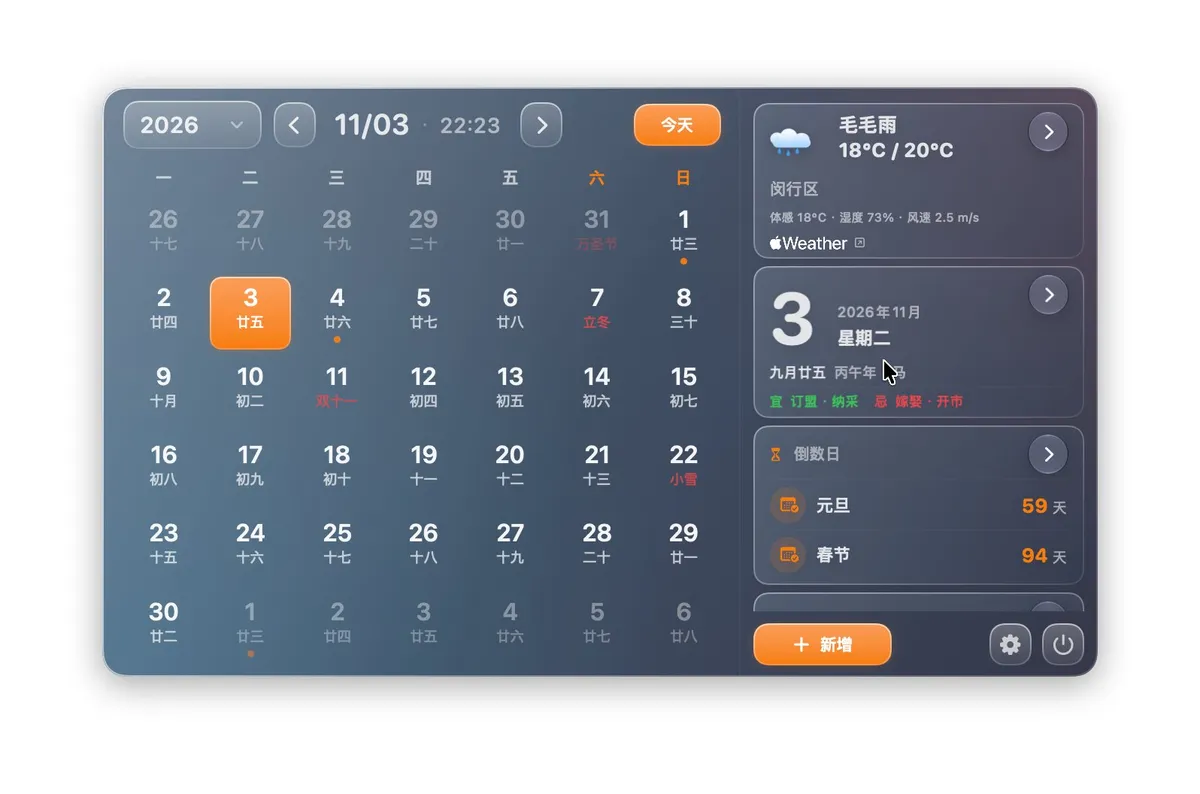

Productivity · Free · Pro
AirCalendar is a native Mac menu bar calendar showing today — date, schedule, to-dos and countdowns — in one small panel.
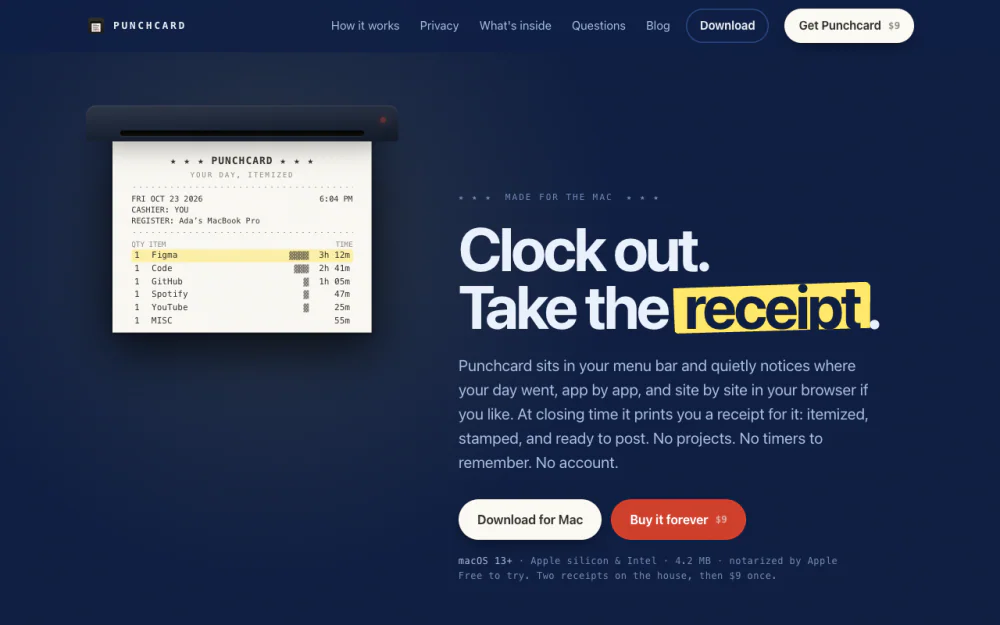
Productivity · $9 · one-time (One-time, two free receipts)
A Mac menu bar app that notices where your day went, app by app, then prints you a receipt for it at closing time.
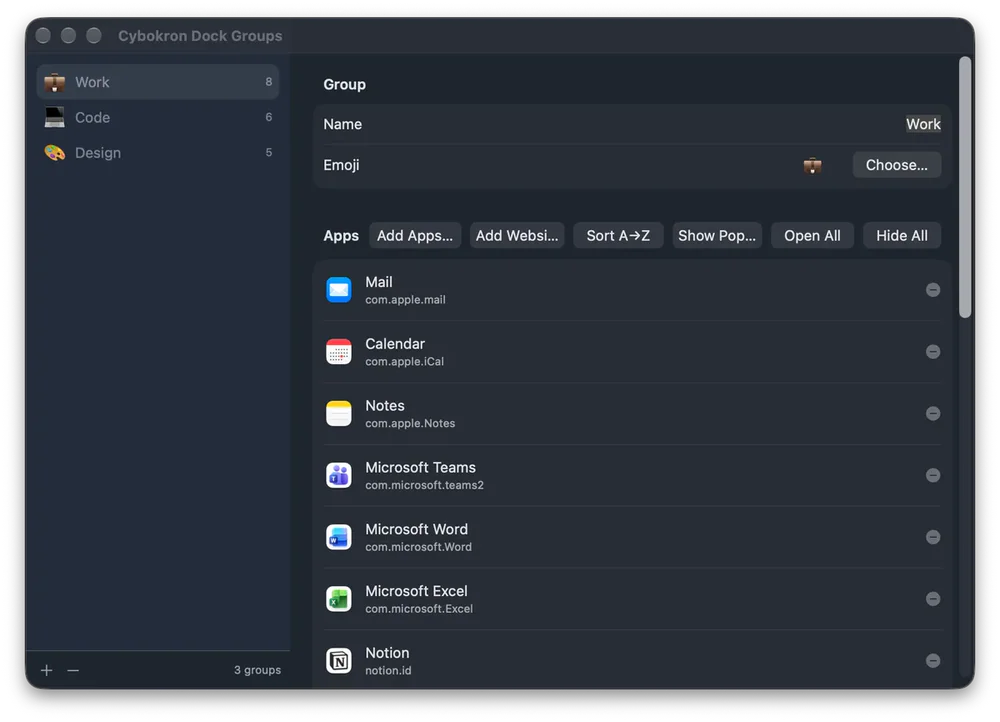
Productivity · Free & open source
Group apps and websites on macOS, open, hide or quit a group, and give each group its own Dock icon.

Productivity · Paid
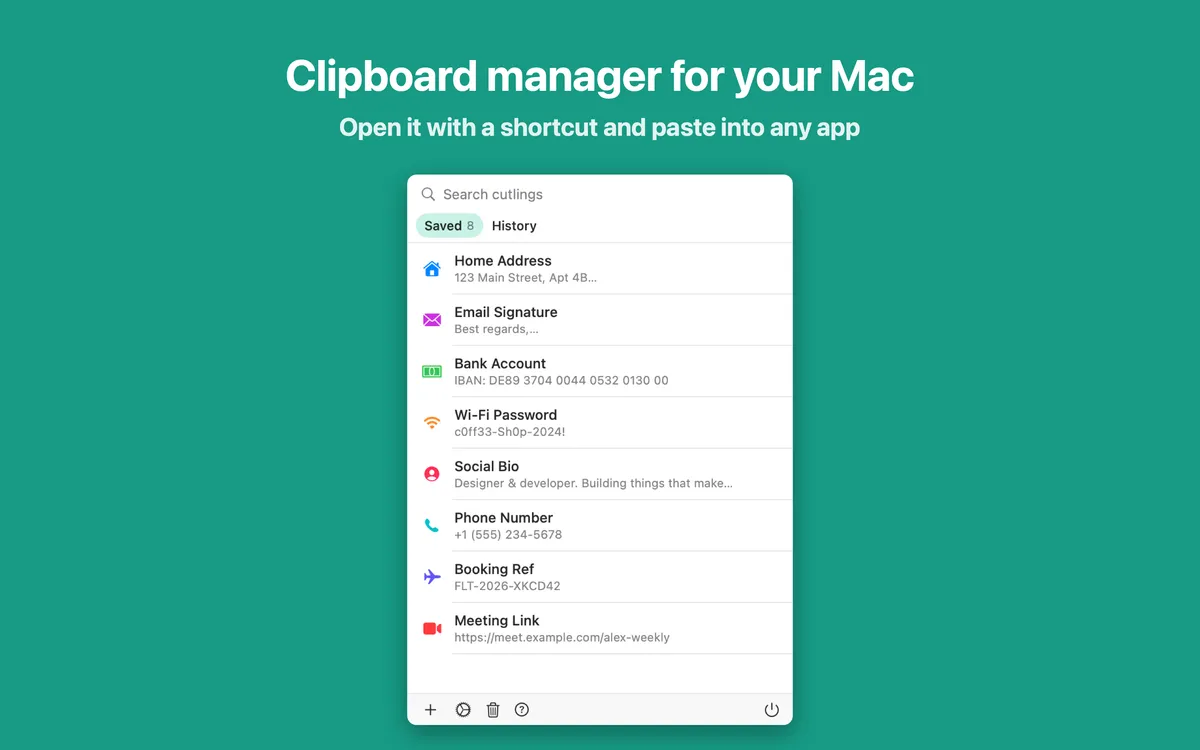
A clipboard keyboard for snippets: paste saved text and images from the Mac menu bar.