

Sign, Notarize and Package Mac Apps
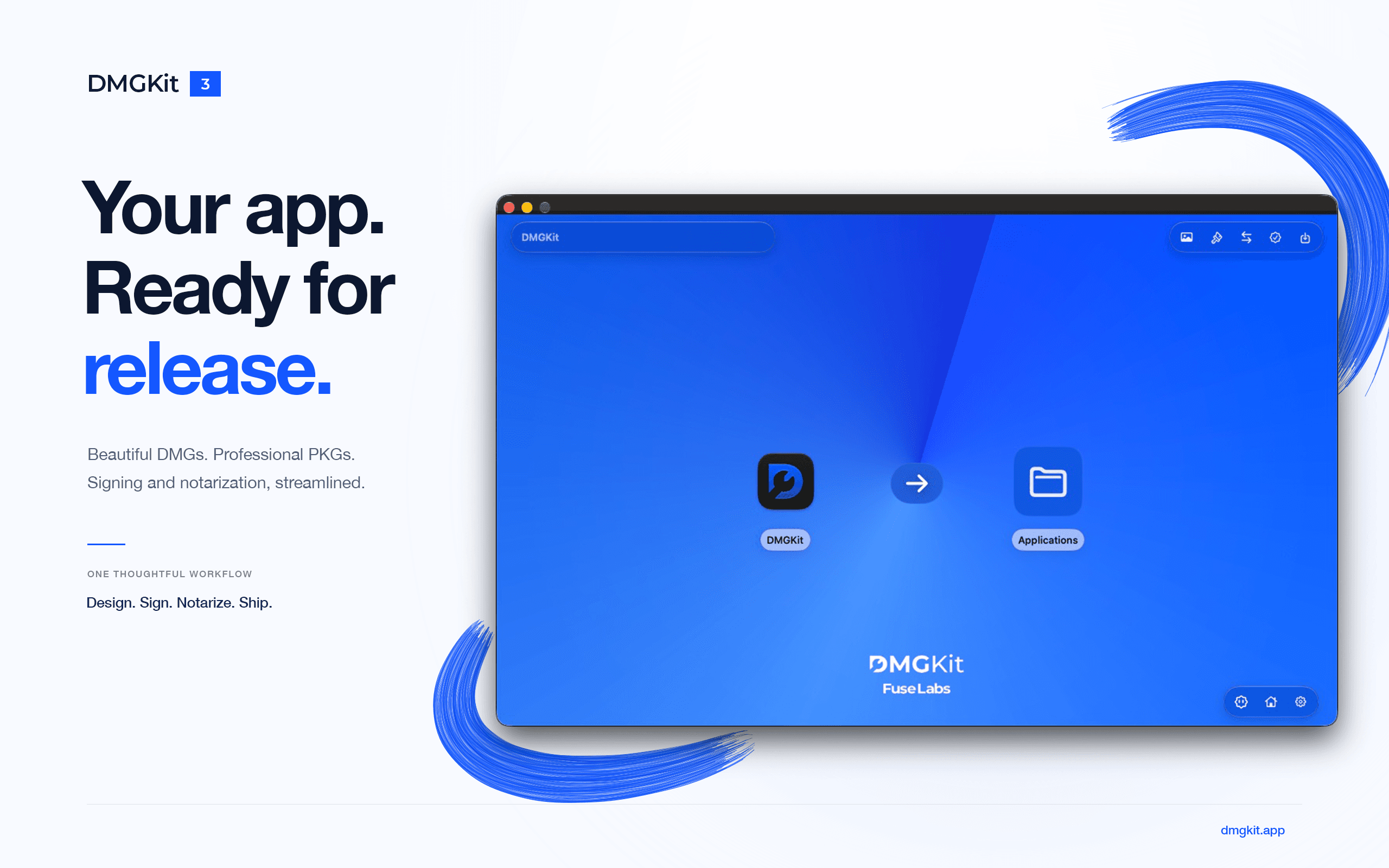
Your app is done. Shipping it shouldn't take another day.
Signing, notarizing, stapling, building a DMG that looks good, and then finding out Gatekeeper still blocks it. DMGKit does all of it for you. Drop in your app and get an installer that's signed, notarized, stapled and checked, ready to share with anyone.
One click from .app to release
Import your .app or .zip, pick DMG or PKG, and export. DMGKit signs it with your Developer ID, sends it to Apple, staples the ticket, and checks signing, notarization and stapling before telling you it's done.
Meet Kit, your release assistant
Something went wrong? Press Diagnose. Kit reads what happened and explains the problem and the fix in plain words. It runs entirely on your Mac, and your chats are never saved or sent anywhere.
Installers that look like you meant it
Design your DMG window with backgrounds, gradients, stickers and text in any font. Preview it in Light and Dark mode, and save it as a template for every release.
PKG installers, done right
Export signed and notarized Installer packages with your Terms, Privacy Policy and EULA built in, in every language you need.
Faster releases for notarized apps
Already notarized your app? Staple Only reuses Apple's ticket instead of notarizing again, cutting export time roughly in half.
Inspect before you ship
Open any DMG or PKG and get a full trust report: signatures, Gatekeeper, notarization, entitlements and architectures.
Automate everything with CLIKit, included free
Sign, notarize and package from Terminal, SSH or CI using your DMGKit settings and templates. It can even run automatically after every Xcode archive.
Private by design
Use a keychain profile or an App Store Connect API key. Passwords stay in your macOS keychain, and DMGKit has no analytics or tracking.
More in Developer Tools
Developer Tools · Free & open source
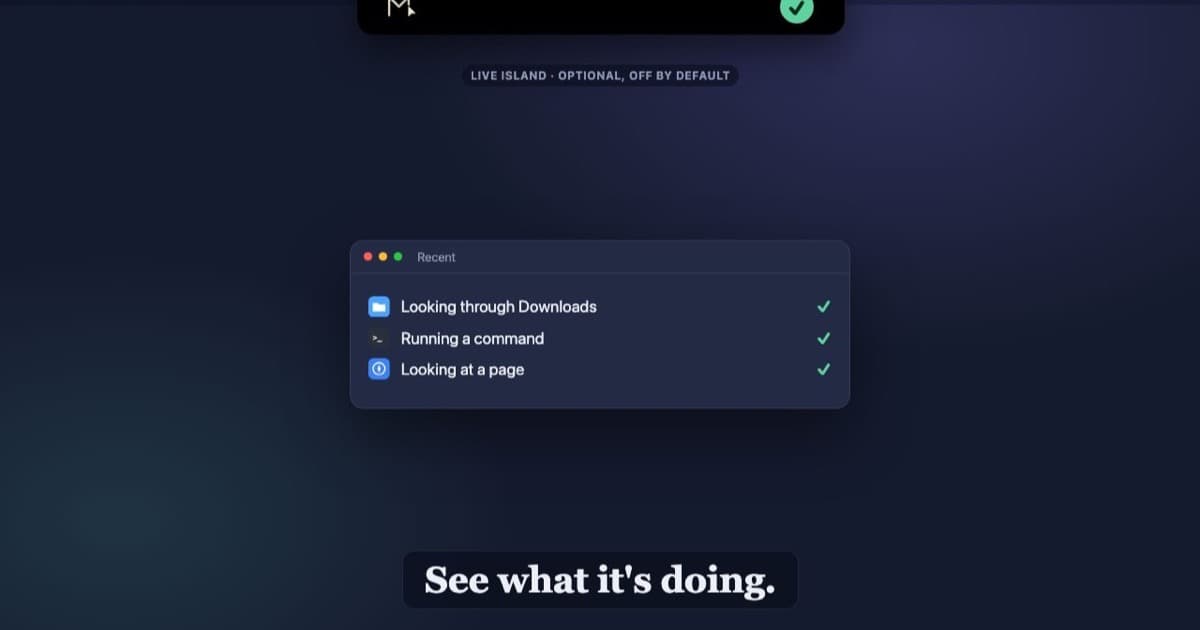
An open-source Mac menu bar app that lets AI agents work with native apps, files, terminal and browsers.

Developer Tools · $19.99 · one-time (One-time. 2 Macs $27.99, 3 Macs $34.99)
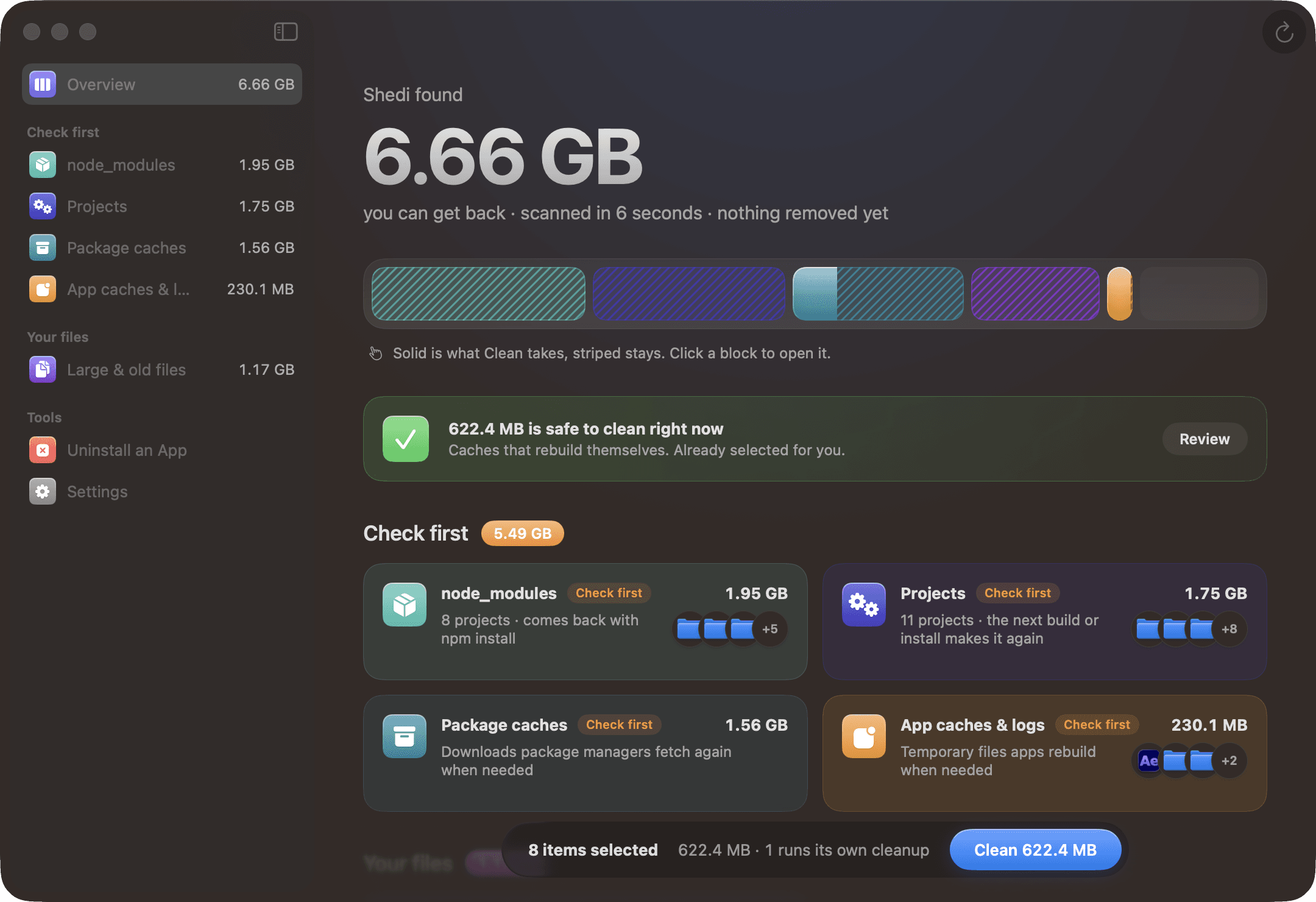
A Mac cleaner for developers: finds Xcode, Docker and node_modules junk, explains every item, and moves only what you pick to the Trash.
Developer Tools · $9.99 · one-time
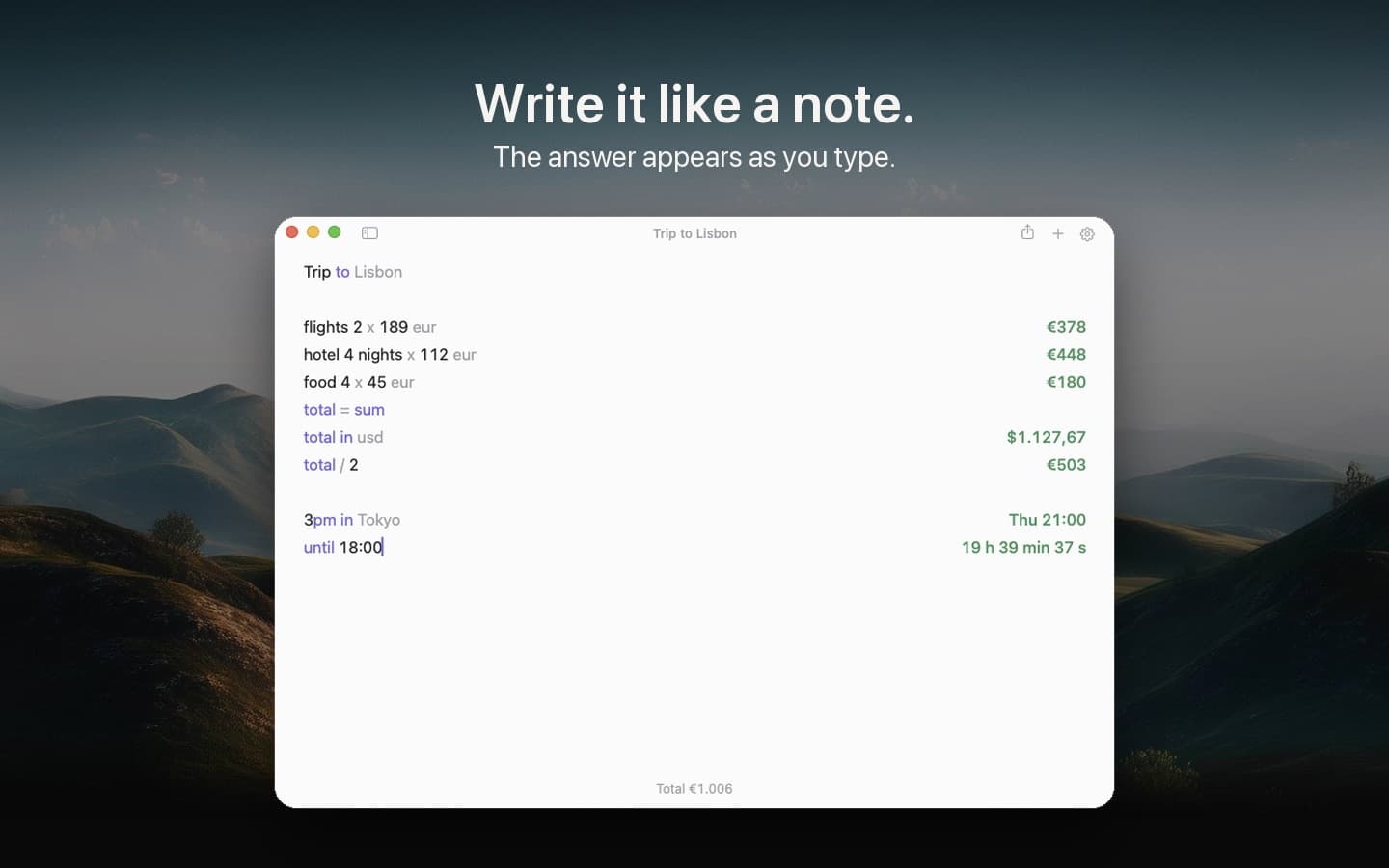
A notepad calculator: type calculations like a note, and the answer appears beside each line as you type.