
Productivity · $4.99 · one-time (Launch price for the first licences, covers all future tools)
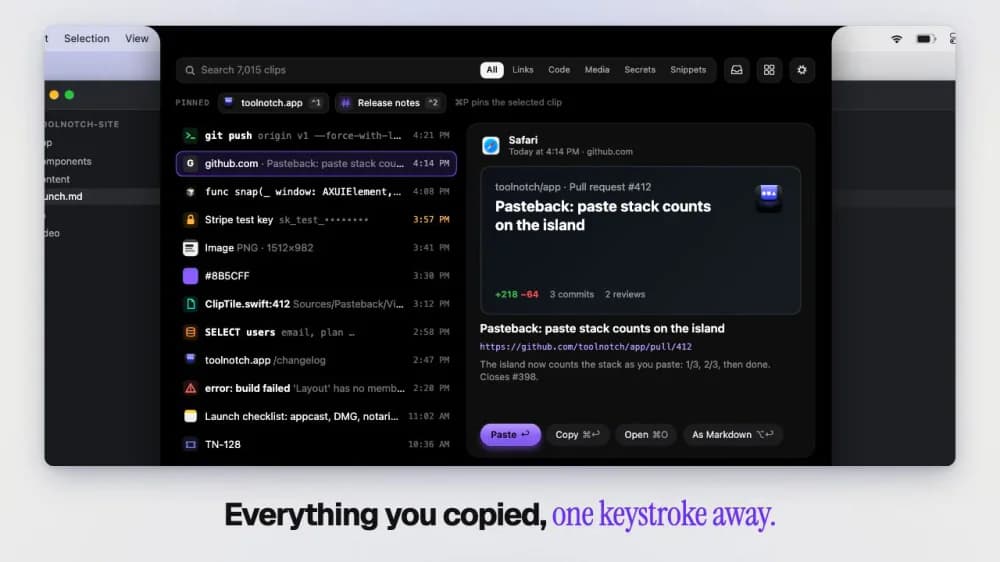
Turns your MacBook notch into a toolbox: window snapping, clipboard history, break reminders and keep-awake in one native app.
A second Dock for your Mac: AI limits, revenue, recordind, screenshot, recording, clipboard history and many more.
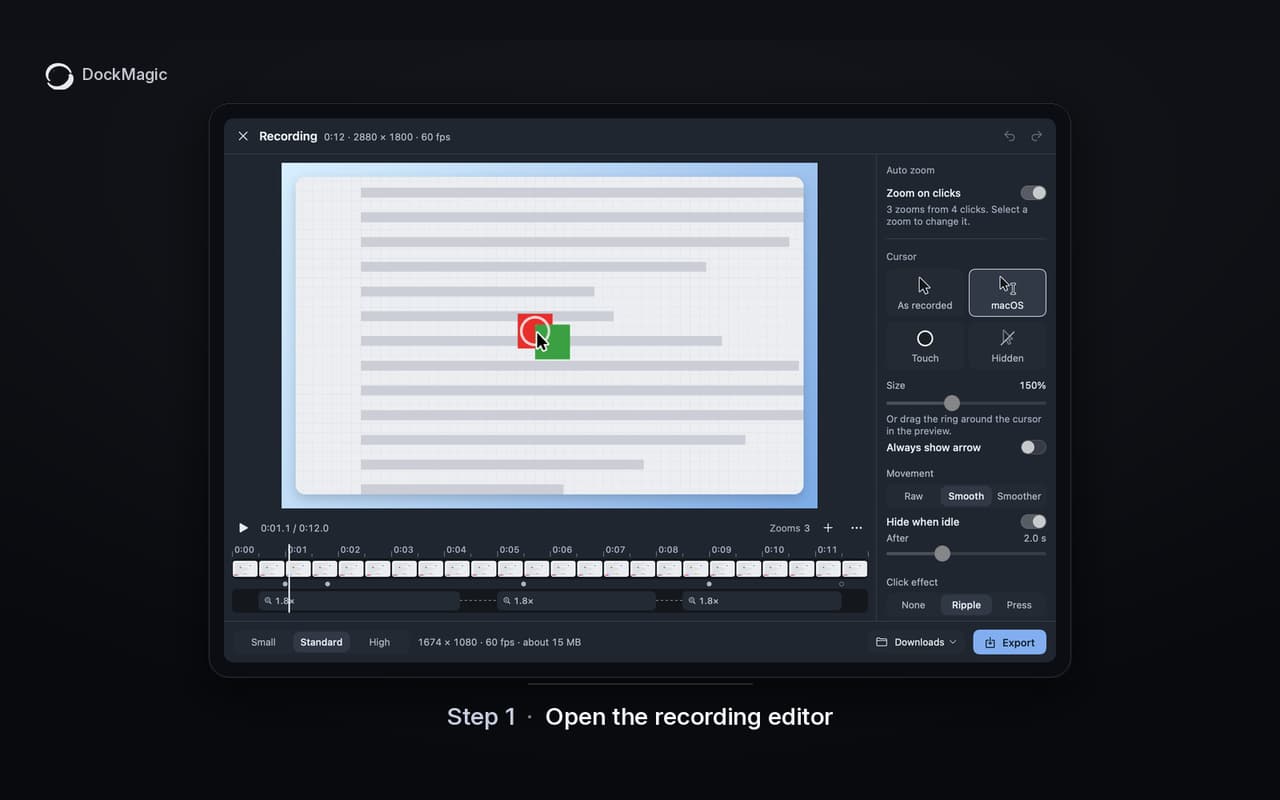
DockMagic gives your Mac a second Dock that works for you. Instead of jumping between browser tabs, dashboards, and menu bar apps, you put what matters right where your eyes already go. Arrange it at the bottom, left, or right of your screen. Widgets adapt as you resize the Dock, from detailed layouts down to compact icons.
What you can put in your Dock
Productivity · $4.99 · one-time (Launch price for the first licences, covers all future tools)
Turns your MacBook notch into a toolbox: window snapping, clipboard history, break reminders and keep-awake in one native app.

Productivity · Free & open source
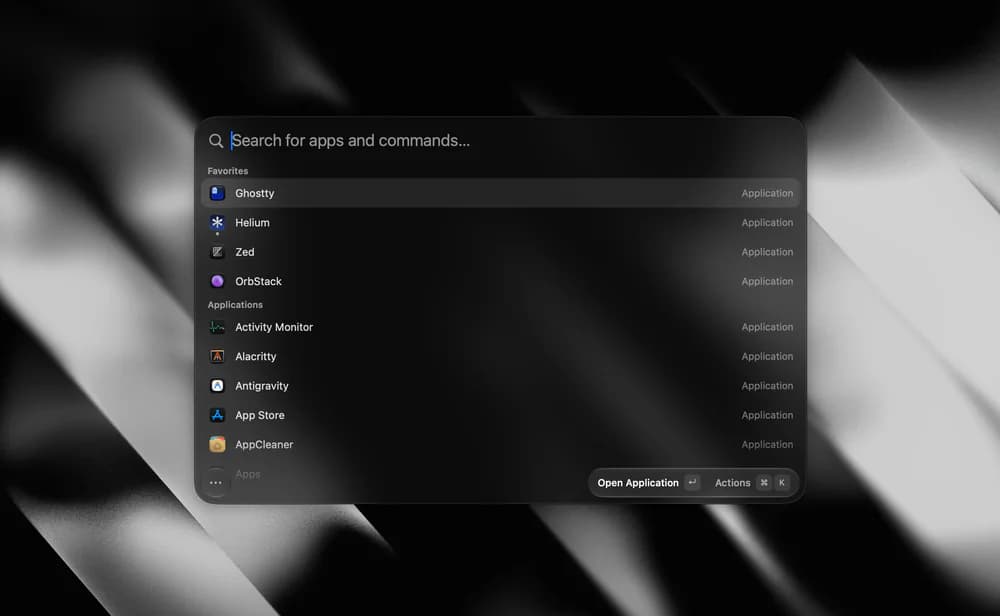
A tiny, fully native macOS launcher — fuzzy app search, clipboard history, an inline calculator, snippets, and window management, with no Electron and no telemetry.
AI & Automation · Free · Pro $8
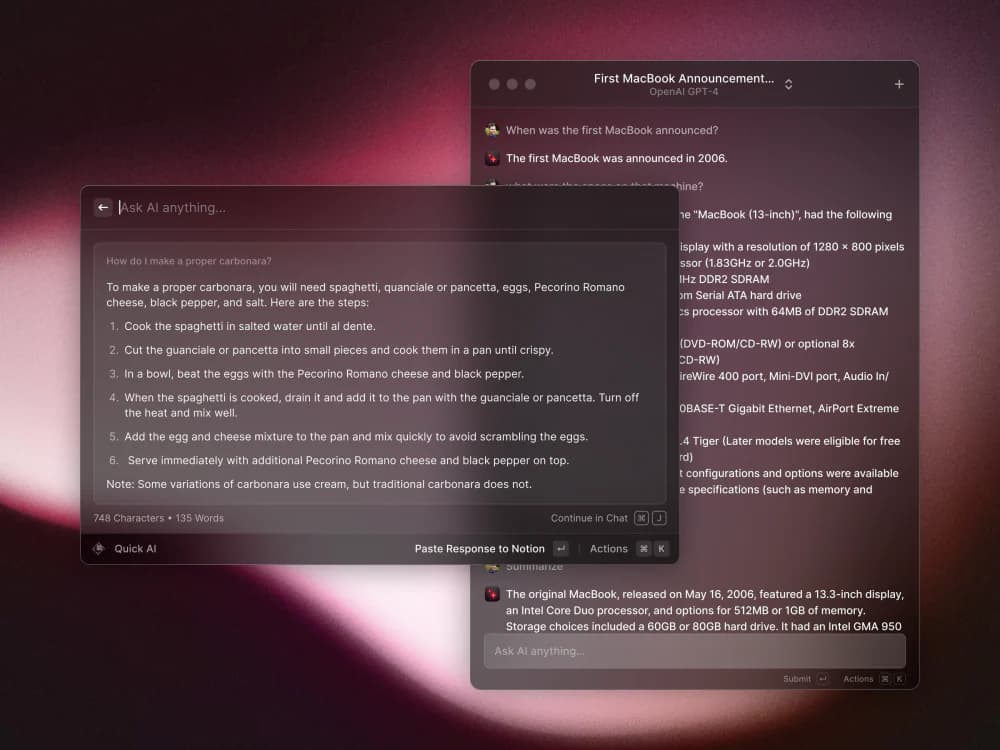
A blazing-fast, keyboard-first launcher that folds clipboard history, window management, snippets, an extension store, and AI into one command bar.
Productivity · $9.99 · one-time (One-time $9.99 for 3 Macs, 7-day free trial, no subscription)
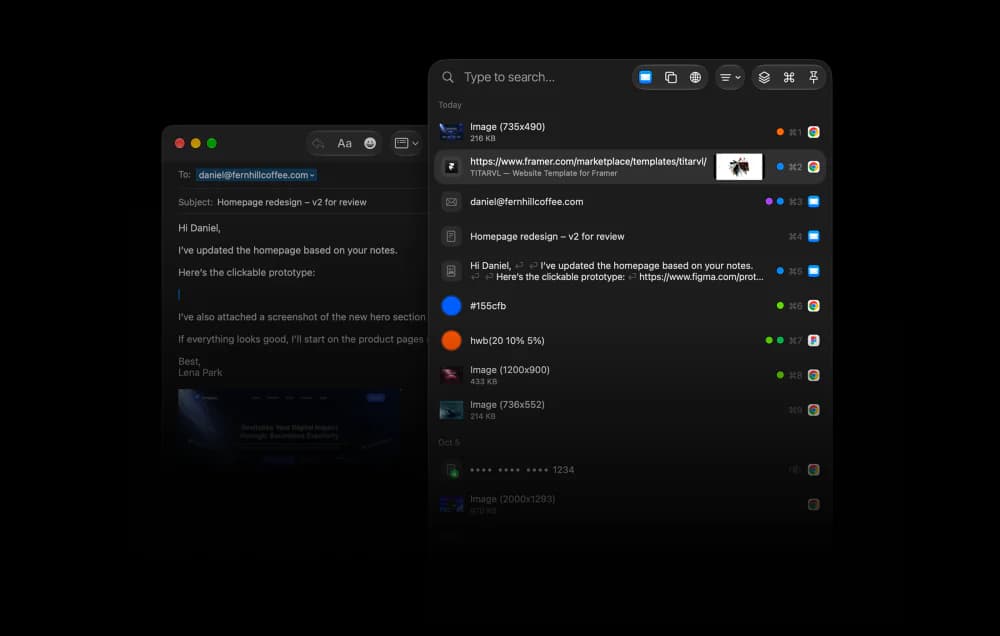
Private clipboard history for Mac, $9.99 once

Productivity · Free & open source
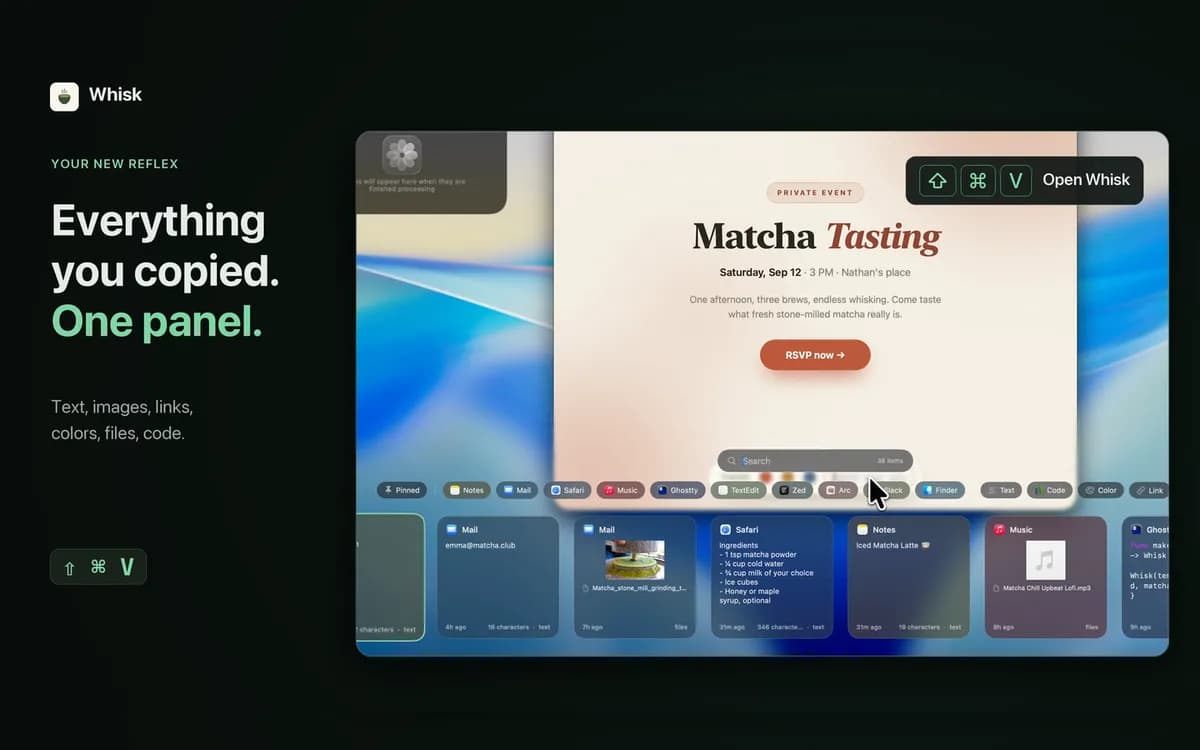
Paste-style clipboard manager with pins, search operators, paste stack and rich previews.
Productivity · $9.99 · one-time (5 days free trial)
A powerful clipboard history for advanced Mac users. Keep, organize, find, and reuse everything you copy.