
Utilities · $19 · one-time (2 Macs; free CLI available)
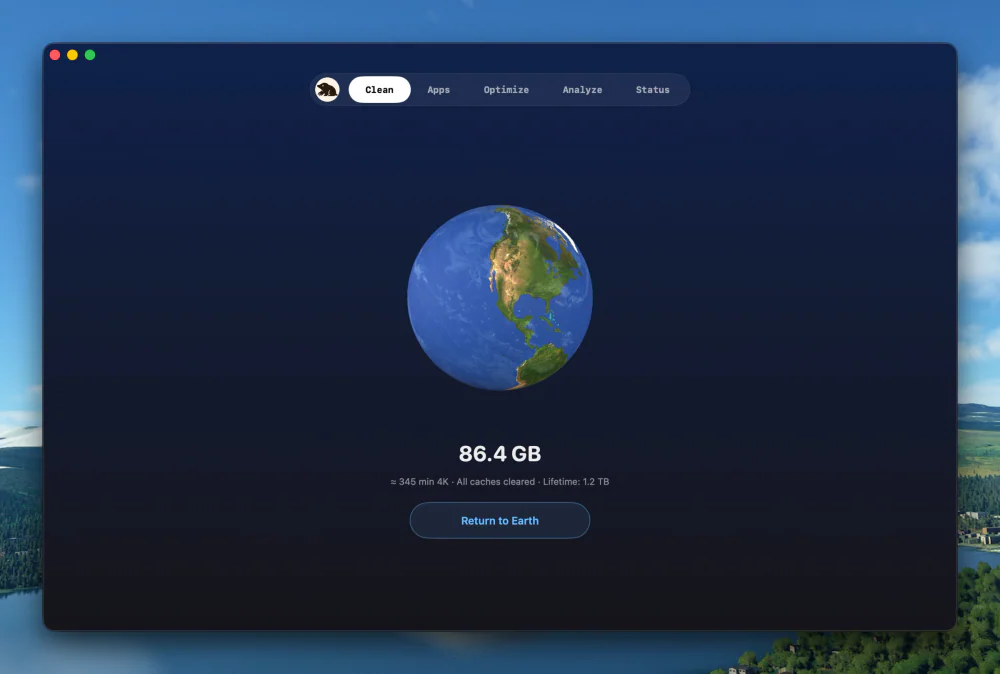
Clean, uninstall, optimize, and monitor your Mac from one lightweight native app — a visual dashboard, a disk treemap, and a live menu-bar HUD, all on-device.
10% off for members
Find large files on 256GB and 512GB Macs, preview storage from the notch, and review what goes to Trash.
CleanMac helps you see what’s taking up space on your Mac, whether you’re making room on a 256GB MacBook or tracking down large files on a 512GB Mac. Scan a folder, browse the largest files and storage categories, and reveal items in Finder. On a MacBook with a notch, hover to see a compact storage preview and click it to open CleanMac. You can also open the app from the menu bar.
Scanning, browsing, and Finder reveal are free. A one-time US$4.99 personal license unlocks reviewed Trash cleanup on up to two Macs. You choose which files to move.
Built with SwiftUI and AppKit. Requires macOS 14 or later. The signed and notarized download supports Apple silicon and Intel Macs.
Utilities · $19 · one-time (2 Macs; free CLI available)
Clean, uninstall, optimize, and monitor your Mac from one lightweight native app — a visual dashboard, a disk treemap, and a live menu-bar HUD, all on-device.
10% off for members
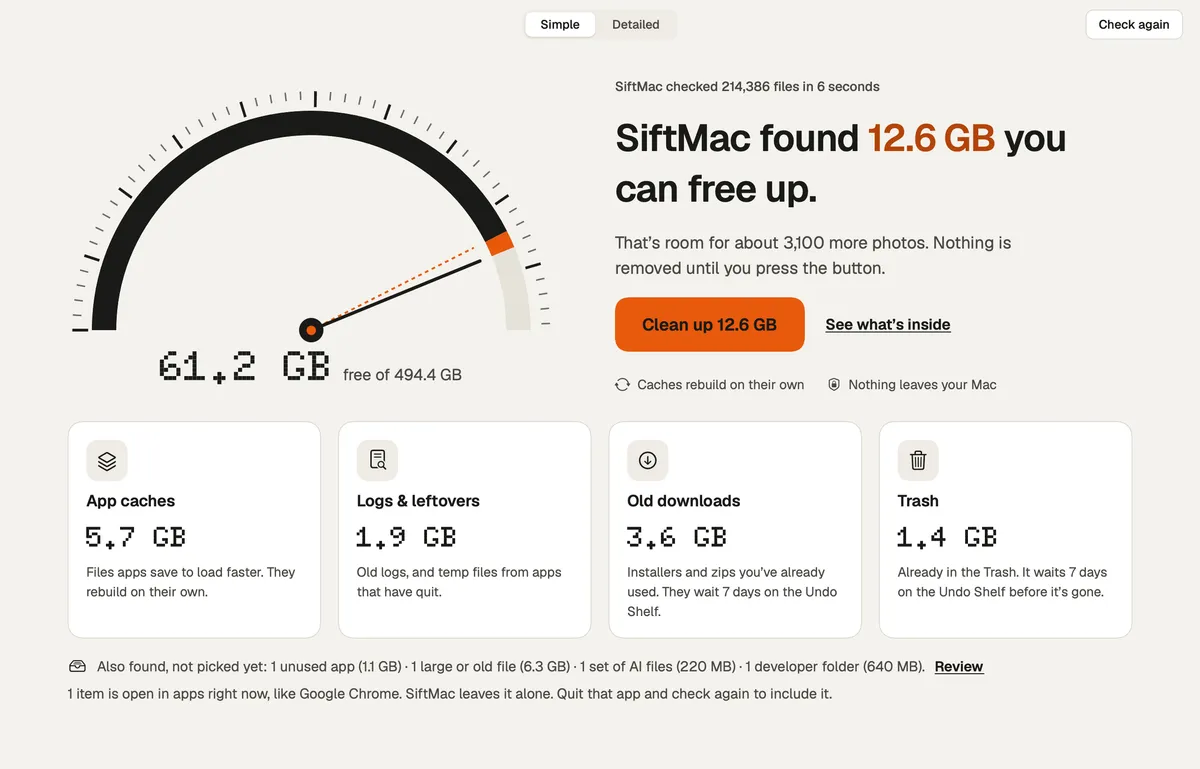
Utilities · $12 · one-time ($12 for the first 100, then $19; free scan and first 2 GB)
The calm Mac disk cleaner that tells you, for every item, whether it comes back.

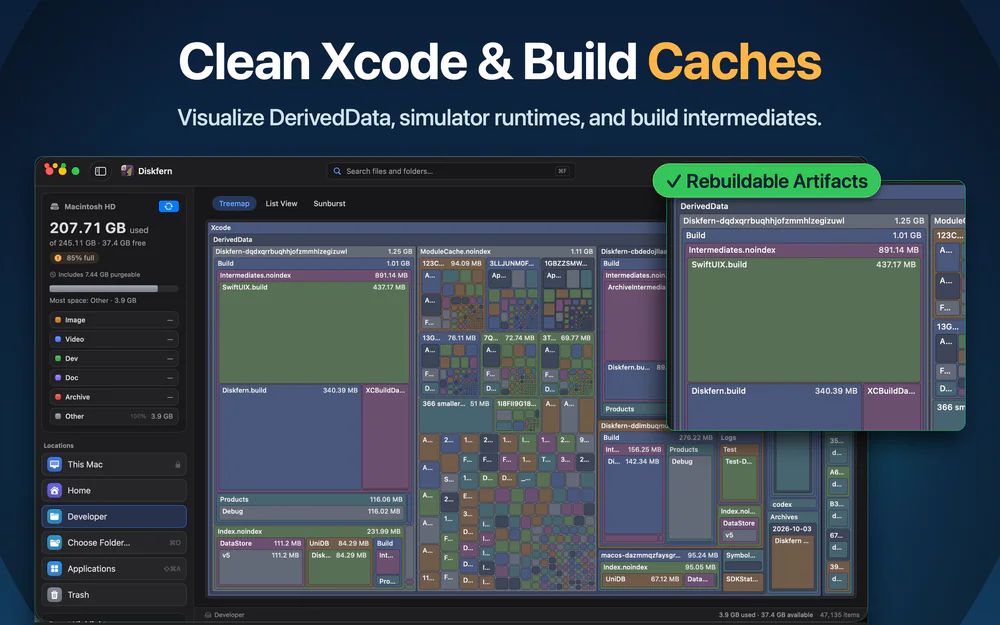
Utilities · Free · Free unlimited scanning and storage exploration. Pro starts $19.99
A native macOS app to visualize disk usage, find unnecessary files, and reclaim storage with confidence.
Get 30% off Diskfern Pro and Family for members
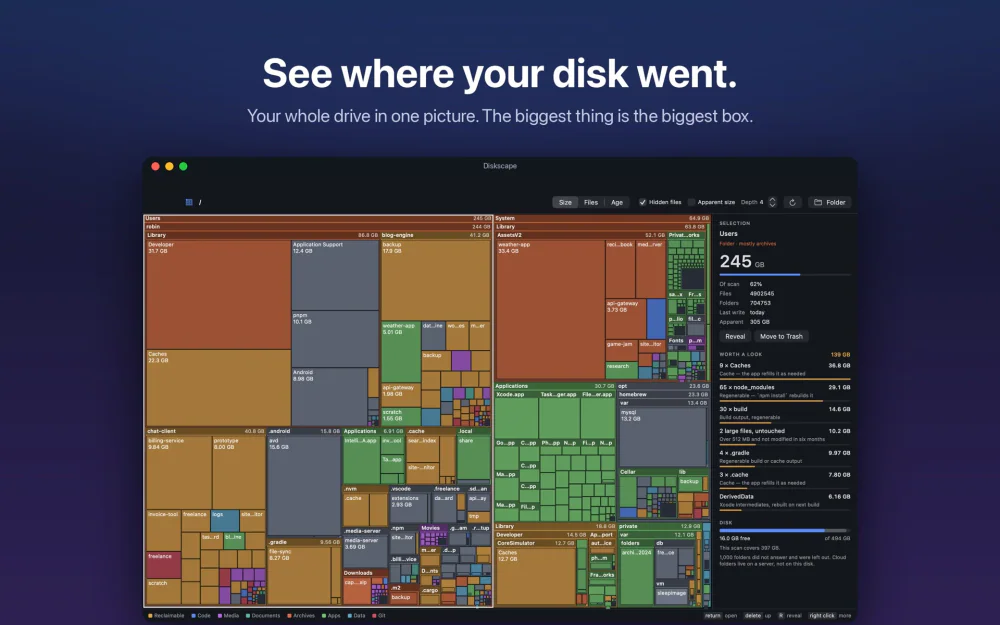
Utilities · Free · per month, Mac App Store. Scanning stays free $4.99
Your whole disk as one treemap. The biggest folder is the biggest box, and node_modules, DerivedData and caches are found and totalled.

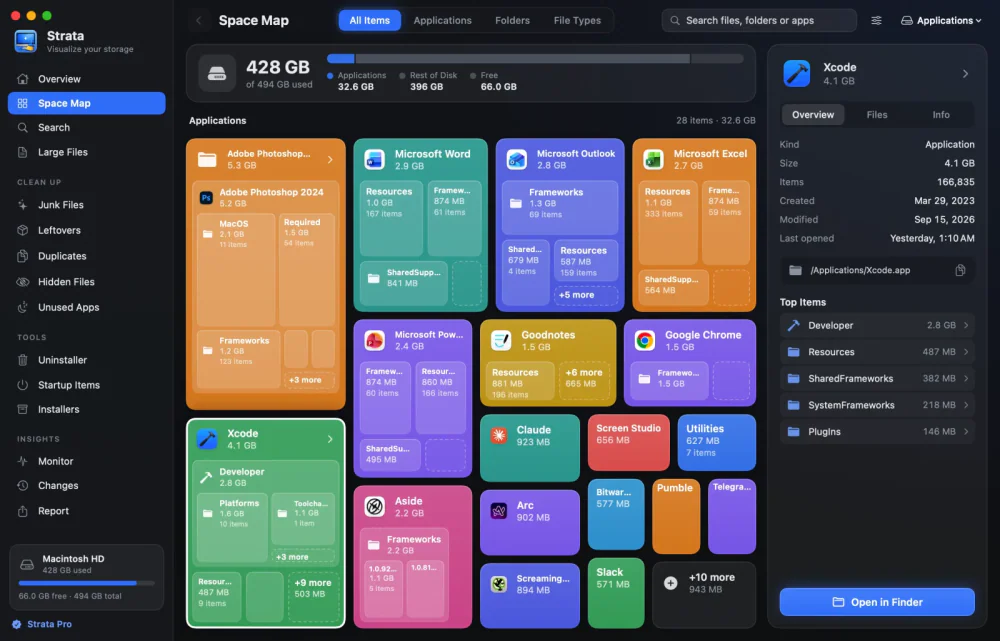
Utilities · Free · $19.99 one-time (Black Friday from $10) $19.99
See what's filling your Mac, then clear it safely.
Utilities · $9.99 · one-time
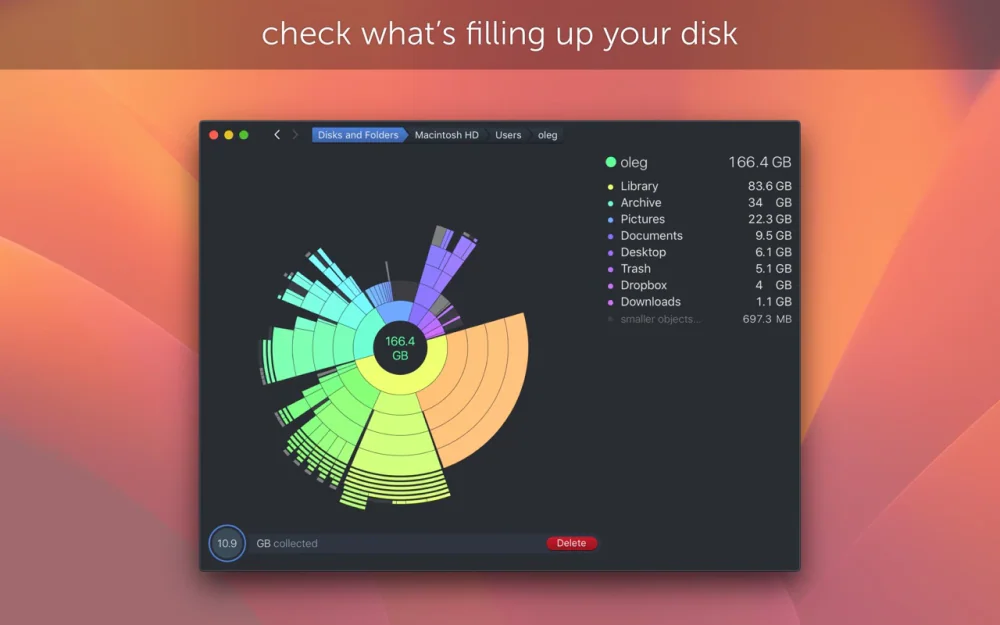
Find what is eating your disk with a scan that turns your drive into an interactive sunburst map you can drill into and clean up.