
Productivity · Free · Cocon Pro, one-time $9.99
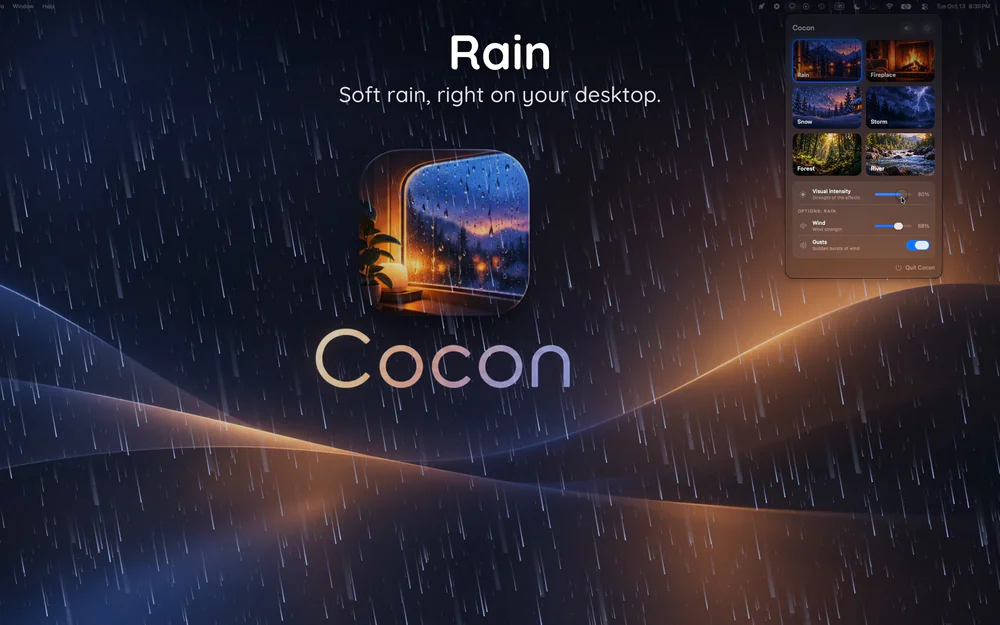
Animated rain, snow, a fireplace or the ocean on your desktop, behind every window, with matching sounds.

Work alone, together.
Tenrec is a free Mac menu bar app that lets you hear your friends typing while you work. Faintly, from wherever they are. No video, no chat, no meeting to book.
Working alone gets quiet, and it's easy to drift. Working next to someone makes it easier to start and harder to quit. People call it body doubling. Tenrec gives you that feeling with nothing more than the soft sound of a friend getting work done.
✨ How it works Make a circle, send your friend the invite link, and get back to work. When they type, you hear gentle key taps. When they stop, it goes quiet. Each friend sits in their own spot around you in stereo, so you can tell who's typing.
🎁 What's inside ⌨️ Six keyboard sounds: Soft, Creamy, Thock, Tactile, Clicky and Topre 🌧️ Rooms: Library, Café, Cabin and Lo-fi ambience ⏱️ 25 minute sprints the whole circle can start together ✊ Rock paper scissors, where the winner picks the room 👋 "I'm starting" nudges to pull friends in 🔥 Streaks with each friend and a weekly "together" summary 🎩 Your own tenrec with a colour and a hat, right in your menu bar 🌍 Open desks: no friends online? Sit with strangers who are working right now, shown only by a country flag 🔇 Quieter on calls: friends fade down while your microphone is in use
🔒 Private by design Tenrec never knows which keys you press. It only notices that a key went down and shares the timing, so there's nothing to read. The sound is made on each listener's own Mac. No account, no analytics, no camera or microphone recording.
🆓 Free, signed and notarized by Apple, and it updates itself.
Productivity · Free · Cocon Pro, one-time $9.99
Animated rain, snow, a fireplace or the ocean on your desktop, behind every window, with matching sounds.
Utilities · $19 · one-time (1 Mac, all 49 tools)
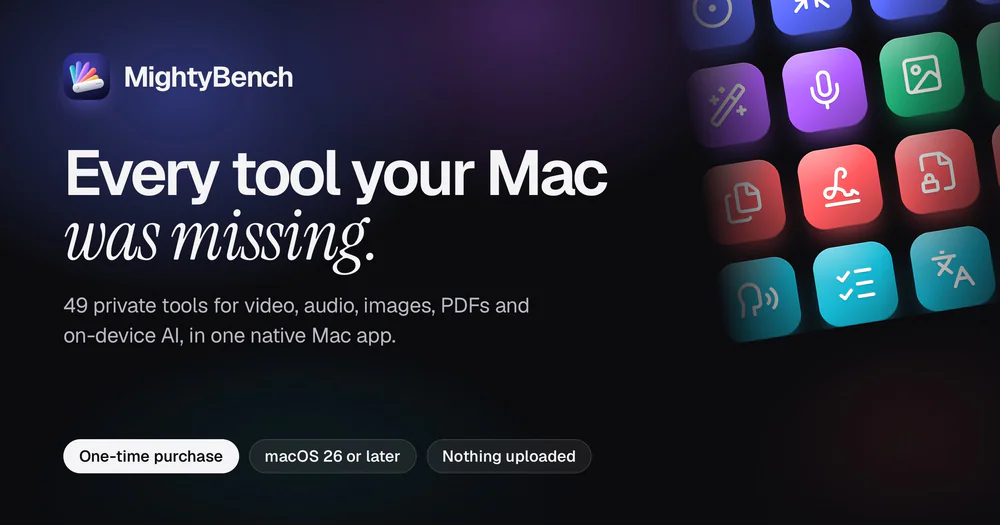
49 private Mac tools for video, audio, PDFs, images and AI. Runs on your Mac, nothing uploaded.
Utilities · $3.99 · one-time
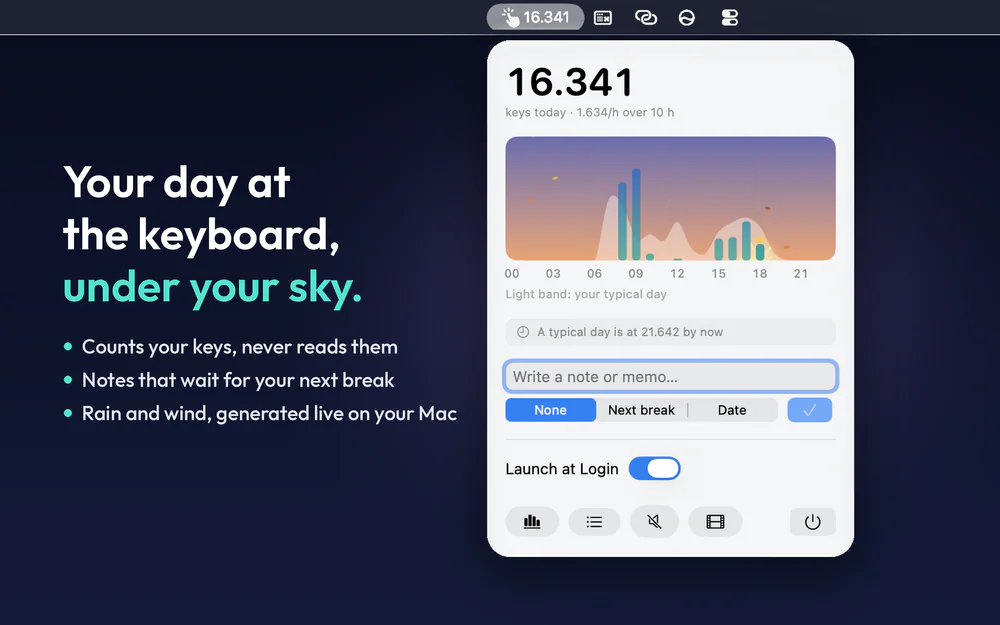
Menu bar notes that wait for your next break, a live sky, rain that follows your typing, and your day at the keyboard, hour by hour.

Utilities · $10 · one-time (14-day free trial)
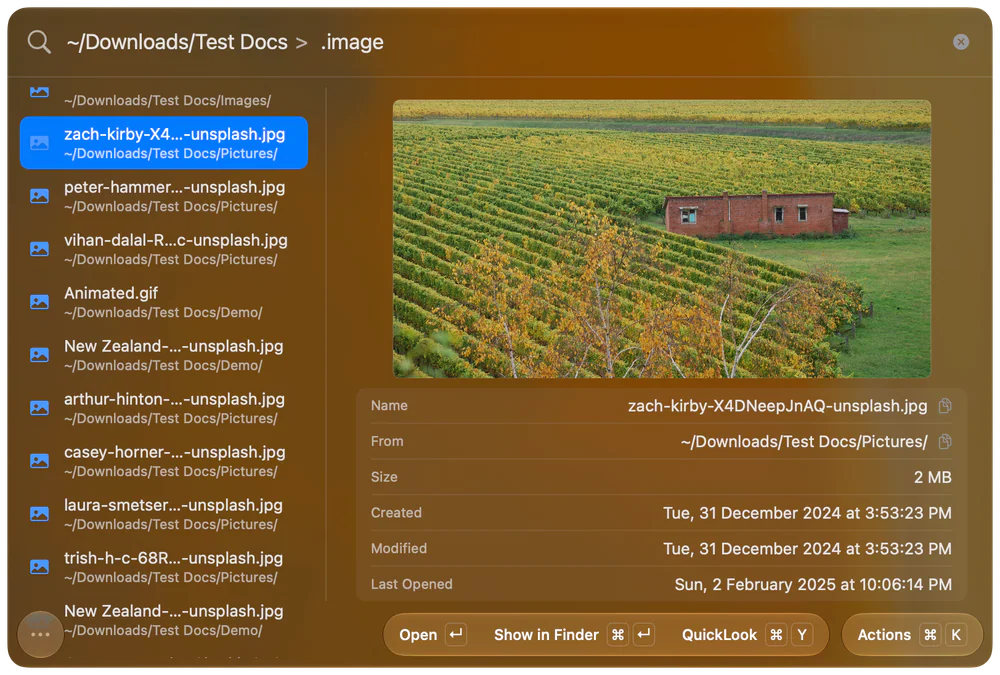
A Better Way to Find Files on Your Mac
Up to 60% off lifetime for members
Utilities · Free & open source
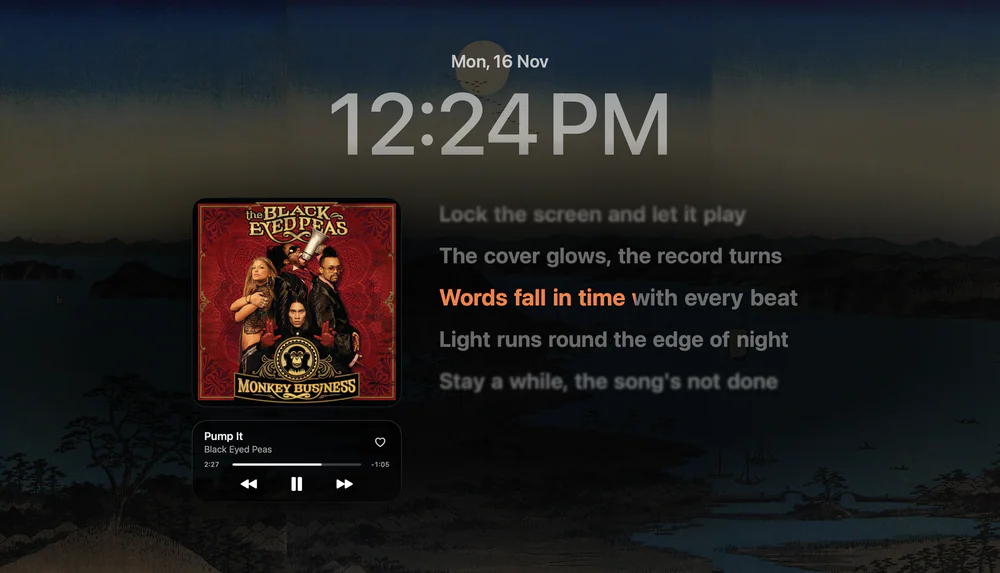
Your MacBook’s notch, put to work: music, lock screen lyrics, calendar, tasks and a file shelf, right where the camera sits.

Utilities · $10 · one-time ($10 first 100 copies, then $15. 14-day free trial.)
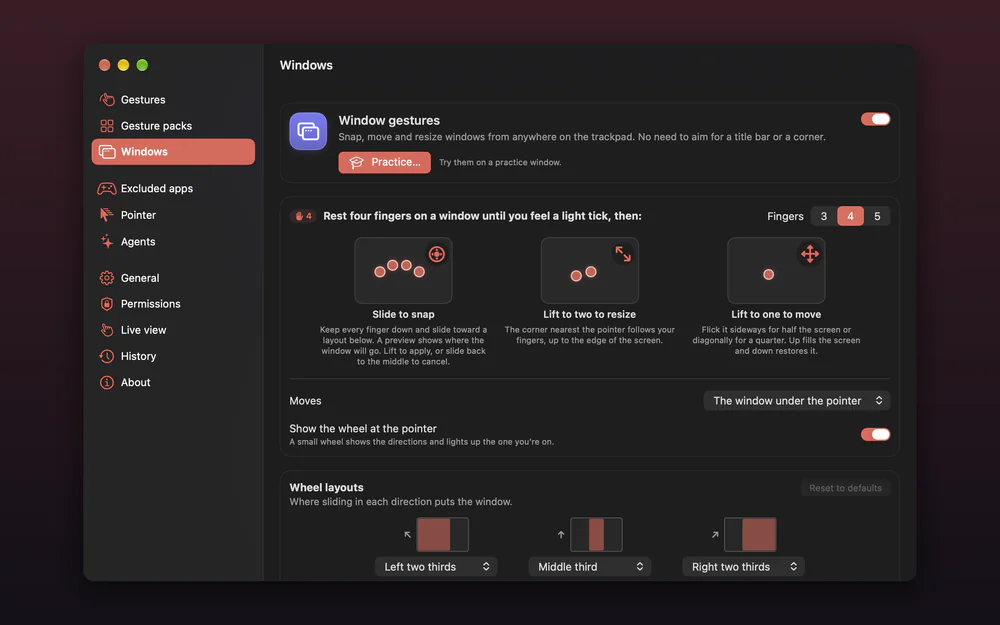
Custom trackpad gestures for macOS, with window layouts and edge controls.