
Productivity · $15 · one-time
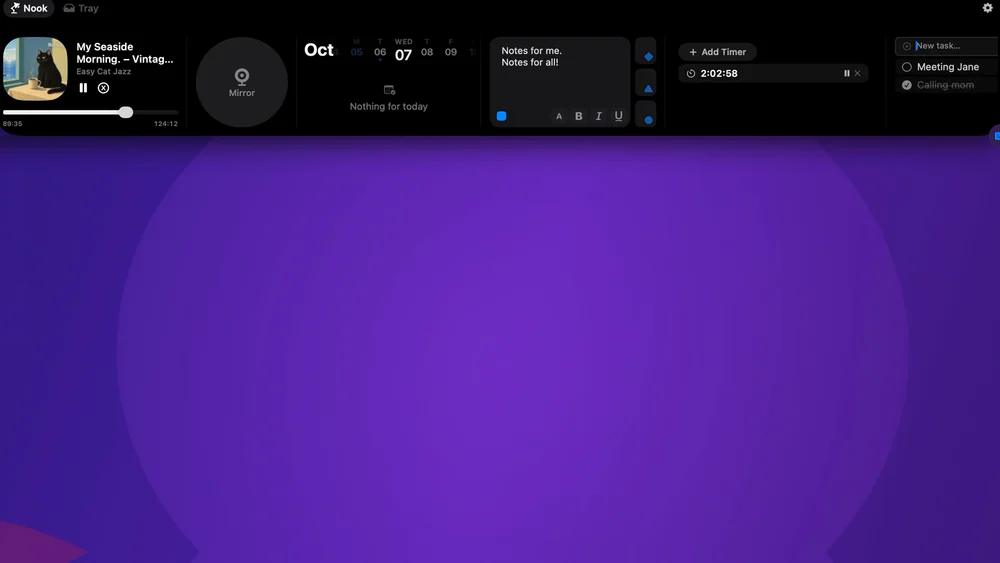
Transforms your MacBook notch into a smart drop zone for files, media controls, and quick system toggles.
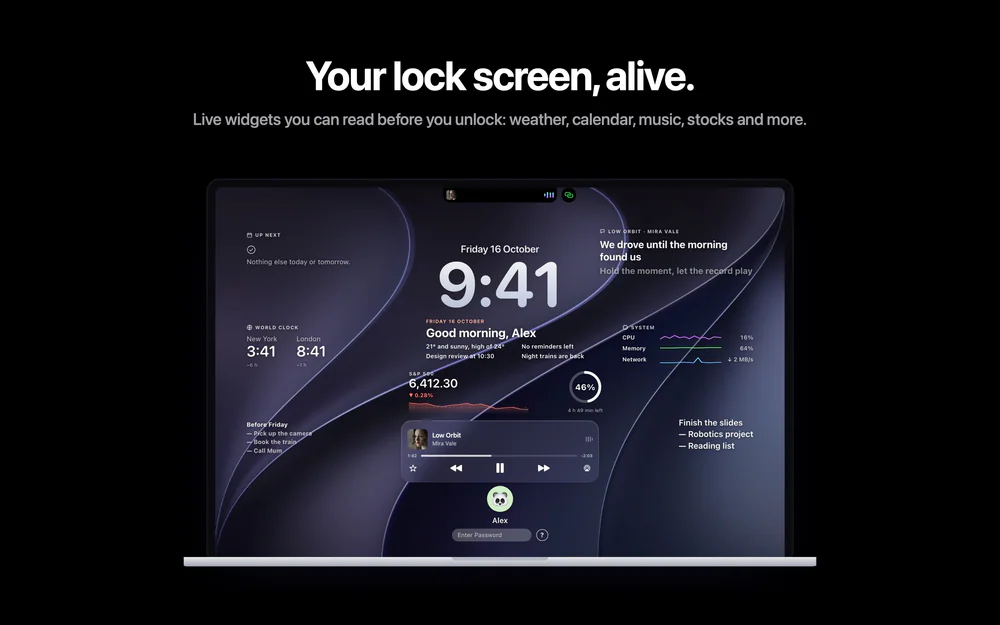
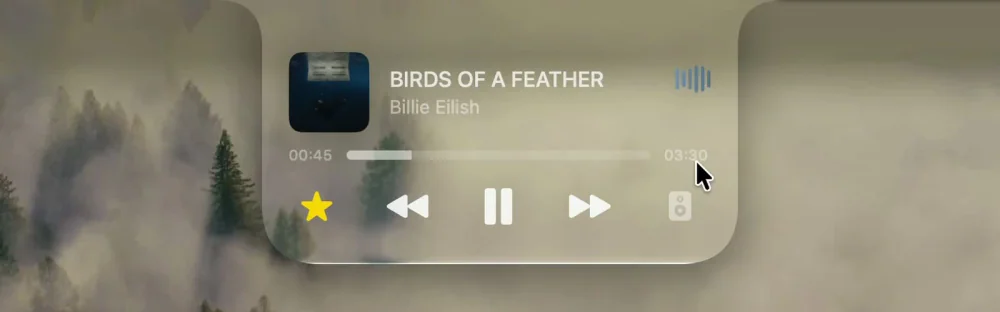
Your MacBook’s notch, put to work: music, lock screen lyrics, calendar, tasks and a file shelf, right where the camera sits.
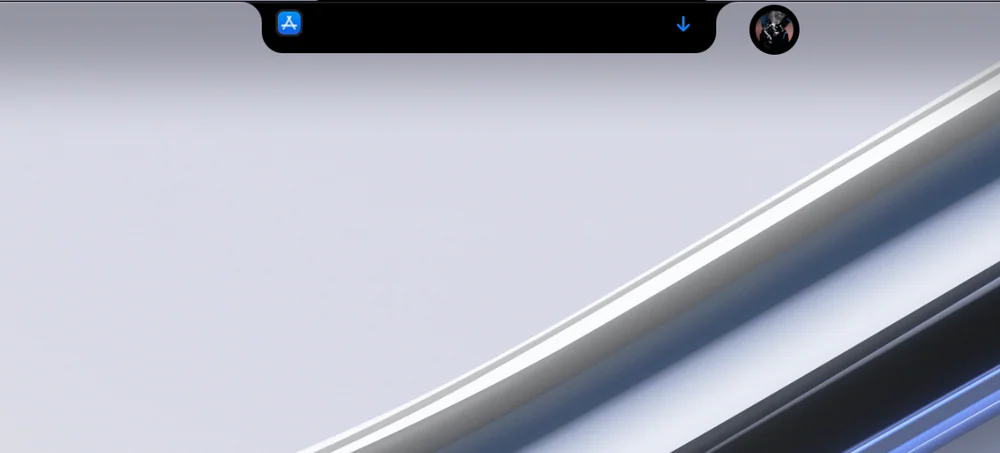
Visor turns the notch on your MacBook into a small control centre, written in Swift with SwiftUI and AppKit. Hover over the notch and it opens; move away and it closes. Macs without a notch get a floating island.
GPL-3.0, no account and no tracking. Needs macOS 14 or later on Apple silicon. Every permission is optional and explained before it's asked.
Builds are self-signed rather than notarized, so after dragging Visor into Applications, run once in Terminal:
xattr -dr com.apple.quarantine /Applications/Visor.app
Productivity · $15 · one-time
Transforms your MacBook notch into a smart drop zone for files, media controls, and quick system toggles.
Productivity · $15 · one-time (Lifetime license; US$2/month also available. Each plan covers two Macs.)
NotchNook is back — Dynamic Island for Mac
Productivity · $14.99 · one-time
Live widgets on your Mac's lock screen and a Dynamic Island in the notch: music with synced lyrics, calls, trips and more.
Utilities · Free & open source
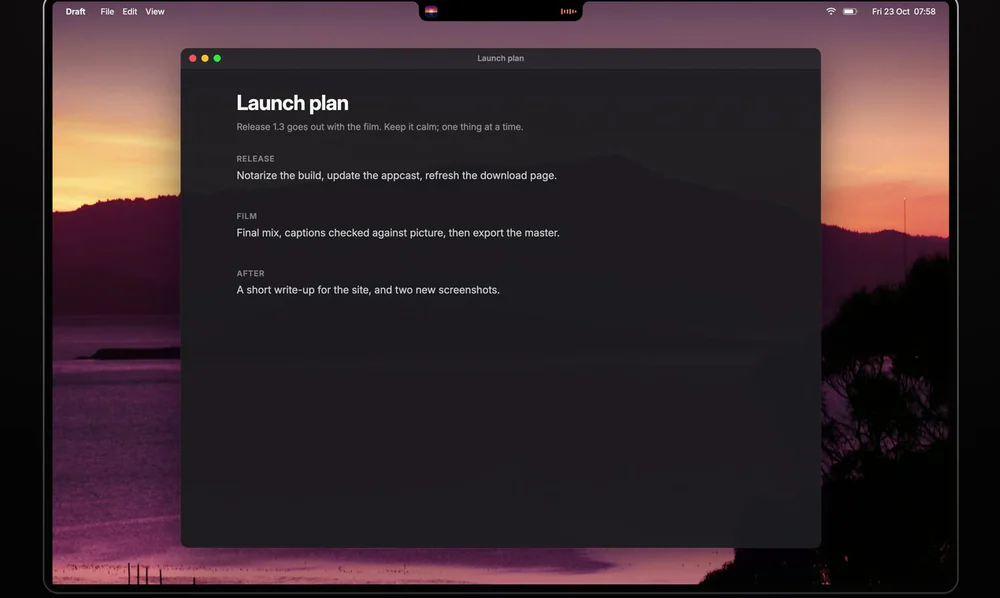
Free, open-source notch app for MacBook: now playing, a focus timer, your next meeting, weather, notes and Keep Awake.
Utilities · $11.99 · one-time (One-time purchase. No subscription.)
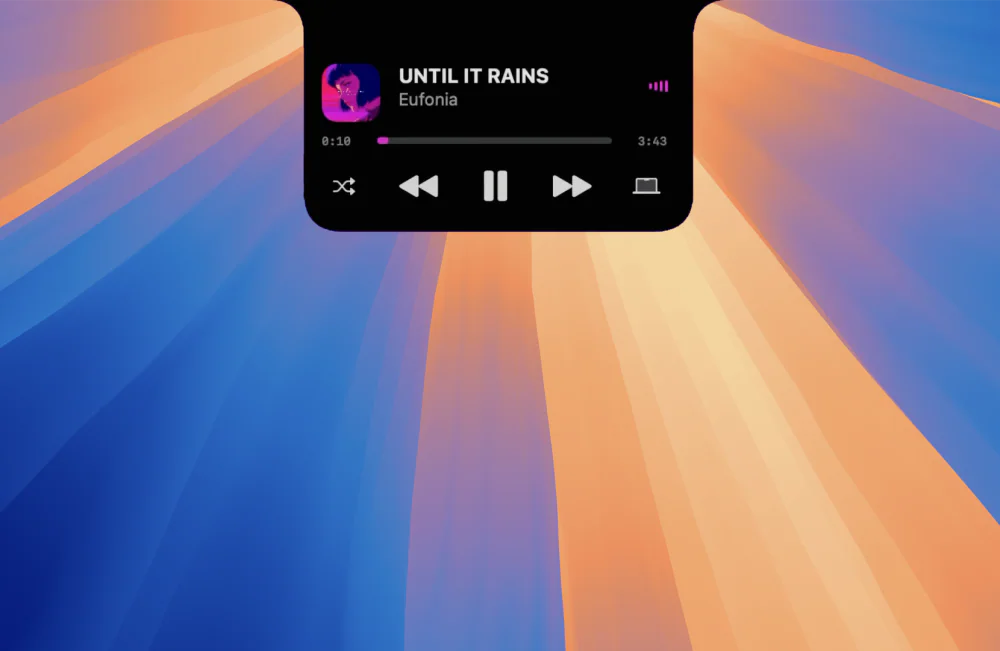
DynamicHorizon brings the Dynamic Island experience to macOS by turning the Mac notch into an interactive part of the system.

Utilities · $15.99 · one-time (First 50 customers: $5.99 with LAUNCH50, while available. One person, 2 Macs; 1.x updates. No trial.)
Liquid Glass and smart clipboard tools in your MacBook notch, with music, files, timers and reminders.