Utilities · Free · Pro
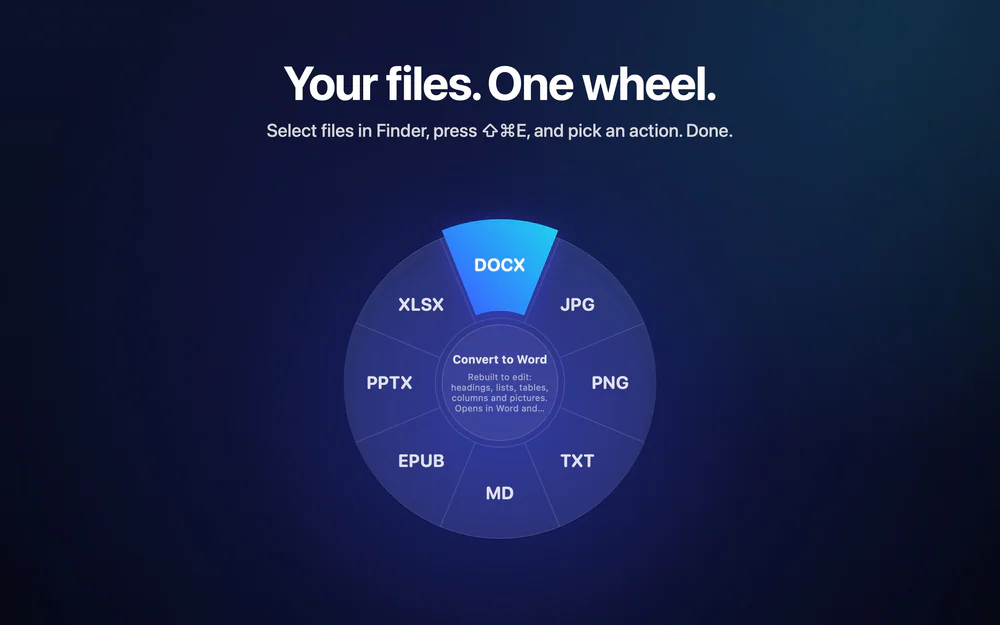
Convert, compress and edit almost any file on your Mac right from Finder, without uploading anything.
49 private Mac tools for video, audio, PDFs, images and AI. Runs on your Mac, nothing uploaded.
MightyBench is a native Mac app that bundles 49 private tools for video, audio, images, PDFs and on-device AI in one window. Everything runs locally, so your files are never uploaded.
What makes it native: it is a Swift/SwiftUI app with a keyboard-first launcher (⌃⌥Space from anywhere), Smart Drop that suggests tools for the files you drop, and one focused window per job. It requires macOS 26 or later.
Tools include: video compress, trim, resize, convert, subtitles and screen recording; audio trim, clean-up and text-to-speech; image compress, convert and background removal; PDF merge, split, compress, sign and encrypt; on-device OCR, transcription, translation and file search.
Pricing: one-time purchase, no subscription, 14-day refund. Website: https://mightybench.com
Utilities · Free · Pro
Convert, compress and edit almost any file on your Mac right from Finder, without uploading anything.
Utilities · Paid
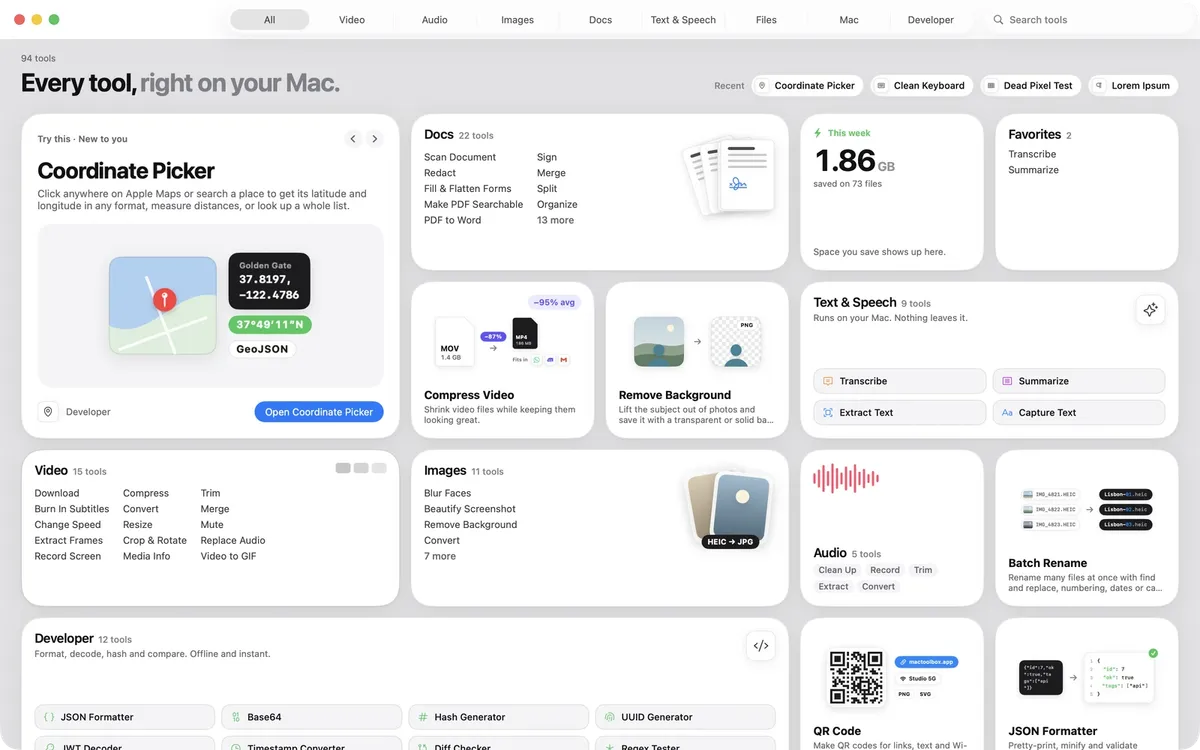
100+ native Mac tools in one app: compress video, sign PDFs, remove backgrounds, transcribe, all offline.
Utilities · $29 · one-time
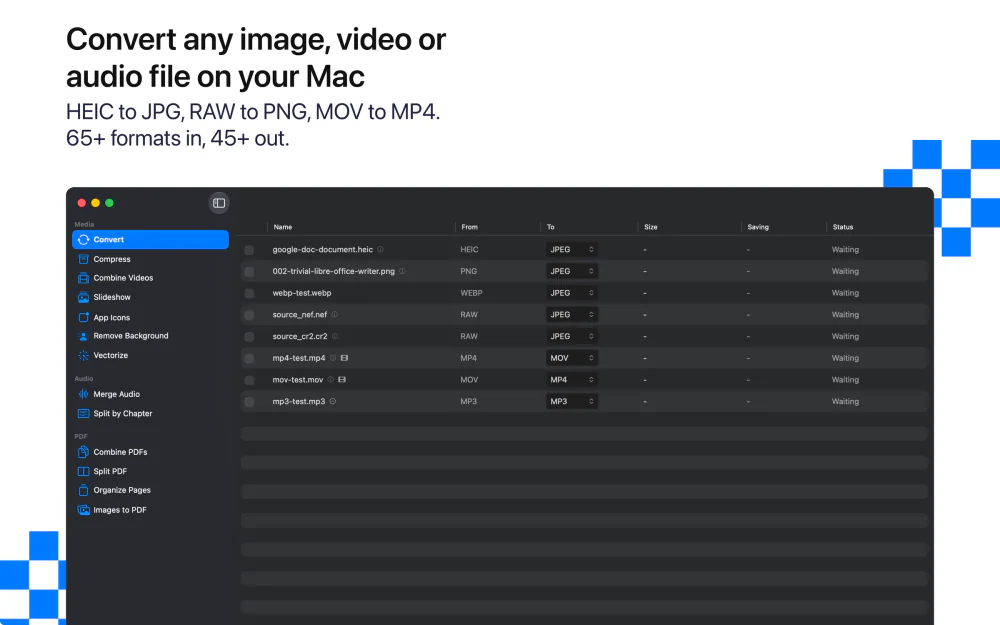
Convert and compress images, video, audio and PDFs on your Mac. Fully offline, batch-ready, nothing uploaded.
50% off for members
Utilities · $4.99 · one-time (One license, up to 3 Macs)
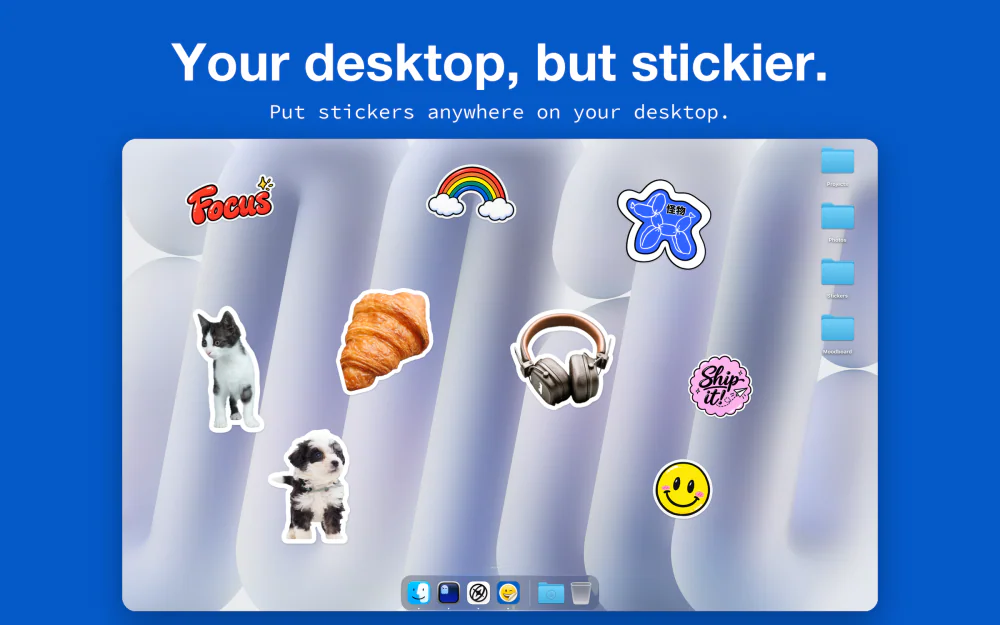
Stickers for your Mac desktop that peel like real vinyl. Turn any image into a die-cut sticker, with the background removed on your Mac.
Utilities · $4.99 · one-time
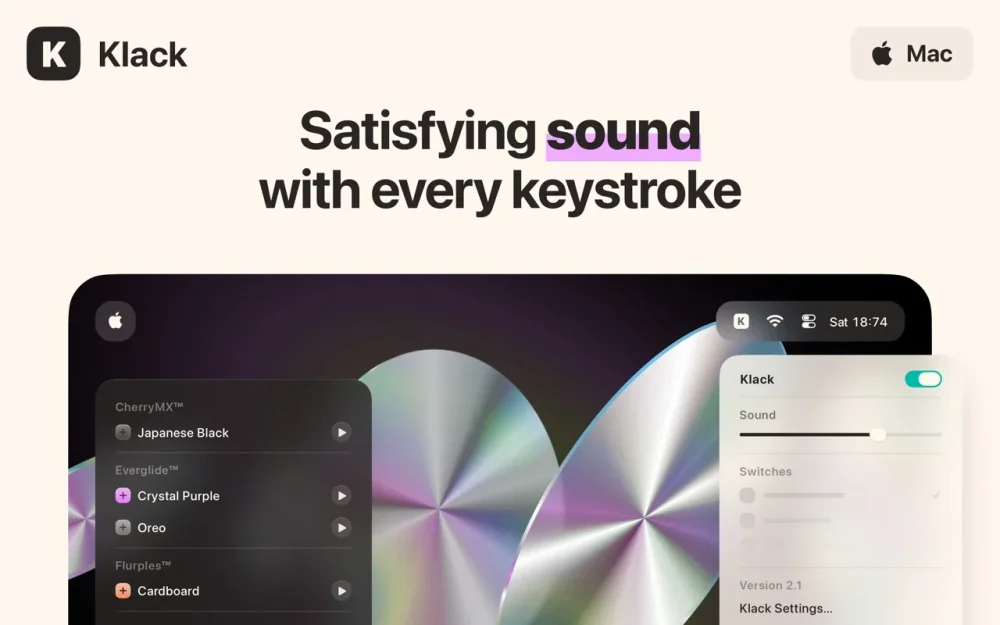
Adds satisfying mechanical-keyboard sound feedback to your Mac's typing — pick a switch profile, tune the volume, and every keystroke gets a tactile click.
Audio & Voice · Free & open source
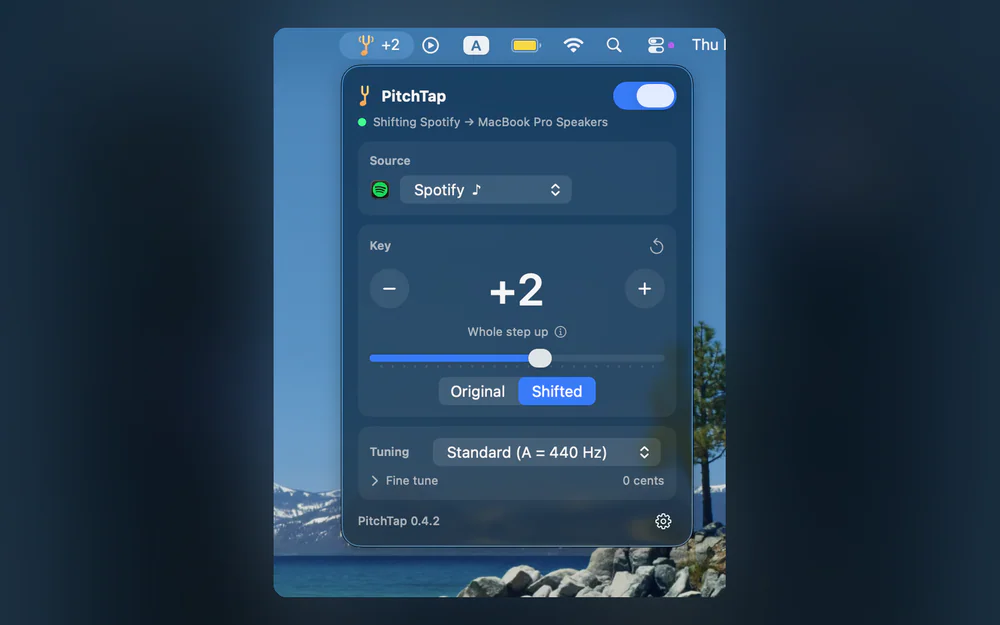
Change the pitch of any Mac app's audio, or all system audio, live from the menu bar, without changing the tempo.