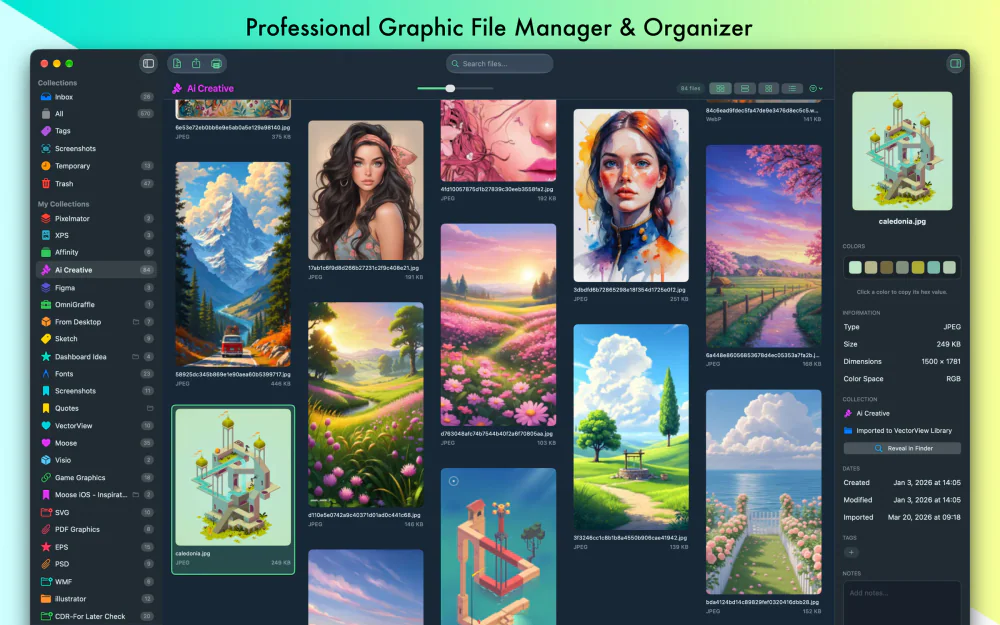

Photo & Video · Free · https://apps.apple.com/us/app/vectorview/id1172866932 $2.99
VectorView: The Professional Graphic File Manager for Mac

A Better Way to Find Files on Your Mac
Search specific folders, filter by file type, and browse with your keyboard. Open, copy, and share files right from your results.
Know which folder to check? Search inside it and its subfolders to find what you need.
Browse files and folders with your keyboard, right from your search results.
Looking for a PDF, image, or spreadsheet? Filter your search to show only the file types you need.
Open, copy, and share files from the actions panel beside your search results.
Too many results? Limit your search to a specific folder.
Download: https://www.fileminutes.com/downloads/FileMinutes.dmg
Photo & Video · Free · https://apps.apple.com/us/app/vectorview/id1172866932 $2.99
VectorView: The Professional Graphic File Manager for Mac

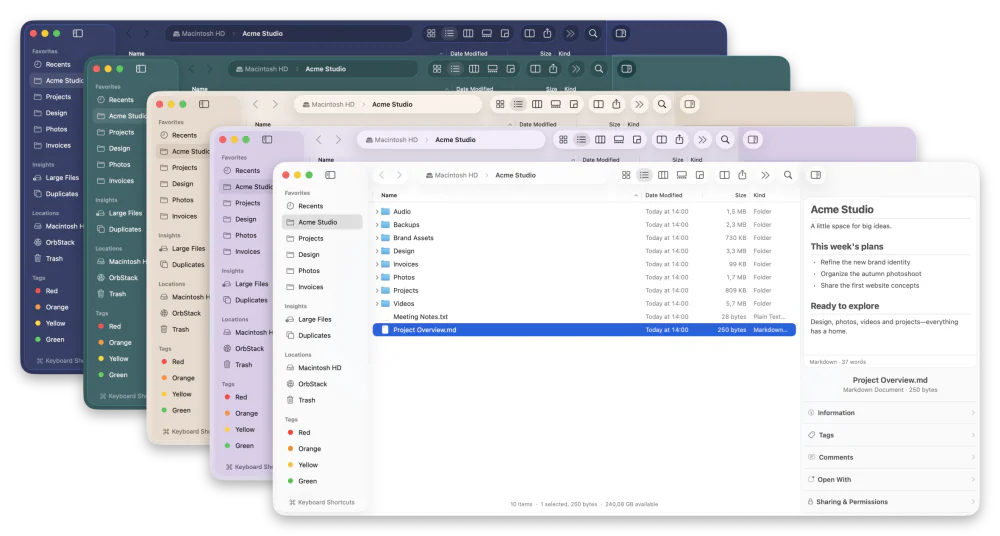
Utilities · Free & open source
A free, open-source Finder alternative for Mac with instant plain-English search, real-time folder sizes, and a visual disk usage map.

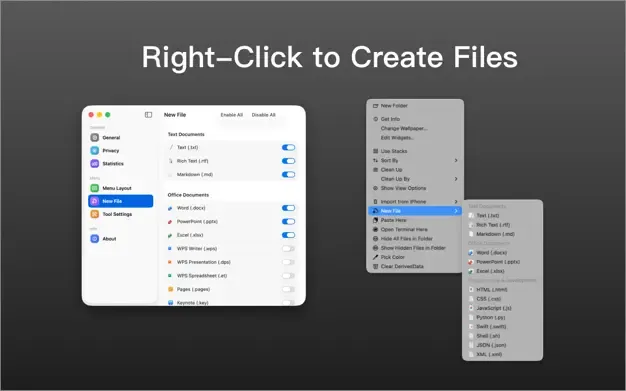
Utilities · Free
Add customizable file actions to the Finder right-click menu.
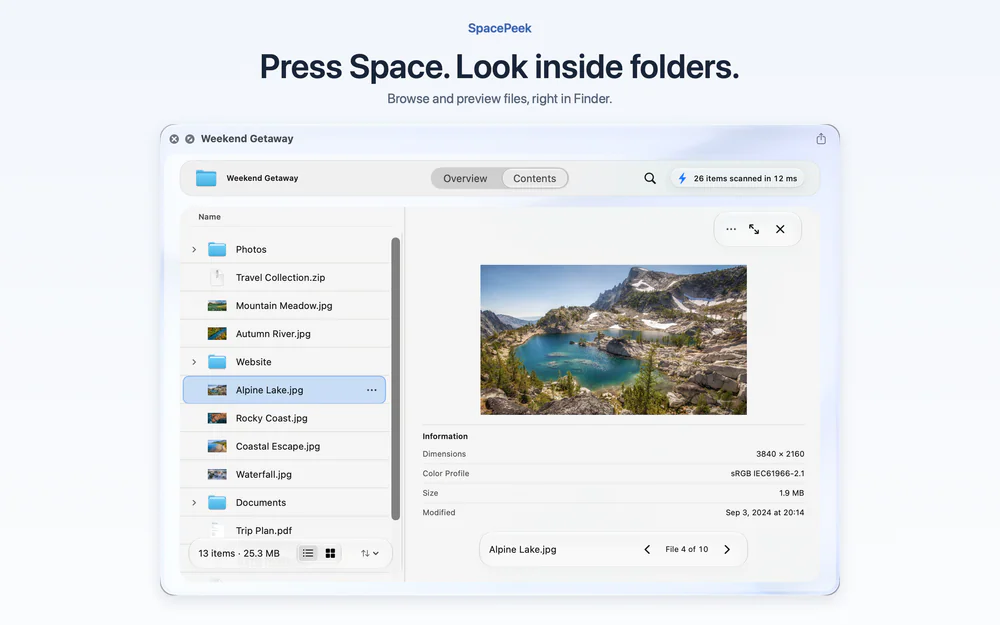
Utilities · Free · Free download; optional Pro US$3.99 one-time in-app purchase. No subscription. Local pricing may vary. $0
Browse folders and archives in Finder Quick Look
Black Friday: SpacePeek Pro for $2.79 (US), 30% off for members
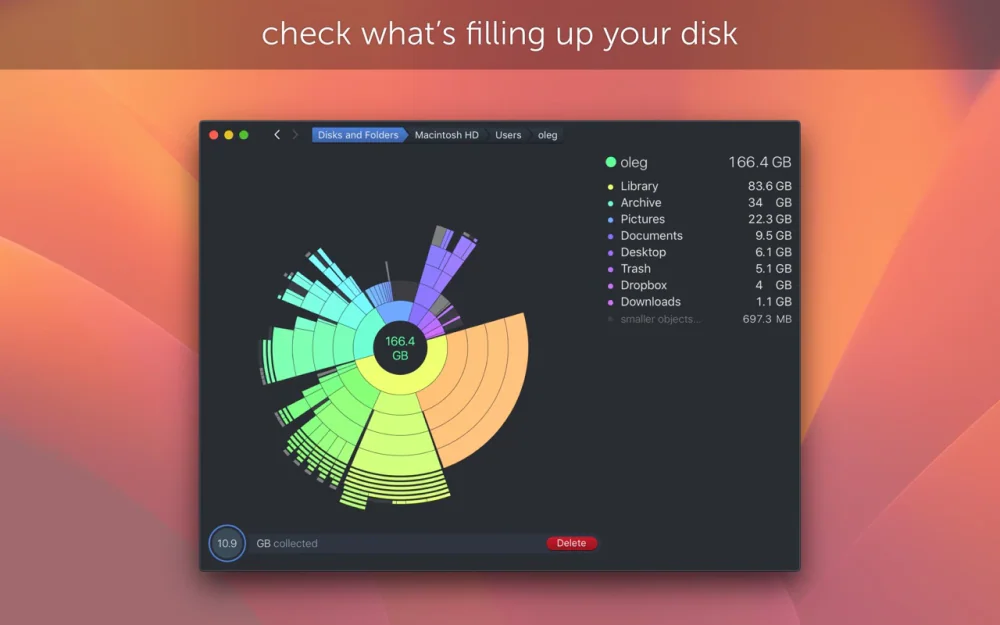
Utilities · $9.99 · one-time
Find what is eating your disk with a scan that turns your drive into an interactive sunburst map you can drill into and clean up.

Developer Tools · $4.99 · one-time
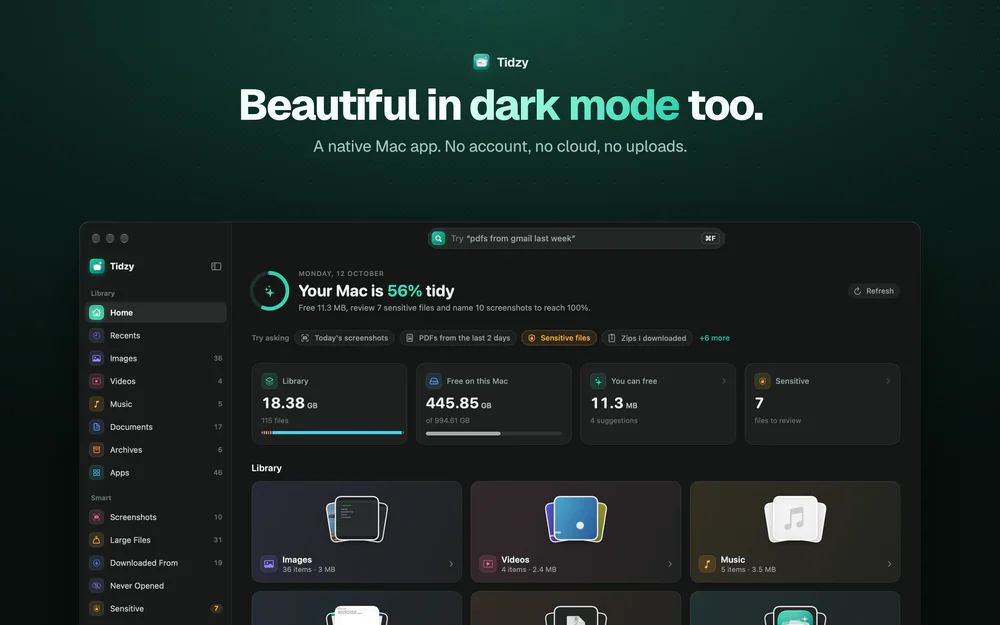
Find any file on your Mac by describing it, free up space safely, auto-name screenshots and catch leaked passwords. 100% on-device.