Productivity · $12 · one-time (One-time, free 24-hour trial)
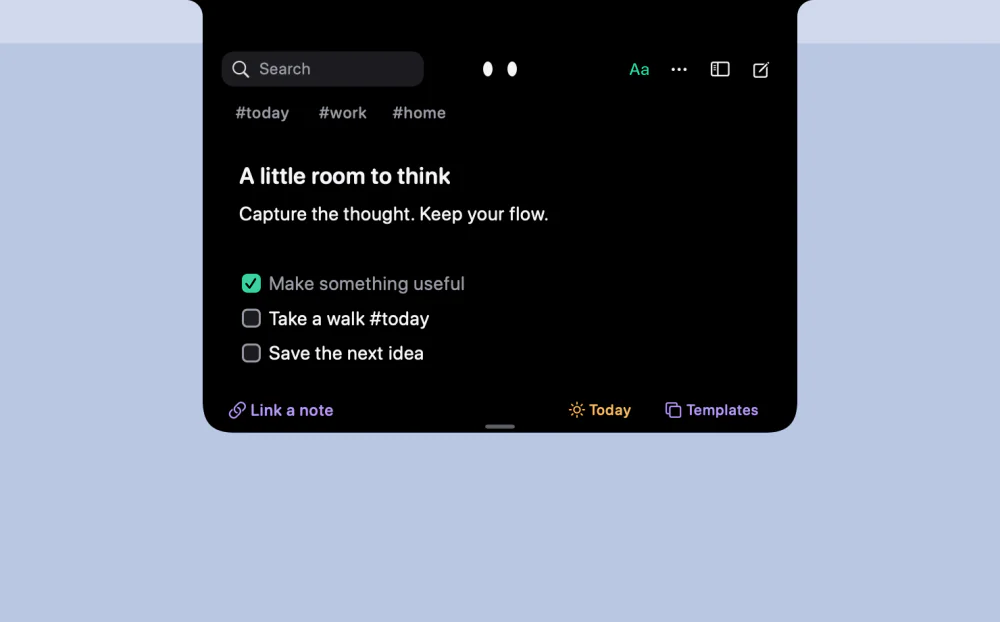
Catch a thought without leaving what you are doing. Notes, checklists and a little companion in your Mac's notch.
A smooth, speedy desktop Bible reader with note-taking, offline-access to cached verses, and a unique Verse-Of-The-Day.
Full reference navigation — 66 books with chapter grids, plus a "Go to" field that understands John 3:16, rom 8:28-39, Ps 23, Jude 3, and semicolon lists like John 3:16-17; Psalms 23. Reading experience — serif or sans text, adjustable size and column width, light/dark/system appearance, generous line spacing. Verse actions — click a verse number (or the ellipsis that appears on hover) to highlight in five colors, bookmark, copy with reference, or write a note. Saved & Notes — bookmarks and study notes live in the sidebar and jump straight back to the passage. Verse of the Day and random passages for when you don't know where to land. Offline cache — every passage you read is cached to disk, so recent readings still open without a connection.
Productivity · $12 · one-time (One-time, free 24-hour trial)
Catch a thought without leaving what you are doing. Notes, checklists and a little companion in your Mac's notch.

Productivity · $9 · one-time
Leave it here. Find it when you’re back.
Productivity · $59 · one-time (60-day trial)
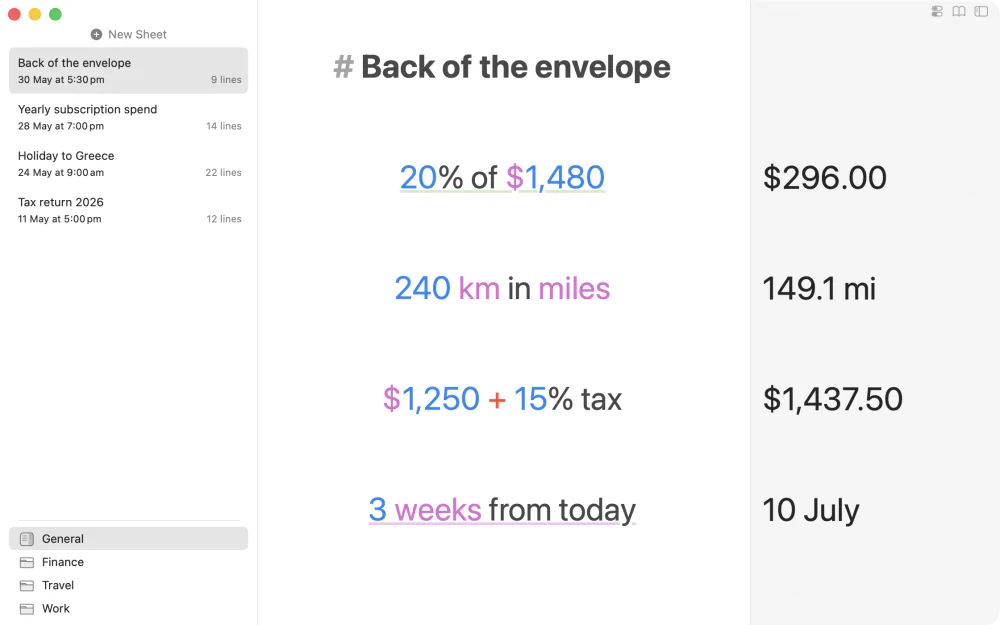
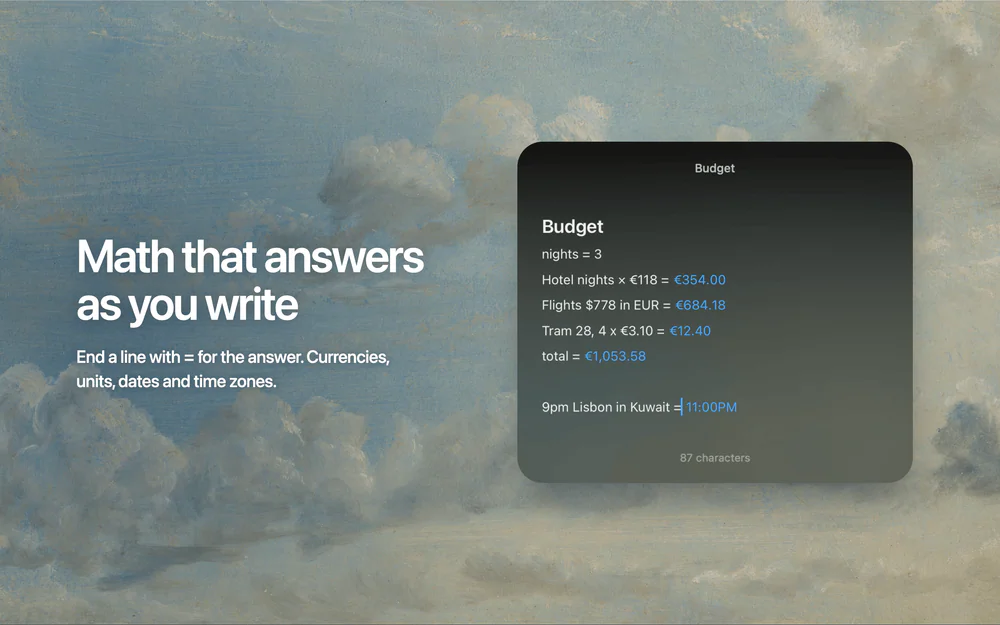
A notepad that does math as you type — write calculations in plain language, reference earlier lines by name, and watch every answer update when a number changes.
Writing & Documents · $29.99 · one-time (App Store, Free Trial)
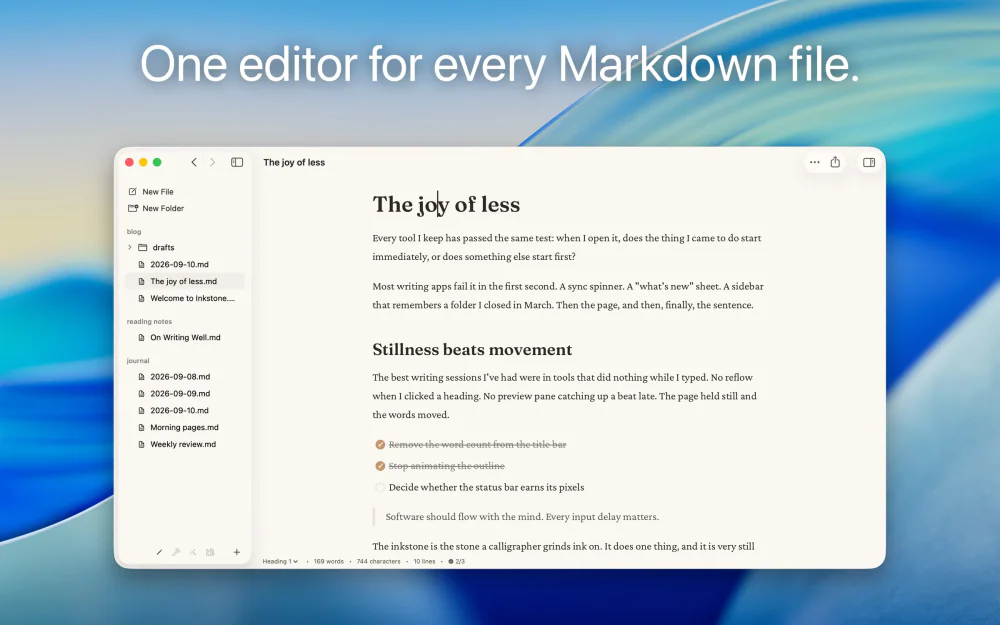
Native Markdown editor for the plain .md files on your Mac: renders as you type, edits folders in place, no account.
Writing & Documents · $17.99 · one-time (App Store. Subscription options also available.)
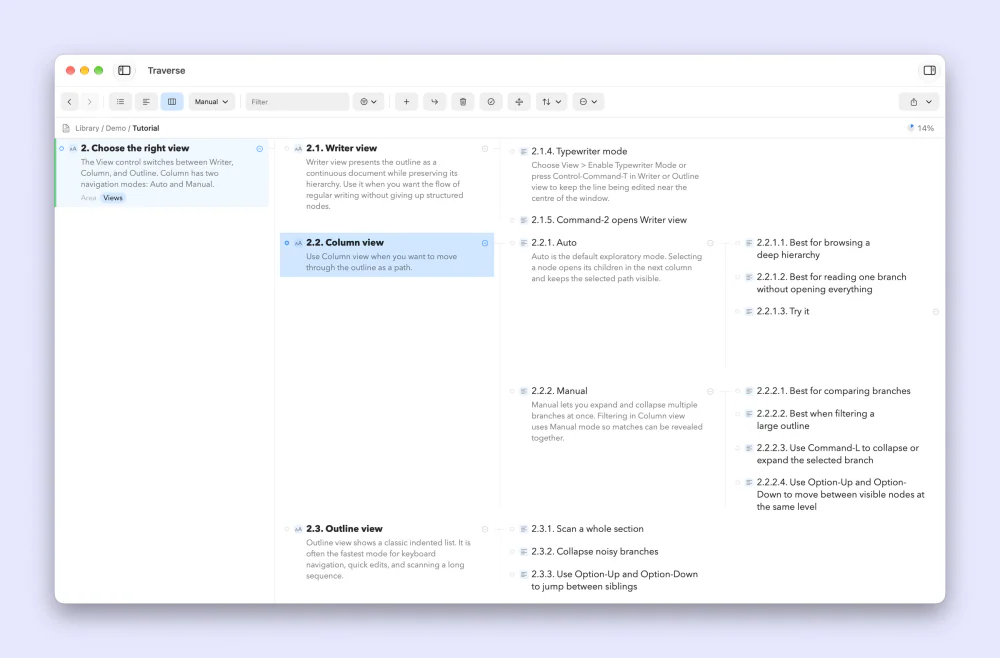
A native Mac outliner for turning messy ideas into structured writing, research, plans, and scripts, all stored as portable local OPML files
Writing & Documents · Free · free for 3 notes, $4.99 one-time for unlimited $0
Floating Markdown notes for Mac that open over any app with one keystroke, or from the screen edge or notch.