
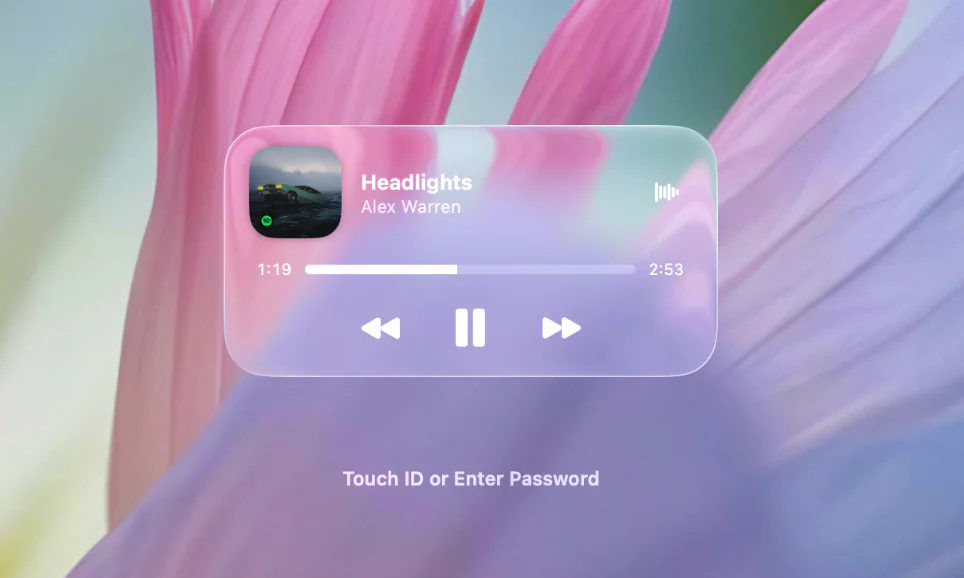

Music Player for Mac
Security & Privacy
File Lock
Encrypt any file or folder on your Mac and unlock it only with Touch ID.
Free & open sourceby daniel-trackpad-apps
File Lock is a small native menu-bar app that protects private files and folders right where they are, without moving them into a vault.
- Lock anything – documents, photos, videos and whole folders, encrypted with AES-256-GCM.
- Looks the same – locked items keep their normal icon with a small lock badge, so you always know what they are.
- Touch ID to open – double-click a locked item, verify with your fingerprint (or Mac password), and it opens in its usual app.
- Quick Look support – pressing Space on a locked file asks for Touch ID before showing the preview.
- Re-locks automatically – when you close the file, your changes are encrypted back and the temporary copy is removed.
- Private by design – the key is generated on your Mac and stored in your keychain, with backup and restore from the menu bar. No internet, no account, no tracking.
Built in Swift with a Finder Sync extension and a Quick Look extension. Requires macOS 14 or later.
Download: https://github.com/daniel-trackpad-apps/FileLock/releases/latest
More like File Lock
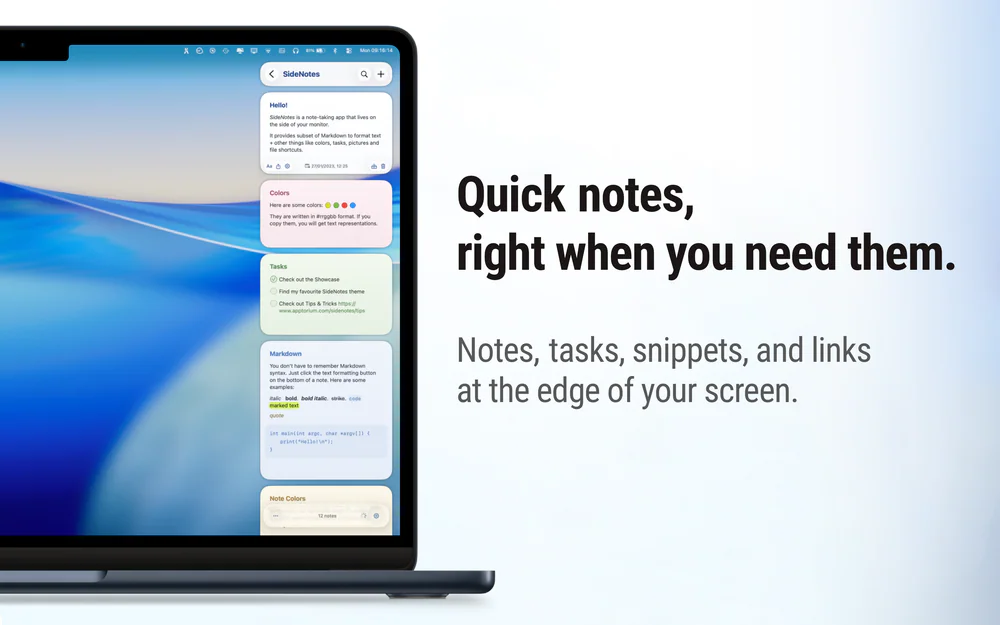

Native macOS notes that slide out from your screen edge, so you can capture tasks, links, and snippets without leaving your work.
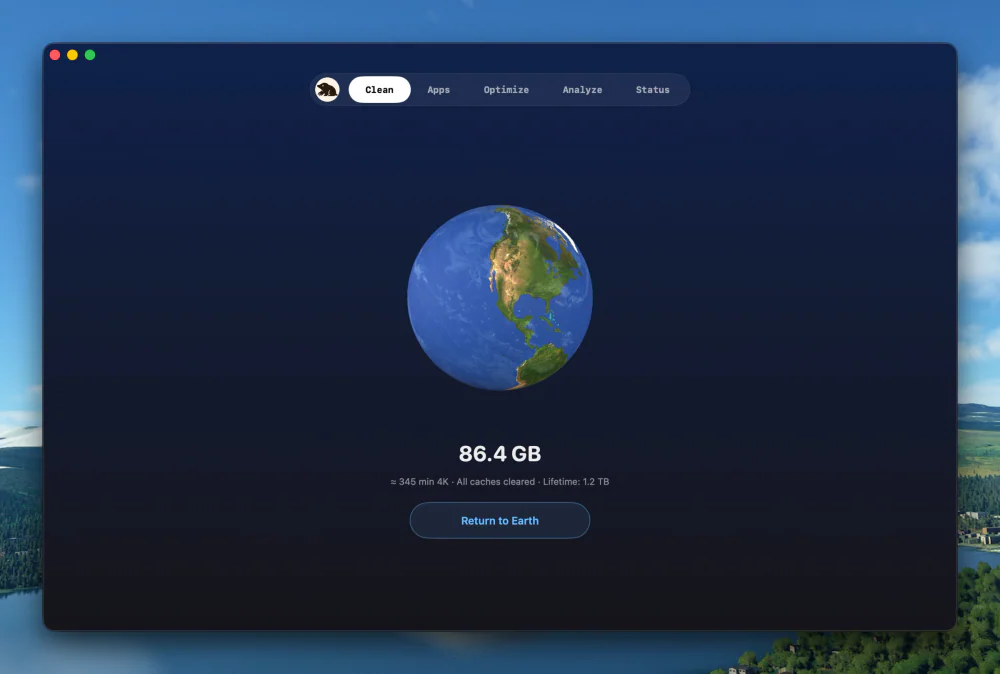

Clean, uninstall, optimize, and monitor your Mac from one lightweight native app — a visual dashboard, a disk treemap, and a live menu-bar HUD, all on-device.

One-click reminders and tasks that live on your desktop as small cards, right where you'll actually see them instead of buried in a notification.
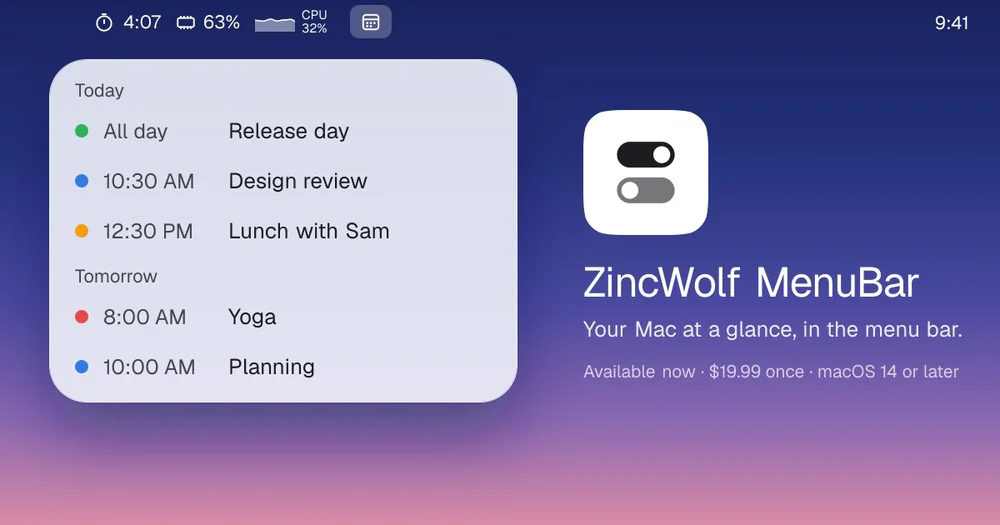
33 small live modules for your Mac's menu bar: CPU, memory, network, battery, Git, AI usage, Docker, clocks, timers and to-dos.
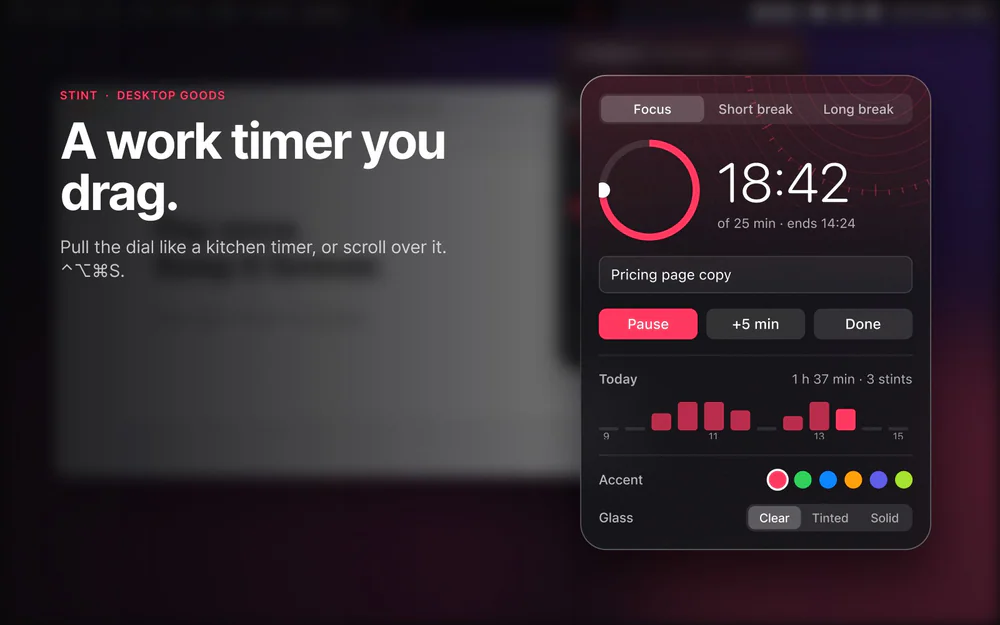
A focus timer you set by dragging a dial. When the stint is done, a break card drops in on every screen.