
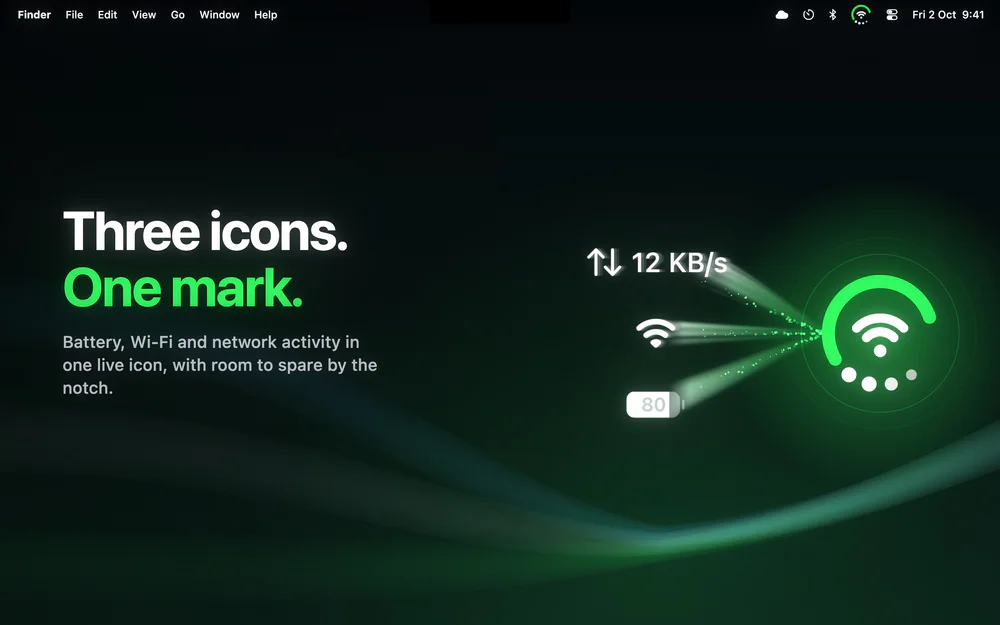

DuoBar merges your Mac’s native menu bar icons into one glanceable icon to save space. Hover over it to see them all separately again.
Utilities
ZincWolf MenuBar
33 small live modules for your Mac's menu bar: CPU, memory, network, battery, Git, AI usage, Docker, clocks, timers and to-dos.
$19.99 · one-timeby zincwolf.app
ZincWolf MenuBar adds up to 33 small, live modules to your Mac's menu bar. Turn on only the ones you want: CPU, GPU, memory, disk, network, battery and temperature readings; an overview of your Mac; world clocks, your calendar, timers, a stopwatch and Keep Awake; Now Playing; and developer modules for AI usage limits, Git status, running dev servers, Docker, ping, VPN, Wi-Fi and uptime, plus everyday ones like notes and to-dos.
Each module is a compact item, and some open a small panel with more detail. It keeps no history on disk and sends nothing anywhere.
Highlights
- 33 modules; turn on only the ones you want
- CPU, GPU, memory, disk, network, battery and temperature
- World clocks, calendar, timers, stopwatch, Keep Awake and Now Playing
- Developer modules: AI usage limits, Git, dev servers, Docker, ping, VPN, Wi-Fi, uptime
- No history on disk, nothing sent anywhere
- macOS 14 Sonoma or later, Apple silicon or Intel
- One payment of $19.99, every 2.x update included
More like ZincWolf MenuBar
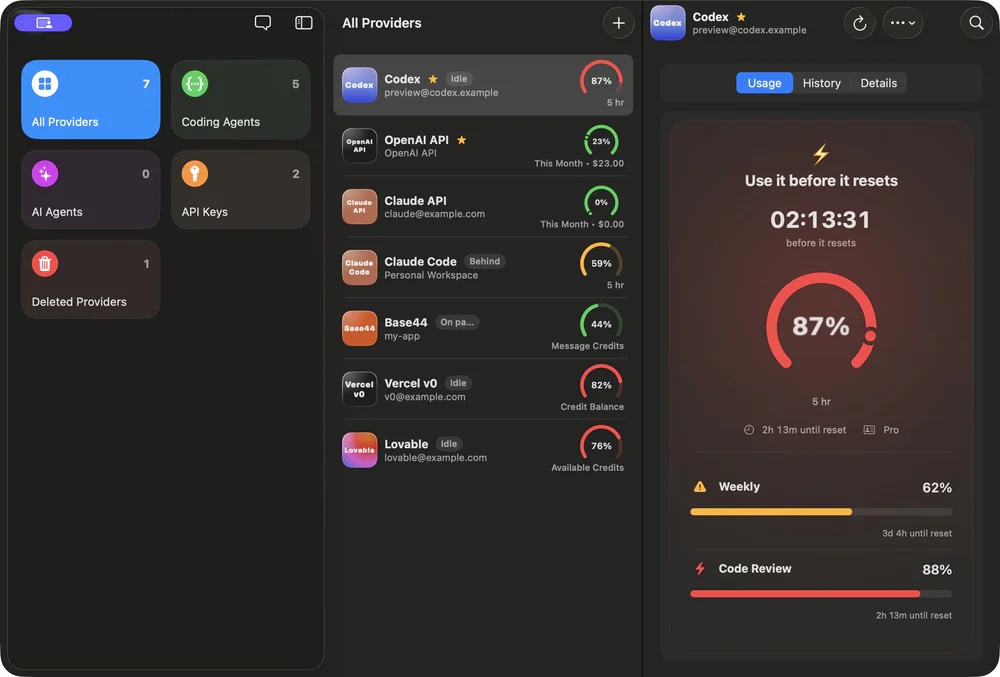
Track Claude Code, Codex and API usage, limits and reset times in a native Mac app.
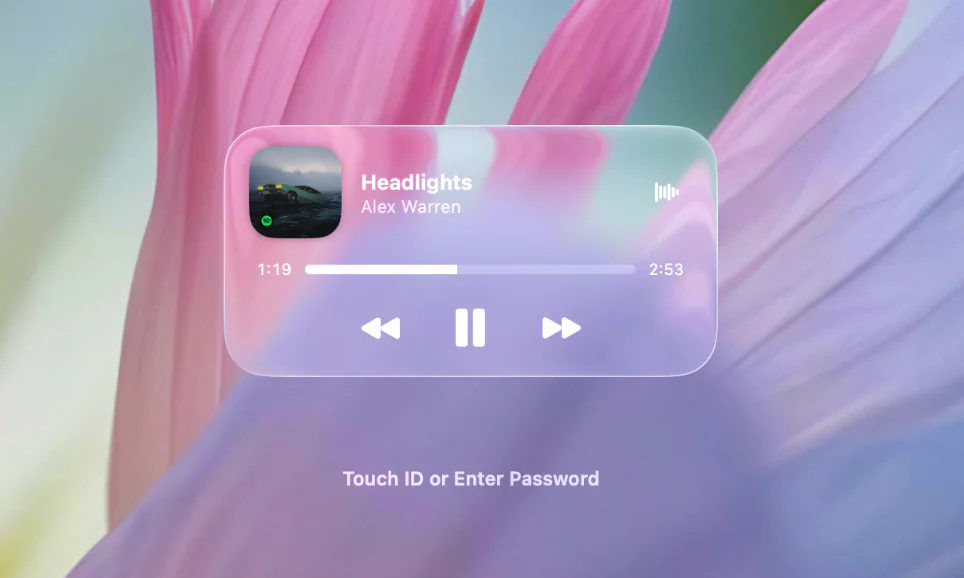

Music Player for Mac
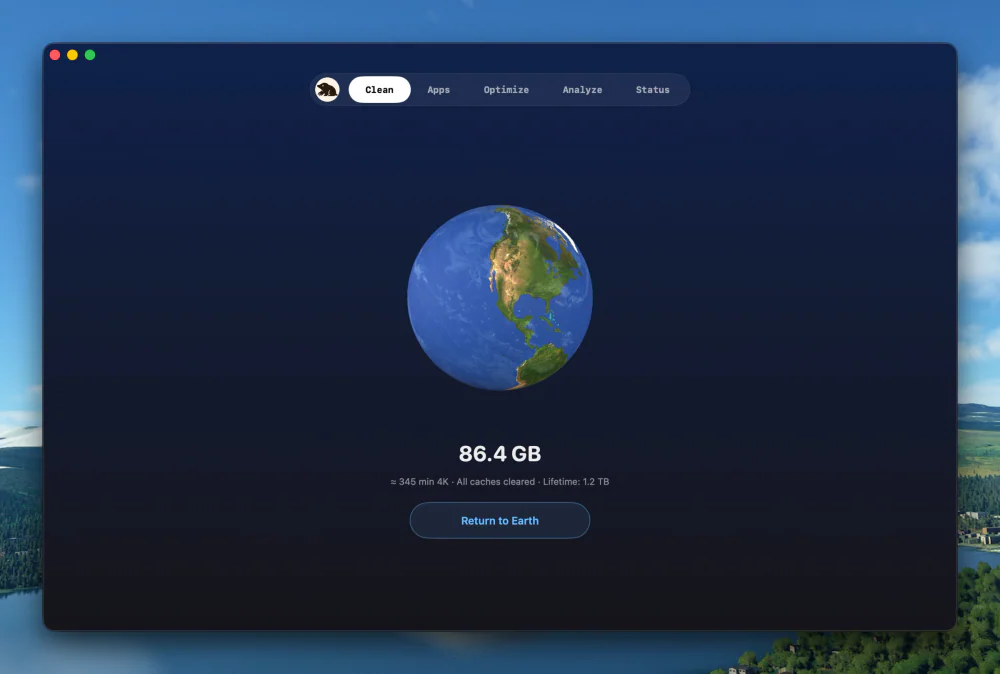

Clean, uninstall, optimize, and monitor your Mac from one lightweight native app — a visual dashboard, a disk treemap, and a live menu-bar HUD, all on-device.
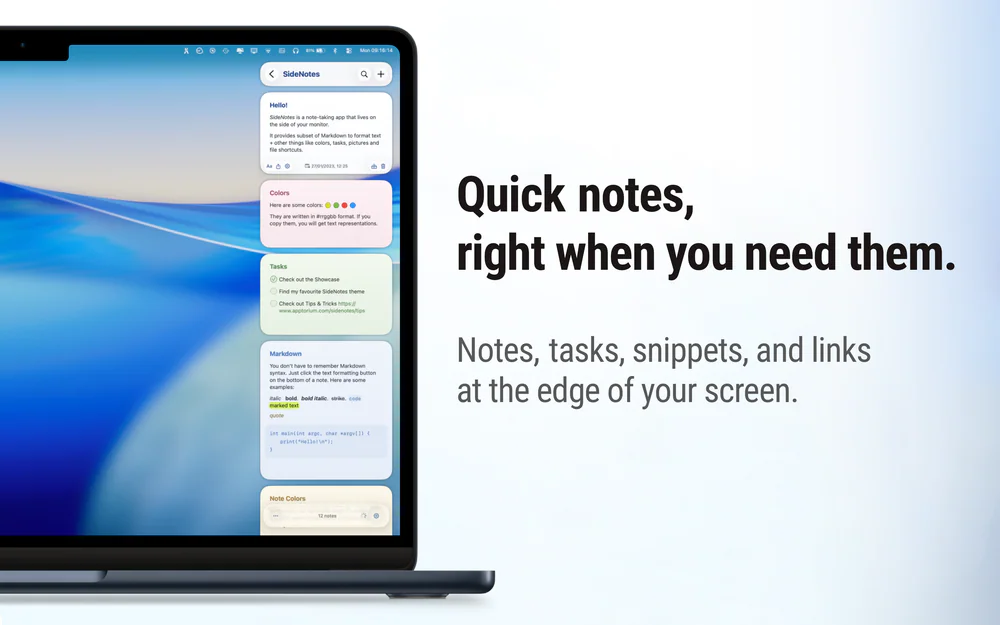

Native macOS notes that slide out from your screen edge, so you can capture tasks, links, and snippets without leaving your work.


One-click reminders and tasks that live on your desktop as small cards, right where you'll actually see them instead of buried in a notification.