Utilities · Free & open source
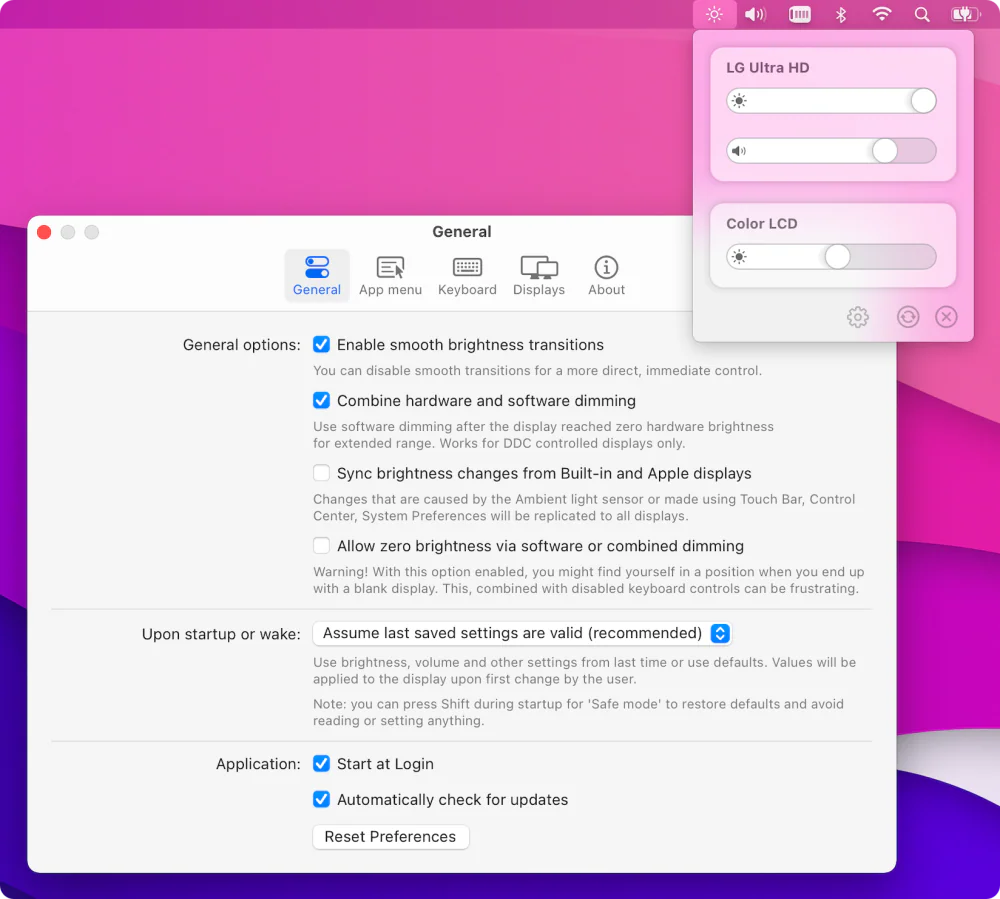
Free, open-source brightness and volume control for external monitors — the native macOS controls Apple never gave your non-Apple display.
DuoBar merges your Mac’s native menu bar icons into one glanceable icon to save space. Hover over it to see them all separately again.
Inspired by the iPhone Duo’s status bar icon, DuoBar merges your Mac’s native menu bar icons, like battery, Wi-Fi, network, Bluetooth, sound, memory, disk and CPU, into one glanceable icon.
The icons macOS puts in your menu bar are the ones you check every day, but each takes its own space, and together they crowd the menu bar, sometimes until icons disappear behind the notch. DuoBar replaces them with a single icon that shows them all at a glance.
And you lose nothing: hover over DuoBar and it unfolds back into separate icons, one for each reading. Move away and they fold back into one. Click any of them for the details and controls you’d expect, like Wi-Fi networks, Bluetooth device batteries, your sound output, and battery health.
Lose nothing, gain a lot of menu bar space.
DuoBar is on the Mac App Store, made by Teekam Suthar. Free to download, with a one-time Pro upgrade for hover-to-unfold, any reading in any slot, live moments and profiles. macOS 14 or later. Not affiliated with Apple.
Utilities · Free & open source
Free, open-source brightness and volume control for external monitors — the native macOS controls Apple never gave your non-Apple display.

Utilities · $9.99 · one-time (Launch Pricing)
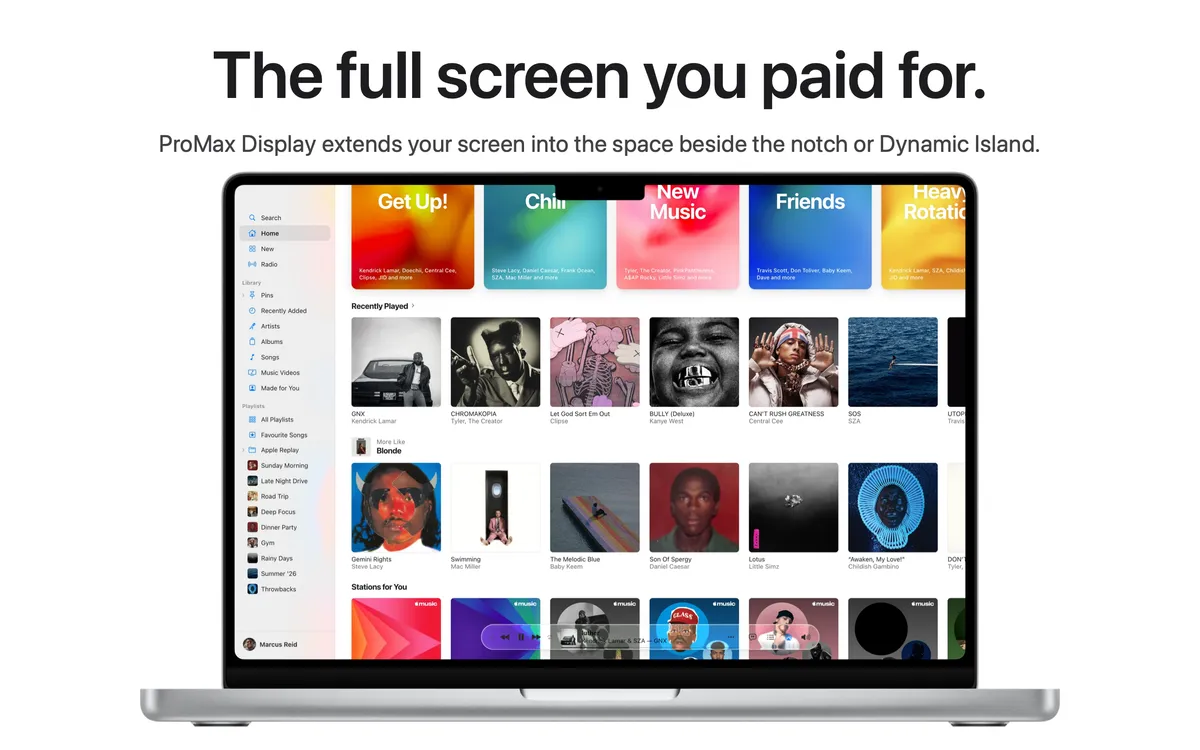
Lets full screen apps use the strip beside your MacBook's notch or Dynamic Island, so you get the whole display.

Utilities · $4.99 · one-time (14-day free trial. One license covers up to 3 Macs.)
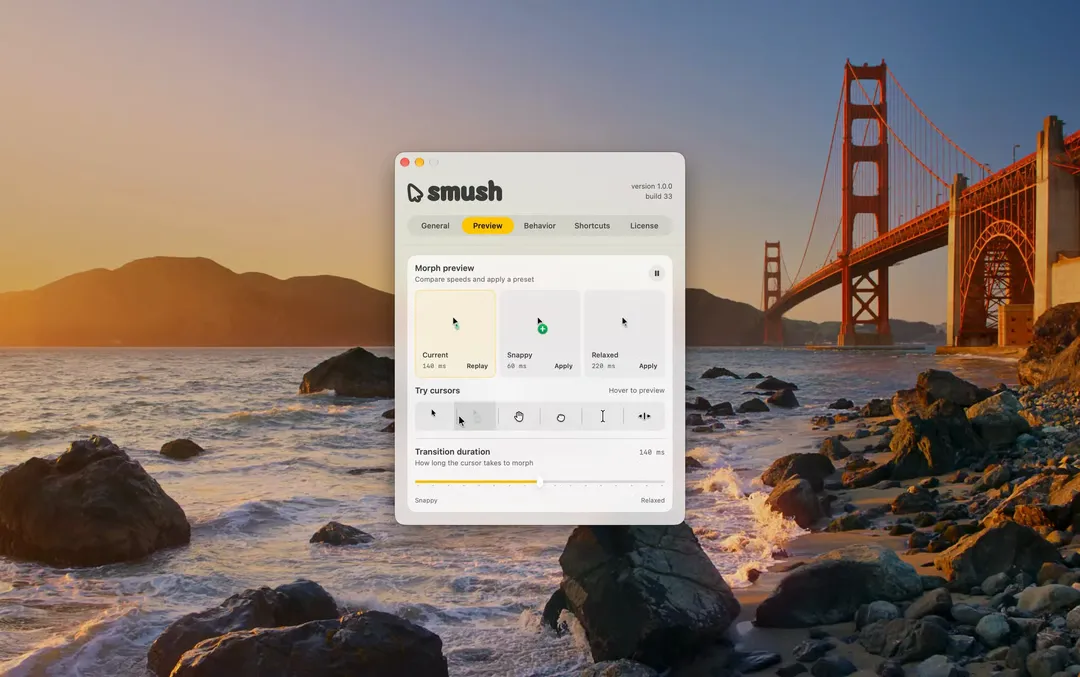
Adds a little animation when your Mac’s cursor changes shape.

Utilities · $9.99 · one-time (14-day trial · launch price until Jan 12, 2027, then $14.99)
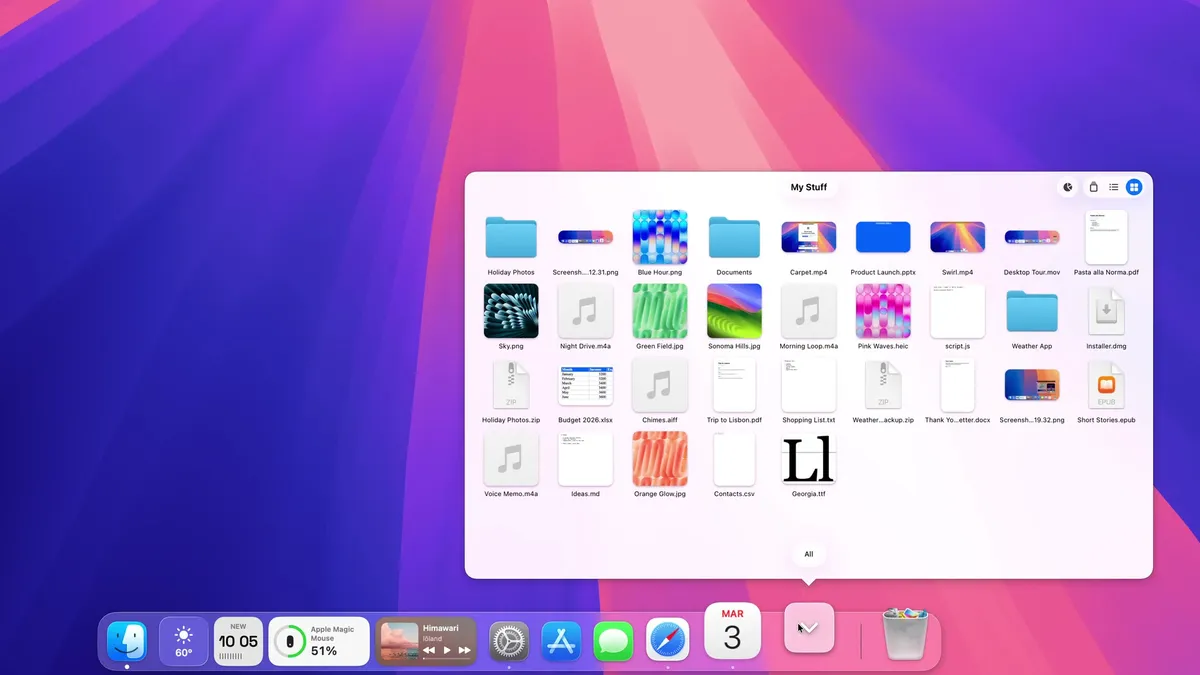
A Dock for macOS, written from scratch. Same spot, new tricks: badges that talk, widgets, Finder-like folders and smarter hiding.
20% off, on top of the launch price for members
Utilities · Paid
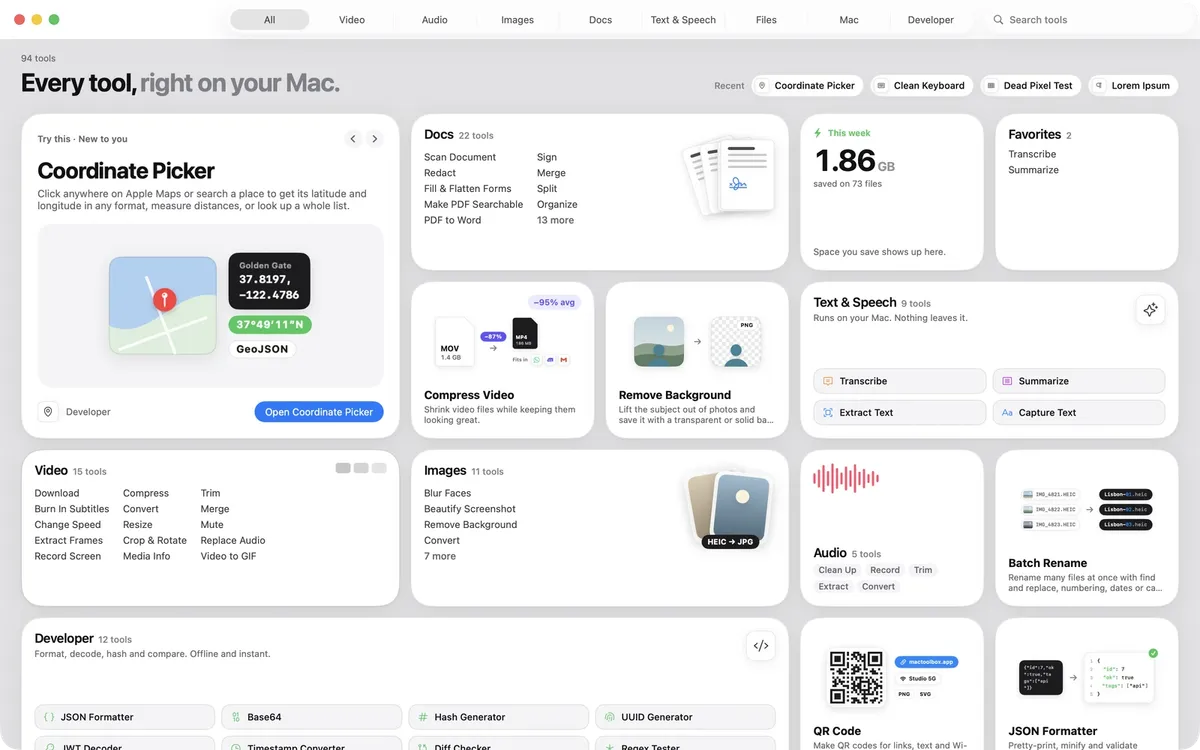
100+ native Mac tools in one app: compress video, sign PDFs, remove backgrounds, transcribe, all offline.
Utilities · $4.99 · one-time (One-time, free 24-hour trial)
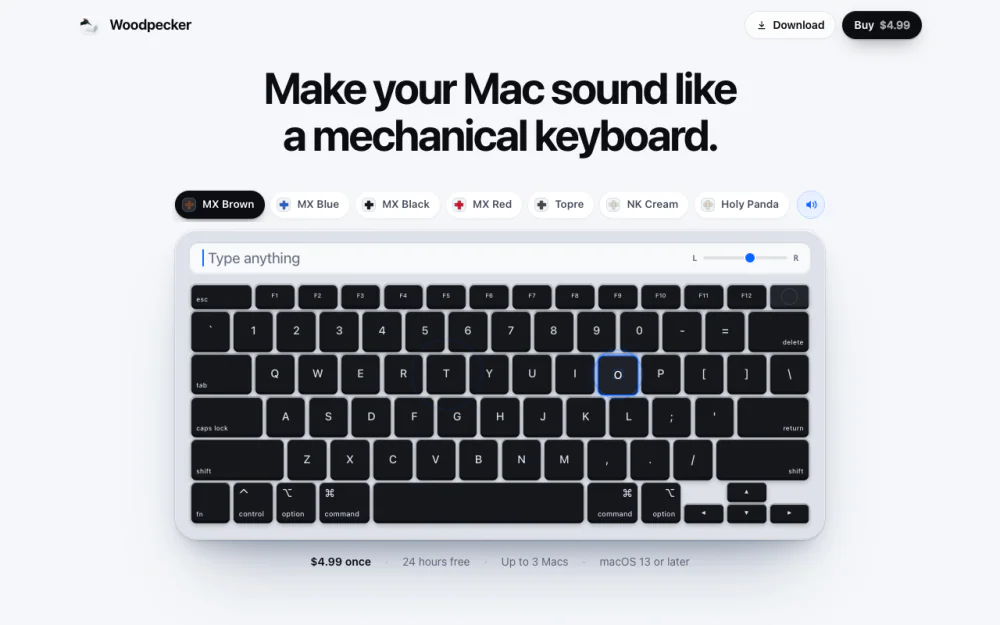
Make your Mac sound like a real mechanical keyboard. Every key plays its own recording, 22 switches, quiet on calls.