Utilities · Free
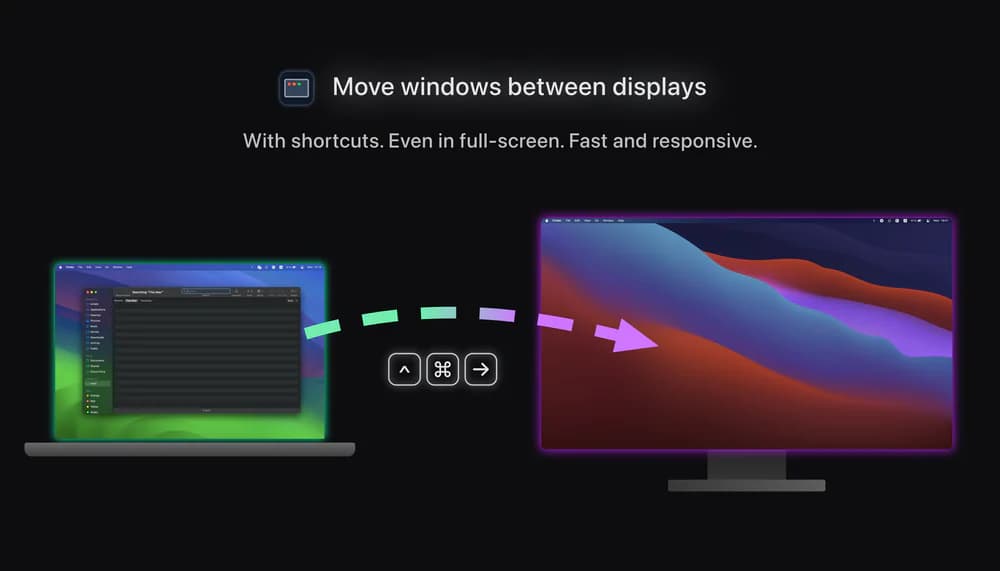
A small app for multi-monitor setups that lets you move windows between displays with keyboard effortlessly.
Lets full screen apps use the strip beside your MacBook's notch or Dynamic Island, so you get the whole display.
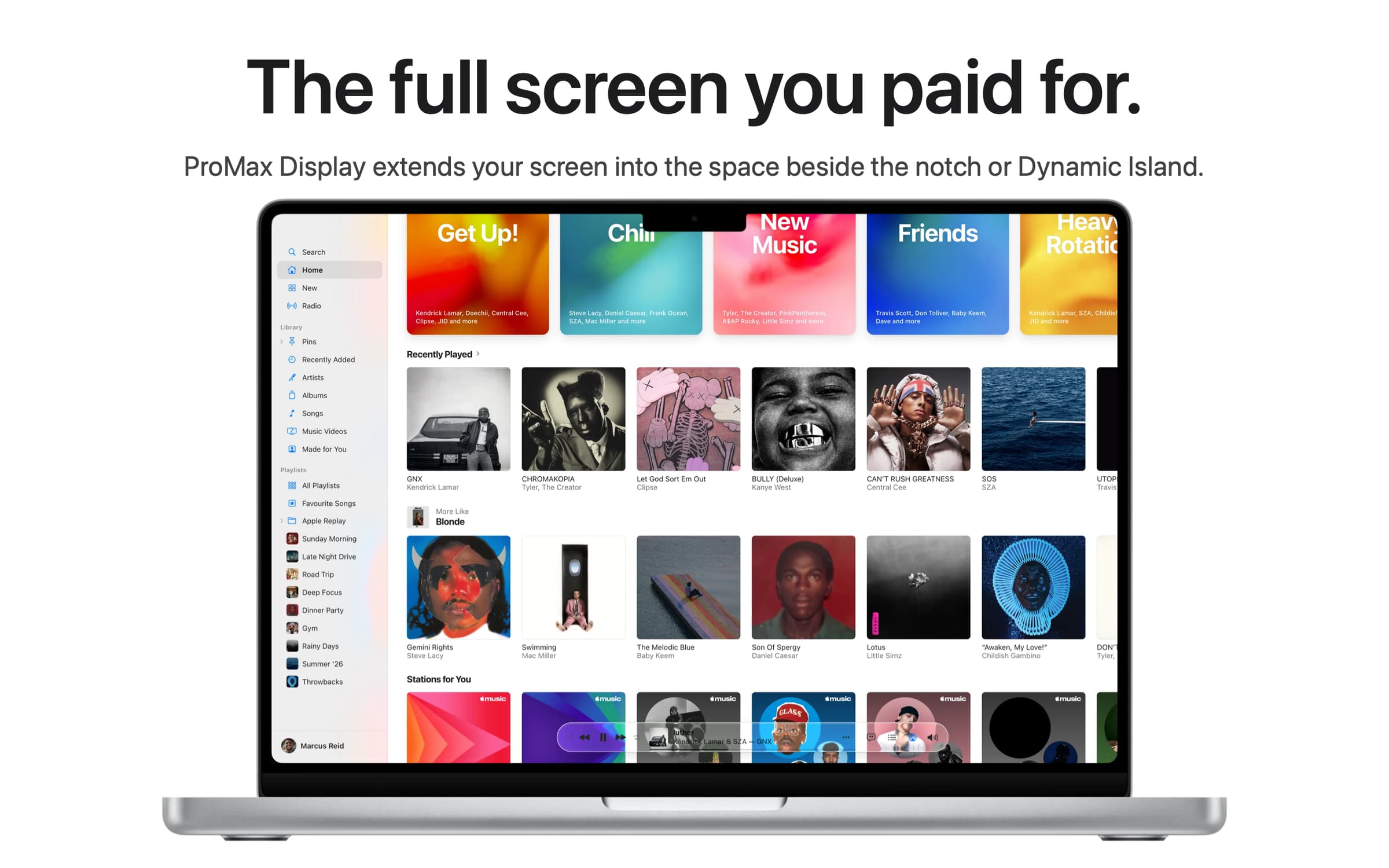
In full screen, macOS keeps the strip either side of the MacBook notch black, so a 14" MacBook Pro in full screen is really a 14.06" screen. ProMax Display lets full screen apps use that strip, so you get the full 14.2" Apple advertises.
ProMax adds a small add-on to the Dock, and macOS only allows that with two parts of System Integrity Protection off. The install page explains each step, and you can turn it back on whenever you like.
A MacBook with a notch or Dynamic Island, macOS 26 or later, Apple silicon. $9.99 once, every update included.
Utilities · Free
A small app for multi-monitor setups that lets you move windows between displays with keyboard effortlessly.

Utilities · $4.99 · one-time (14 day refund policy)
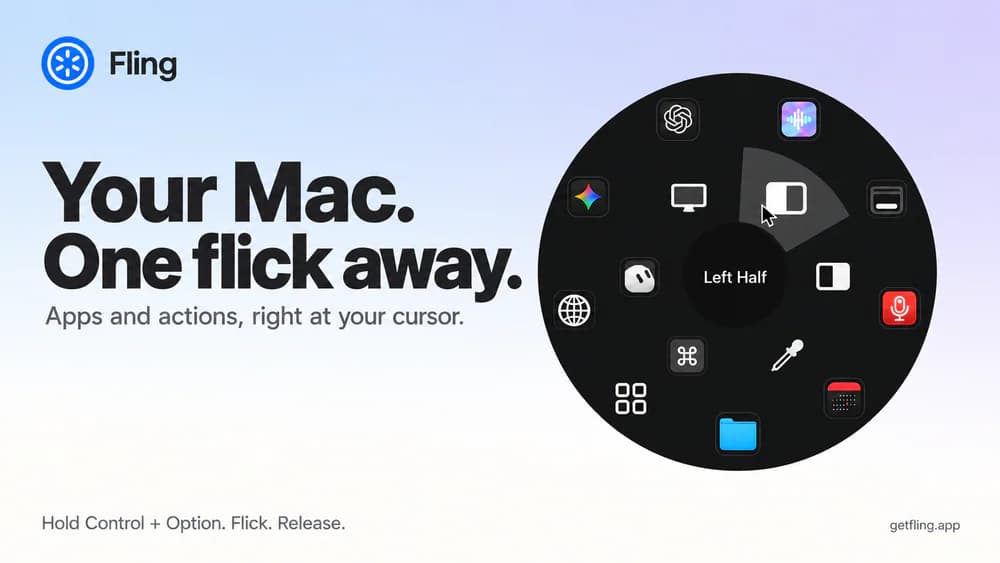
A native macOS command ring for launching apps, folders, links, shortcuts, window actions, screenshots and more with a quick flick.

Utilities · $22.99 · one-time (Lifetime license for 1 Mac; 7-day free trial.)
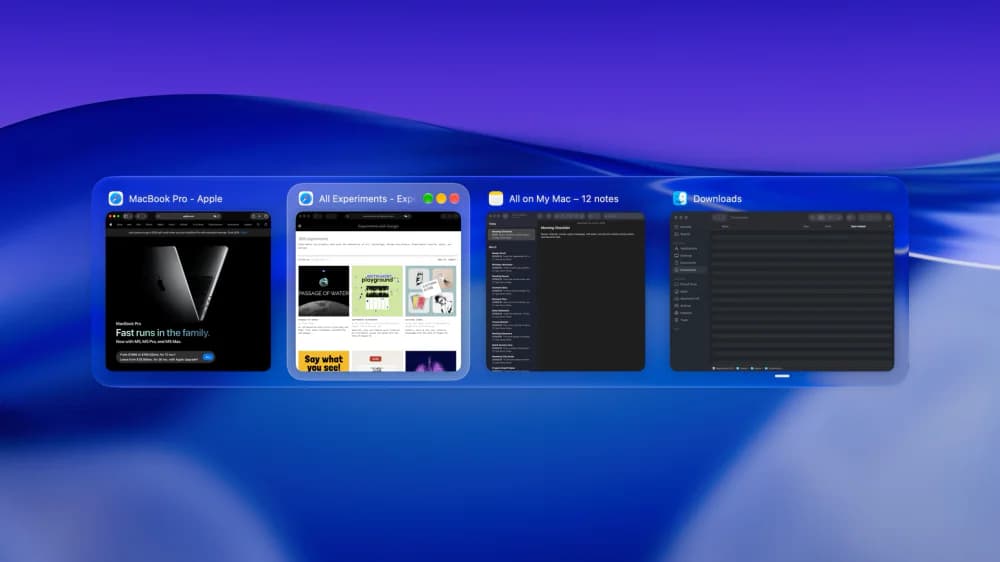
macOS window manager with automatic tiling, window search, and saved layouts

Utilities · $14.99 · one-time (One-time purchase, 14-day refund)
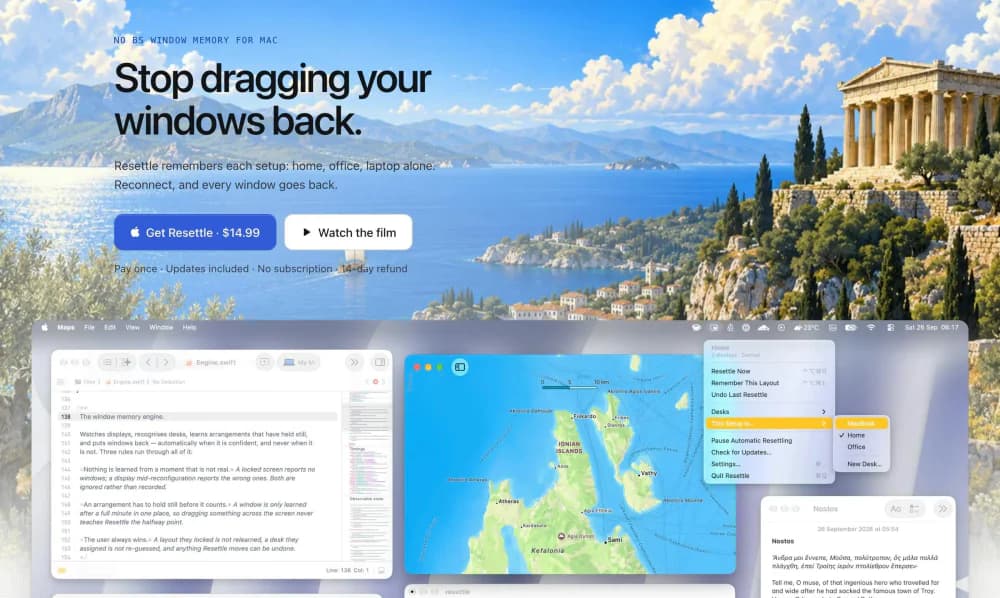
Puts your windows back where they were when your monitors come back. Learns each display setup on its own.
Productivity · $25 · one-time (Black Friday $12.99 (was $25) until Nov 30, no code.)
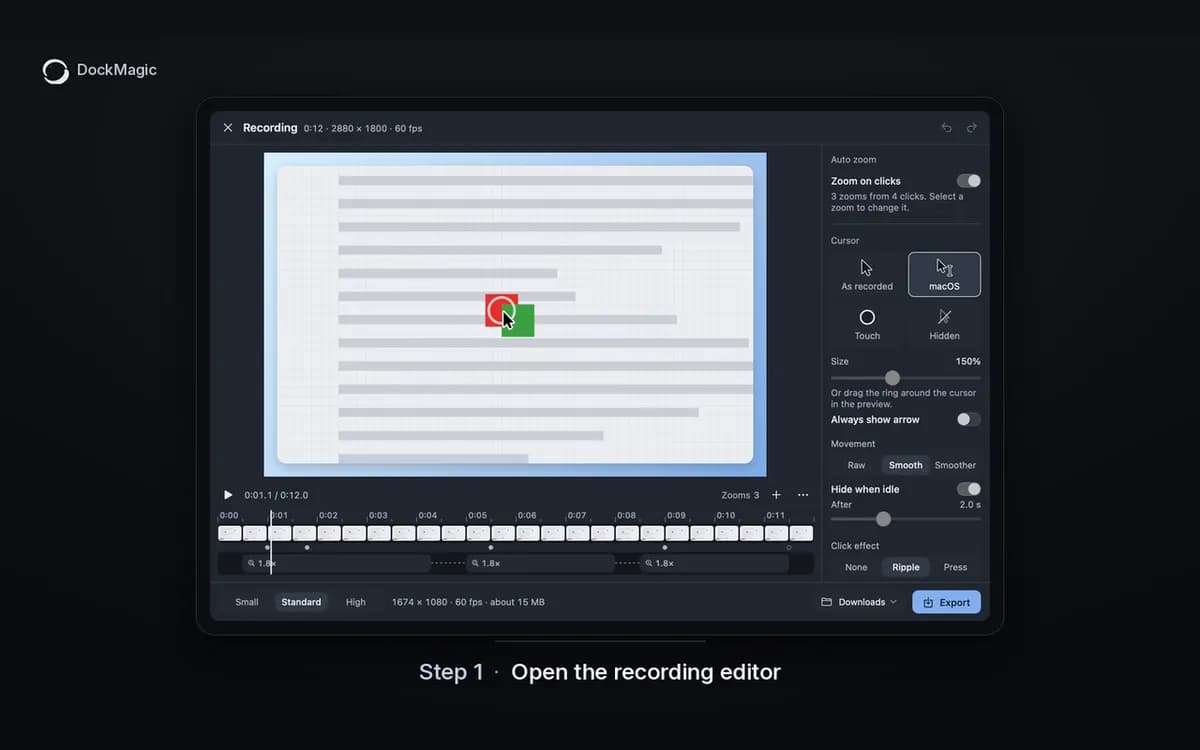
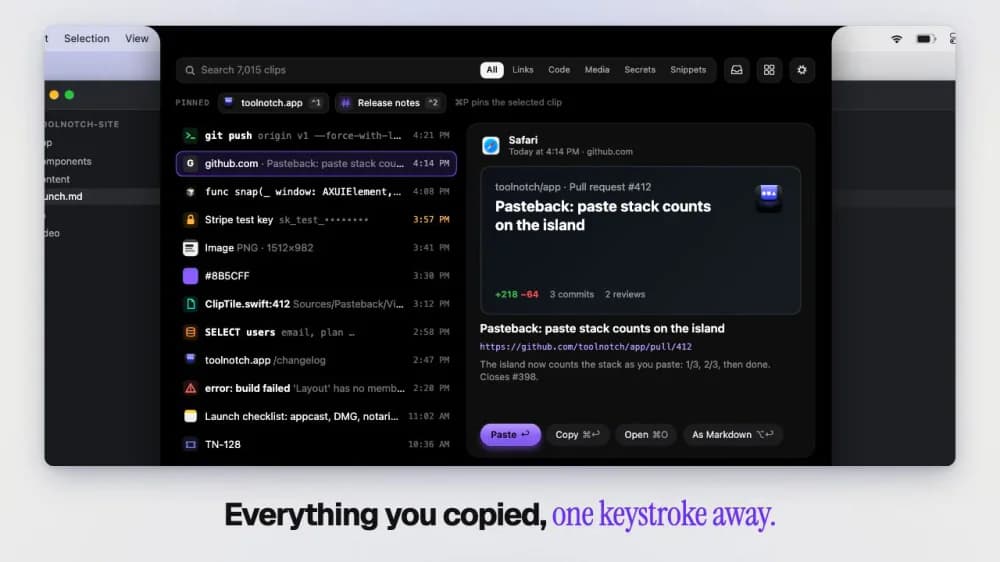
A second Dock for your Mac: AI limits, revenue, recordind, screenshot, recording, clipboard history and many more.

Productivity · $4.99 · one-time (Launch price for the first licences, covers all future tools)
Turns your MacBook notch into a toolbox: window snapping, clipboard history, break reminders and keep-awake in one native app.