
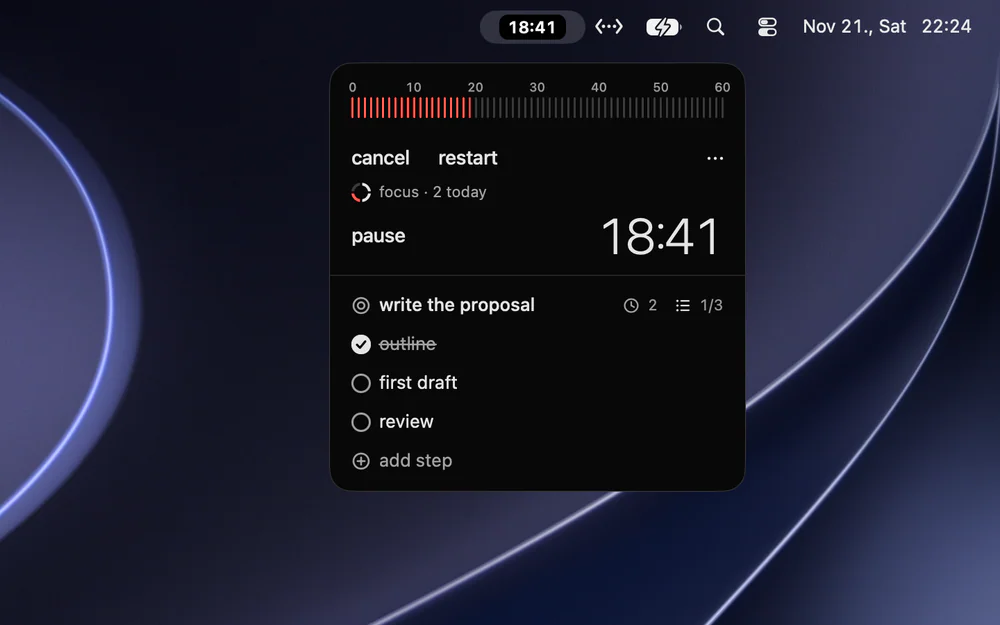

A focus timer in your Mac's menu bar that starts your breaks by itself and keeps one task in view.
Productivity
Stint
A focus timer you set by dragging a dial. When the stint is done, a break card drops in on every screen.
$4.99 · one-timeby desktopgoods.app
A focus timer you set by grabbing the time itself. Drag the handle around a 60 minute dial, start, and the time left counts down in your menu bar. When the stint is done, a break card drops in on every screen so you actually notice it.
- Drag the dial or scroll over it, snaps to whole minutes
- Default 25 minutes focus and 5 minute breaks, 15 after every 4th
- Break cards on every screen, Return starts the next stint
- Name what you're working on
- Today's stints shown as a timeline, stored only on your Mac
- Control-Option-Cmd-S starts, pauses and resumes from anywhere
Native SwiftUI menu bar app, macOS 14 or later, Universal. $4.99 once, no subscription, no account. One license works on 3 Macs, with 30-day refunds.
More like Stint
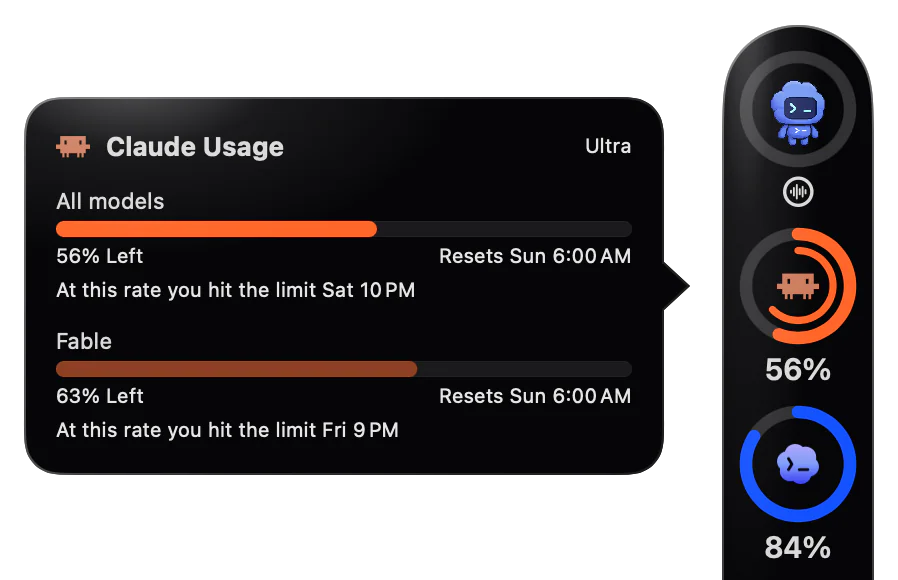

Floating usage rings for Claude, Codex, Grok and Antigravity, plus a Codex pet, battery alerts and break reminders.
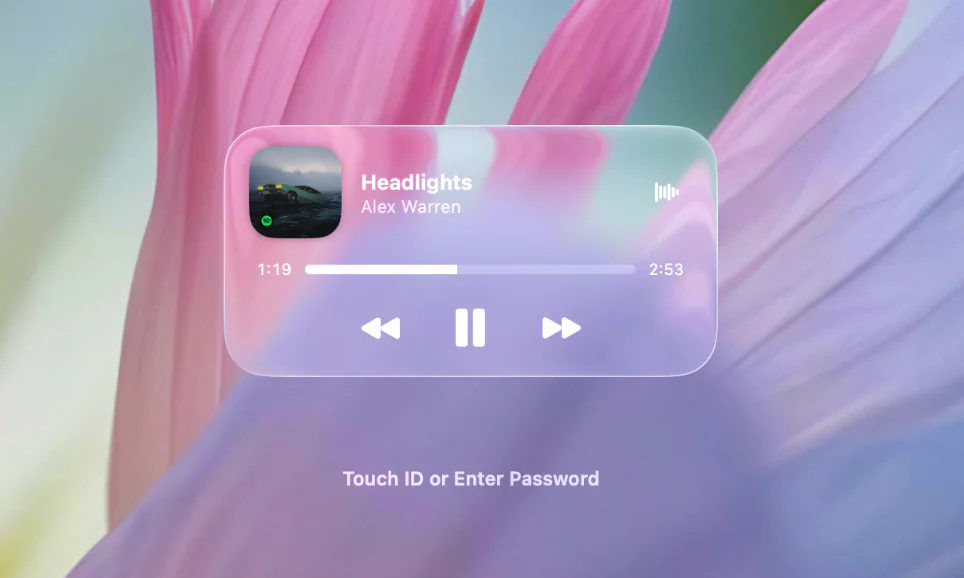

Music Player for Mac
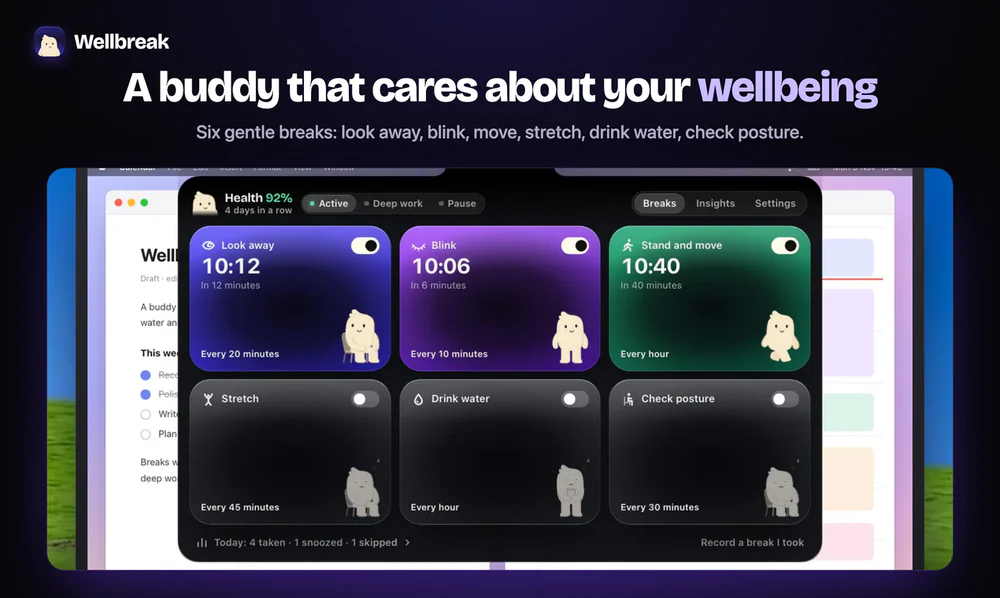

Your wellbeing buddy in the Mac's notch. He takes each break with you: look away, blink, stretch, sip water, sit up tall.
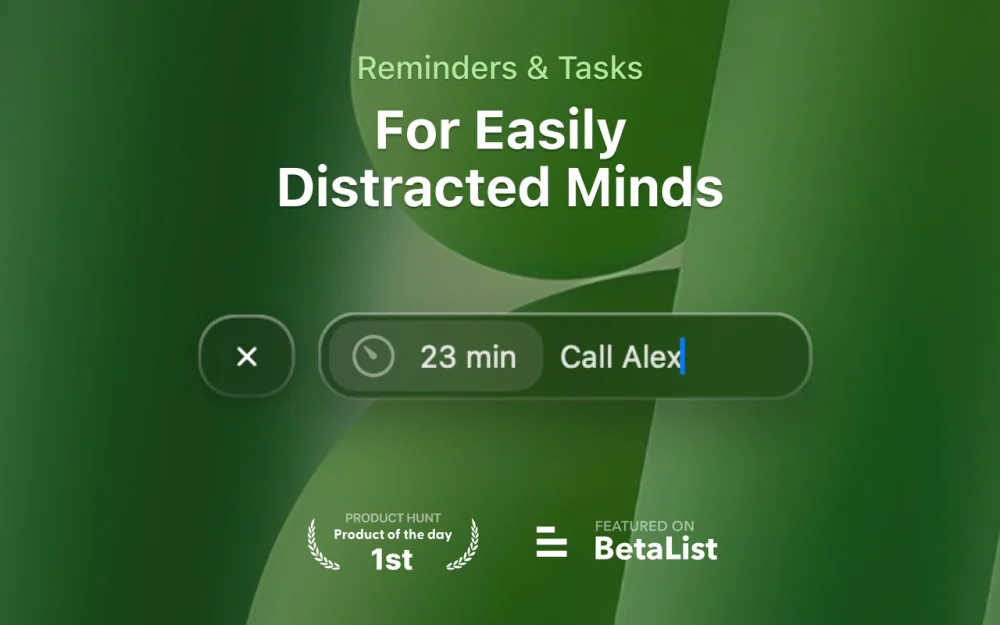

One-click reminders and tasks that live on your desktop as small cards, right where you'll actually see them instead of buried in a notification.
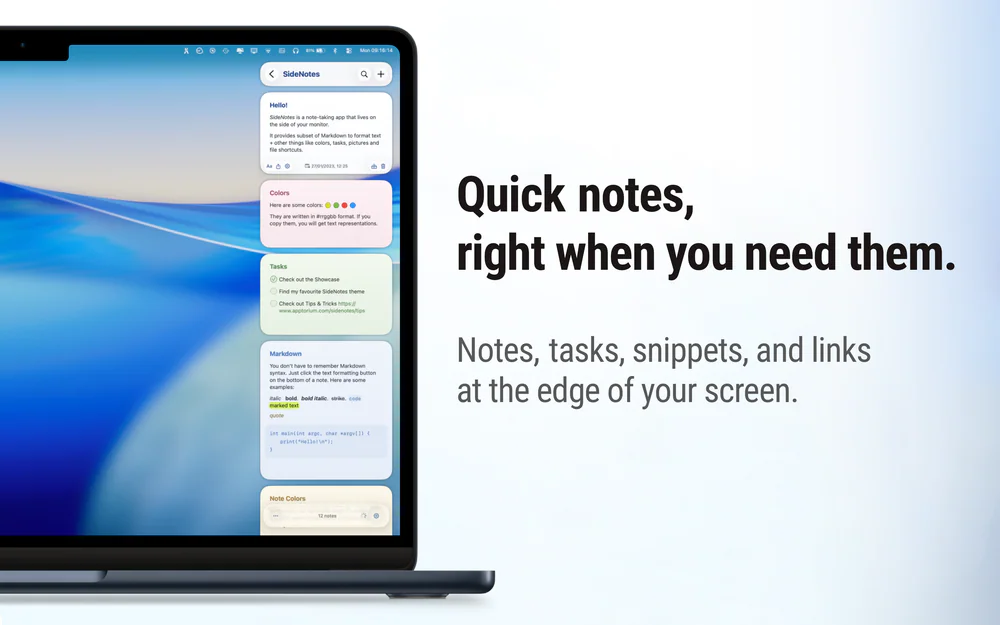

Native macOS notes that slide out from your screen edge, so you can capture tasks, links, and snippets without leaving your work.