Developer Tools · Free · Free tier; optional Pro subscription via the Mac App Store.
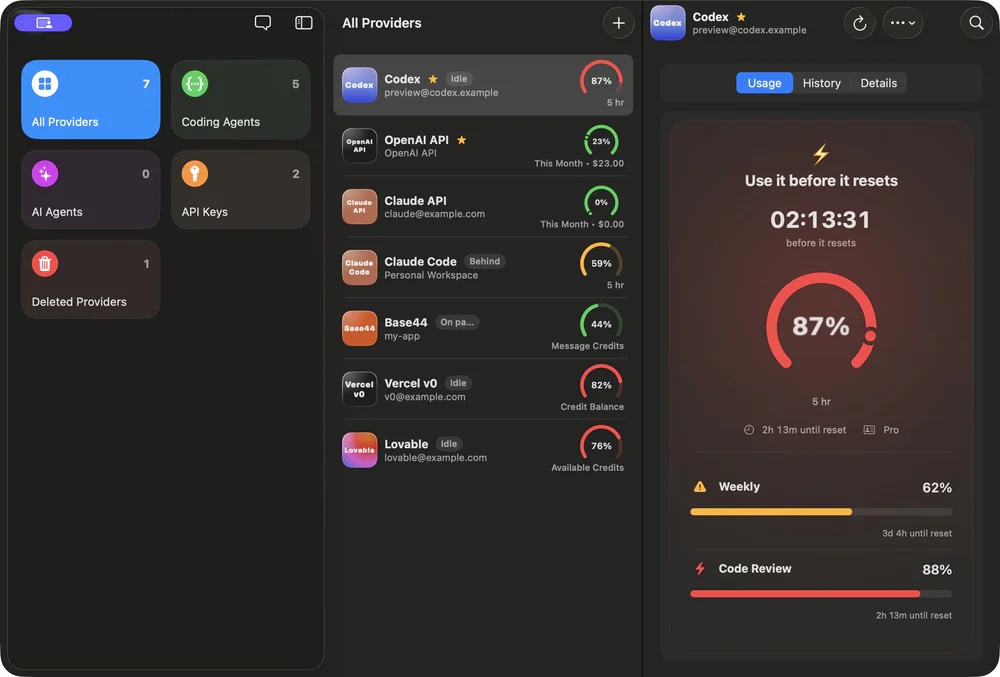
Track Claude Code, Codex and API usage, limits and reset times in a native Mac app.
Floating usage rings for Claude, Codex, Grok and Antigravity, plus a Codex pet, battery alerts and break reminders.
Pulse puts floating usage rings for Claude, Codex, Grok and Antigravity at the edge of your screen, showing how much of each limit is left and when it resets.
Pulse uses your existing provider sign-ins: no Pulse account, AI API keys or backend. It's written in Swift with SwiftUI and AppKit, signed and notarized, and updates itself with Sparkle. Tested on macOS 26.5.1 and 27.3 on Apple silicon.
Download · Website · Source on GitHub (MIT licence)
Developer Tools · Free · Free tier; optional Pro subscription via the Mac App Store.
Track Claude Code, Codex and API usage, limits and reset times in a native Mac app.

Developer Tools · $19 · one-time (14-day free trial with everything switched on.)
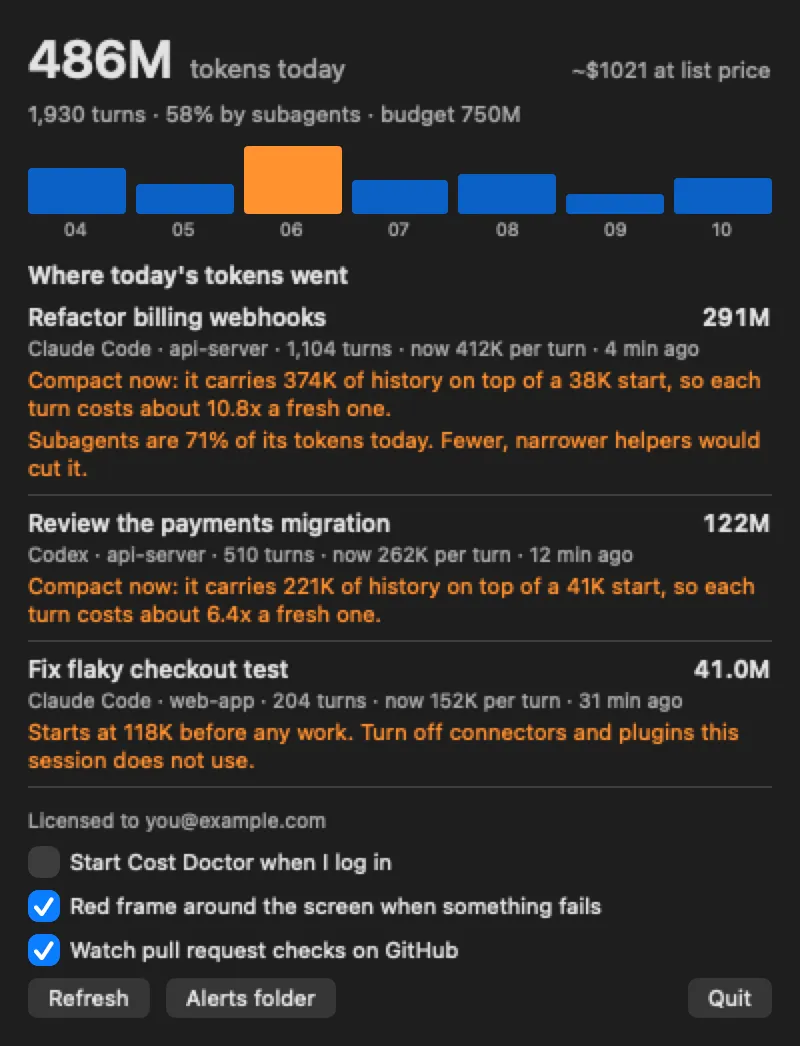
A Mac menu bar app that shows which Claude Code or Codex session is using your tokens, and why.
Developer Tools · Free & open source
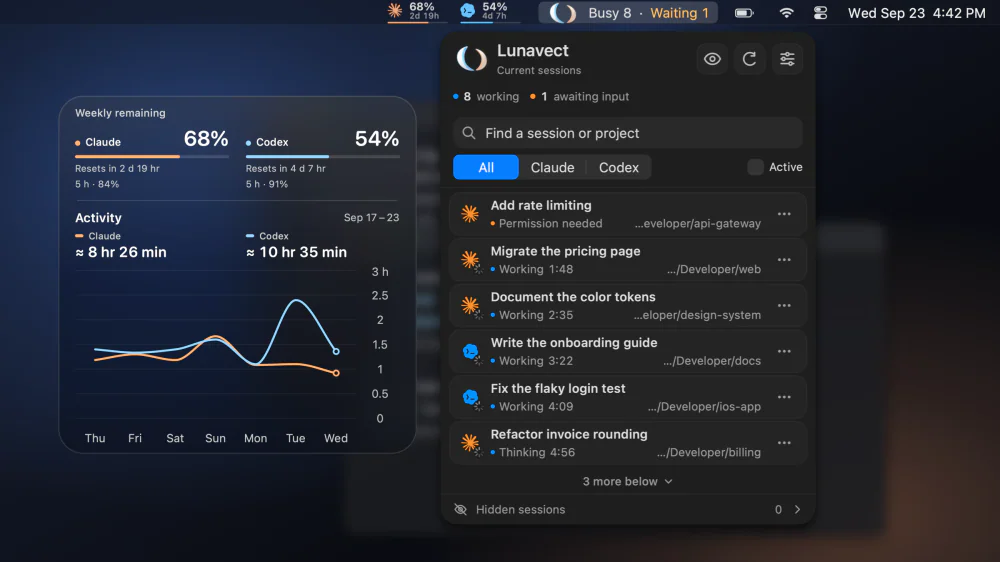
See which Claude Code or Codex session needs you from your Mac menu bar.

AI & Automation · Free · One-time licence, every feature open for the first 5 hours $19
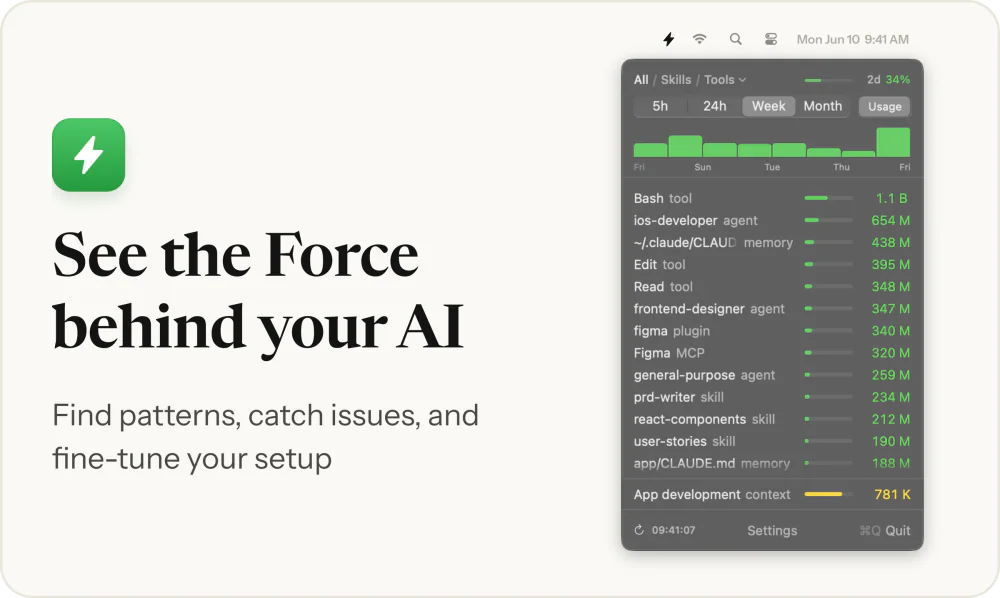
Menu bar app showing which skills, agents and MCP servers your AI coding runs, and their token cost
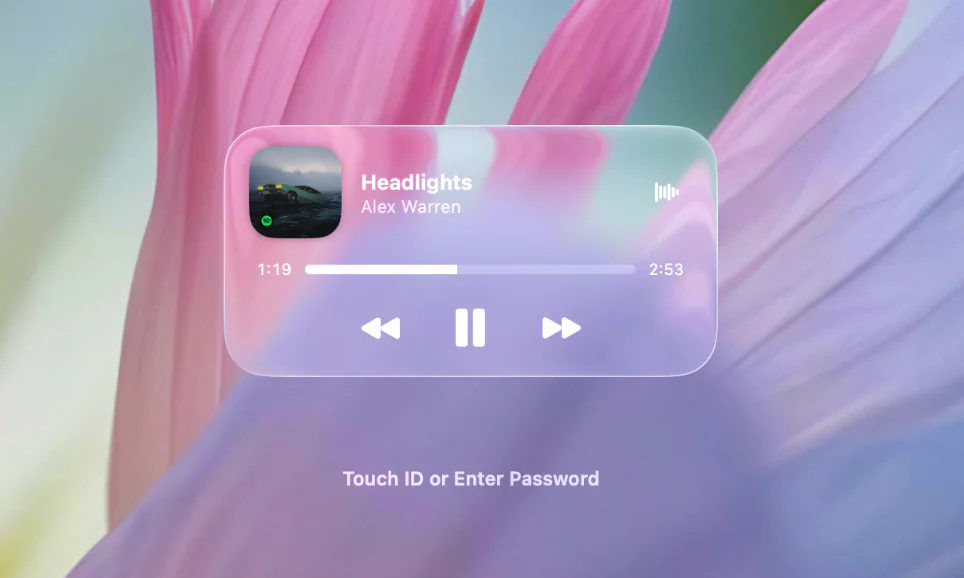
Music Player for Mac
BLACK FRIDAY 15% OFF for members
Writing & Documents · $19.99 · one-time (Paid for major upgrades (for example 1.x -> 2.x))
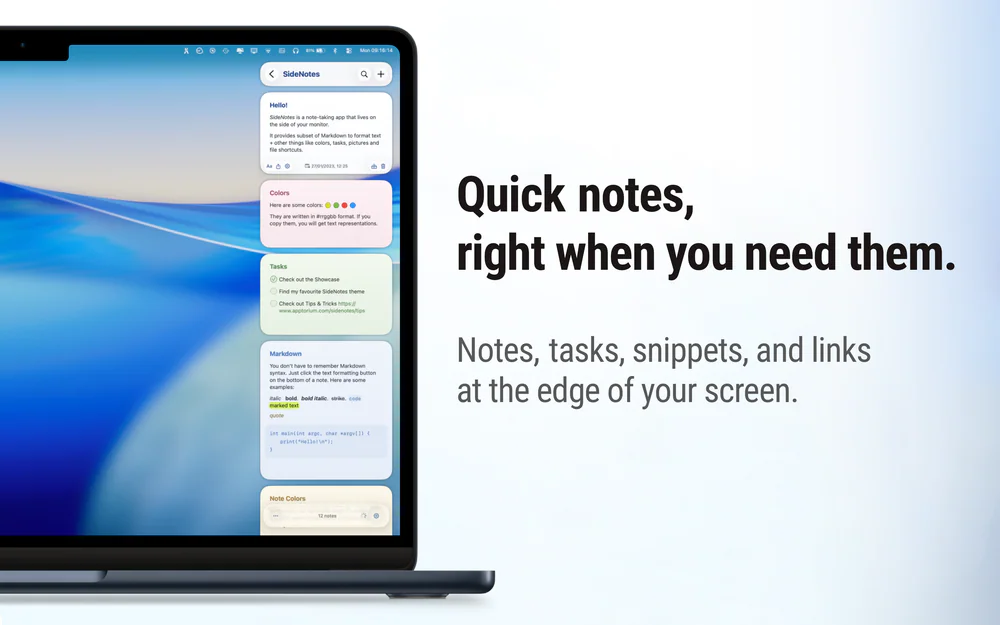
Native macOS notes that slide out from your screen edge, so you can capture tasks, links, and snippets without leaving your work.