Utilities · $24.99 · one-time
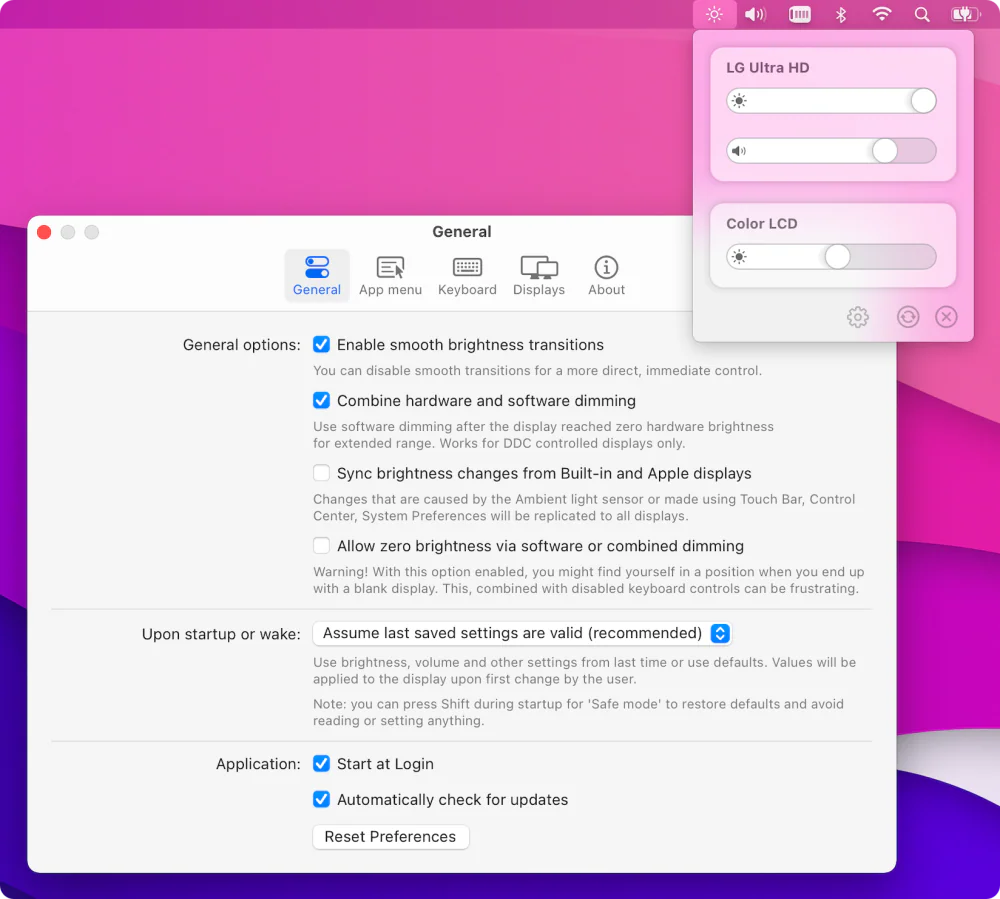
Control external monitors from your Mac's menu bar — brightness, contrast, volume, and input switching over DDC/CI, with presets, schedules, and multi-display sync.
Free Mac menu-bar app: DDC brightness for every external monitor and auto-reconnect after sleep.
DisplayLatch is a free, open-source menu-bar app for Macs with external monitors.
macOS only changes brightness on Apple displays. DisplayLatch talks to other monitors over DDC/CI, the same channel their own buttons use, so the backlight really changes instead of a dark overlay being drawn on top. Drag a slider per monitor, or use one All displays slider to dim the MacBook screen and every monitor together.
It also fixes a common multi-monitor problem: after sleep, wake or a restart, macOS sometimes still detects a monitor but keeps it off the desktop, and saves that state. DisplayLatch notices the monitor that is attached but missing and puts it back, in the same place in your arrangement, usually within a second.
displaylatch brightness all 40, displaylatch fix, and moremacOS 14 Sonoma or later, Apple silicon (M1, M2, M3, M4 and later). Free, MIT licensed.
Utilities · $24.99 · one-time
Control external monitors from your Mac's menu bar — brightness, contrast, volume, and input switching over DDC/CI, with presets, schedules, and multi-display sync.
Utilities · Free & open source
Free, open-source brightness and volume control for external monitors — the native macOS controls Apple never gave your non-Apple display.
Writing & Documents · $19.99 · one-time (Paid for major upgrades (for example 1.x -> 2.x))
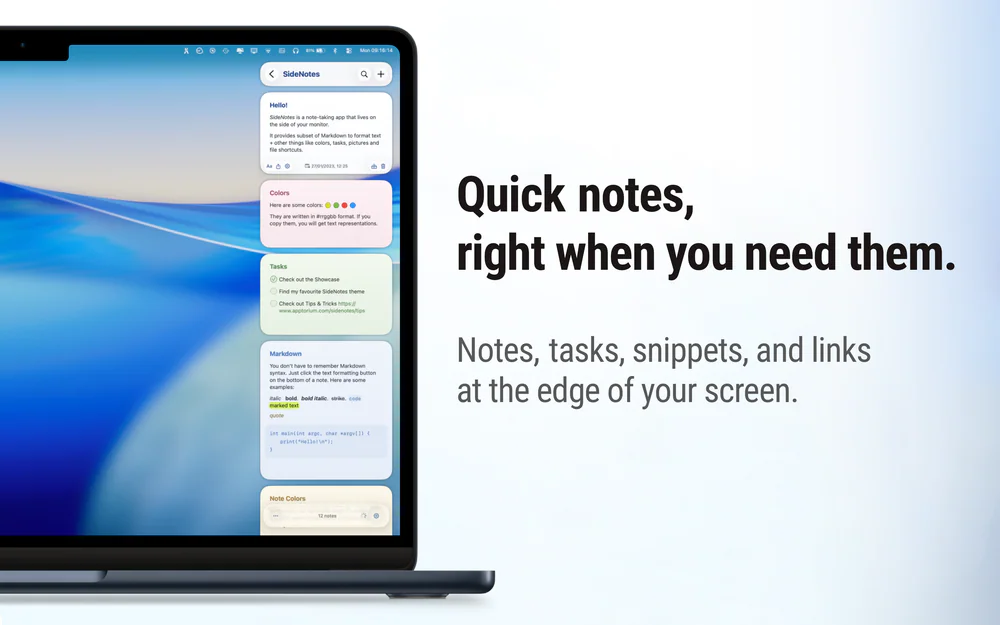
Native macOS notes that slide out from your screen edge, so you can capture tasks, links, and snippets without leaving your work.

Utilities · $4.99 · one-time (14-day free trial. One license covers up to 3 Macs.)
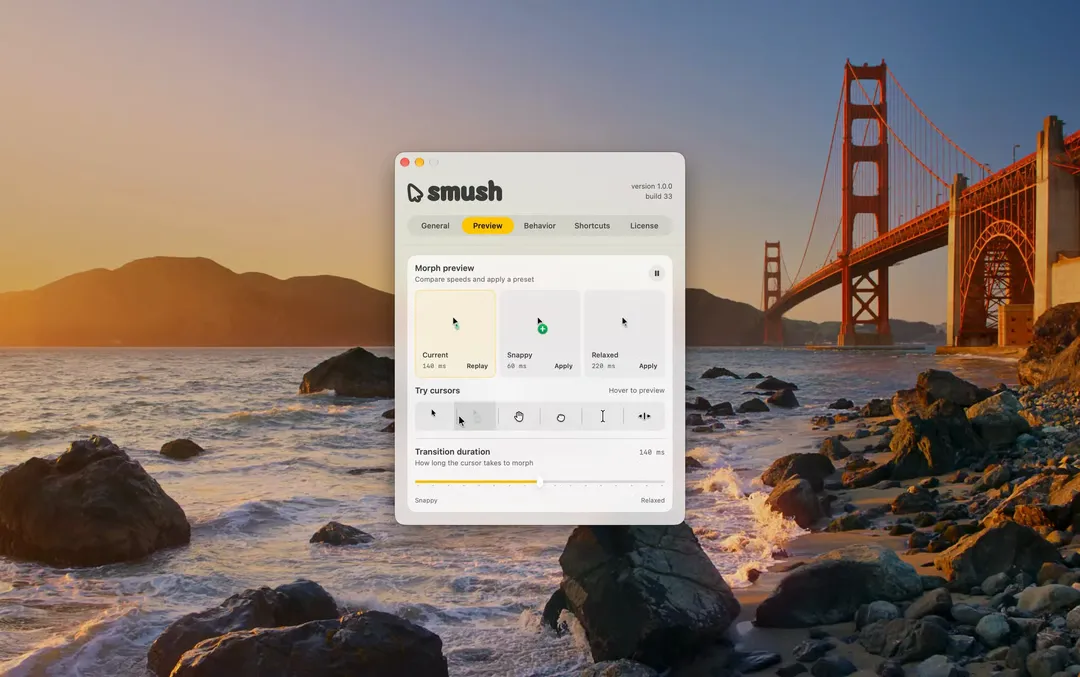
Adds a little animation when your Mac’s cursor changes shape.

Utilities · $9.99 · one-time (14-day trial · launch price until Jan 12, 2027, then $14.99)
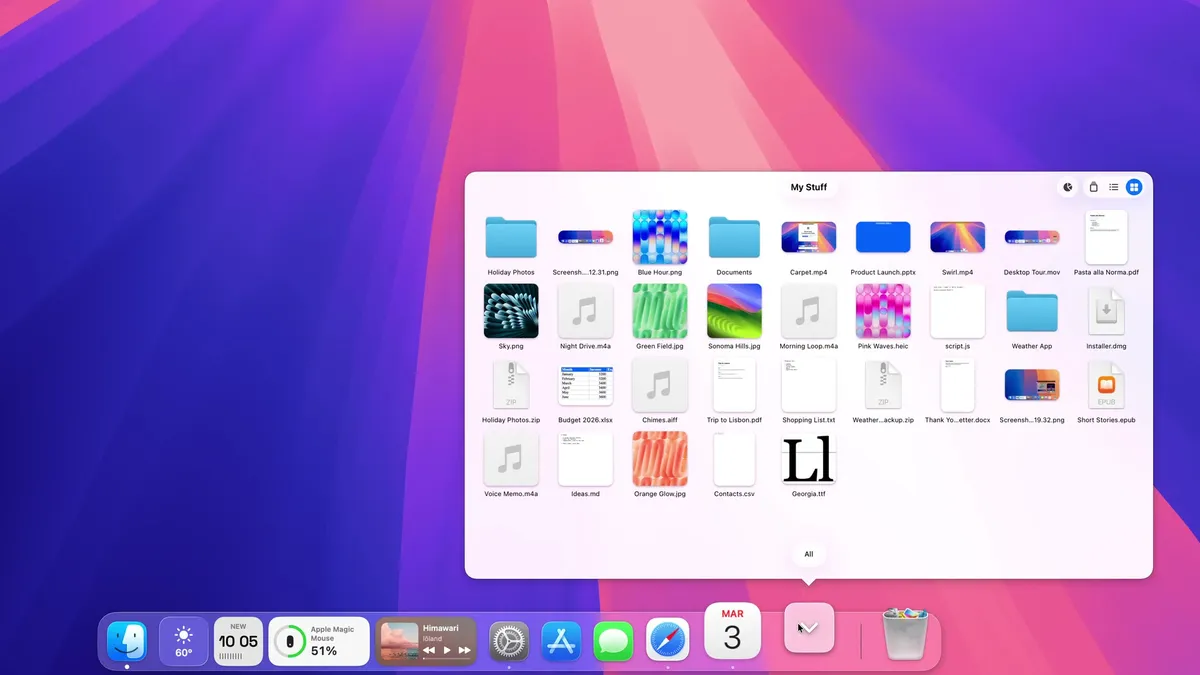
A Dock for macOS, written from scratch. Same spot, new tricks: badges that talk, widgets, Finder-like folders and smarter hiding.
20% off, on top of the launch price for members
Utilities · $4.99 · one-time (One-time, free 24-hour trial)
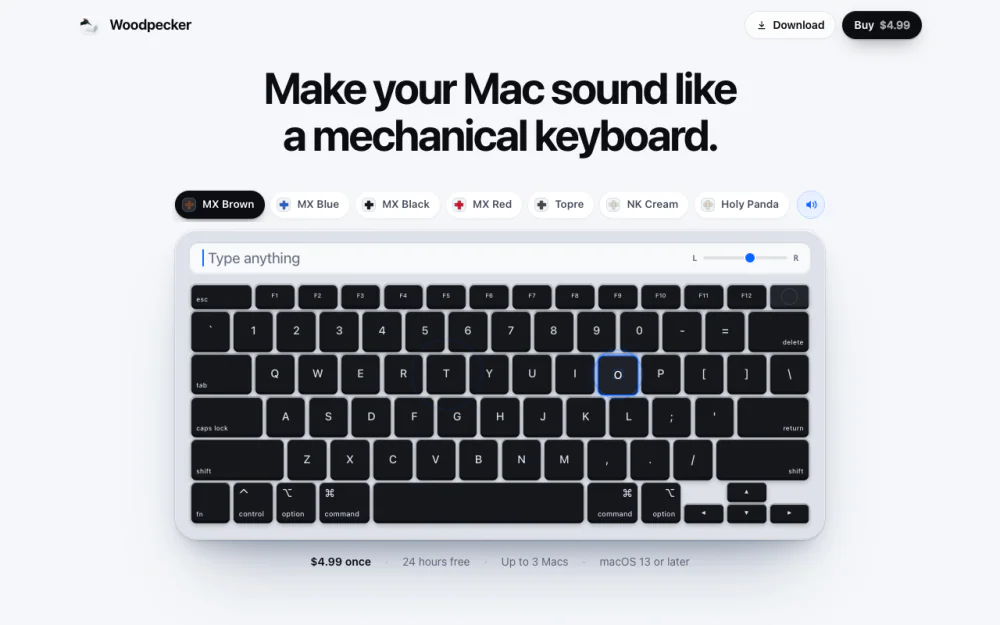
Make your Mac sound like a real mechanical keyboard. Every key plays its own recording, 22 switches, quiet on calls.