
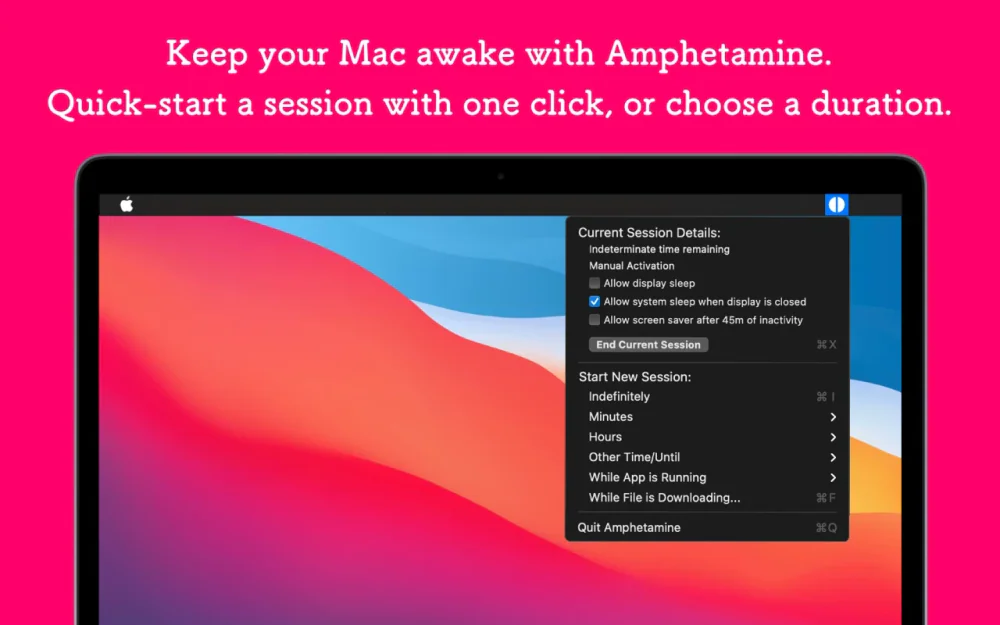
Keeps your Mac awake on your terms — precise triggers for time, running apps, network, battery, or an attached display, all from the menu bar.
Utilities
Clamshell for Mac
Swift menu bar app that keeps an Apple Silicon MacBook awake with the lid closed, with no external display, no sudo, and a heat cut-off.
$9.99 · one-time (7-day free trial, no card; $19.99 for 3 Macs)by clamshell.dev
Clamshell for Mac stops an Apple Silicon MacBook from sleeping when you shut the lid. Coding agents, builds, downloads, SSH sessions, and screen sharing keep running on battery or AC power with no external display, while the built-in display stays black and the Mac locks on reopen.
Built as a native Swift menu bar app, it arms from the status menu, by pressing both Option keys, through Shortcuts actions or URL commands, or by holding Option while closing the lid on MacBooks with a lid angle sensor.
- Arming needs no admin password and no sudo, and normal lid sleep returns when you disarm, quit, or restart.
- Thermal safety stays on at all times and disarms the Mac under serious thermal pressure until it cools.
- Low-battery protection disarms at 20% on battery power by default.
- Optional agent modules cover Agent Status for Claude Code, Codex, Grok, OpenCode, and Kiro, Agent Notifications, Finish Work, Then Sleep, and Agent Screen for computer use and the iOS Simulator.
- An optional Keep Awake module handles open-lid sessions too, so you do not need a second keep-awake app.
- Also available on Setapp and through Homebrew.
Requires an Apple Silicon MacBook on macOS 14 or later. Closed source and notarized by Apple. Available in English, German, Spanish, French, and Brazilian Portuguese.
More like Clamshell for Mac
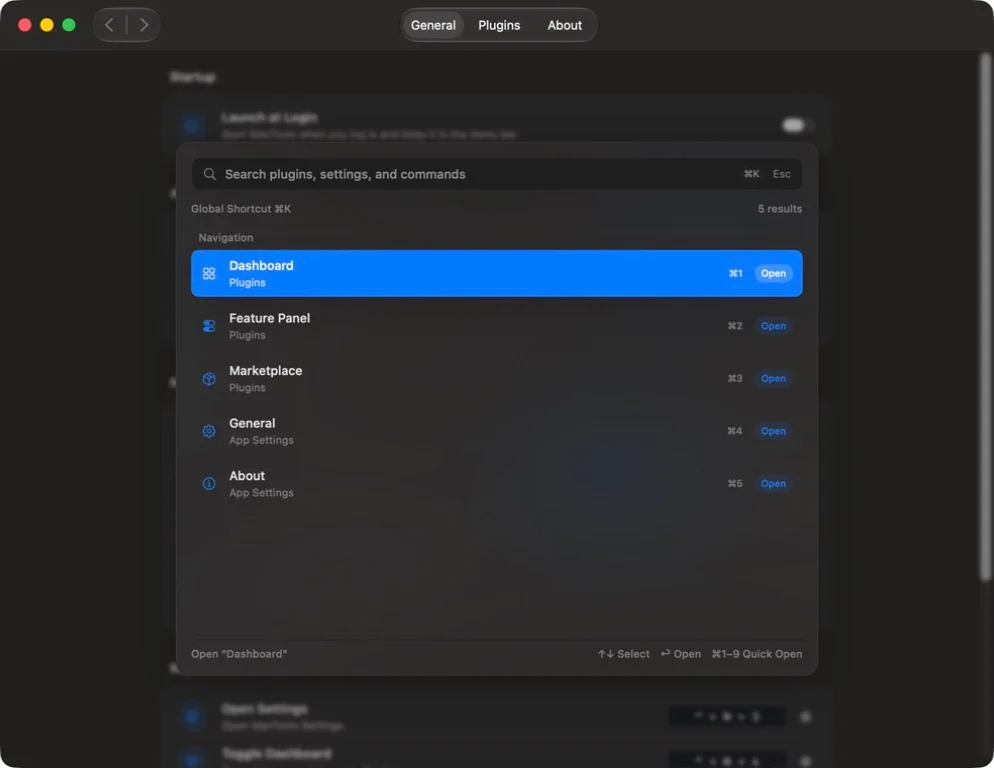
A free, open-source collection of native macOS menu bar tools — unified under one searchable command palette.
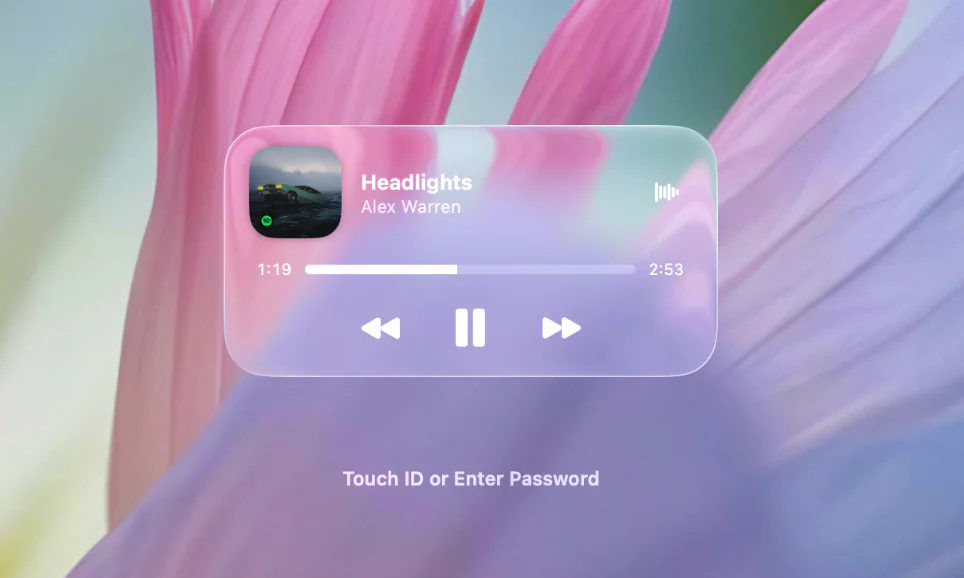

Music Player for Mac
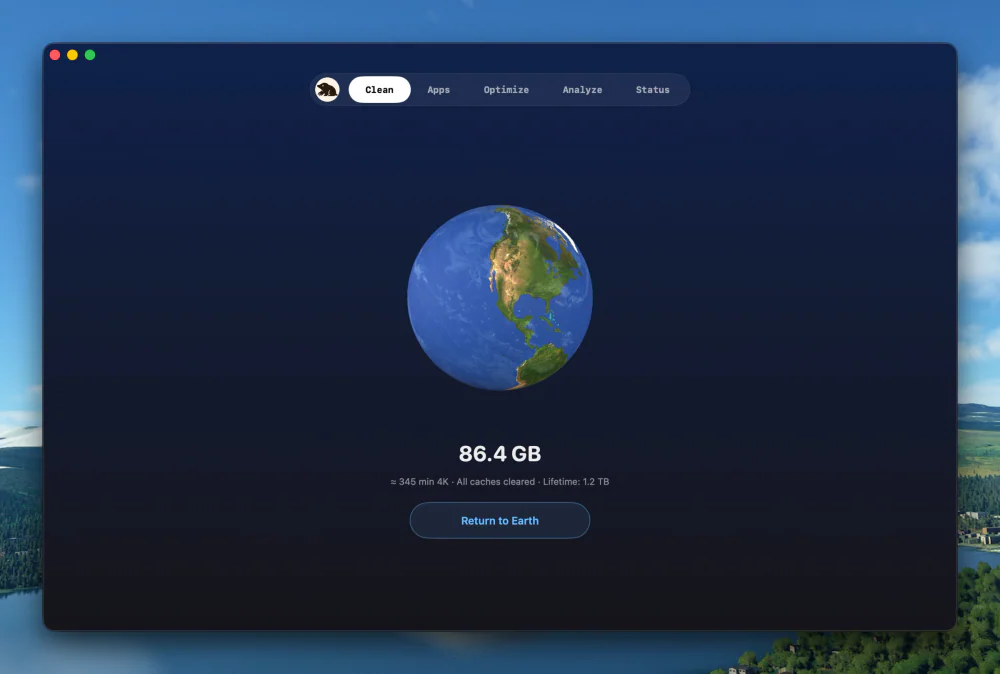
Clean, uninstall, optimize, and monitor your Mac from one lightweight native app — a visual dashboard, a disk treemap, and a live menu-bar HUD, all on-device.
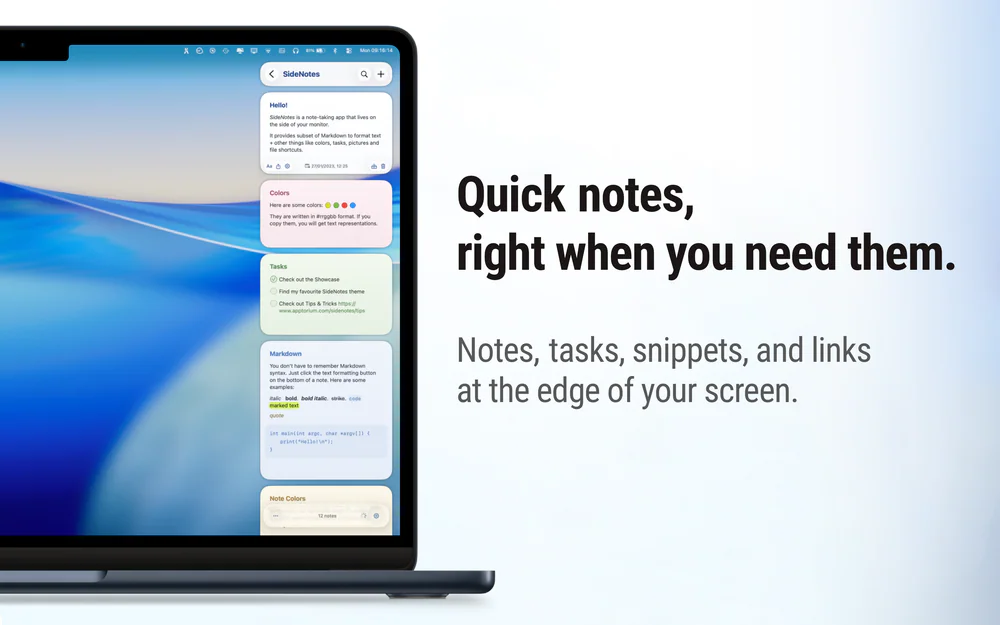
Native macOS notes that slide out from your screen edge, so you can capture tasks, links, and snippets without leaving your work.
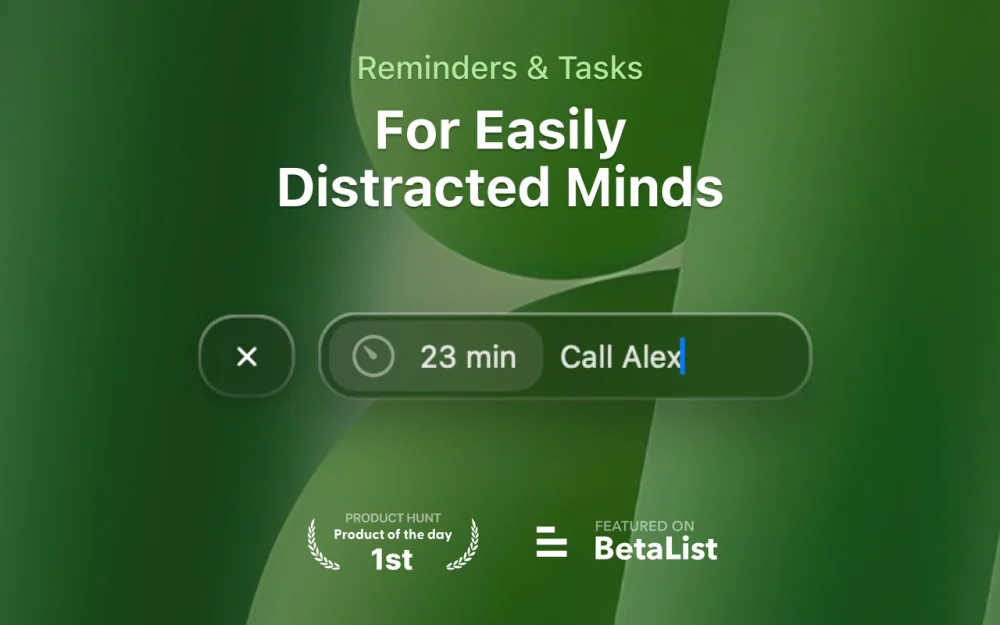
One-click reminders and tasks that live on your desktop as small cards, right where you'll actually see them instead of buried in a notification.