Productivity · Free · one-time lifetime license (or $1.99/mo); free tier available $19.99
A one-time-purchase alternative to subscription clipboard managers — auto-saved history, Paste Stack multi-paste, and Smart Lists.
Find a Paste app alternative for Mac. Compare free history, iPhone sync, visual clipboard trays and sequential pasting, with clear licensing limits.
10 apps · Updated
For a Paste app alternative, start with Maccy for free local clipboard history or PastePal for history across Mac, iPhone and iPad with a one-time purchase. CleanClip, Pastebot and Klipto are worth comparing when you repeatedly paste several items or transform text. The main choice is whether you need a synced clipboard library, a visual tray, or simply a way to find an earlier copy.
| App | Best fit | Cost or limitation worth knowing |
|---|---|---|
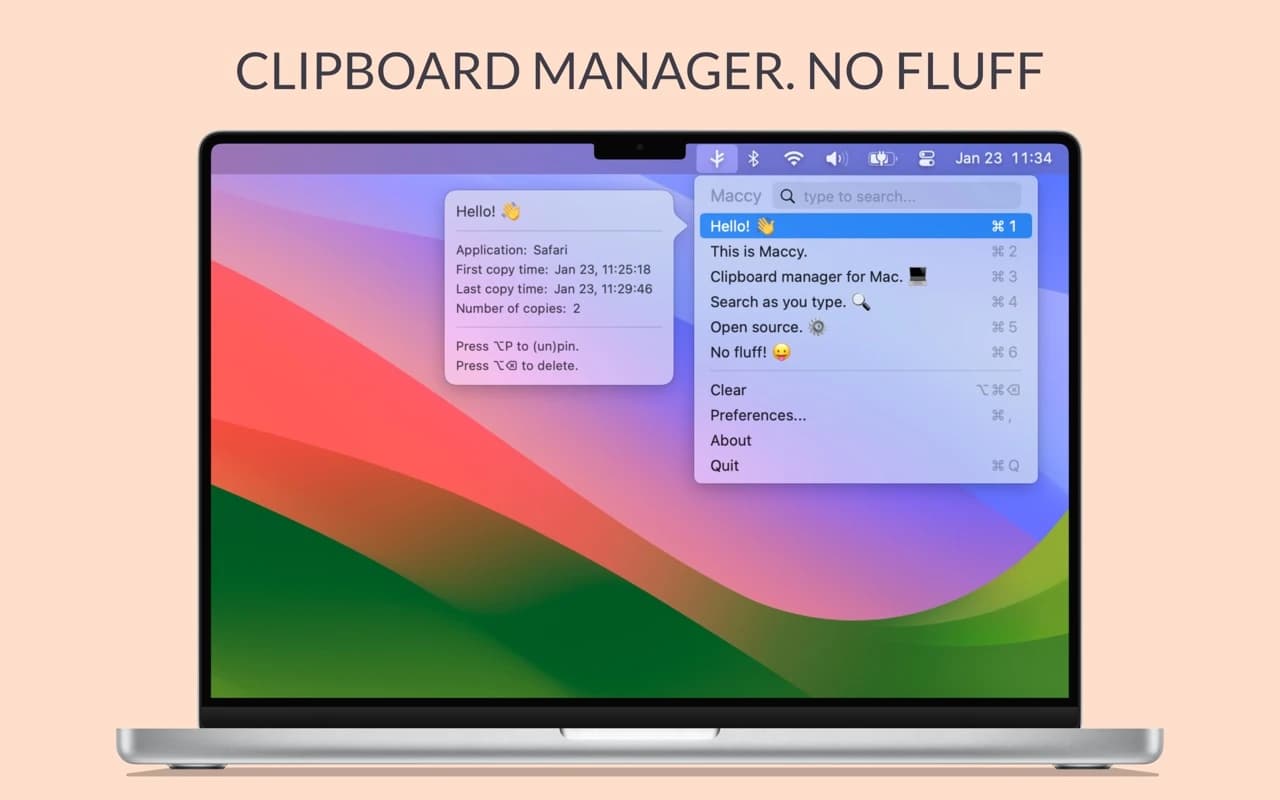
 Maccy | Searchable, keyboard-first history stored on your Mac. | Free and open source; paid App Store distribution also exists. Requires macOS 14+. |
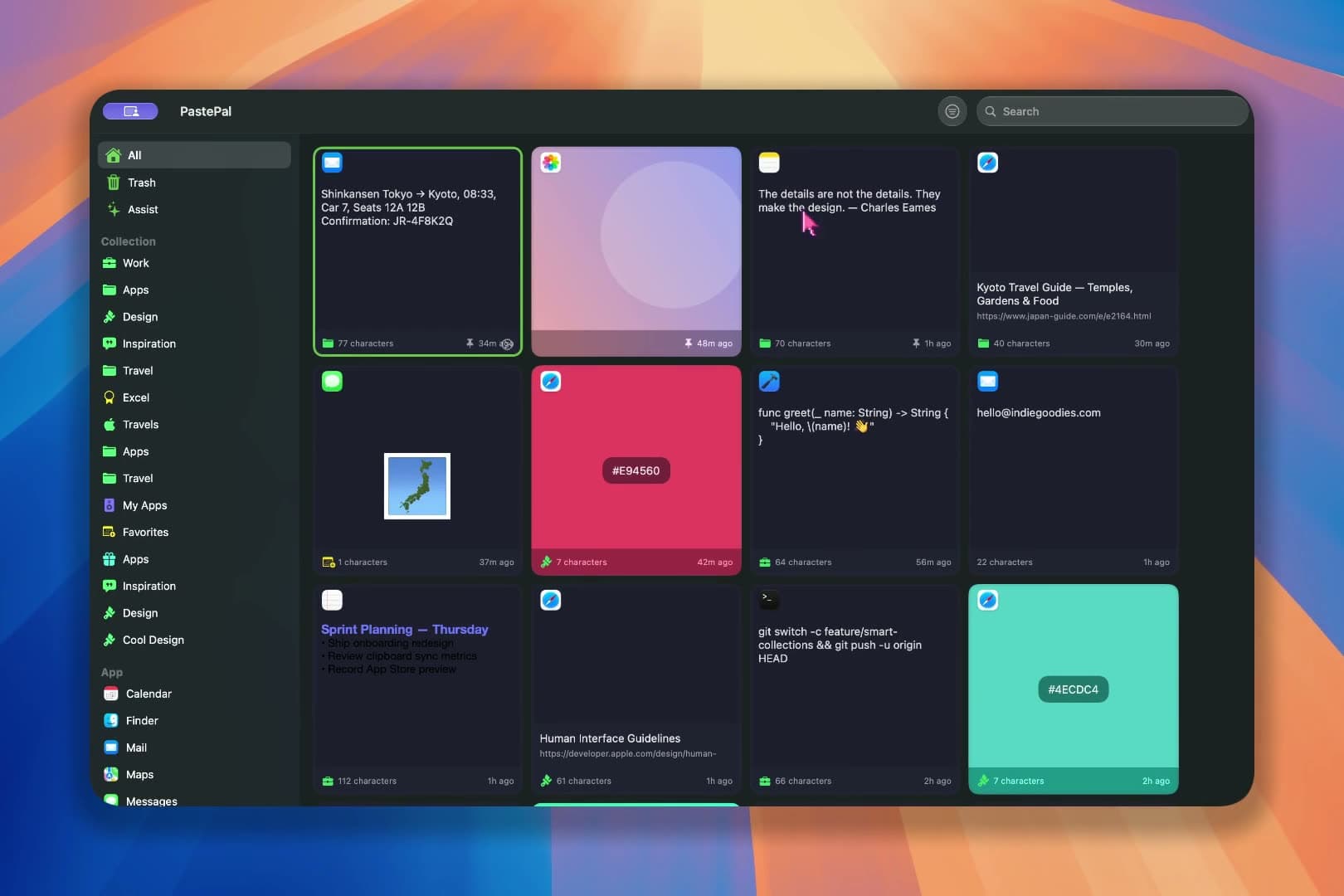
 PastePal | A clipboard library across Mac, iPhone and iPad. | One-time universal purchase. iCloud sync is optional; check which features need the purchase. |
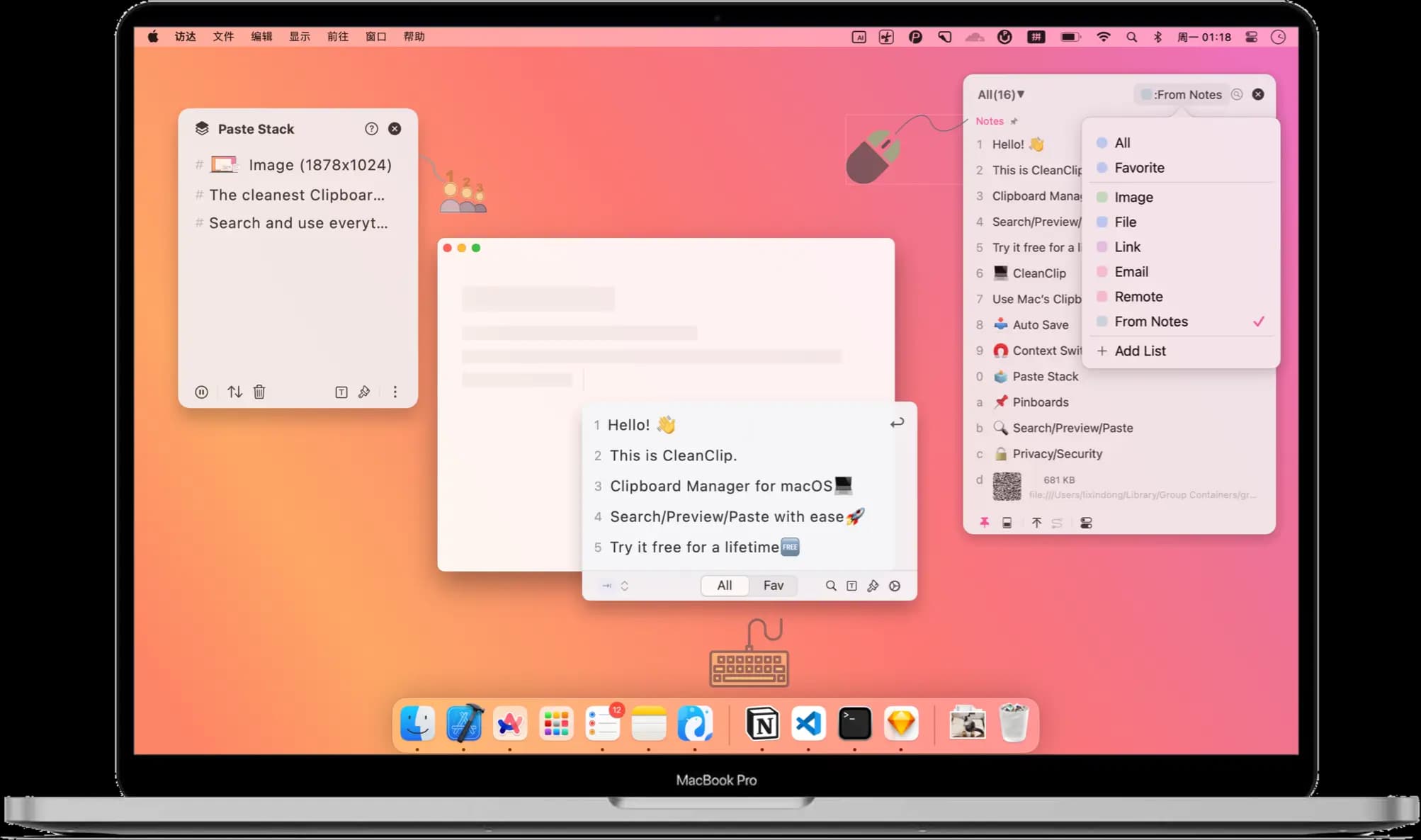
| CleanClip | Paste Stack sequences and rule-based Smart Lists. | Free tier with a one-time Pro purchase. Check which tier includes Paste Stack and Smart Lists. |
 Pastebot | Pastebins, text filters and sequential paste stacks. | Direct purchase or App Store subscription. Direct includes one year of updates; current Pastebot 3 needs macOS 26+. |
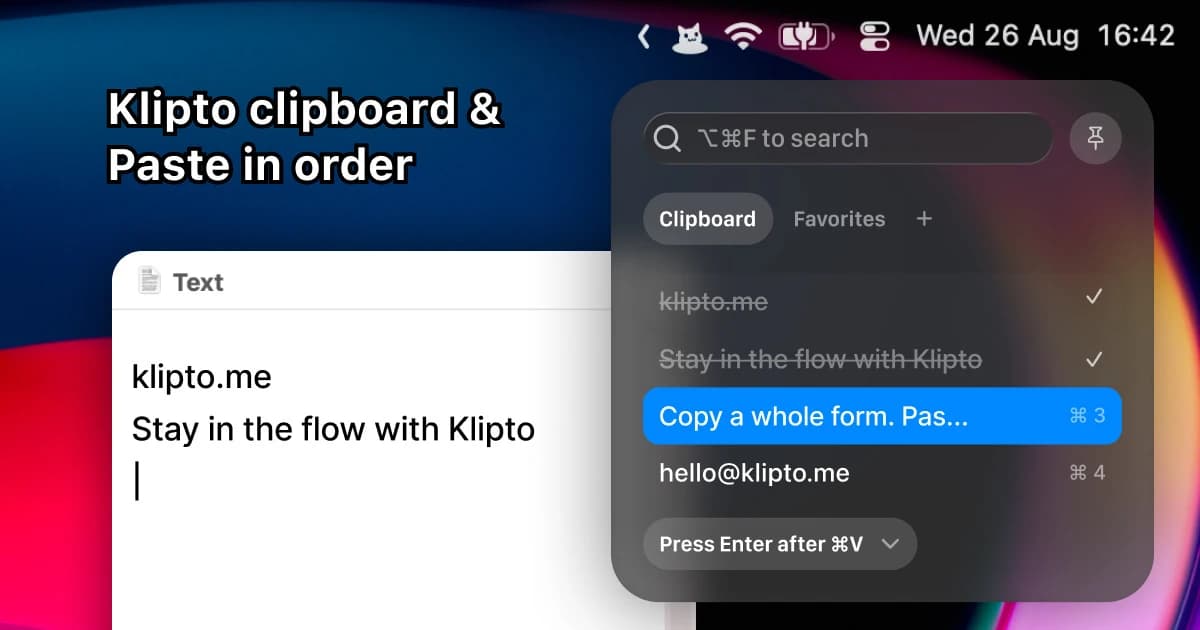
 Klipto | Ordered multi-paste, snippets and on-device text tools. | Free tier with optional $19.99 Pro purchase. Pro includes 1.x updates; later major upgrades may be paid. No cloud history sync. |
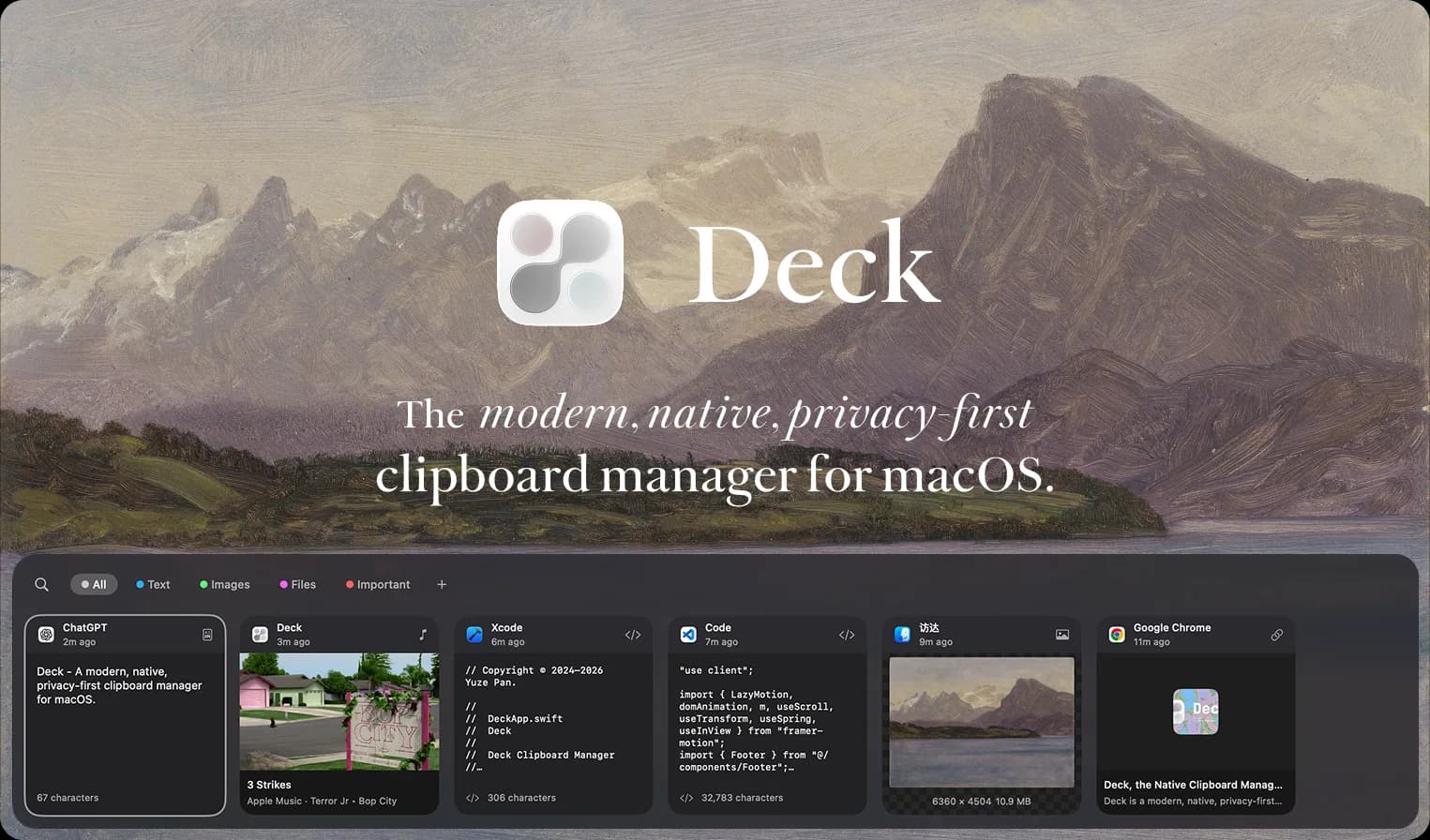
 Deck | Clipboard search and queues, with nearby-Mac sharing. | Free, local-first, with optional AI tools. LAN sharing between Macs is not the same as a synced iPhone library. |
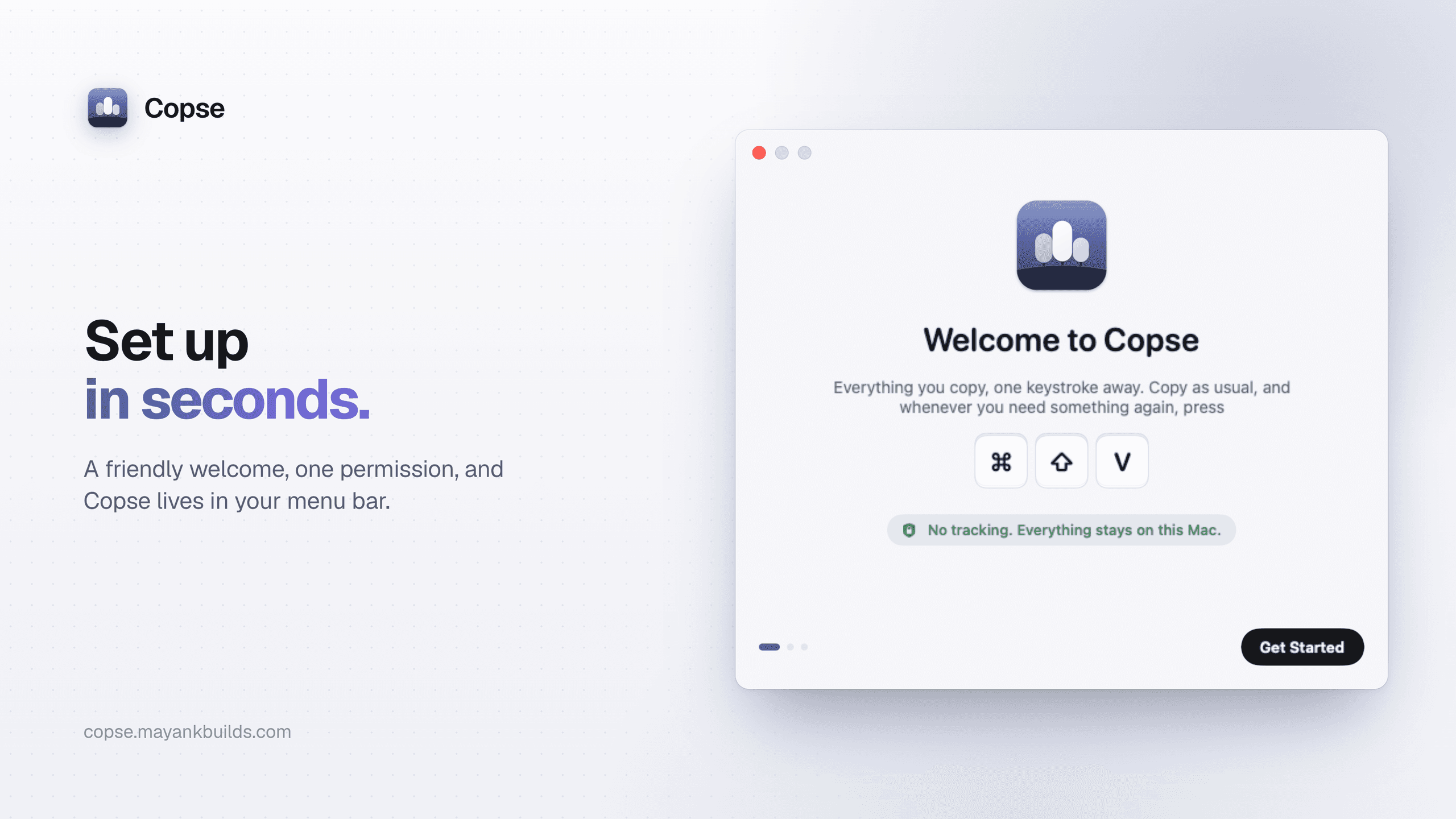
 Copse | Fast search, collections and paste queues. | $2.99 once. macOS 15+, with Apple silicon and Intel support. |
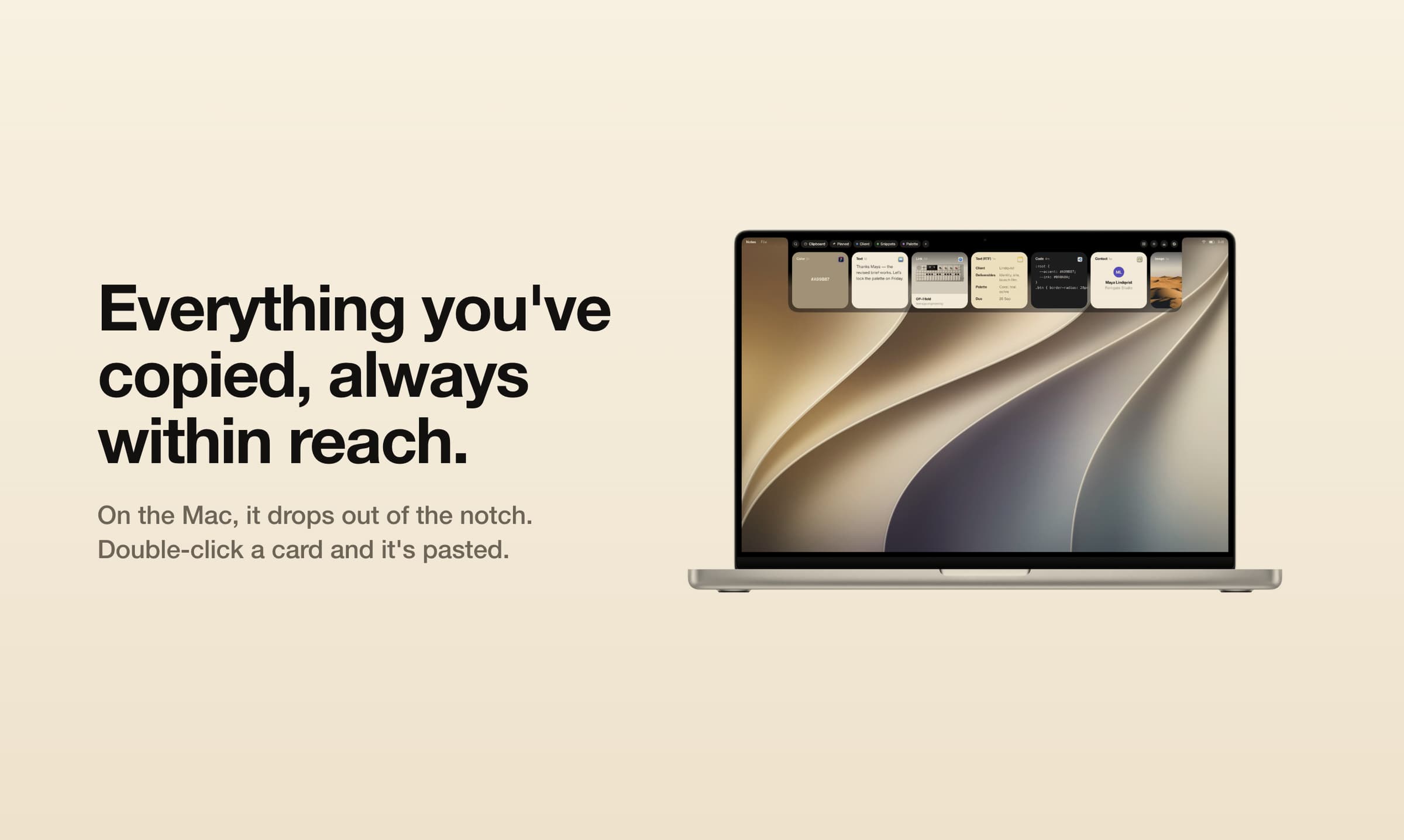
 Just Copy | A visual tray for text, links, images and searchable screenshots. | Paid, with a 14-day trial. Requires Apple silicon and macOS 14+; an iPhone companion is now offered. |
 OrbitPaste | A visual history of text, images, links and files. | $5 lifetime purchase after seven-day trial, for up to three Macs. |
 Raycast | Clipboard history inside a launcher you already use. | Free and paid plans. Check the current history limits before treating it as an unlimited Paste library. |
Maccy or PastePal? Choose Maccy for local Mac history. Compare PastePal if a shared iPhone and iPad library is essential.
Pastebot or Klipto? Compare them with a real form or a repeated paste sequence. Check text-filter needs and update terms: a one-time payment doesn't always include future major versions.
Already using Raycast? Try its history before installing a second background app. A launcher feature may be sufficient if you rarely use Paste's reusable collections.
Productivity · Free · one-time lifetime license (or $1.99/mo); free tier available $19.99
A one-time-purchase alternative to subscription clipboard managers — auto-saved history, Paste Stack multi-paste, and Smart Lists.
Productivity · $5 · one-time (Lifetime / one-time; up to 3 Macs; 7-day trial)
Native macOS clipboard history as a visual card stream — search and reuse text, images, links, files.
Developer Tools · $2.99 · one-time (one-time; 7-day free trial)
A fast, private clipboard manager for Mac: press ⌘⇧V to find and paste anything you’ve copied.
Productivity · Free · free tier and 14-day free trial $19.99
A fast, private Mac clipboard manager with ordered multi-paste, local OCR and translation, notes, and custom on-device AI transformations
AI & Automation · Free · Pro $8
A blazing-fast, keyboard-first launcher that folds clipboard history, window management, snippets, an extension store, and AI into one command bar.
Productivity · Free & open source
A lightweight, open-source clipboard manager for macOS — search your clipboard history from a keystroke, with no account and no background bloat.
Productivity · $39 · one-time (or subscription available)
A clipboard manager from Tapbots — searchable copy history, reusable pasteboards, and filters that transform text on the way out.
Productivity · Free · mixed source licensing; check repository download notice
A modern, native, privacy-first clipboard manager for macOS — with built-in AI to search, transform, and manage what you copy.
Productivity · $29.99 · one-time (launch price; one-time, includes 1.x updates; iPhone companion coming soon)
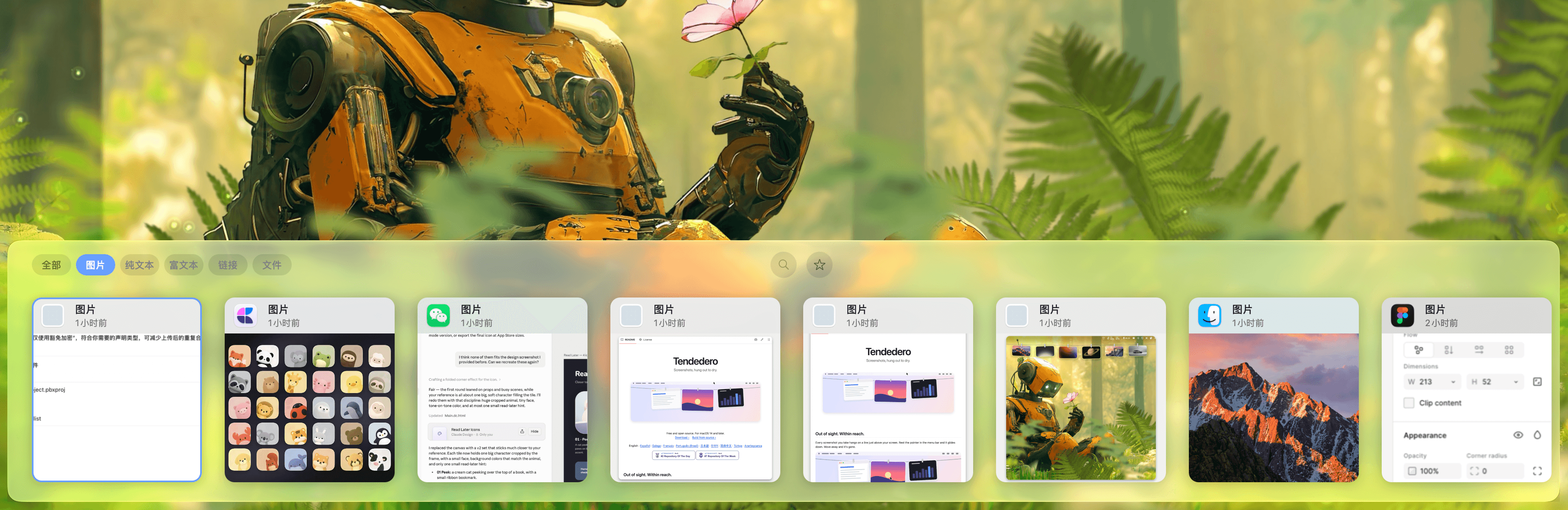
Browse clipboard history as cards in a tray at the top of your Mac’s screen. Search screenshots and paste items in sequence. iPhone companion coming soon.
Productivity · Free · one-time Pro unlock; free tier available $14.99
A low-cost, one-time-purchase clipboard manager that syncs your history across Mac, iPhone, and iPad with Family Sharing.
Keep Paste installed while moving the small set of clips you actually reuse: signatures, reply templates, addresses and reference links. Check the destination app's supported import formats; do not assume that pinboards, metadata and every historic item transfer intact.
Copy a text snippet, a screenshot and a file, then test finding and pasting each. If you need device sync, test the phone workflow separately. Apple's Universal Clipboard can transfer a recent copy between devices, but that is a different need from browsing a whole synced archive.
Maccy is a free, open-source option for local history. Klipto has an ongoing free tier. On supported macOS versions, Spotlight also has clipboard history. Try the built-in option if recovering recent copies is all you need.
PastePal explicitly supports optional iCloud sync across those devices with a universal purchase. Capture and paste work differently on iOS, so check the mobile app's workflow too. Pastebot's iCloud history sync is between Macs, while Universal Clipboard handles recent cross-device transfers.
Buying direct currently costs $39 and includes one year of updates; another update year costs $19. You keep the last version you paid for. The App Store edition is a subscription.
Check app exclusions, history retention and deletion controls before leaving a clipboard manager running. Maccy documents following clipboard-clearing behavior from password managers, but you should still test the password manager you use. Disable optional AI or sharing features you do not need.
Browse the broader clipboard managers for Mac guide if you are choosing your first clipboard app rather than replacing Paste.
Developer pages checked 4 November 2026. Prices may vary by region. This collection compares documented workflows rather than claiming hands-on tests of every app.