Audio & Voice · Free & open source
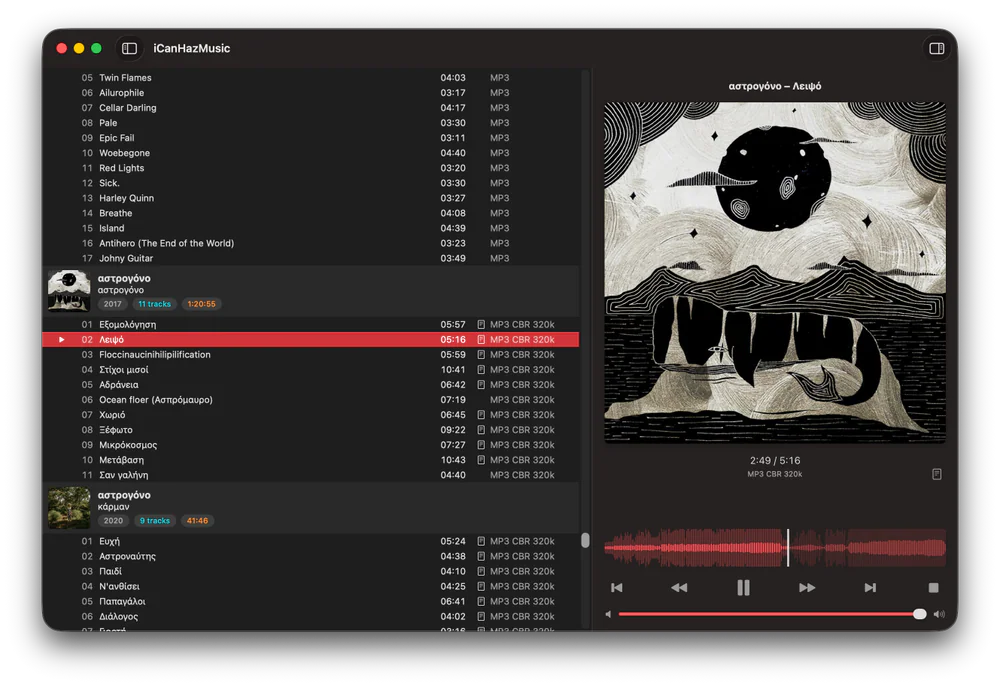
Old-school music player for macOS 15.4 or higher, plays all the formats you expect, from local or Subsonic collections

Per-app volume, output routing and EQ for Mac, from the menu bar. No audio driver.
WormaSounds gives every app on your Mac its own volume, output device and effects, right from the menu bar. Turn Slack down without touching Spotify, send music to the speakers while calls stay in your headphones, or put an EQ or any Audio Unit plugin on a single app. It's built on Core Audio process taps, so there's no audio driver or kernel extension to install.
Audio & Voice · Free & open source
Old-school music player for macOS 15.4 or higher, plays all the formats you expect, from local or Subsonic collections
Audio & Voice · Free & open source
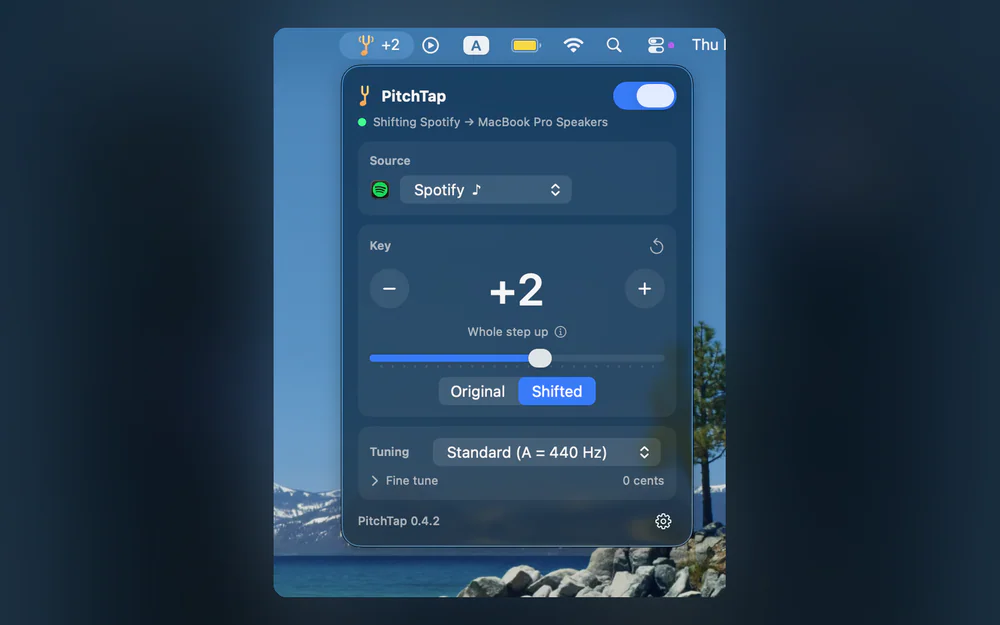
Change the pitch of any Mac app's audio, or all system audio, live from the menu bar, without changing the tempo.
Audio & Voice · Free · Free download; Pro Version in-app purchase $4.99 in the US App Store. Regional prices vary. $0
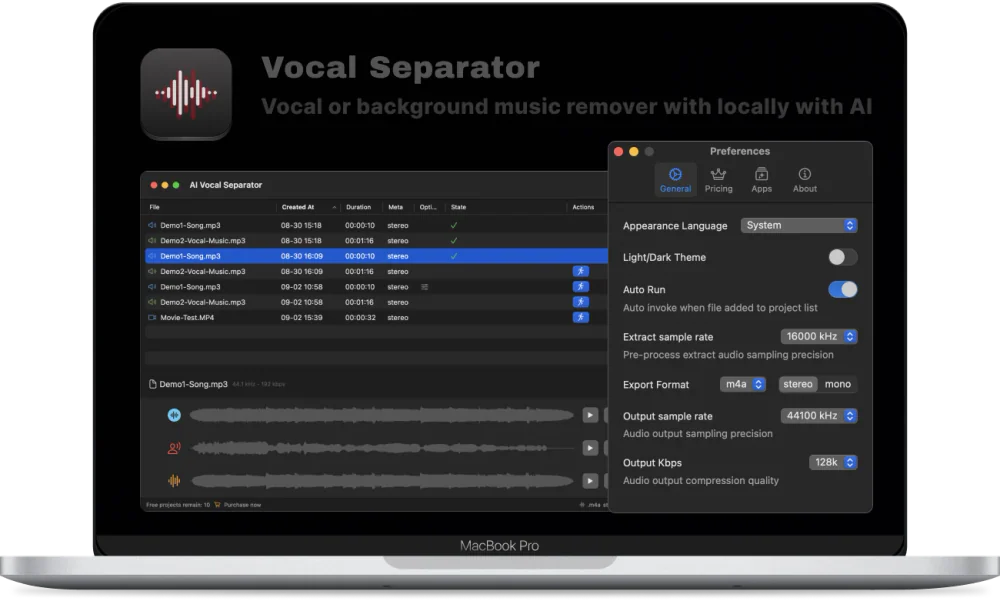
Separate vocals and backing tracks from audio or video in batches, with local AI, preview, filters, and flexible export.
Audio & Voice · Free · Free download; Pro in-app purchase $9.99 on the US Mac App Store. Regional prices vary. $0
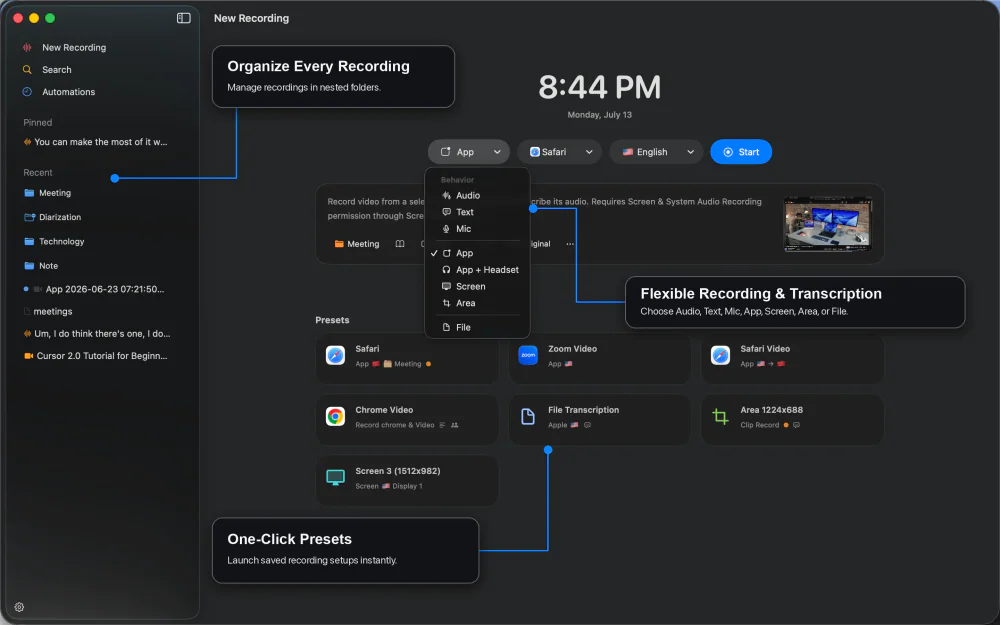
Record Mac audio, transcribe files, translate live captions, label speakers, and export searchable transcripts and subtitled media.
Audio & Voice · Free
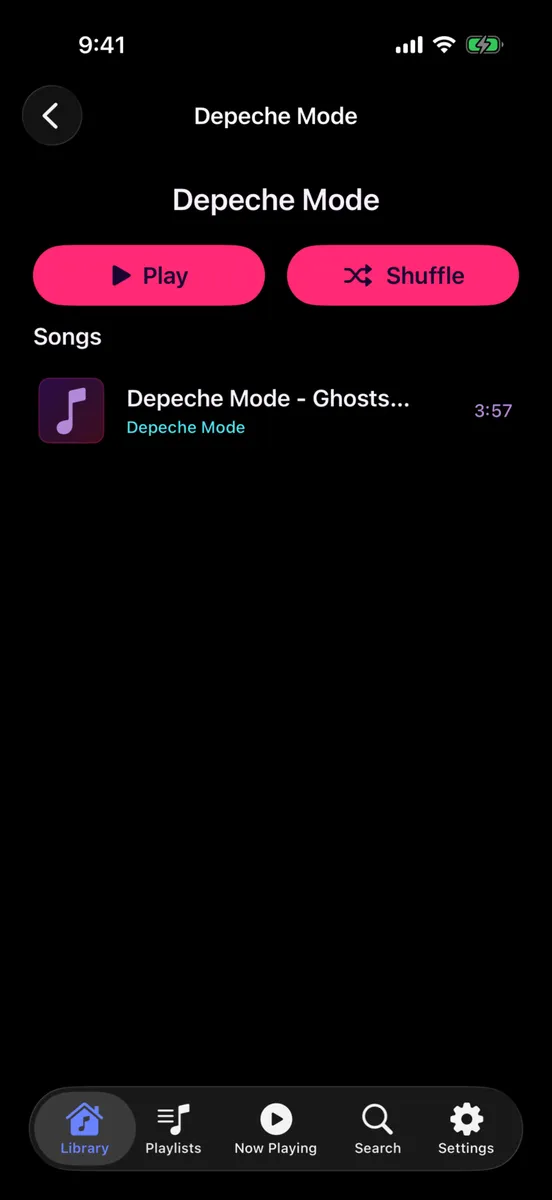
A neon-lit native music player for macOS, with AI playlists, YouTube downloads and on-device karaoke.
Audio & Voice · Free · Monthly, Annual, Lifetime Plans $2.49
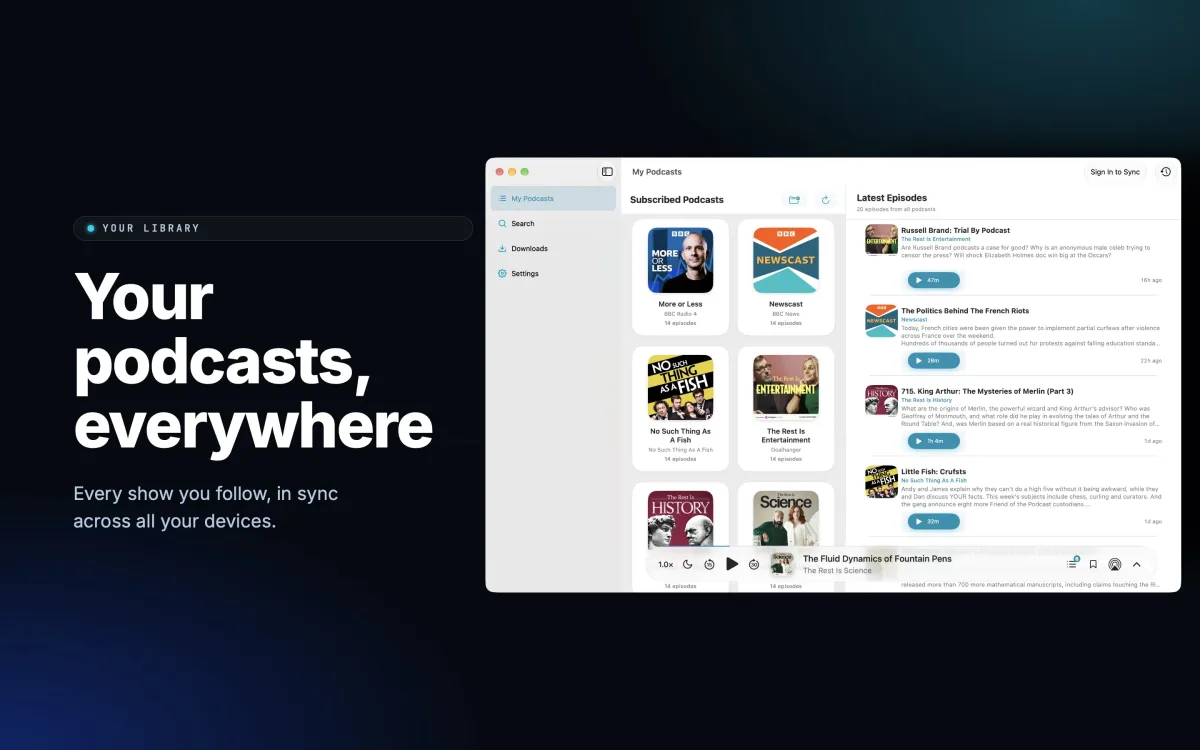
Podcast player that syncs across every device and skips ads
50% Off for members