
Utilities · $4.99 · one-time (14-day free trial. One license covers up to 3 Macs.)
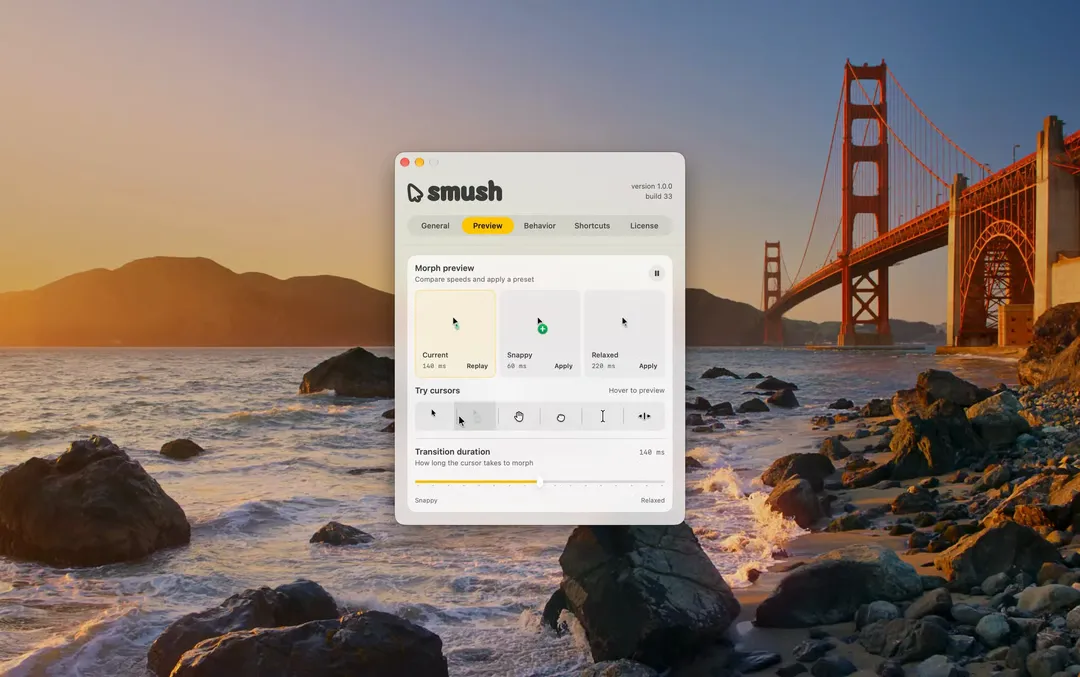
Adds a little animation when your Mac’s cursor changes shape.

Make your Mac cursor more fun with animated characters, click effects and optional sounds.
Pokelet is a free, open-source animated cursor companion for macOS. It brings a bit of personality to your desktop with cartoon characters, playful click animations and optional sounds.
Instead of staring at the same old arrow all day, you can have a pointing finger, cat paw, foam finger or comic arrow follow your mouse around. Choose your favourite, adjust its appearance and decide how it reacts when you click.
Built natively for Mac using Swift, SwiftUI and AppKit, Pokelet fits into macOS with a dedicated settings interface, menu bar controls and keyboard shortcuts.
Pokelet includes four original animated cursor designs:
Each character can be customised with different colours, sizes and animation intensities. Stick with the original artwork, choose black or white, or make your own colour combination.
Not everyone wants an animated character on screen all the time. Pokelet gives you several ways to use it:
Your native Mac cursor remains available, and you can turn Pokelet off whenever you want.
Pokelet can add visual reactions to mouse clicks, with five animation intensity settings ranging from subtle to deliberately over-the-top.
You can also enable sound effects, choose from built-in sounds or import a short audio clip of your own.
Prefer a quieter setup? Leave sounds disabled or use the Click-only mode for occasional effects.
Pokelet Studio is where you make everything your own.
The native settings interface includes:
Studio works alongside the Mac menu bar, so Pokelet can keep running when you close its settings window. You can also configure it to launch automatically when you log in.
Pokelet is a native Mac application, built with Apple's own desktop frameworks.
It uses macOS menu bar integration, system preferences, keyboard shortcuts and native window behaviour. It also respects the system's Reduce Motion setting.
There's no account to create, no web service to connect to and no subscription.
Pokelet runs locally and does not collect telemetry, record your screen or send your mouse activity to a server.
Ordinary pointer features work without Accessibility or Input Monitoring permissions. Optional interactive click sounds use macOS Accessibility information when enabled.
There is no built-in account system or background updater.
The source code is publicly available on GitHub under the MIT licence, so anyone can inspect the project, contribute improvements or build it themselves.
Pokelet is for anyone who wants to make their Mac a bit more personal.
It's particularly handy for:
For screen recordings and sharing, use full-display capture and check your recording software's preview to confirm the cursor overlay is visible.
The current public beta is ad hoc signed and not Apple-notarised. macOS may require manual approval on first launch. The project provides checksum and signature verification instructions.
Apple silicon testing has been completed, while native Intel and macOS 14 runtime testing remains incomplete. Presentation Mode click suppression is not available in public beta builds.
Pokelet is an independent project, developed with an emphasis on native Mac behaviour, user control and straightforward installation.
Bug reports, suggestions and contributions are welcome on GitHub.
Website: https://smcnab1.github.io/pokelet/
Download: https://github.com/smcnab1/pokelet/releases
Source code: https://github.com/smcnab1/pokelet
Pokelet is completely free, open source and made for Mac.
Utilities · $4.99 · one-time (14-day free trial. One license covers up to 3 Macs.)
Adds a little animation when your Mac’s cursor changes shape.

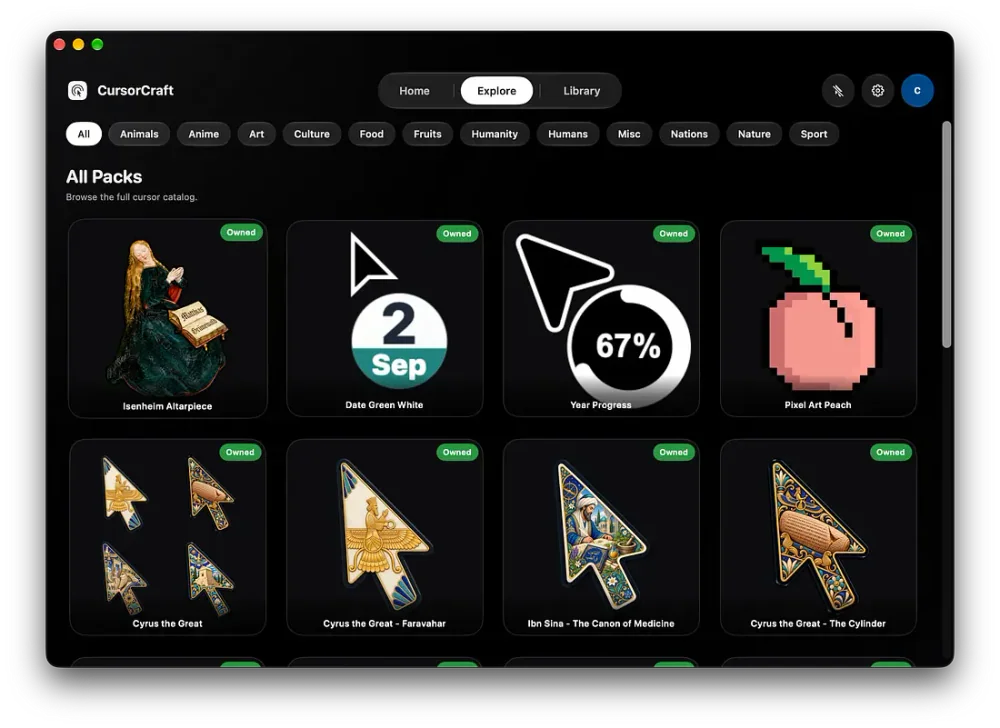
Utilities · Free · Free app + optional one-time packs (no subscription).
Free native macOS app to browse, install, and switch custom cursor sets in one click.

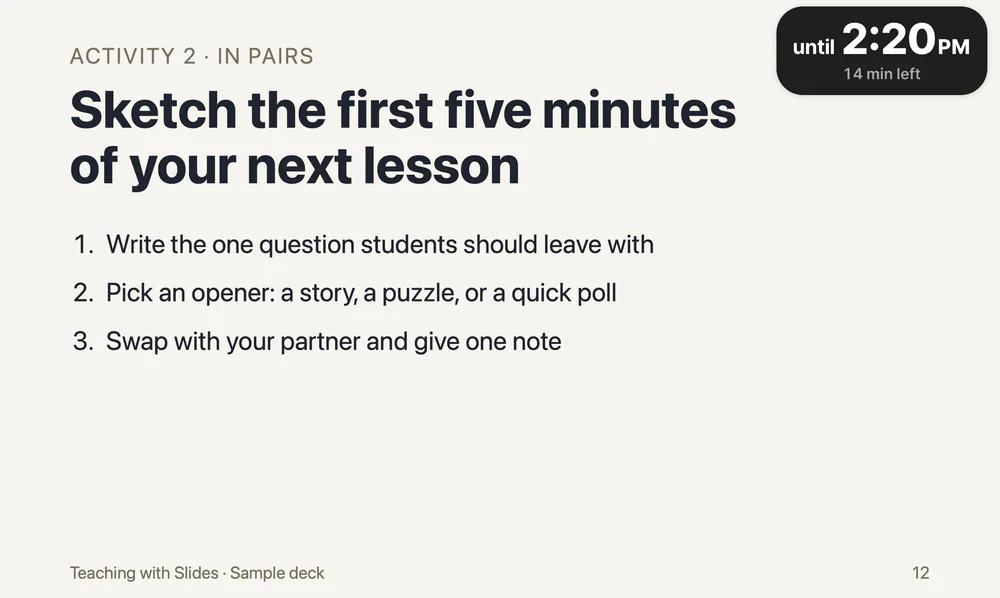
Productivity · Free · Pro
A Mac timer that shows the end time over your slides
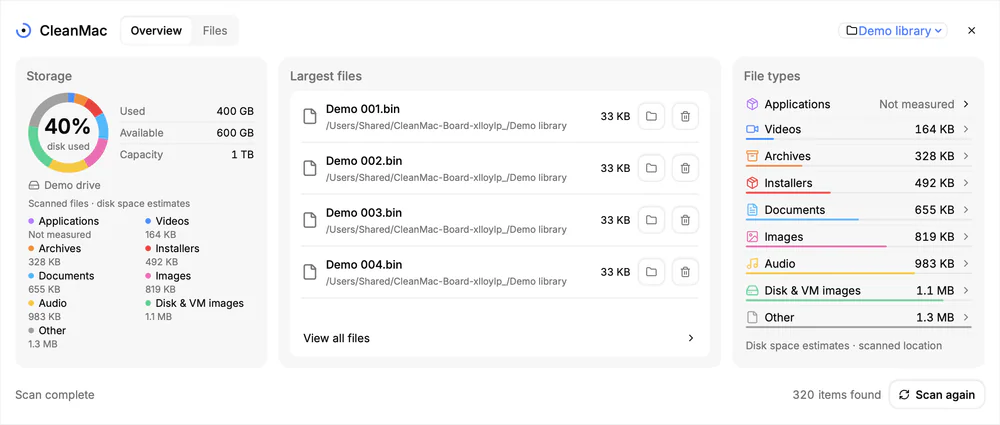
Utilities · Free · Reviewed Trash cleanup unlock $4.99
Find large files on 256GB and 512GB Macs, preview storage from the notch, and review what goes to Trash.
Utilities · $19 · one-time (1 Mac, all 49 tools)
49 private Mac tools for video, audio, PDFs, images and AI. Runs on your Mac, nothing uploaded.

Utilities · Free
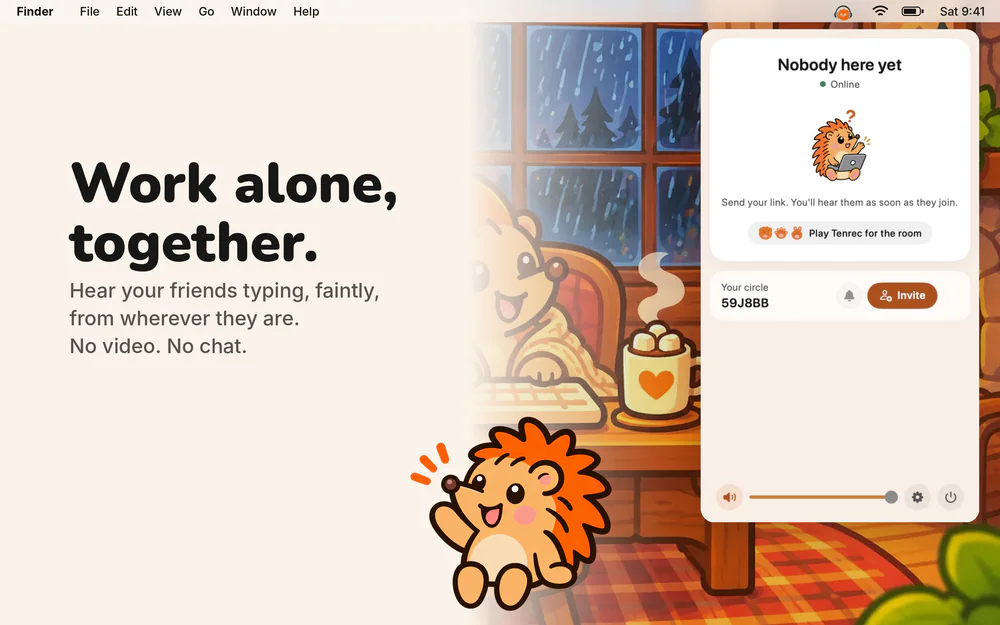
Work alone, together.