Productivity · Free · Free download with unlimited dictation; Pro is a one-time lifetime licence, no subscription $79
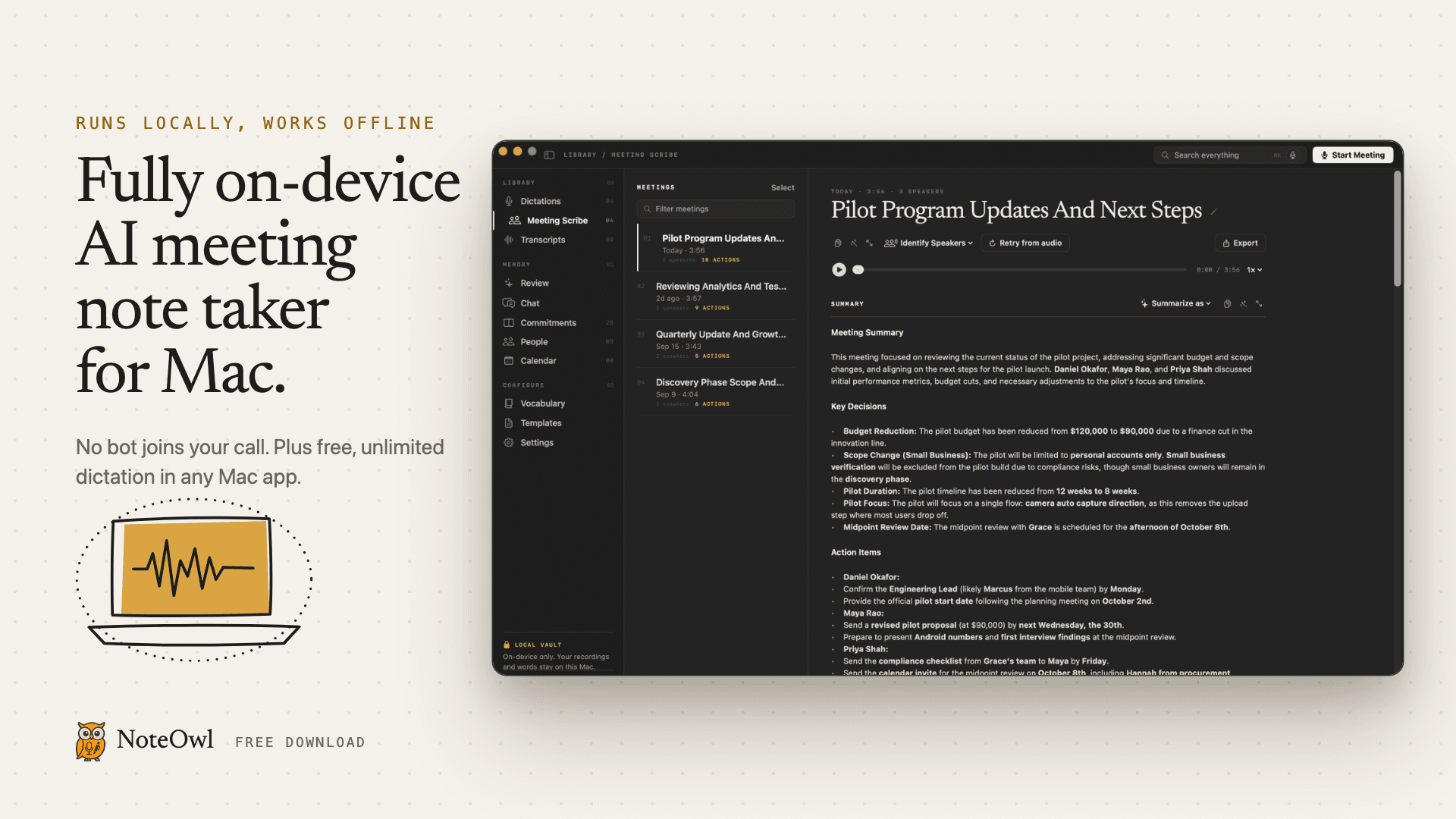
Fully on-device AI meeting note taker for Mac. Records any meeting app without a bot. Free, unlimited dictation in any app.
Cangjie, Quick & Jyutping input method for Hong Kong: whole sentences, English mixed in. Voice edition: speak Cantonese + English.
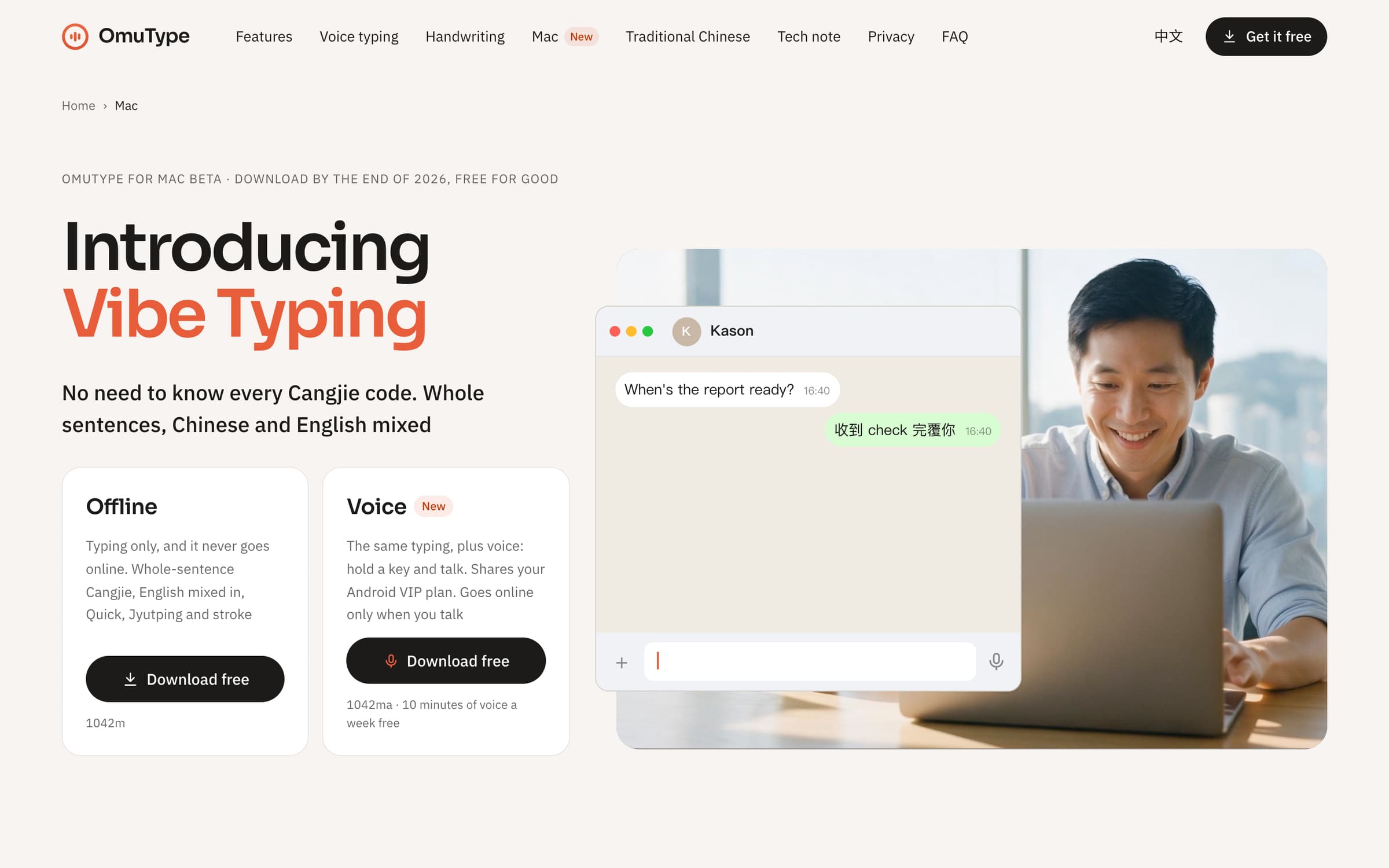
OmuType for Mac · Vibe Typing: no need to remember every Cangjie code. Type whole sentences, Chinese and English mixed.
The first Mac input method that chains Cangjie codes and mixes in English. Keep typing codes one after another and the run reads as words and sentences. Slips, look-alike radicals and missing letters are forgiven: sendlwjrfileohgjhqo gives "send 個 file 俾我".
Speak and send: 87% of sentences need zero edits. Hold 🌐 (or Control) and talk Cantonese, English, or both in one sentence. The words show as you speak, then go in once, checked. With Accessibility on, it spells names and brands the way your screen does. Share your phone's VIP and weekly voice by entering its device code.
Two downloads, side by side on one Mac. The offline edition never goes online, keeps nothing you type and has no analytics. The voice edition goes online for voice only; typing stays on the Mac.
Free: the offline edition is free for good if downloaded before the end of 2026. The voice edition gives 10 free minutes of voice a week.
Requires Apple Silicon (M1 or later) and macOS 15 or later. Native Swift input method. Made in Hong Kong by Alano Tech.
Productivity · Free · Free download with unlimited dictation; Pro is a one-time lifetime licence, no subscription $79
Fully on-device AI meeting note taker for Mac. Records any meeting app without a bot. Free, unlimited dictation in any app.
Productivity · Free · Pro
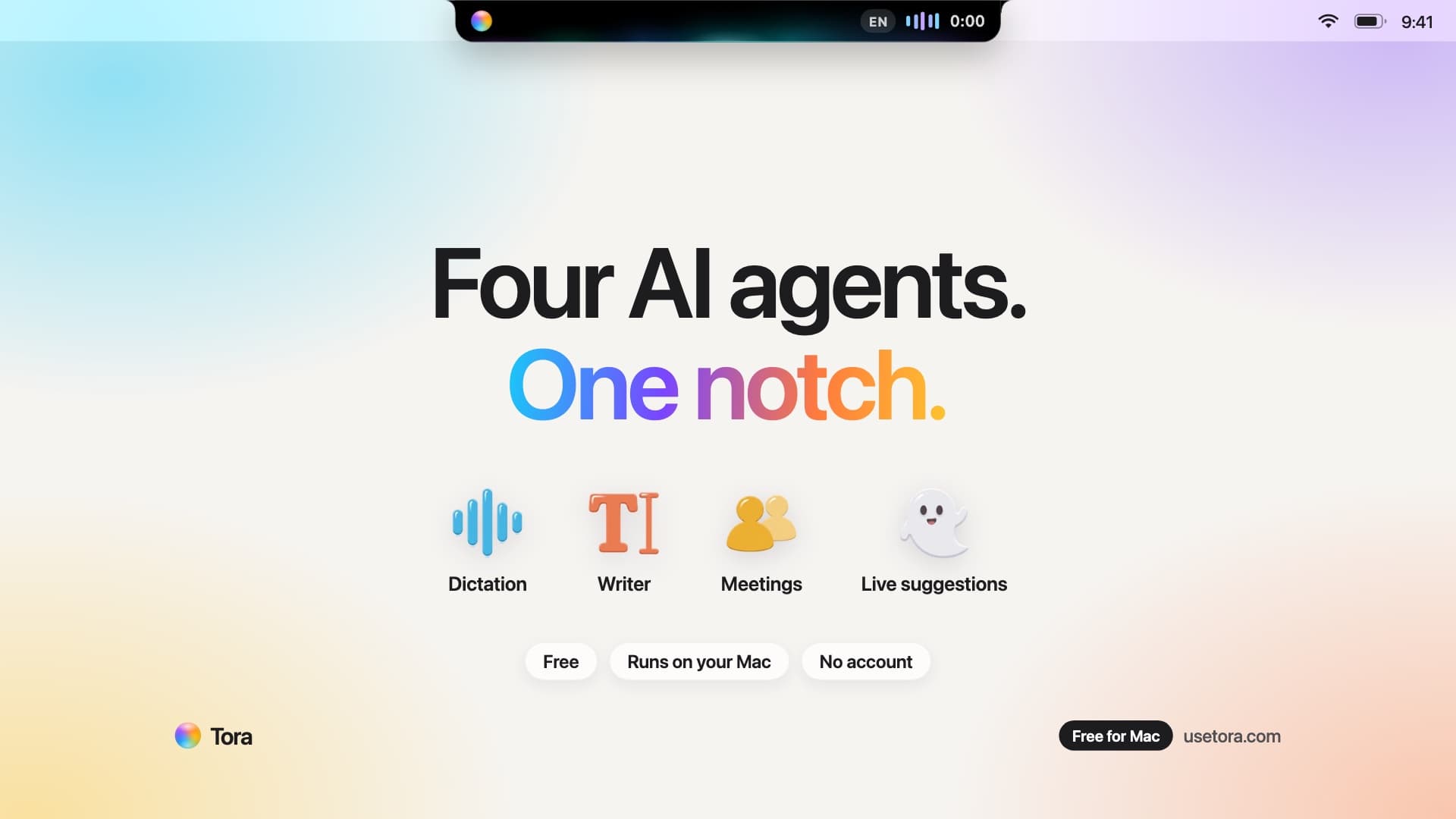
Tora puts four AI agents in your Mac's notch: voice dictation, a writing assistant, bot-free meeting notes, and live suggestions. Free.
Productivity · Free · unlimited free plan $0
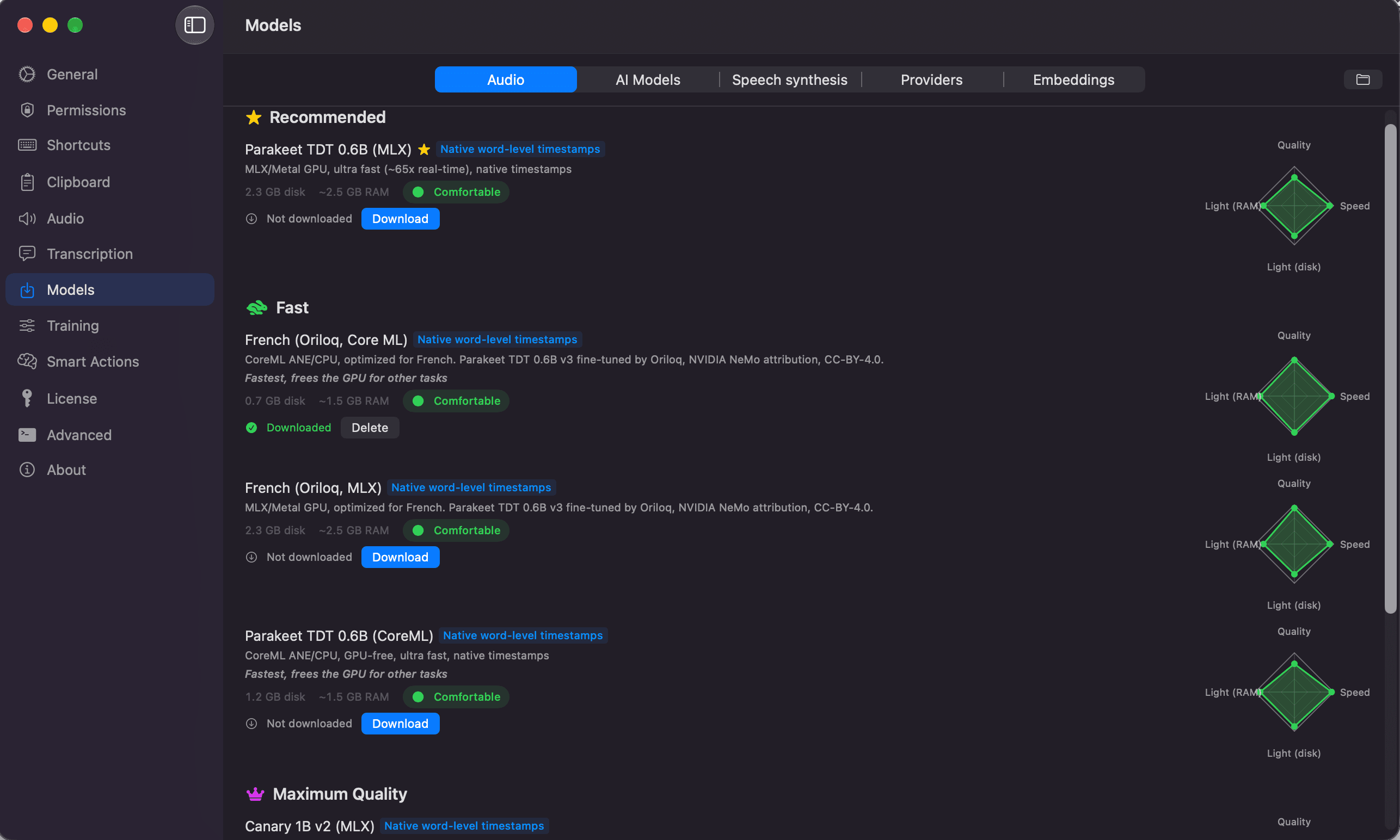
Converts speech to text and actions on Mac: dictation in any app, file transcription, and voice workflows, with local engines that wo
Productivity · $9.99 · one-time
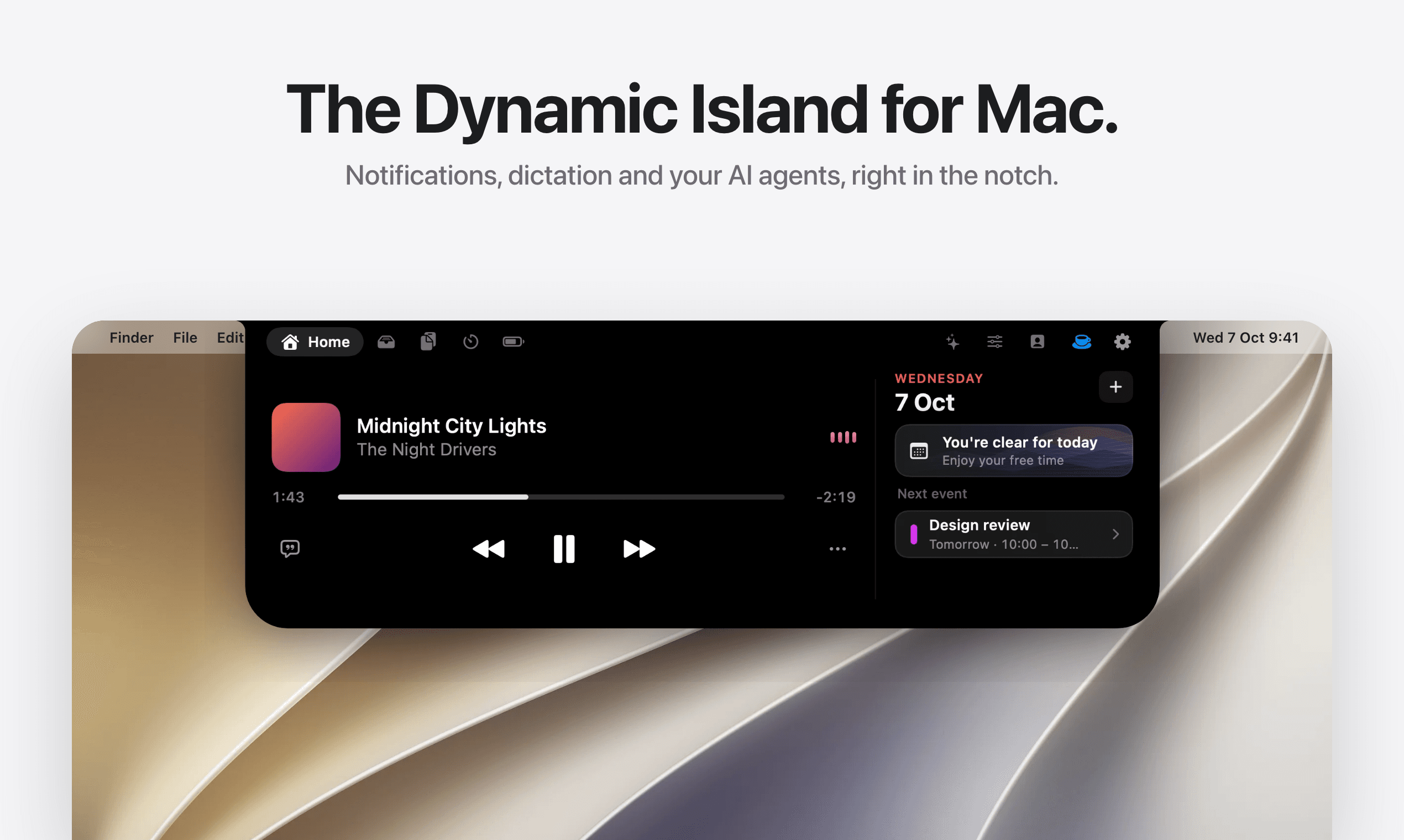
A living island for every Mac screen.
AI & Automation · $49 · one-time
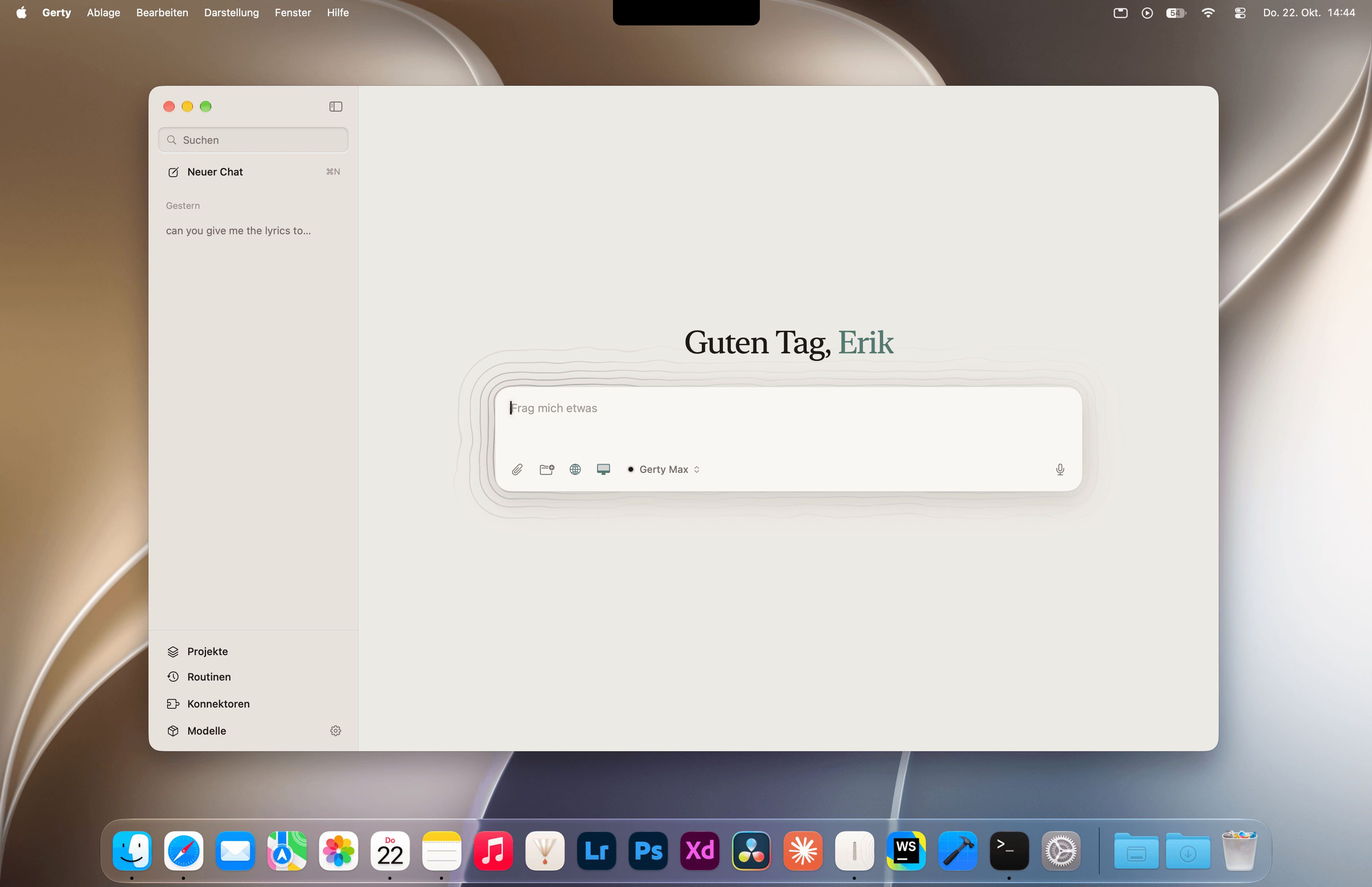
Gerty is a private AI assistant that runs open models on your Mac itself.
Audio & Voice · $14.99 · one-time (Lifetime in-app purchase after a seven-day full trial; no subscription.)
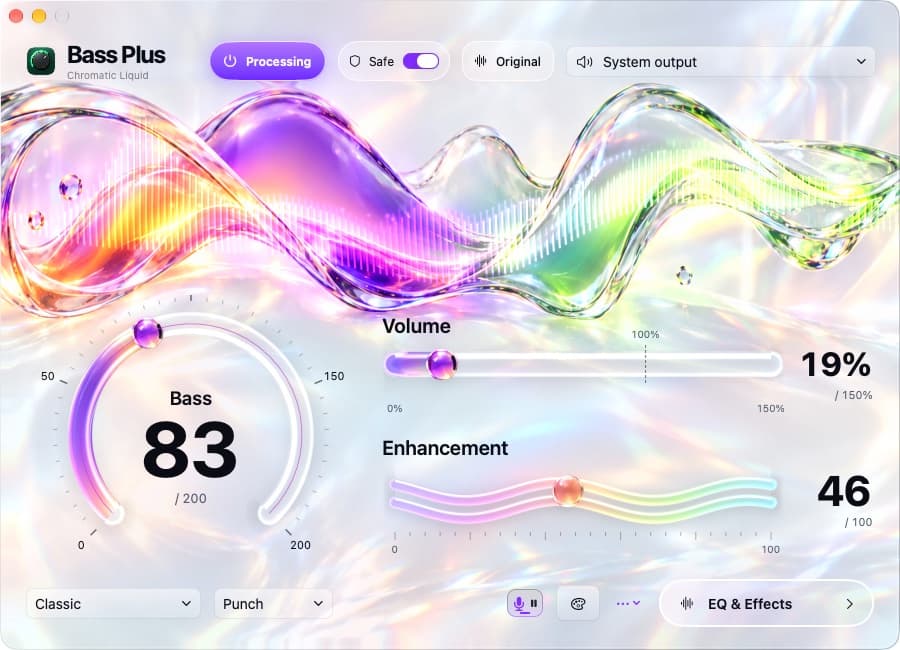
Boost Mac bass and pause compatible browser music for dictation, with native controls and 21 visual skins.