Productivity · Free · Free download with unlimited dictation; Pro is a one-time lifetime licence, no subscription $79
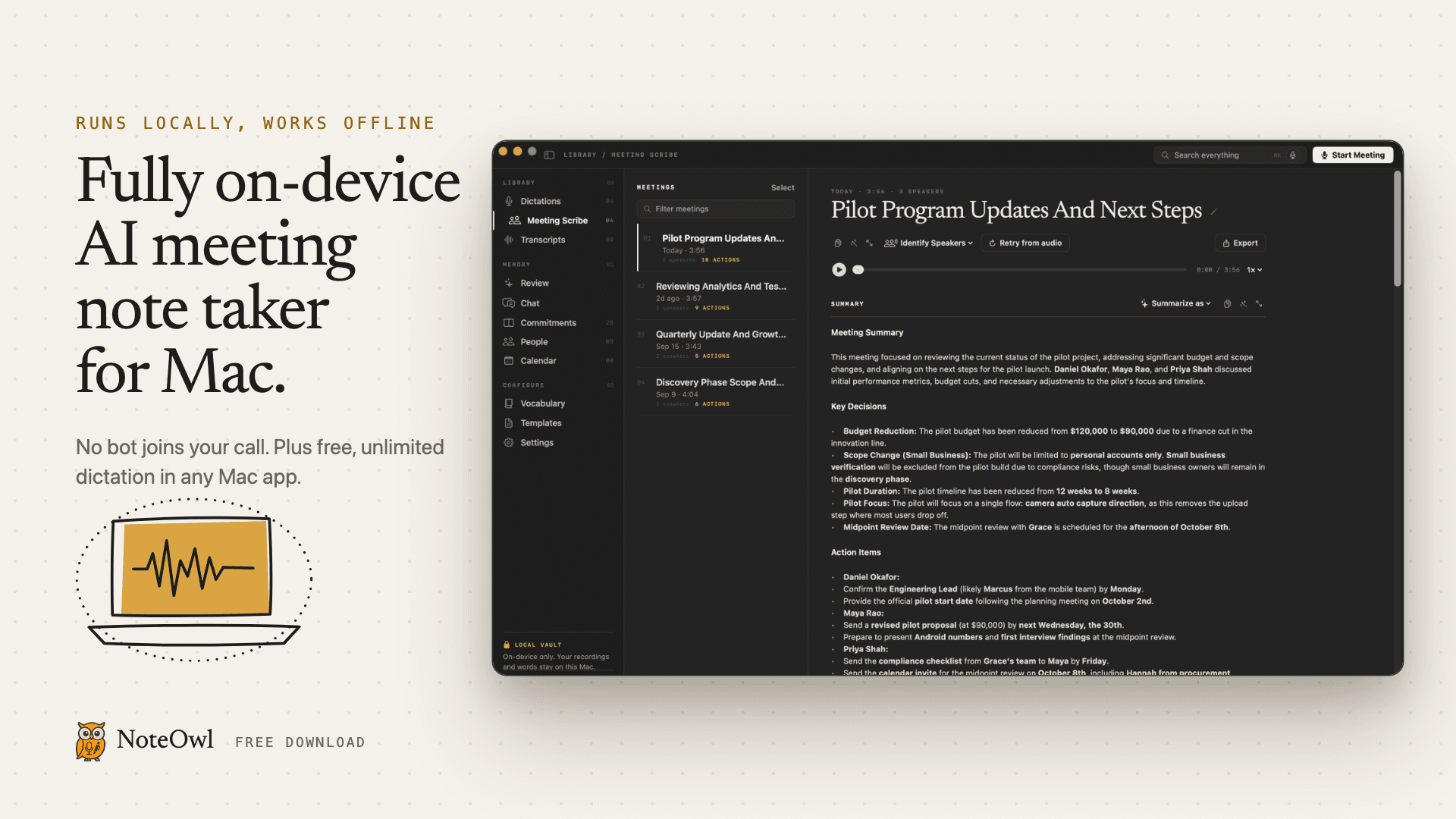
Fully on-device AI meeting note taker for Mac. Records any meeting app without a bot. Free, unlimited dictation in any app.
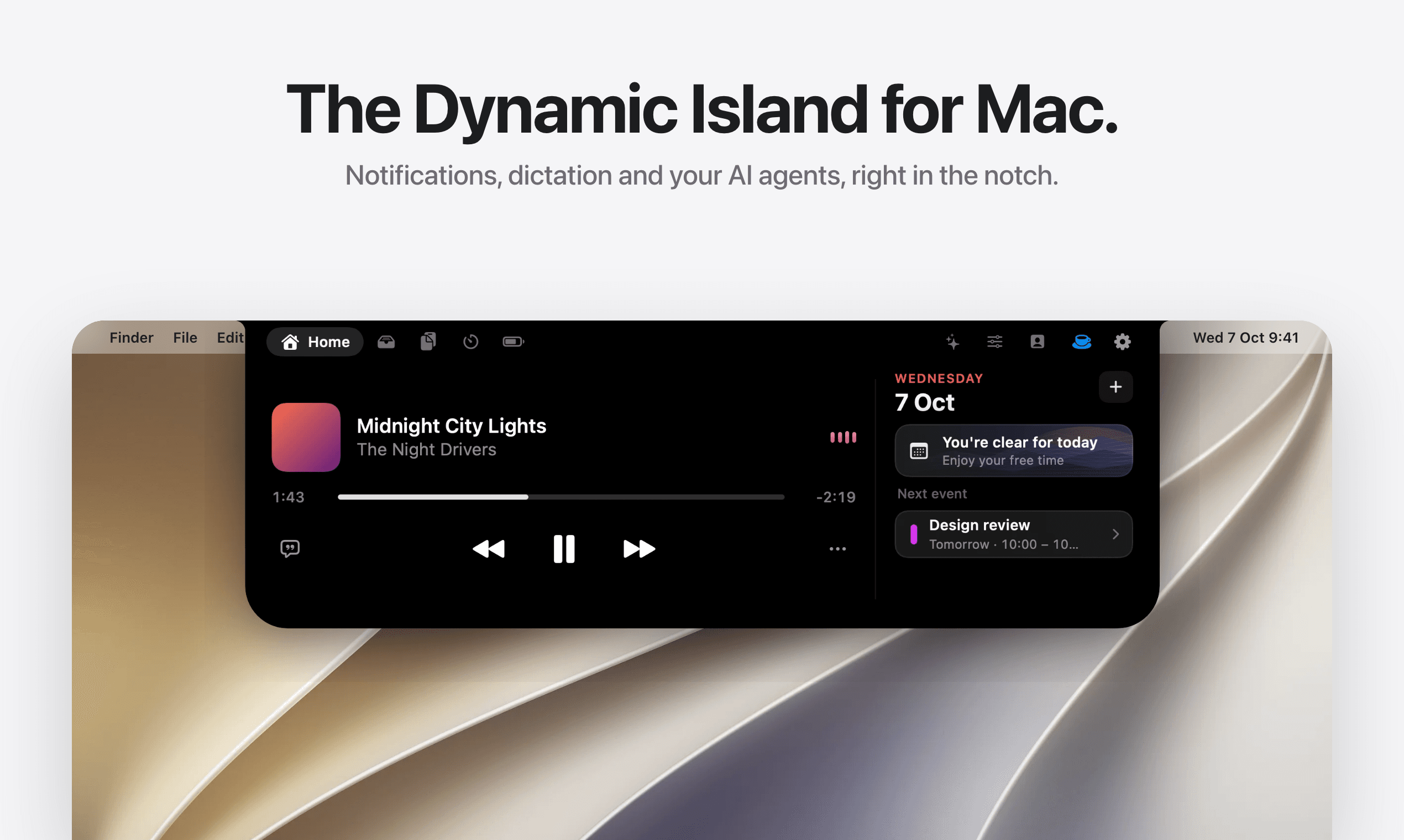
Tora puts four AI agents in your Mac's notch: voice dictation, a writing assistant, bot-free meeting notes, and live suggestions. Free.
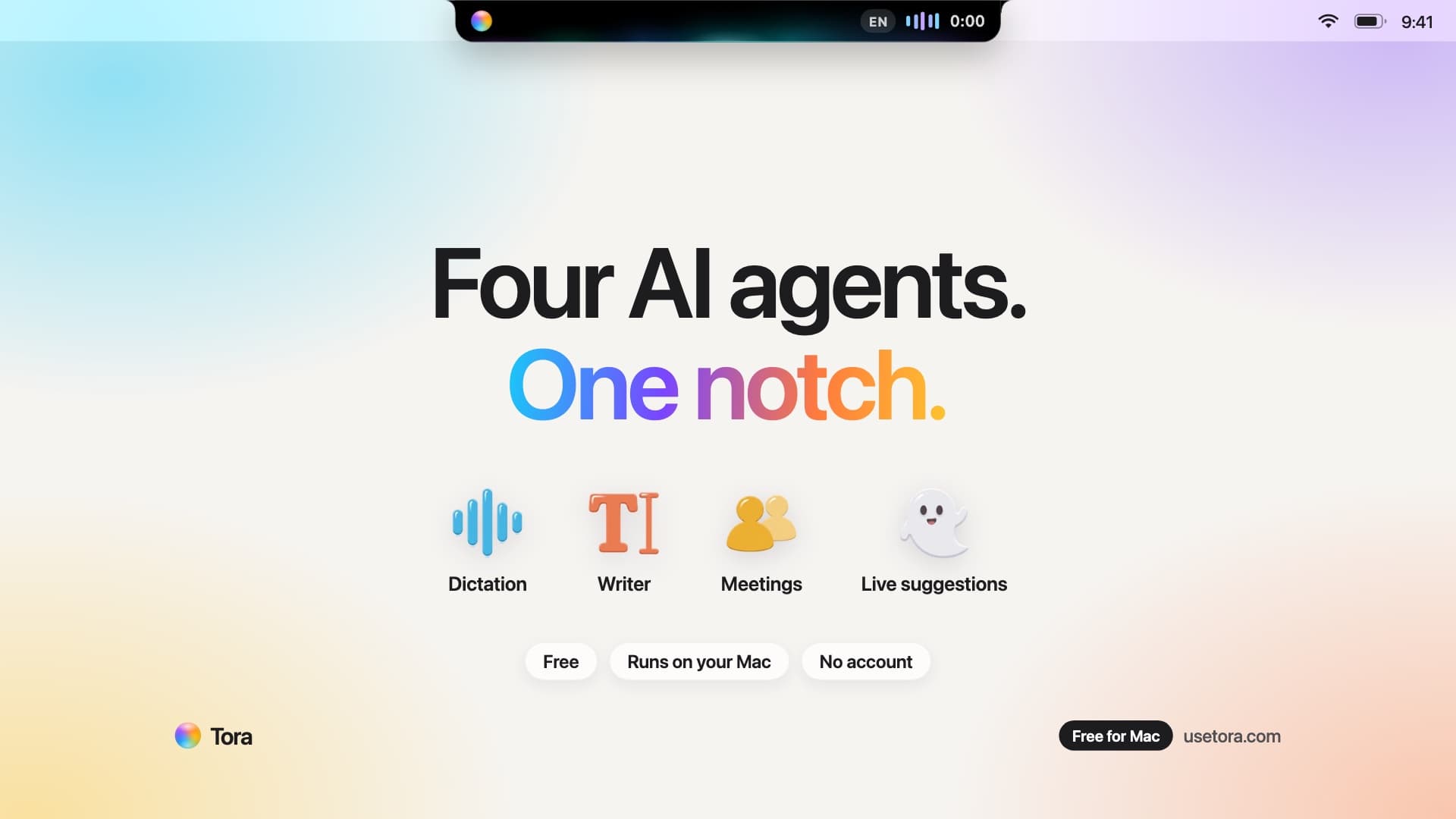
Tora is a free Mac app that puts four AI agents in the notch at the top of your screen. They stay out of sight until you call them.
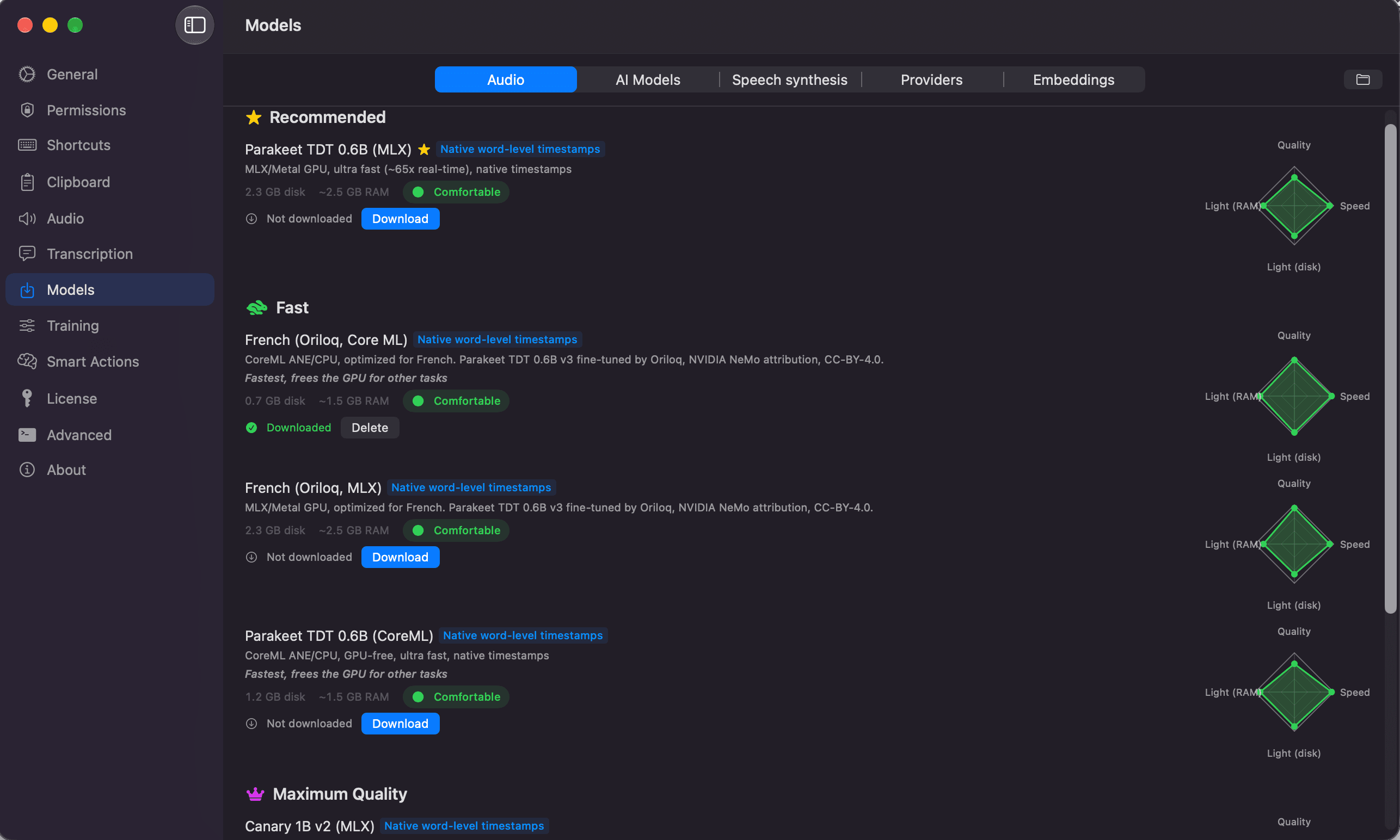
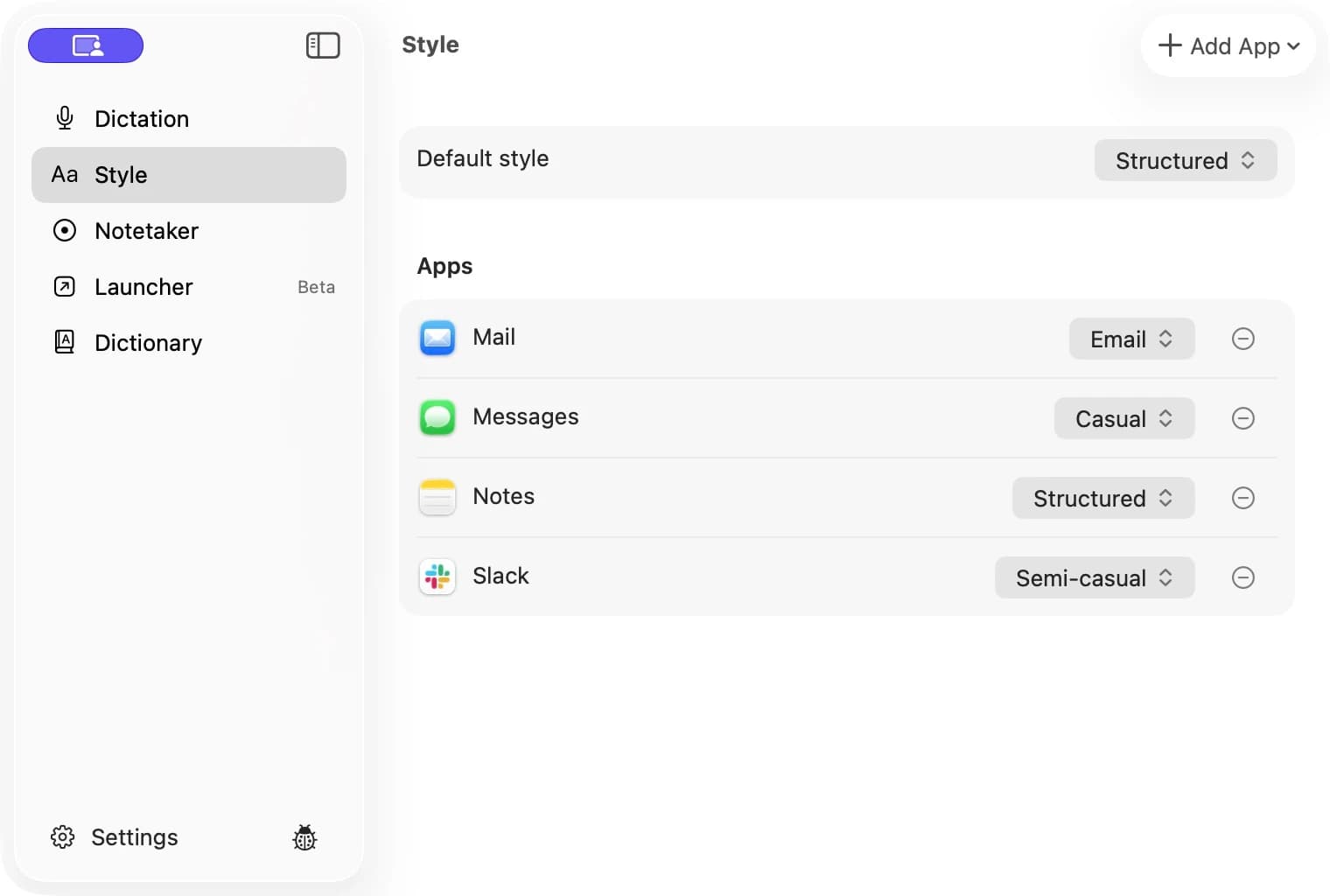
Hold fn and talk. Let go, and Tora types clean text where your cursor is: Mail, Slack, Notion, your code editor, or any text field. Fillers and false starts are gone, and names from your Dictionary come out right. Tora understands up to 100 languages, depending on the voice model you pick. No fn key? Hold Control-Option-Z.
Select text in any app and press Control-Option-W. Pick Fix grammar, De-slop, Shorter, Friendly, Professional, Email, or Translate, or type your own instruction. Tora replaces the text in place. Undo stays for five seconds.
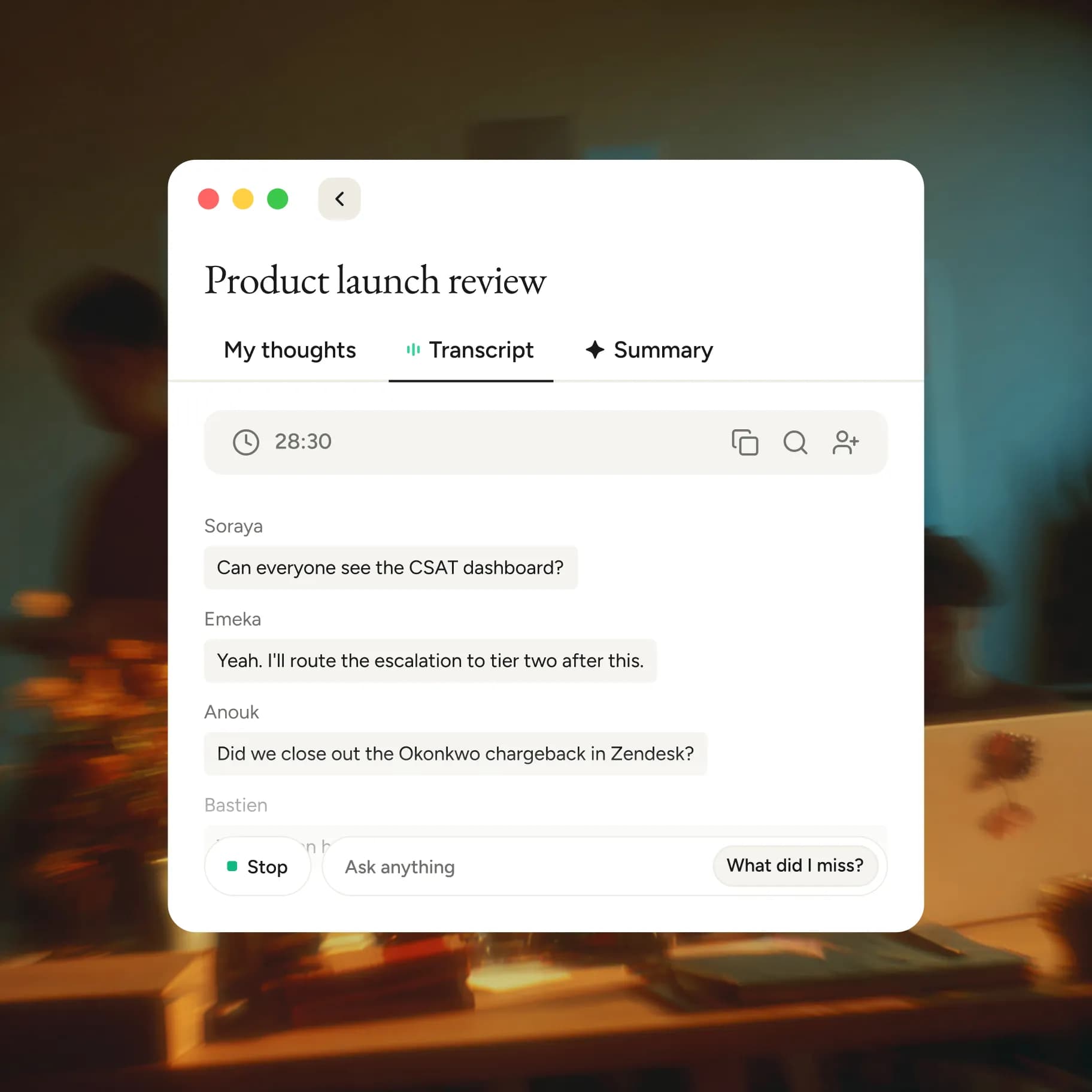
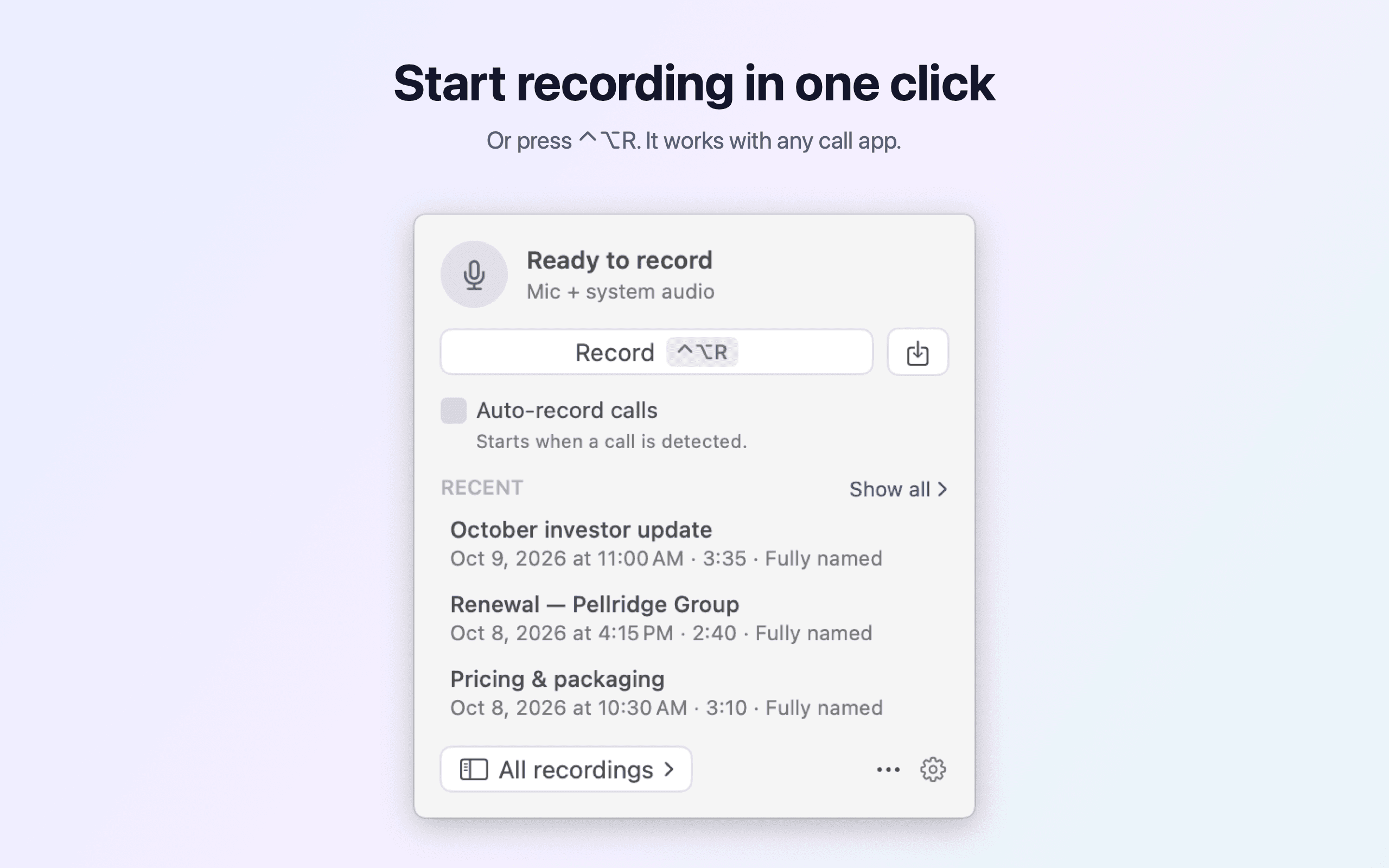
Tora records your Mac's audio and your mic, then writes the summary, decisions, and next steps. No bot joins the call. Tora follows Apple Calendar, Google Calendar, or Outlook: a minute before a meeting, your notch asks to join and record. Search every meeting you had.
When someone on a call asks you a question, a reply you could say shows in your notch. The card is hidden from screen sharing, so only you see it.
On the free plan, the AI models run on your Mac, and your audio and text stay there. Tora suggests the models that fit your Mac's memory.
No account, no trial, no card, and no limits on words or meetings. Tora Cloud is an optional paid plan with larger models, answers across all your meetings, and notes sent to Notion, Slack, Linear, or Gmail.
Claude Desktop, Claude Code, Cursor, and VS Code can read your meetings and next steps through the local MCP server in Tora.
Requirements: a Mac with Apple silicon (M1 or later) and macOS 26 or later. Macs without a notch show the same island at the top center of the screen.
Productivity · Free · Free download with unlimited dictation; Pro is a one-time lifetime licence, no subscription $79
Fully on-device AI meeting note taker for Mac. Records any meeting app without a bot. Free, unlimited dictation in any app.

Productivity · Free · unlimited free plan $0
Converts speech to text and actions on Mac: dictation in any app, file transcription, and voice workflows, with local engines that wo

Audio & Voice · $29.99 · one-time (Free trial; $29.99 launch price, $59.99 regular one-time price.)
Private AI dictation and meeting notes for Mac, running on your device.

Audio & Voice · Free · Pro $12
Speak instead of type — Flow turns rambling speech into clean, formatted text in any app, learns your vocabulary, and doubles as an AI meeting notetaker.
Productivity · Free
Record calls. Keep them private.
Productivity · $9.99 · one-time
A living island for every Mac screen.