
Productivity · $4.99 · one-time (7-day free trial, no subscription)
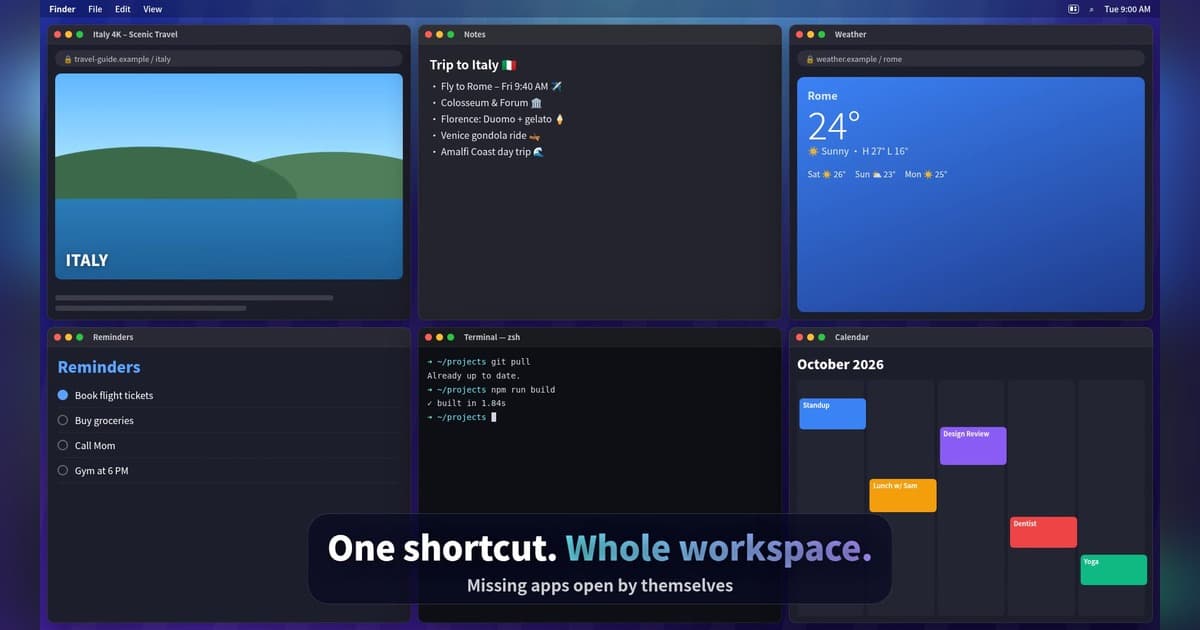
Snap Mac windows into place with shortcuts and save your whole setup as a Workspace you restore with one key.
Compare Magnet alternatives for Mac window snapping, tiling and saved workspaces. See Split, Tangrid, TidyFrame and window tools in popular launchers.
6 apps · Updated
For a Magnet alternative on Mac, start with Split for linked side-by-side windows, Tangrid for automatic tiling and saved workspaces, or TidyFrame for keyboard layouts you restore with a shortcut. If you already use Raycast, SuperCmd or Tinycast, test their window commands first. The useful upgrade is the layout or repeated task you cannot comfortably do today.
| App | Window-management job | Price or important boundary |
|---|---|---|
 Split | Snap windows, pair them and resize both with one shared divider. | One-time paid license, for one active Mac. macOS 13+; an app's minimum window size can limit the ratio. |
 Tangrid | Automatic tiling, snapping, window search and saved Workspaces. | One-time purchase after a seven-day trial. macOS 14+. Saved window arrangements are not backups of unsaved documents. |
| TidyFrame | Keyboard snapping and saved setups of up to six windows. | $4.99 once, seven-day trial. macOS 14+; the current license includes 1.x updates. |
 Raycast | Window placement through a command palette you already use. | Free and paid plans. A broader launcher; test its window actions against your actual layouts. |
 SuperCmd | Window management alongside launching, extensions and AI tools. | Paid v2 with a trial. macOS 26+; useful if you also want the wider toolset. |
 Tinycast | Halves, thirds, moving between displays and saved layouts from a launcher. | Free and open source. macOS 26+; the launcher is more than a dedicated snapping utility. |
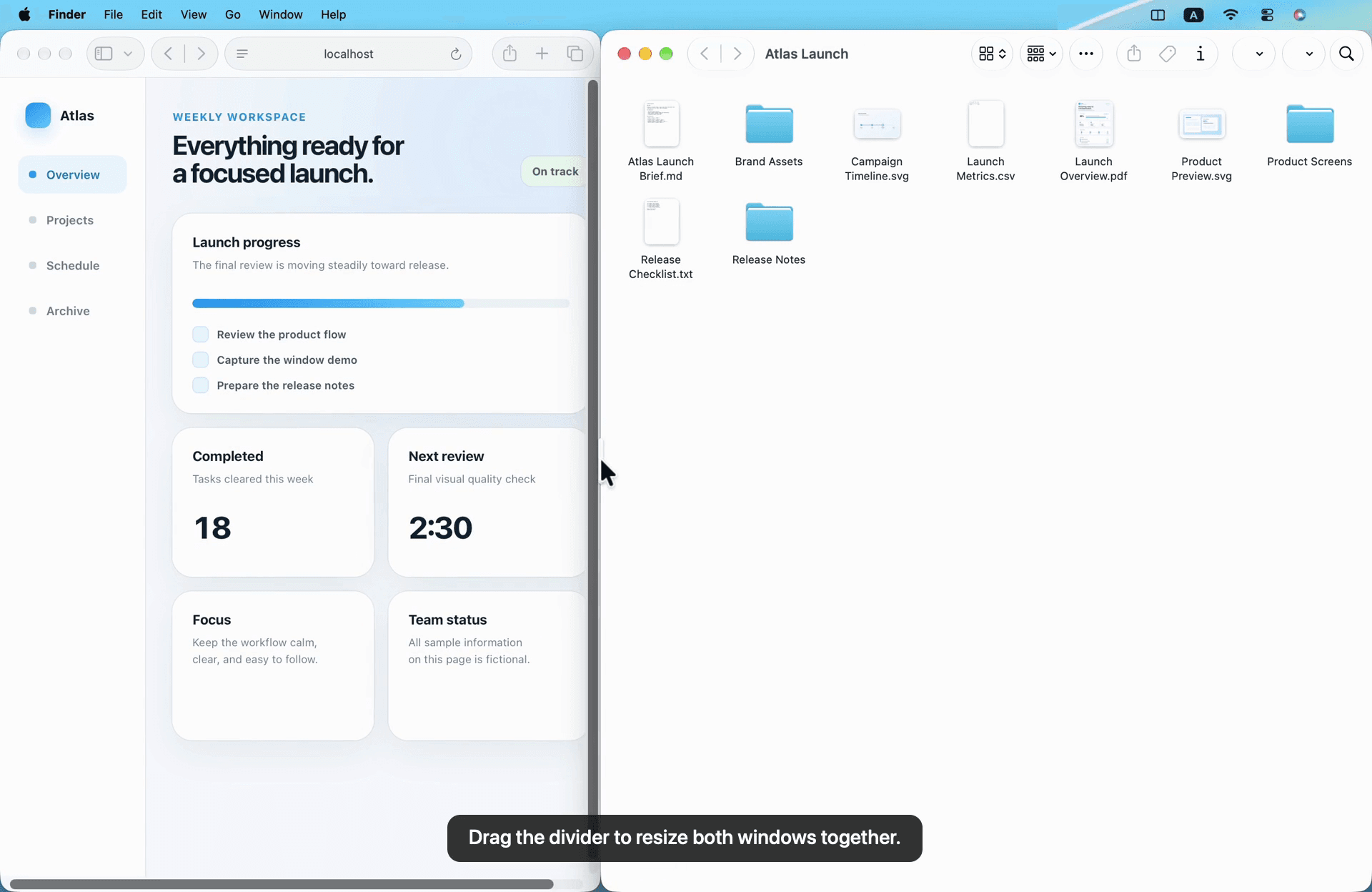
Snapping moves a window when you drag it or use a command. Compare Split if you want a connected pair whose divider moves both sides.
Automatic tiling arranges multiple windows as a group. Tangrid is the dedicated option to compare here if you want less manual placement.
Saved workspaces bring back an arrangement you use repeatedly. Try Tangrid or TidyFrame with your morning setup, coding layout or research windows.
For basic placement, the window tiling included in macOS may already cover what you need. Test it before paying to replace Magnet.
Productivity · $4.99 · one-time (7-day free trial, no subscription)
Snap Mac windows into place with shortcuts and save your whole setup as a Workspace you restore with one key.
Productivity · $4.99 · one-time (USD; one active Mac; no subscription or free trial.)
Arrange Mac windows with shortcuts or drag-to-snap, then resize a connected pair with one shared divider.
Utilities · $22.99 · one-time (Lifetime license for 1 Mac; 7-day free trial.)
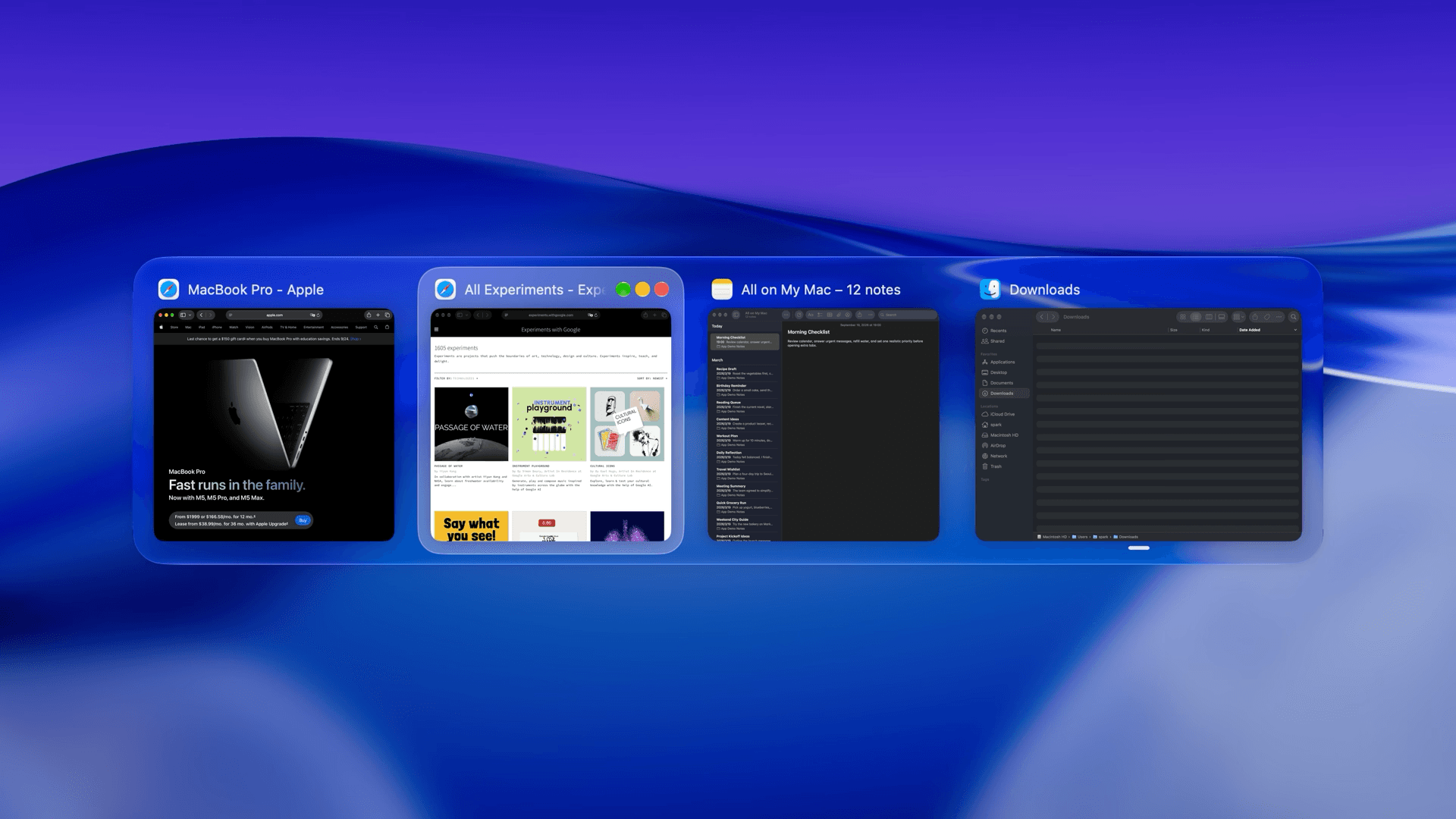
macOS window manager with automatic tiling, window search, and saved layouts
Productivity · Free & open source
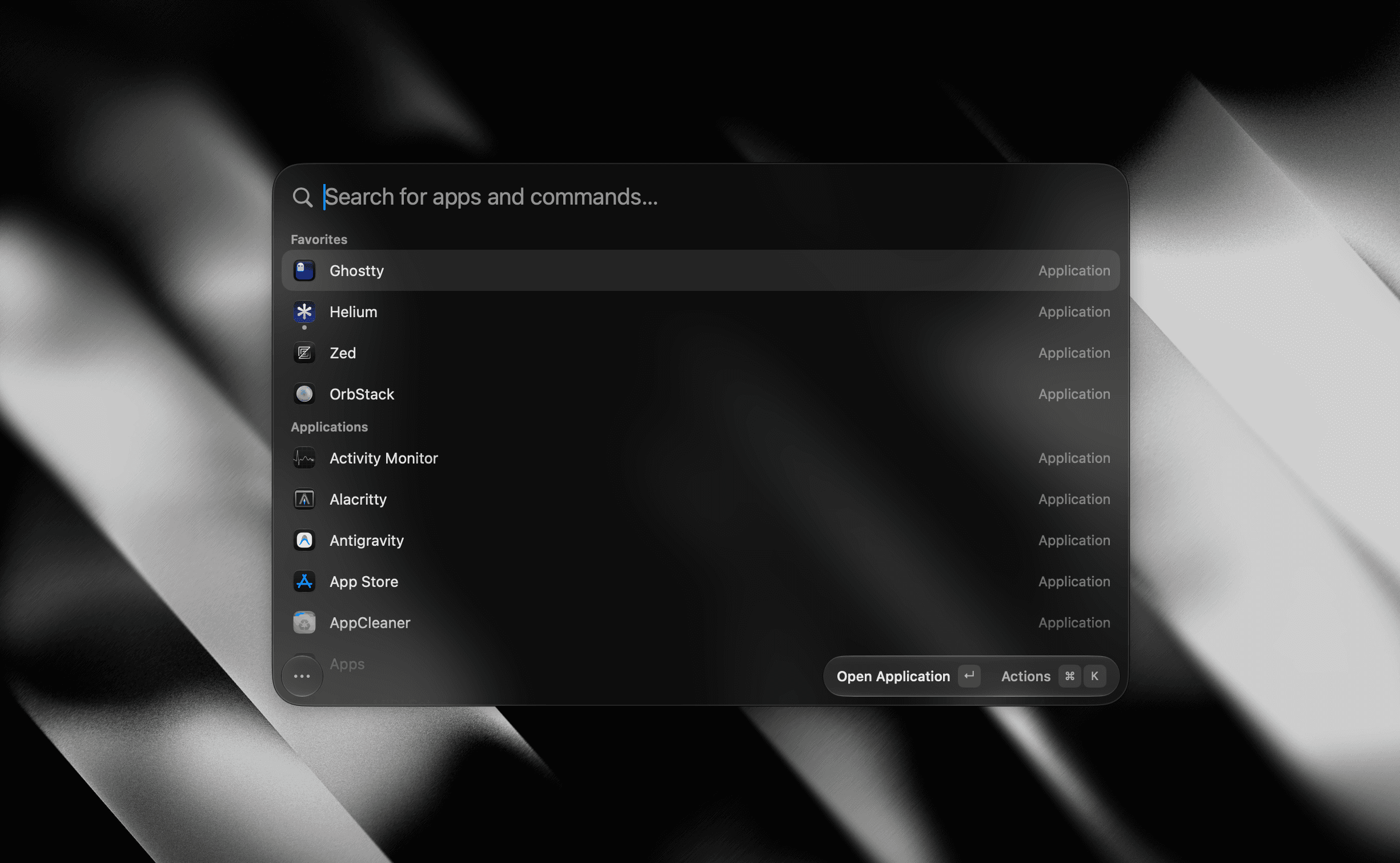
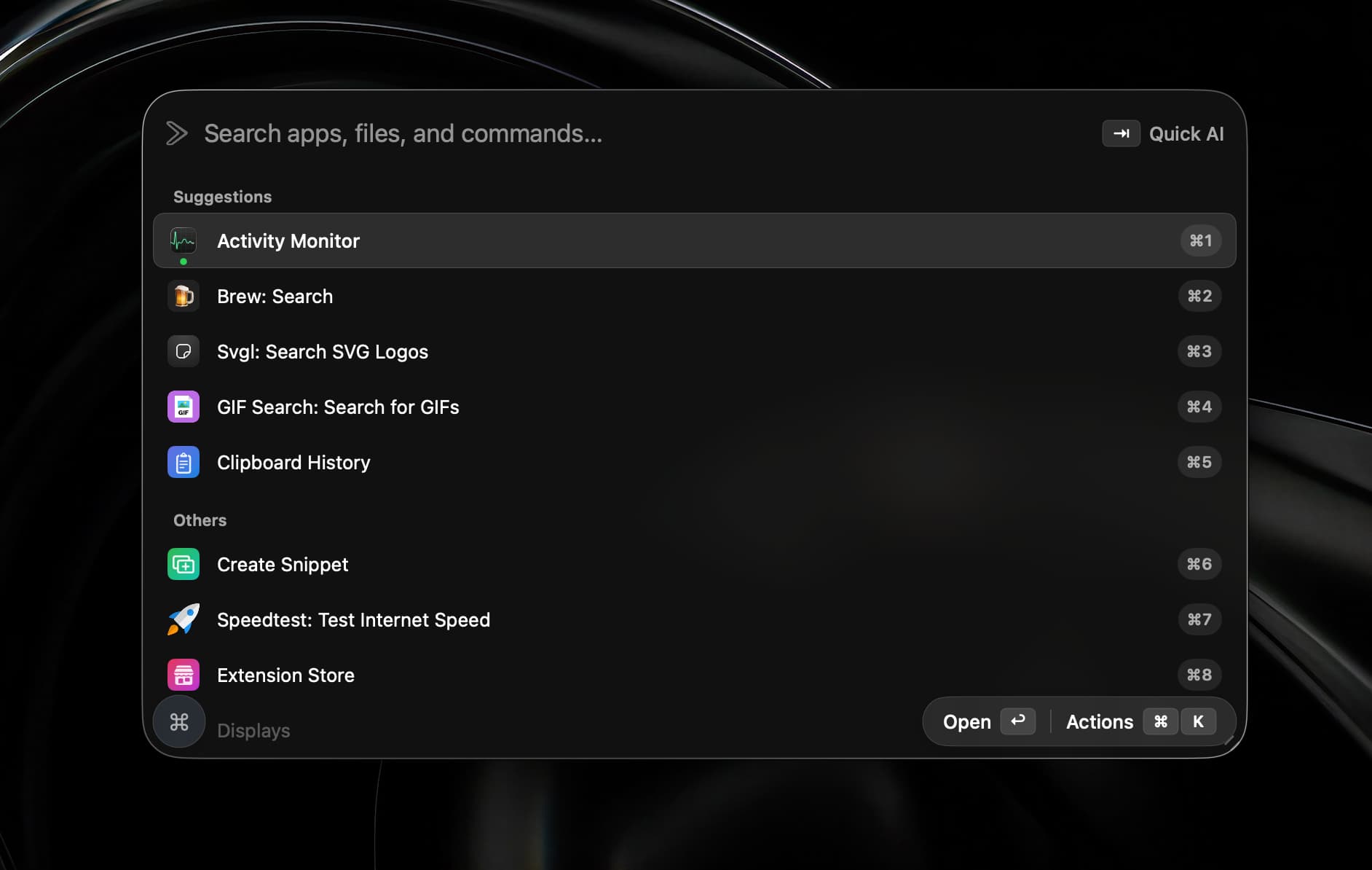
A tiny, fully native macOS launcher — fuzzy app search, clipboard history, an inline calculator, snippets, and window management, with no Electron and no telemetry.
AI & Automation · Free · Pro $8
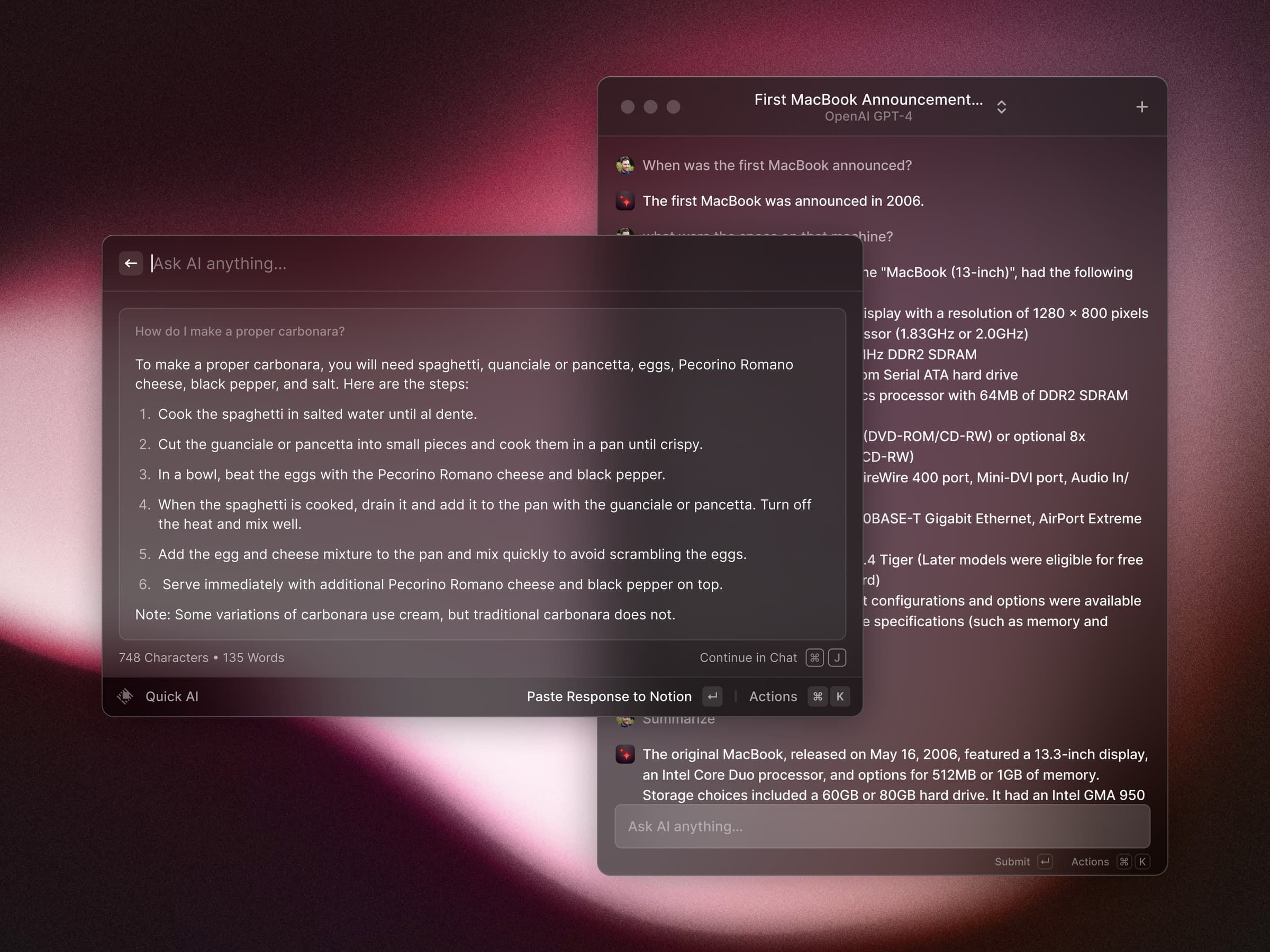
A blazing-fast, keyboard-first launcher that folds clipboard history, window management, snippets, an extension store, and AI into one command bar.
AI & Automation · $19.99 · one-time (open source)
A native Swift launcher that bundles Raycast-compatible extensions, on-device dictation, AI chat and agents, window management, and a terminal behind one hotkey.
Quit Magnet or disable overlapping shortcuts while you test. Try your three most-used layouts, move them to an external display and reconnect the display after sleep. Include an app with a narrow or fixed-size window, rather than testing only a browser.
For saved layouts, check what happens when an app is closed or has several windows. Restoring positions is different from restoring a document, browser session or unsaved work. Keep normal document backups and session recovery in place.
Try macOS window tiling first. If you want a launcher with window commands as well, Tinycast is free and open source. Current macOS requirements differ, so the free option on a new Mac may not be available on an older installation.
Possibly not. Test the built-in tiling with the apps you use. Compare Split if you specifically want linked resizing with a shared divider, or a dedicated manager when its custom layout workflow solves a recurring problem.
Tangrid and TidyFrame explicitly offer saved Workspaces, and Tinycast documents saved layouts. Try your actual multi-window setup. TidyFrame's published workspace limit is six windows; do not assume a saved layout stores every document's state.
It may cover the placement commands you use. If Raycast is already running, test those before adding another background utility. Choose a dedicated manager if its linked resizing, automatic tiling or workspace behavior is the feature you need.
Rectangle is another free, open-source option for keyboard shortcuts and snap areas, with paid Pro features available separately. It is worth comparing if you want basic snapping. This guide focuses on our directory's current selections, rather than every Mac window manager.
For a wider command palette, compare our Raycast alternatives.
Sources checked 4 November 2026. These are documented workflow comparisons, not hands-on tests with every app and monitor arrangement.